Cloud: Video, photo storage

Cloud: Video, photo storage

0 votes
  • Update
    22.09.2026
  • Latest Version
    5.113.1.10078253
  • Android OS
    8.0+
  • License
    Free
  • Languages
    English
  • Content Rating
    Everyone
  • Developer
  • Package Name
    ru.mail.cloud

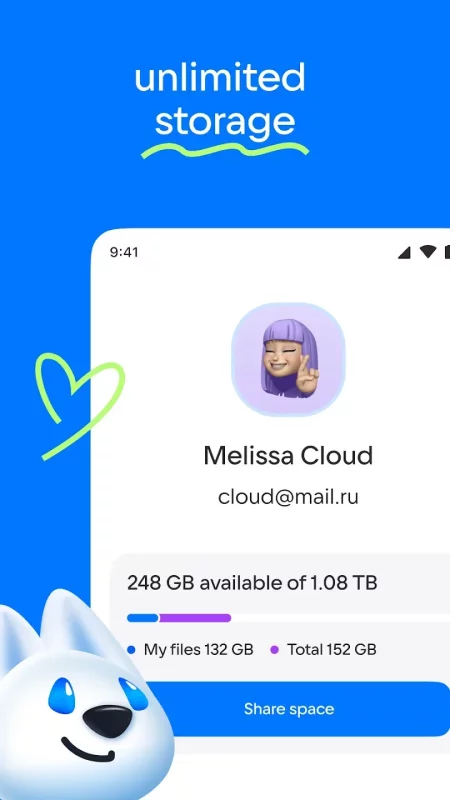
Cloud: upload, transfer photos, documents, and files to the disk. One drive with cloud storage for all files.

Perfect file sharing & storage with Cloud. Backup and sync photos, docs, and other files to the cloud storage drive and access them from any device, anywhere. With advanced sharing, easily share photos & documents to send anywhere with cloud & photo drive.

* Upload photos from your mobile phone. Adjust the automatic "save to disk" in your cloud Camera Uploads. In order to save bandwidth, it is recommended to perform downloads while connected to Wi-Fi. Store all your files on one drive.

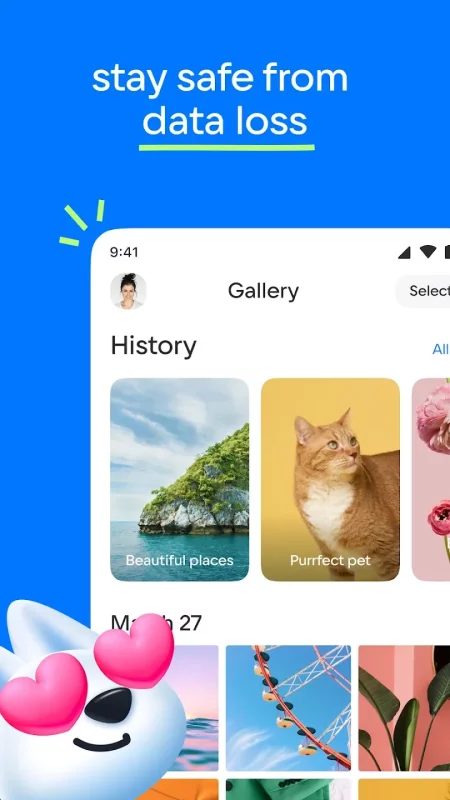
* Free up space on your device: all your images are already saved in the Cloud.

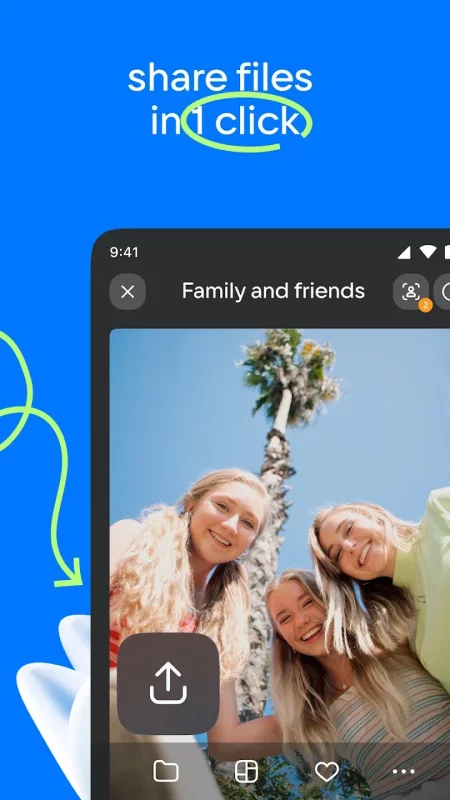
* Share files and folders with friends and colleagues in just one click.

* Save bandwidth - you can send a link to an image, video or document by SMS, e-mail, instant messenger or through a social network.

* Cloud for Android allows you to watch videos (including the most popular video formats: avi, mkv, mp4, mov, wmv) and listen to music. Cloud can play a video file without downloading it on the device. Still available ability to open a video into an external player.

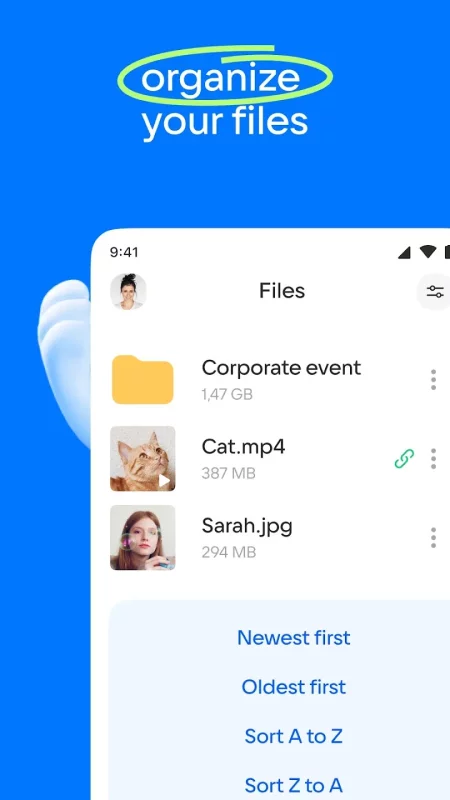
* Manage your files from anywhere - rename, delete, move them between folders. Use just one drive for storage.

* Create shared folders with other users, add any files together. Use shared folders with friends to collect photos from parties or travelling. Work with documents in groups, using a shared folder with colleagues. Collect and share family memories - all family members can add photos and videos in a shared album.

* Keep your important files in a safe storage location! No matter what happens to your drive on your PC or phone, all your files stored in the Cloud will stay intact.

* You can increase your Cloud storage. List of plans is located in the application side-bar.

* The Cloud app is available for Android smartphones and tablets. One drive to store files on your device.

* You do not need any wires, flash drives and memory cards. All you need is the app Cloud and internet connection.

The application has been tested and is compatible with Android version 4.0 and later.

Download Cloud: Video, photo storage for Android for free

Download Cloud: Video, photo storage 5.113.1.10078253 xapk Android 8.0+ ARMV7
103.21 Mb
No viruses found
Permissions (38)
Detections: 0
Check date: 22 September 2026, 16:30
The file was scanned for viruses using VirusTotal.
ACCESS_COARSE_LOCATION - allows an app to access approximate location.
ACCESS_MEDIA_LOCATION - allows an application to access any geographic locations persisted in the user's shared collection.
ACCESS_NETWORK_STATE - allows applications to access information about networks.
ACCESS_WIFI_STATE - allows applications to access information about wi-fi networks.
BROADCAST_STICKY - allows an application to broadcast sticky intents.
CHANGE_NETWORK_STATE - allows applications to change network connectivity state.
CHANGE_WIFI_STATE - allows applications to change wi-fi connectivity state.
DETECT_SCREEN_CAPTURE - allows an application to get notified when a screen capture of its windows is attempted.
FOREGROUND_SERVICE - allows a regular application to use service.startforeground.
FOREGROUND_SERVICE_DATA_SYNC - allows a regular application to use service.startforeground with the type "datasync".
FOREGROUND_SERVICE_MEDIA_PLAYBACK - allows a regular application to use service.startforeground with the type "mediaplayback".
GET_ACCOUNTS - allows access to the list of accounts in the accounts service.
INTERNET - allows applications to open network sockets.
MANAGE_EXTERNAL_STORAGE - allows an application a broad access to external storage in scoped storage.
PACKAGE_USAGE_STATS - allows an application to collect component usage statistics
POST_NOTIFICATIONS - allows an app to post notifications
READ_CALL_LOG - allows an application to read the user's call log.
READ_EXTERNAL_STORAGE - allows an application to read from external storage.
READ_MEDIA_AUDIO - allows an application to read audio files from external storage.
READ_MEDIA_IMAGES - allows an application to read image files from external storage.
READ_MEDIA_VIDEO - allows an application to read video files from external storage.
READ_MEDIA_VISUAL_USER_SELECTED - allows an application to read image or video files from external storage that a user has selected via the permission prompt photo picker.
READ_PHONE_NUMBERS - allows read access to the device's phone number(s), which is exposed to instant applications.
READ_PHONE_STATE - allows read only access to phone state, including the current cellular network information, the status of any ongoing calls, and a list of any phoneaccounts registered on the device.
READ_SYNC_SETTINGS - allows applications to read the sync settings.
READ_SYNC_STATS - allows applications to read the sync stats.
RECEIVE_BOOT_COMPLETED - allows an application to receive the intent.action_boot_completed that is broadcast after the system finishes booting.
REQUEST_IGNORE_BATTERY_OPTIMIZATIONS - permission an application must hold in order to use settings.action_request_ignore_battery_optimizations.
USE_BIOMETRIC - allows an app to use device supported biometric modalities.
USE_FINGERPRINT - this constant was deprecated in api level 28. applications should request use_biometric instead
VIBRATE - allows access to the vibrator.
WAKE_LOCK - allows using powermanager wakelocks to keep processor from sleeping or screen from dimming.
WRITE_EXTERNAL_STORAGE - allows an application to write to external storage.
WRITE_SETTINGS - allows an application to read or write the system settings.
WRITE_SYNC_SETTINGS - allows applications to write the sync settings.
INSTALL_SHORTCUT - allows an application to install a shortcut in launcher.
SHA1 signature: daa4e5d1b055cdce8cdf297e412238a3476e70cf
SHA256 signature: fd6fc8c7d83723725a81c1ae81e9965e0e91a632855d708c774edd8879dde0b1
How to install XAPK
  1. Download the XAPK file to your Android device.
  2. Install one of these installers from our website:
  3. Open the installer and select the downloaded file from the Downloads folder.
  4. Allow installation from this source if Android asks for permission.
  5. Start installation. To update the app, install the newer file without uninstalling the current version.

⚠If the download fails or gets stuck, try enabling a VPN, disabling your ad blocker, or switching to a different network.
See also
HP
HP
The go-to app for your HP devices. Set up your new printer, personalize your experience, print,
Dropbox: Secure Cloud Storage
Dropbox allows you to backup your most essential files to the cloud, where you may access them at
Notepad, Notes, Easy Notebook
Want an easy-to-use notepad for quick note-taking? Want a sticky notes widget to organize your
AOL: Email News Weather
Get news, weather, and fast email—all in one effortless place, the AOL App. Discover the AOL App -
LastPass Password Manager
LastPass is a password manager that secures your passwords and personal information in an encrypted
Microsoft OneNote: Save Notes
Supercharge your productivity with OneNote. Organize your thoughts and ideas, and simplify planning
1Password: Password Manager
1Password has been helping folks forget their passwords since 2006. Trusted by millions of people
DuckDuckGo, optional Duck.ai
At DuckDuckGo, we believe the best way to protect your personal information from hackers, scammers,
Comments (0)
Loading comments...