
- Update11.09.2026
- Latest Version2.4.1
- Android OS12.1+
- LicenseFree
-
LanguagesEnglish English, العربية, Deutsch, Español, Français, हिन्दी, Bahasa Indonesia, Italiano, 日本語, 한국어, မြန်မာ, Português, Русский, ไทย, Türkçe, Tiếng Việt, 中文
- Content RatingEveryone
- DeveloperMTV Mobile
- Package Namecom.mtv.sai
SAI – Fast Split APKs Installer for Android
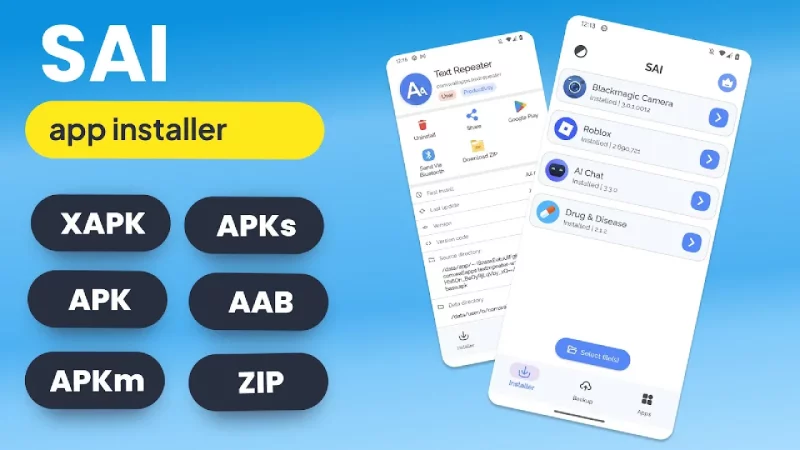
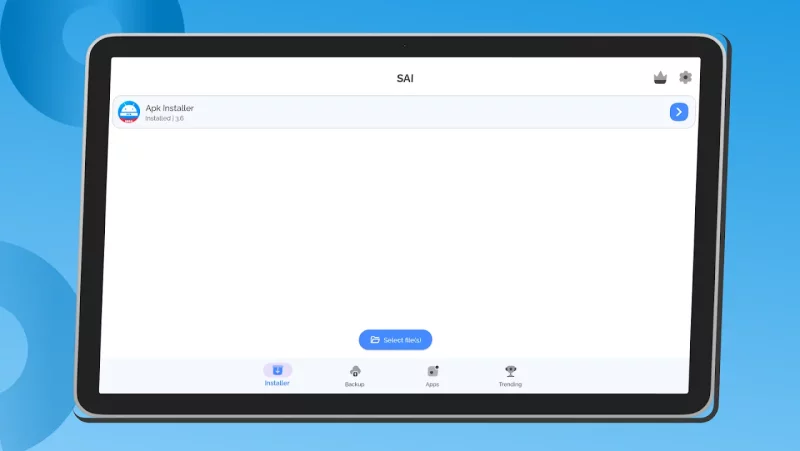
Easily install APK, XAPK, APKM, and split APKs on your Android device. Whether you need to install large games, APK bundles, or .apks files, SAI makes the process quick, secure, and effortless.
🚀 Fast APK & XAPK Installer
Install APK, XAPK, and APKM formats without errors. Supports large apps, games, and APK bundles of any size.
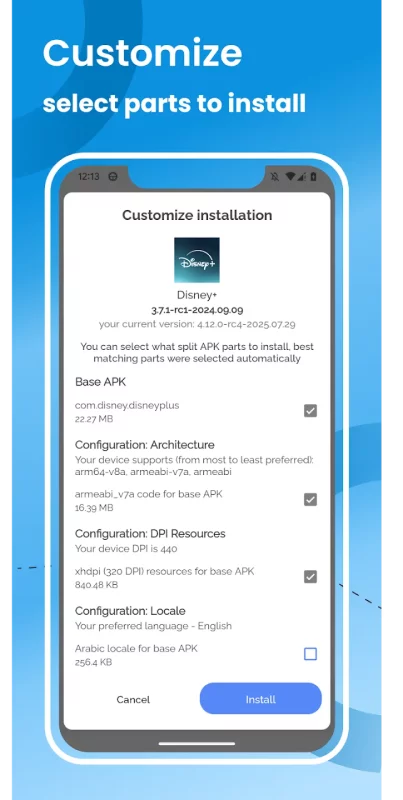
📦 Split APK & APK Bundle Installer
Easily install split APKs and APK bundles from any sources. Batch installation saves time.
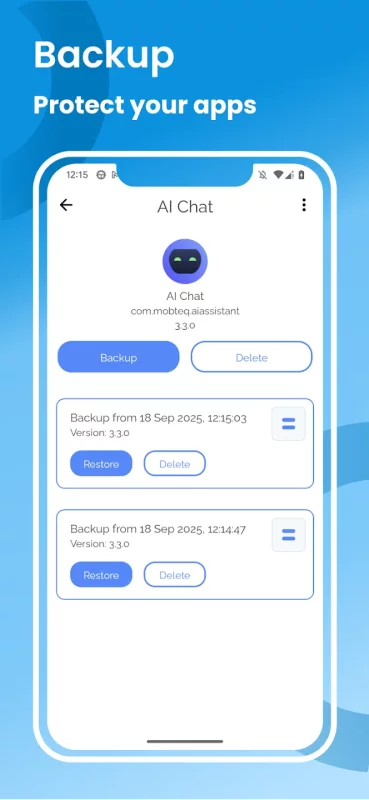
💾 APK Backup & Restore
Use the Backup Manager to save installed apps and restore them later without re-downloading.
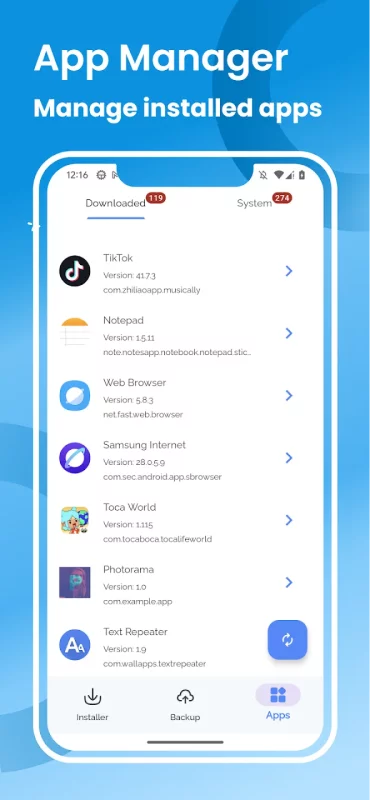
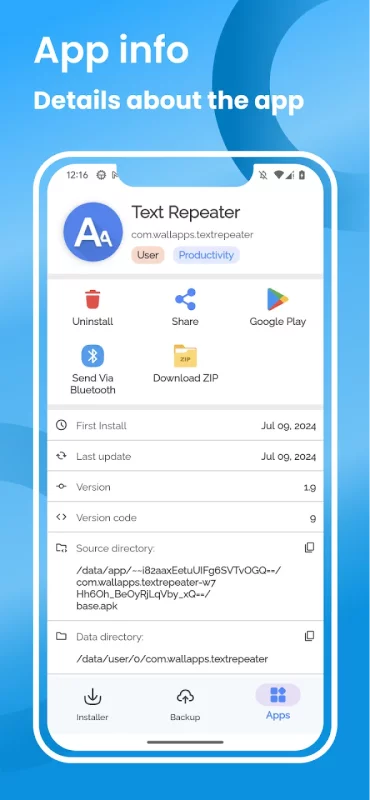
🛠 App Manager & Tools
Manage your applications with App Manager. Uninstall, organize, share apps and keep your device clean.
⚡ Lightning-Fast & Secure
Enjoy fast installation with a secure environment. No risk of corrupted files.
How to Use:
Download the APK, XAPK, or .apks file.
Open SAI and select the file.
Tap Install — done!
Supports almost all APK-based formats: .apk, .xapk, .apkm, .apks, .aab. Perfect for installing large games, split APKs, and APK bundles on Android.
Download SAI: Split APKs Installer for Android for free
- Download the XAPK file to your Android device.
- Install one of these installers from our website:
- Open the installer and select the downloaded file from the Downloads folder.
- Allow installation from this source if Android asks for permission.
- Start installation. To update the app, install the newer file without uninstalling the current version.