
- Update01.09.2026
- Latest Version21.1.15-3-rc
- Android OS8.0+
- LicenseFree
-
LanguagesEnglish English, العربية, Deutsch, Español, Eesti, Suomi, Français, हिन्दी, Magyar, Bahasa Indonesia, Italiano, 日本語, 한국어, Bahasa Melayu, Nederlands, Polski, Português, Русский, Svenska, ไทย, Türkçe, Українська, Tiếng Việt, 中文
- Content RatingEveryone
- DeveloperAccuWeather
- Package Namecom.accuweather.android
Download AccuWeather®, The Most Trusted Weather App. Get real-time weather alerts and hyperlocal weather updates with proven Superior Accuracy™. Access storm radar, lightning alerts, weather forecasts, and much more, helping you make the best decisions and stay better informed through weather warnings.
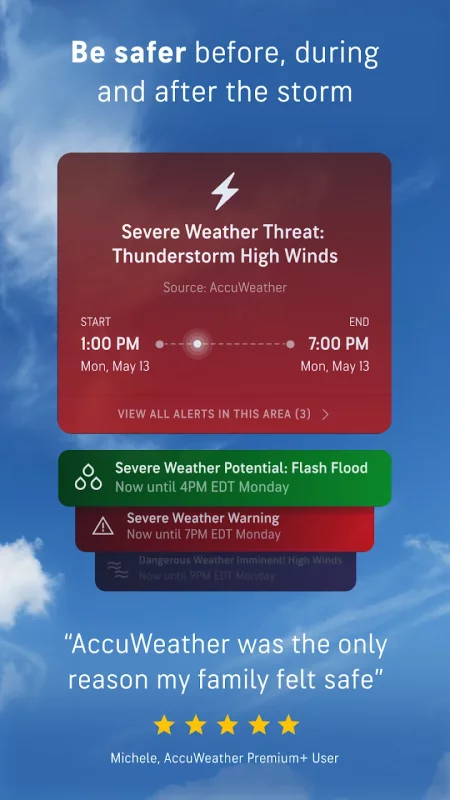
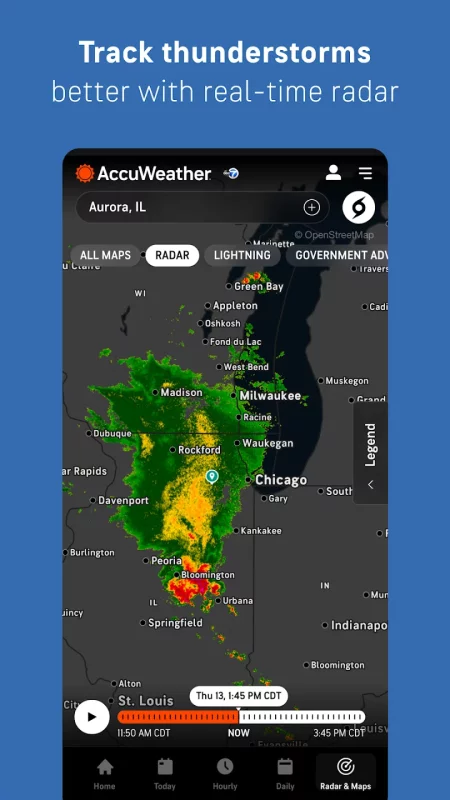
Be best prepared with storm radar and get real-time weather alerts to help you stay ahead of severe storms and changing forecasts. From flooding rains and tornadoes to humidity, high winds, wildfires and smoke, AccuWeather helps you stay informed and ready for any weather event with our live radar tools.
AccuWeather’s Hurricane Tracker, live radar, and storm warnings are significantly more accurate, provide greater advance notice, and communicate more clearly with additional detail and value than all other sources.
Be better prepared for excessive heat with AccuWeather’s RealFeel® Temperature. Monitor humidity levels, temperatures, and sunshine intensity this summer.
Use live radar, maps, AccuWeather’s precipitation duration, rain amounts, and more to help you stay better prepared for severe weather.
The award-winning AccuWeather app provides Superior Accuracy™, severe weather alerts, notifications, and daily weather forecasts. Access hurricane tracker, weather warnings, or hourly and Minute-by-Minute® local weather updates.
Our weather tracker app delivers accurate forecasts, from wind speed to temperature, and tracks severe weather with live radar.
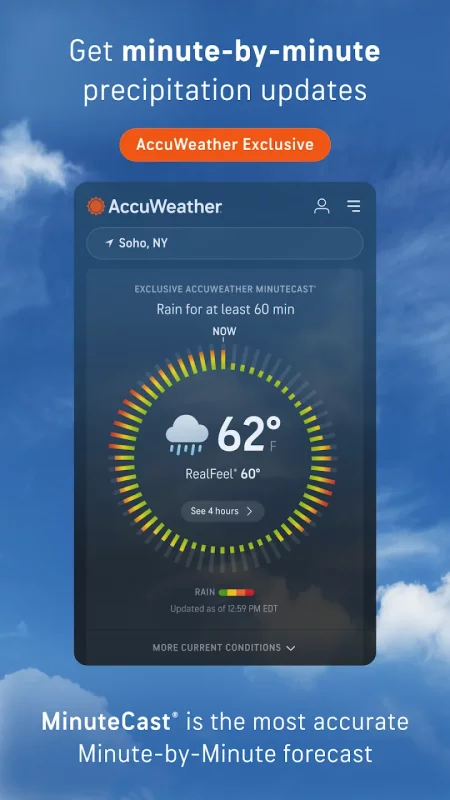
Track AccuWeather exclusives, including MinuteCast® and AccuWeather RealFeel® Temperature for your local forecast. Weather tracker forecasts can be localized to your exact street address.
AccuWeather App Features:
• Maps to help you visualize wildfire smoke impact areas as well as localized air quality index (AQI) tracking to help plan outdoor activity and exposure.
• AccuWeather’s exclusive MinuteCast® – a hyperlocal forecast of precipitation type and intensity, as well as start and end times for precipitation over the next four hours, pinpointed to a person’s exact street address or GPS location in 210 countries and territories.
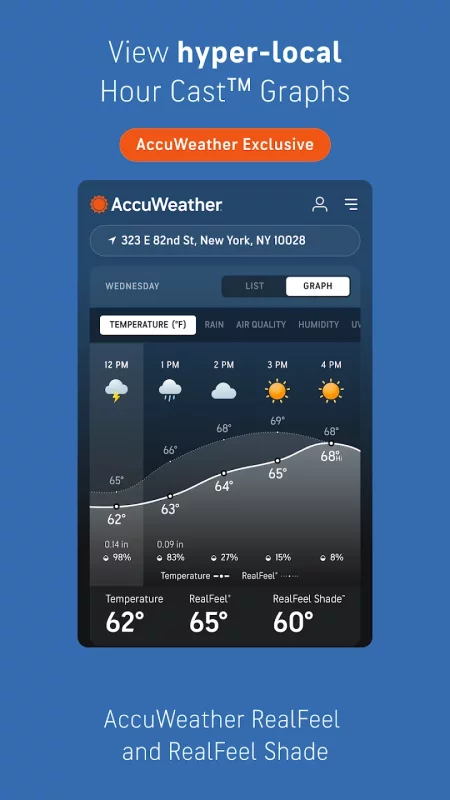
• AccuWeather RealFeel® Temperature is the most accurate description of what the temperature actually feels like. RealFeel® is based on more than ten factors, including the impact of sunshine intensity, wind, humidity, and air density.
• AccuWeather’s RealFeel Shade™ exclusively lets customers know the difference between what it feels like in the sun and in the shade. There is nothing else like this.
• AccuWeather’s Lightning Network™ and live radar – these tools allow users to closely track storms in real time, monitor lightning proximity, and stay best informed.
• The AccuLumen Brightness Index™ is the best characterization of the brightness of the day. It provides users with better planning for outdoor activities, enhanced protection from excessive UV exposure, and contributes to a more informed, healthier, and more comfortable lifestyle. Nothing like this exists elsewhere.
Upgrade to Premium+ to access more detailed extended forecasts, often more advanced alerts, and an ad-free experience to stay better informed and better prepared.
• AccuWeather Alerts™: f weather alerts from expert AccuWeather meteorologists, often with the most advance notice
• 10-Day Hourly Forecast Graphics: See detailed HourCast™ displays 10 days in advance
• Longer Range Forecasts: 90-day daily forecasts and 10-day HourCast™
• Premium Widgets: Access additional forecast details at a glance
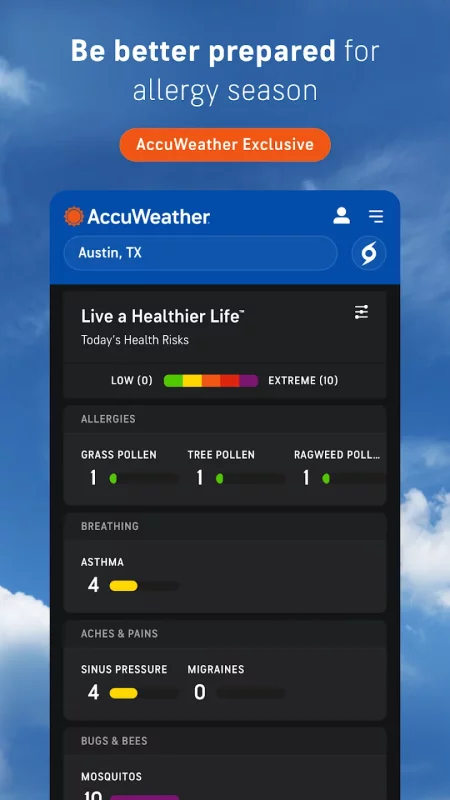
• Customize the health and activity views that matter most to you.
Download AccuWeather®, The Most Trusted Weather App, on your Android mobile, tablet, TV, and Wear OS devices.
AccuWeather now provides forecasts and weather alerts via satellite connectivity in situations where traditional networks may be limited or unavailable.
Download AccuWeather: Weather Radar for Android for free
- Download the XAPK file to your Android device.
- Install one of these installers from our website:
- Open the installer and select the downloaded file from the Downloads folder.
- Allow installation from this source if Android asks for permission.
- Start installation. To update the app, install the newer file without uninstalling the current version.