- Update18.09.2026
- Latest Version6.31.0.15786
- Android OS12+
- LicenseFree
-
LanguagesDeutsch, Español, Français, Italiano, 日本語, Nederlands, Português
- Content RatingEveryone
- DeveloperLastPass US LP
- Package Namecom.lastpass.lpandroid
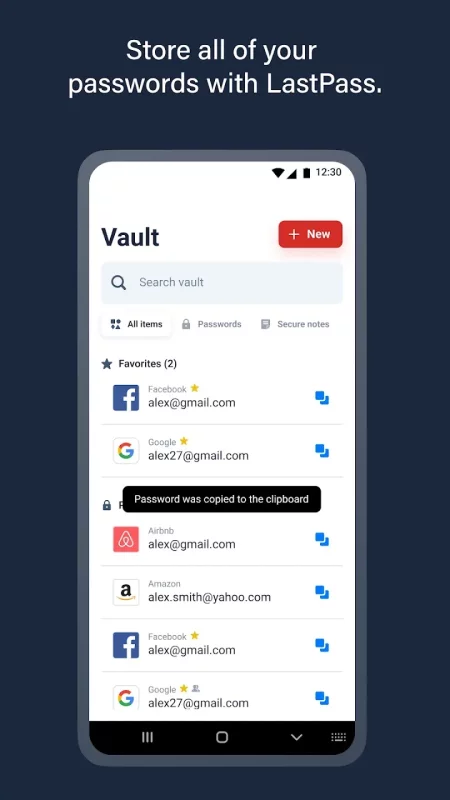
LastPass is a password manager that secures your passwords and personal information in an encrypted vault. As you visit apps and sites, LastPass autofills your login credentials. From your LastPass vault, you can store passwords and logins, create online shopping profiles, generate strong passwords, track personal information securely in notes, and more. All you have to do is remember your LastPass master password, and LastPass will autofill web browser and app logins for you.
Stop getting locked out of your online accounts or struggling with frustrating password resets. Let LastPass remember your passwords for you and keep you safe online.
NEW TO LASTPASS?
Download LastPass now and get the protection you need for your online information.
• Store usernames and passwords for all your online accounts securely in your LastPass encrypted vault.
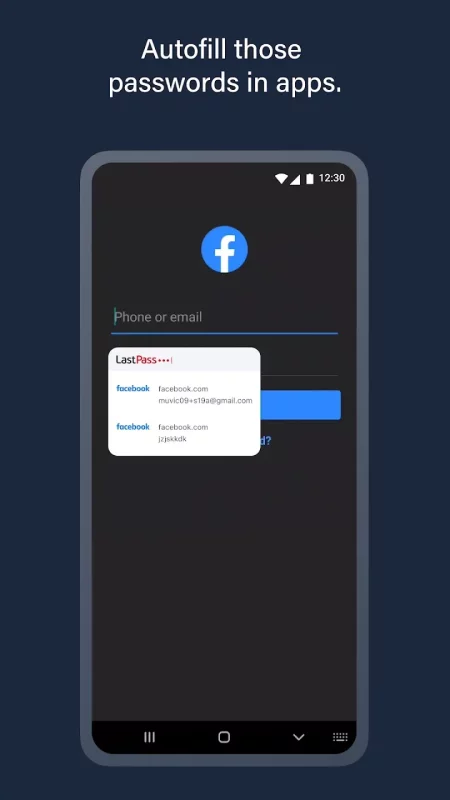
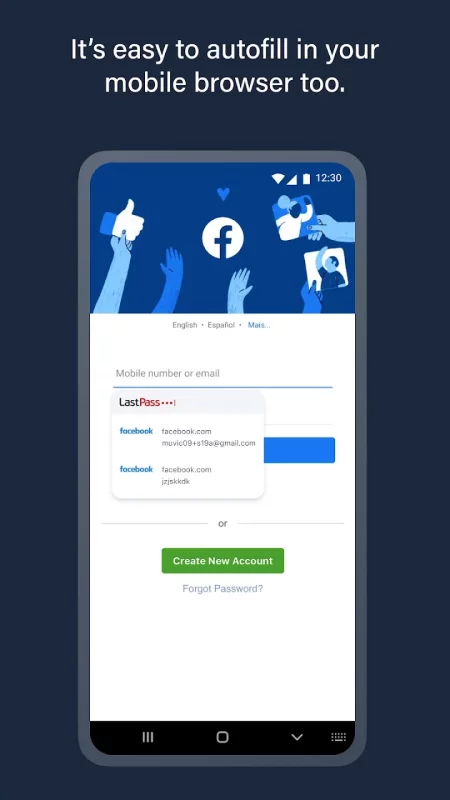
• Autofill your usernames and passwords in apps and websites. Simply launch your apps or navigate to a sign-in page and LastPass will fill in your credentials.
• For Android Oreo and future OS releases, automatically save usernames and passwords to your vault as you visit each site and app.
• Never forget a password again. Only remember your LastPass master password and LastPass secures the rest.
• With automatic device sync, anything you save on one device is instantly available on other devices.
• Securely store information like credit card numbers, health insurance cards, and notes in the encrypted vault.
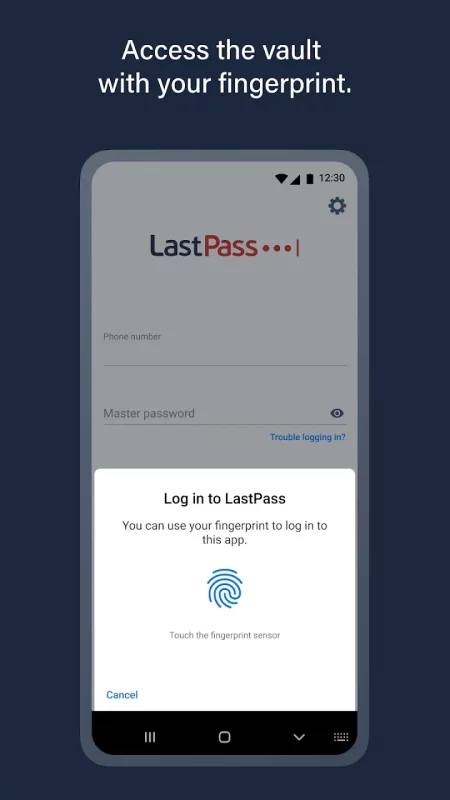
• Log in with your fingerprint or face for simple, secure access to everything in LastPass.
• Safely and conveniently share passwords with others, such as the cable login or Wi-Fi password.
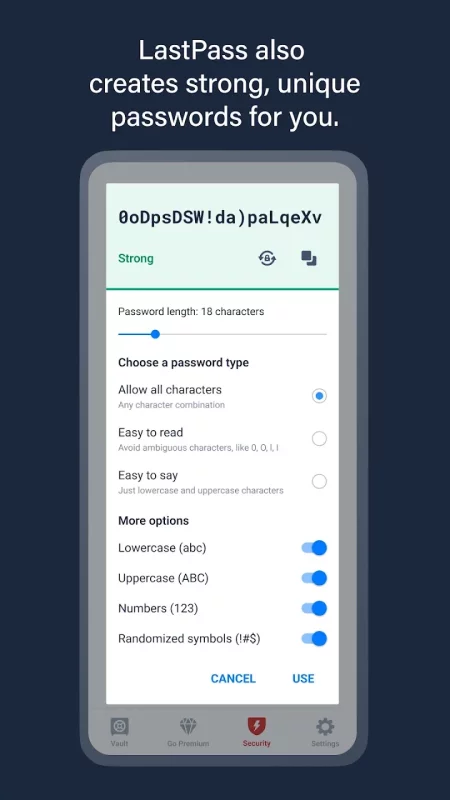
• Create secure passwords in one click with the built-in password generator.
• Multi-factor authentication (MFA) secures your password vault to add a second layer of protection to your account.
LastPass never has the key to your encrypted data, so your information is available to you, and only you. Your vault is encrypted with bank-level, AES 256-bit encryption.
Trusted by Millions
• Trusted by 30+ million users and 85,000+ businesses
• LastPass has been highlighted in PCWorld, Inc., PCMag, ITProPortal, LaptopMag, TechRadar, U.S. News & World Report, NPR, TODAY, TechCrunch, CIO, and more!
Get more with LastPass Premium:
LastPass offers a free 30-day trial of our Premium solution. With our LastPass Premium and Families, you will benefit from:
• Unlimited device type access from any operating system
• Unlimited sharing of passwords, items, and notes
• 1GB encrypted file storage
• Premium multi-factor authentication (MFA), like YubiKey
• Emergency access
• Personal support
USE OF ACCESSIBILITY
LastPass uses Android Accessibility to ensure a smooth experience filling logins across apps and websites on browsers and older versions of Android that don't support Android's Autofill feature.
Download LastPass today for simple, secure access to your passwords!
Give us feedback
Keep the feedback coming! Join the conversation by providing feedback, giving product suggestions, or asking questions in our online community.
Download LastPass Password Manager for Android for free
- Download the XAPK file to your Android device.
- Install one of these installers from our website:
- Open the installer and select the downloaded file from the Downloads folder.
- Allow installation from this source if Android asks for permission.
- Start installation. To update the app, install the newer file without uninstalling the current version.