- Update08.08.2026
- Latest Version1.26.311.02.90
- Android OS10+
- LicenseFree
-
LanguagesEnglish English, Afrikaans, አማርኛ, العربية, অসমীয়া, Azərbaycan dili, Беларуская, Български, বাংলা, Català, Čeština, Dansk, Deutsch, Ελληνικά, Español, Eesti, Euskara, فارسی, Suomi, Français, Galego, ગુજરાતી, हिन्दी, Hrvatski, Magyar, Հայերեն, Bahasa Indonesia, Íslenska, Italiano, עברית, 日本語, ქართული, Қазақ тілі, ខ្មែរ, ಕನ್ನಡ, 한국어, ລາວ, Lietuvių, Latviešu, Македонски, മലയാളം, Монгол, मराठी, Bahasa Melayu, မြန်မာ, Norsk bokmål, नेपाली, Nederlands, ଓଡ଼ିଆ, ਪੰਜਾਬੀ, Polski, Português, Română, Русский, සිංහල, Slovenčina, Slovenščina, Српски, Svenska, Kiswahili, தமிழ், తెలుగు, ไทย, Tagalog, Türkçe, Українська, اردو, Oʻzbekcha, Tiếng Việt, 中文, isiZulu
- Content RatingEveryone
- DeveloperGoogle LLC
- Downloads1
- Package Namecom.google.android.apps.docs.editors.docs
Create, edit, and collaborate with others on documents from your Android phone or tablet with the Google Docs app.
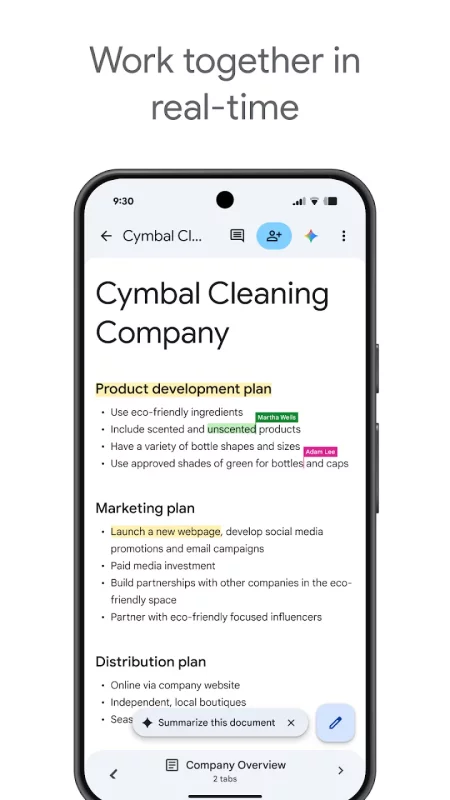
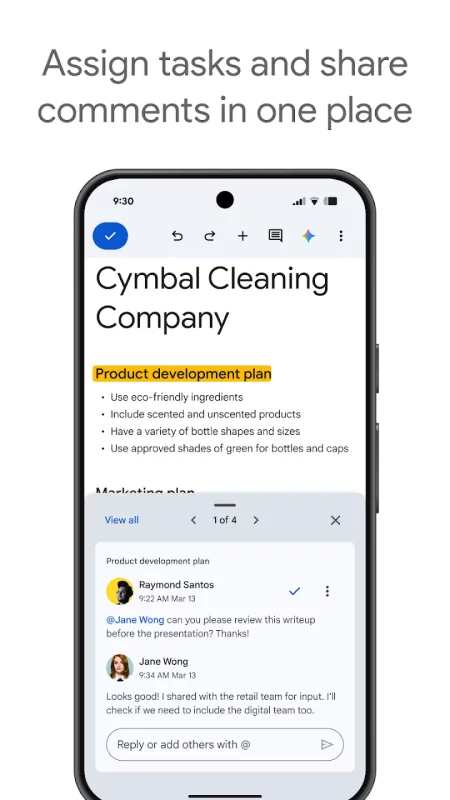
Work together in real time
• Share documents with your team
• Edit, comment, and add action items in real time
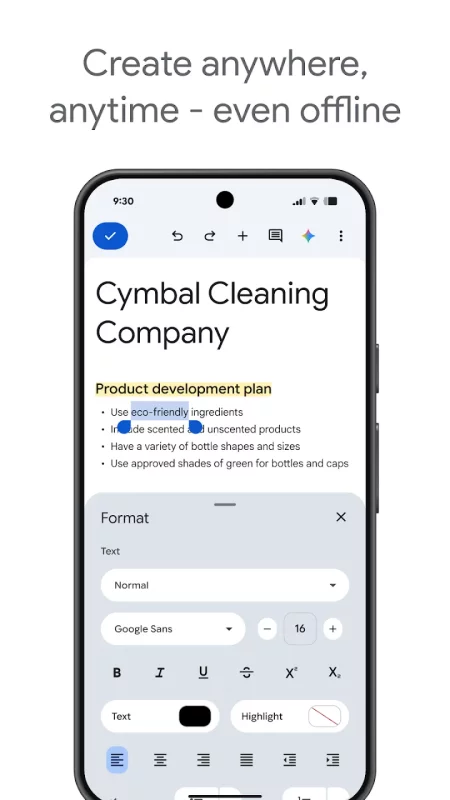
Create anywhere, anytime—even offline
• Capture spontaneous ideas on the fly
• Get things done, even on the go, with offline mode
• Save time and add polish with easy-to-use templates
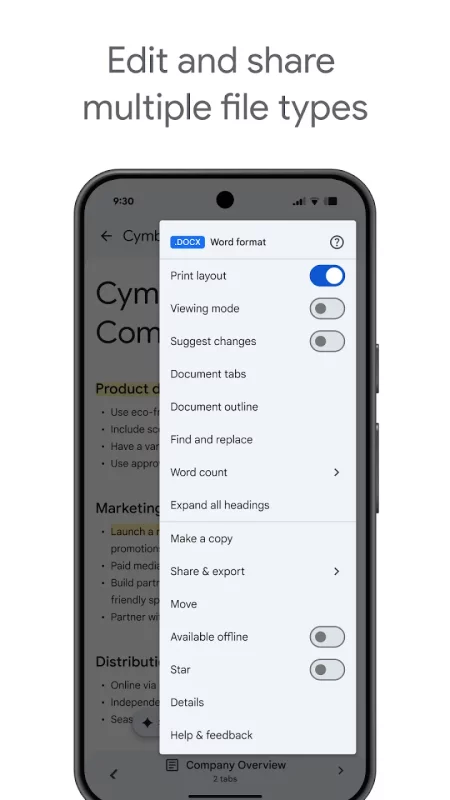
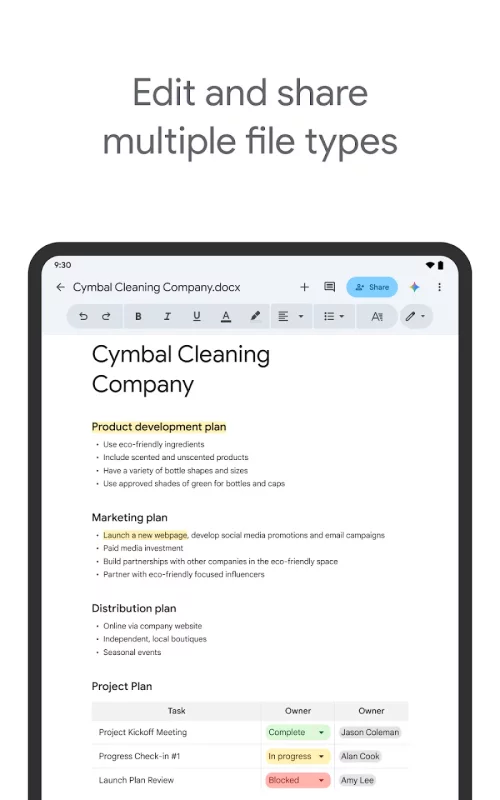
Edit and share multiple file types
• Open a variety of files, including Microsoft Word files, right in Google Docs
• Frictionless collaboration, no matter which application your teammates use
• Convert and export files seamlessly
Google Docs is part of Google Workspace: where teams of any size can chat, create, and collaborate.
Google Workspace paid subscribers have access to additional Google Docs features, including:
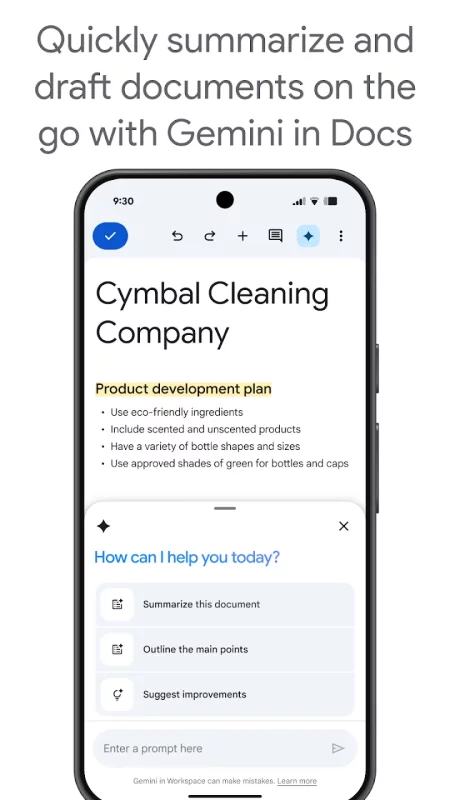
• Use Gemini in Docs to quickly draft and edit content
• Draft outlines, blog posts, briefs, and more on the go
• Create unique images to customize your documents
• Improve your writing with AI-powered suggestions
Download Google Docs for Android for free
- Download the APK file to your Android device.
- Find the file in the Downloads folder and open it.
- Allow installation from this source if Android blocks it.
- Tap Install. To update the app, install the newer APK without uninstalling the current version.