Dropbox: Secure Cloud Storage

Dropbox: Secure Cloud Storage

0 votes
  • Update
    11.09.2026
  • Latest Version
    488.2.2
  • Android OS
    10+
  • License
    Free
  • Languages
  • Content Rating
    Everyone
  • Developer
  • Package Name
    com.dropbox.android

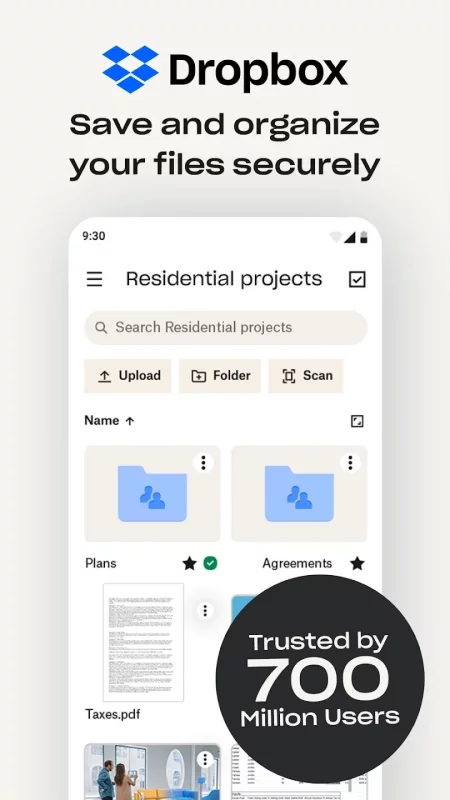
Dropbox allows you to backup your most essential files to the cloud, where you may access them at any time and from any location! Over 700 million registered users and 600,000 teams rely on it. Simple to use, trustworthy, private, and secure!

Features:
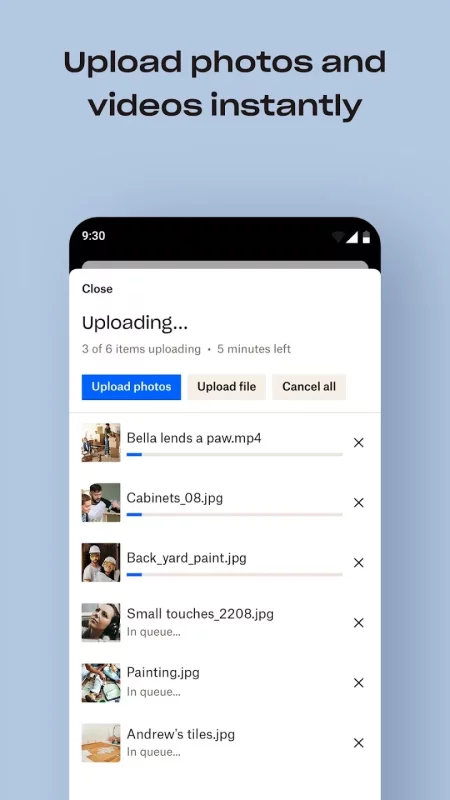
• Automatically upload photos and pictures from your camera roll to cloud photo storage for easy photo sharing ready to send anywhere.
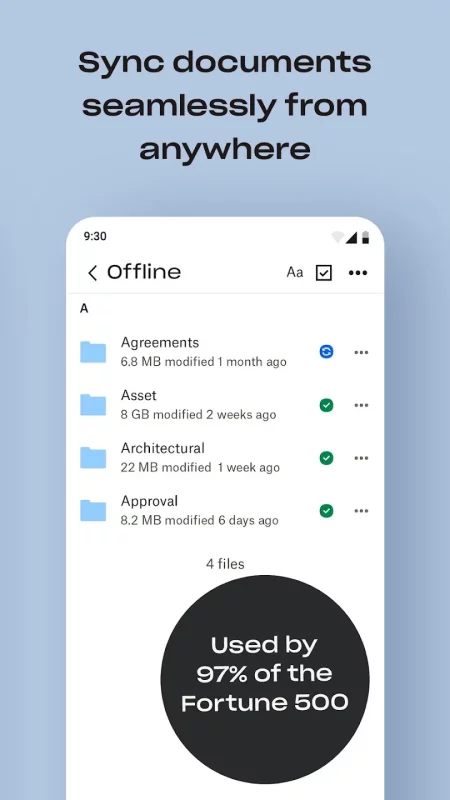
• Access any file in your account—even offline—and preview over 175 different file types with no special software required.
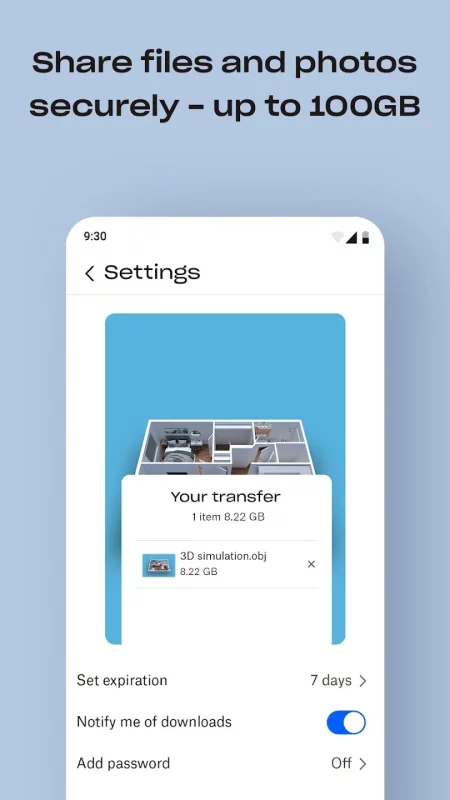
• Easily send large files by sharing a link with anyone, even if they don’t have a Dropbox account.
• Photo transfer app: easily save photos to the cloud or transfer photos from your cloud storage app.
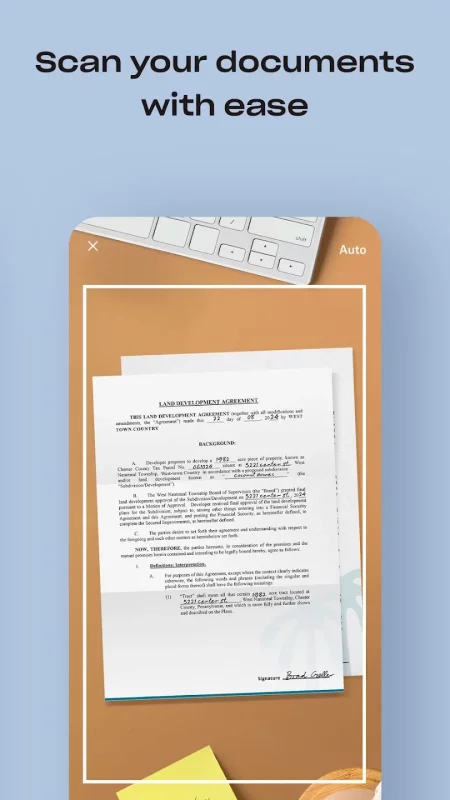
• Scan documents, receipts, IDs, photos, and more using your mobile device and transform them into high-quality PDFs, so you can view and send them anywhere.
• Sync folders on your PC or Mac to Dropbox with computer backup, and recover older versions or restore deleted files with version history and file recovery.

Cloud storage & drive photo storage gives you extra space to backup, upload, share, and scan & we transfer photos or files to the cloud for you! An easy backup and data vault with safe access to your private or shared files. Today you can easily manage and share family albums, video albums, and more.

Sign up now for your free Dropbox Plus trial. Get 2 TB (2,000 GB) of storage space!

New features on the Plus plan:
Dropbox Passwords: store and sync passwords across all your devices
Dropbox Vault: secure your most sensitive documents and photos
Dropbox Rewind: roll back any file, folder, or your entire account, for up to 30 days

Before completing payment, you’ll see the plan price. This amount will be charged to your Google Play account and will vary by plan and country. Dropbox subscriptions purchased in-app renew monthly or yearly, depending on your plan. To avoid auto-renewal, turn it off at least 24 hours before your subscription renews. You can turn off auto-renewal anytime from your Google Play account settings.

Dropbox is a secure cloud & drive solution leader trusted by Fortune 500 companies for their most sensitive data. Over 14 million paid users choose Dropbox because they know they can count on a company that’s also dedicated to their security and privacy—no matter what they do or where they are. Let Dropbox be your all-in-one file storage, file organizer, file transfer, and file sharing solution for all your devices.
Download Dropbox: Secure Cloud Storage for Android for free

Download Dropbox: Secure Cloud Storage 488.2.2 apks Android 10+ ARMV8
143.3 Mb
No viruses found
Permissions (26)
Detections: 0
Check date: 11 September 2026, 05:10
The file was scanned for viruses using VirusTotal.
ACCESS_MEDIA_LOCATION - allows an application to access any geographic locations persisted in the user's shared collection.
ACCESS_NETWORK_STATE - allows applications to access information about networks.
ACCESS_WIFI_STATE - allows applications to access information about wi-fi networks.
CAMERA - required to be able to access the camera device.
DETECT_SCREEN_CAPTURE - allows an application to get notified when a screen capture of its windows is attempted.
FOREGROUND_SERVICE - allows a regular application to use service.startforeground.
FOREGROUND_SERVICE_DATA_SYNC - allows a regular application to use service.startforeground with the type "datasync".
FOREGROUND_SERVICE_MEDIA_PLAYBACK - allows a regular application to use service.startforeground with the type "mediaplayback".
INTERNET - allows applications to open network sockets.
POST_NOTIFICATIONS - allows an app to post notifications
READ_CONTACTS - allows an application to read the user's contacts data.
READ_EXTERNAL_STORAGE - allows an application to read from external storage.
READ_MEDIA_IMAGES - allows an application to read image files from external storage.
READ_MEDIA_VIDEO - allows an application to read video files from external storage.
READ_MEDIA_VISUAL_USER_SELECTED - allows an application to read image or video files from external storage that a user has selected via the permission prompt photo picker.
READ_SYNC_SETTINGS - allows applications to read the sync settings.
RECEIVE_BOOT_COMPLETED - allows an application to receive the intent.action_boot_completed that is broadcast after the system finishes booting.
REQUEST_IGNORE_BATTERY_OPTIMIZATIONS - permission an application must hold in order to use settings.action_request_ignore_battery_optimizations.
REQUEST_INSTALL_PACKAGES - allows an application to request installing packages.
RUN_USER_INITIATED_JOBS - allows applications to use the user-initiated jobs api.
USE_BIOMETRIC - allows an app to use device supported biometric modalities.
USE_FINGERPRINT - this constant was deprecated in api level 28. applications should request use_biometric instead
VIBRATE - allows access to the vibrator.
WAKE_LOCK - allows using powermanager wakelocks to keep processor from sleeping or screen from dimming.
WRITE_EXTERNAL_STORAGE - allows an application to write to external storage.
WRITE_SYNC_SETTINGS - allows applications to write the sync settings.
SHA1 signature: fef915398ece931d5c5d70c7f080982f07fa8297
SHA256 signature: 3467b909be2a577043bb77406388320df882276c937d09689c4d894193984c01
How to install APKS
  1. Download the APKS file to your Android device.
  2. Install one of these installers from our website:
  3. Open the installer and select the downloaded file from the Downloads folder.
  4. Allow installation from this source if Android asks for permission.
  5. Start installation. To update the app, install the newer file without uninstalling the current version.

⚠If the download fails or gets stuck, try enabling a VPN, disabling your ad blocker, or switching to a different network.
See also
DuckDuckGo, optional Duck.ai
At DuckDuckGo, we believe the best way to protect your personal information from hackers, scammers,
Microsoft Copilot
Microsoft Copilot
The Microsoft Copilot app is the AI built for work. Copilot helps you keep your work moving, from
Microsoft Outlook
Microsoft Outlook
Stay organized with a unified inbox, intelligent filtering and multiple calendars at a glance.
Microsoft Word: Edit Documents
Create, edit, read and share documents on your mobile device with the same power and familiarity
Google Calendar
Google Calendar
Get the official Google Calendar app, for your Android phone, tablet, or Wear OS device to stay
Google Drive
Google Drive
Google Drive lets you securely store, intelligently organize and collaborate on files and folders
Google Slides
Google Slides
Create, edit, and collaborate on presentations from your Android phone or tablet with the Google
Microsoft PowerPoint
OneDrive syncing keeps your files up to date, so you can start on your PC and continue editing on
Comments (0)
Loading comments...