Microsoft OneNote: Save Notes

Microsoft OneNote: Save Notes

0 votes
  • Update
    14.09.2026
  • Latest Version
    16.0.20326.20108
  • Android OS
    9+
  • License
    Free
  • Languages
    English
  • Content Rating
    Everyone
  • Developer
  • Package Name
    com.microsoft.office.onenote

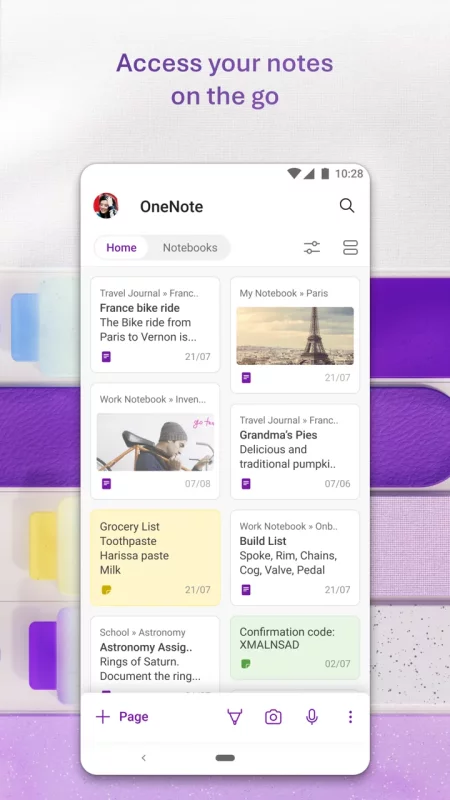
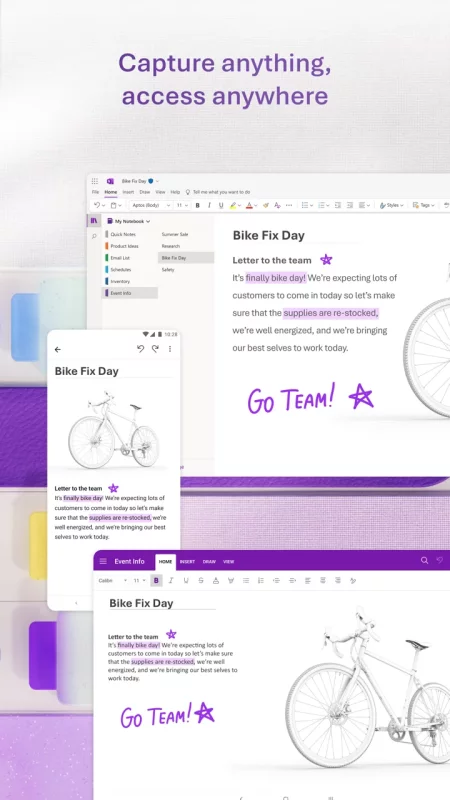
Supercharge your productivity with OneNote. Organize your thoughts and ideas, and simplify planning important moments with your digital note-taking. Secure notes on your phone can sync across all smart devices with Microsoft OneNote.

Start your week off strong by organizing your work tasks on Monday. Turn your task organizer into action points to take charge of your productivity. Take smart notes and capture every detail with voice transcription. Our note-taking tools make it easy to review your content later or access AI studying.

Sync secure notes across your devices to access them anytime. Save memos or writing ideas and check your list. Search your notes recorder quickly and effortlessly for streamlined AI studying.

Take smart notes, organize note-taking, and collaborate on your creative ideas and writing - all with Microsoft OneNote.

ONENOTE APP FEATURES:

AI-POWERED COPILOT NOTEBOOKS & TASK ORGANIZER
• Make sense of your files with AI chat memos
• Summarize meetings, classes, and discussions easily from your notes
• Listen to audio overviews, created directly from the notes you take

AI NOTES RECORDER WITH HOMEPAGE AND QUICK CAPTURE
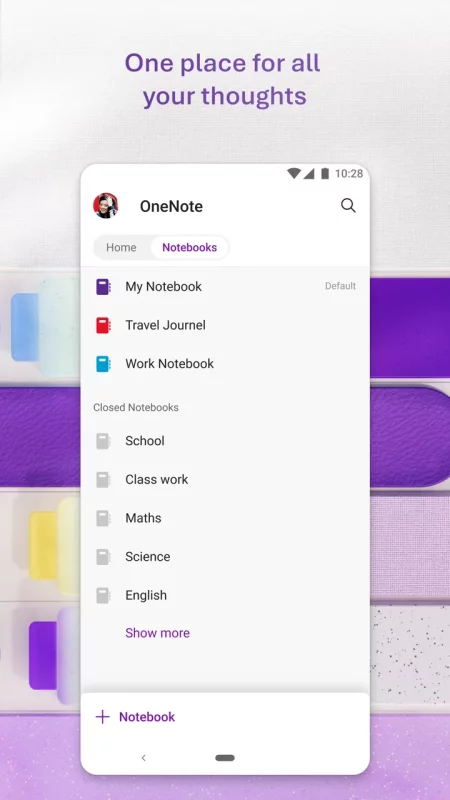
• Streamlined memos: Find all notes from your connected accounts in one place. Now with Samsung Notes integration.
• Secure notes: Capture smart notes in ink. Click the pen button & write down your to-do into a task organizer
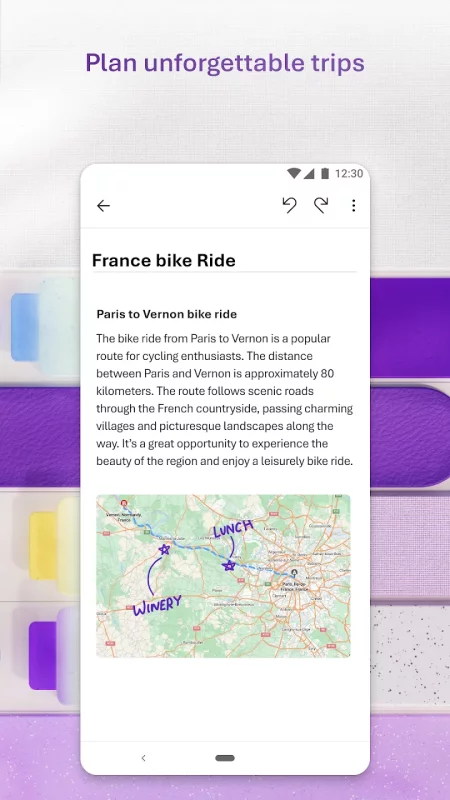
• Write smart notes, draw & clip things from the web to add to your writing notebook

SCAN PICTURES & EXTRACT TEXT FROM MEMOS
• Note-Taking Scanner: Scan documents, pictures, or files to extract writing
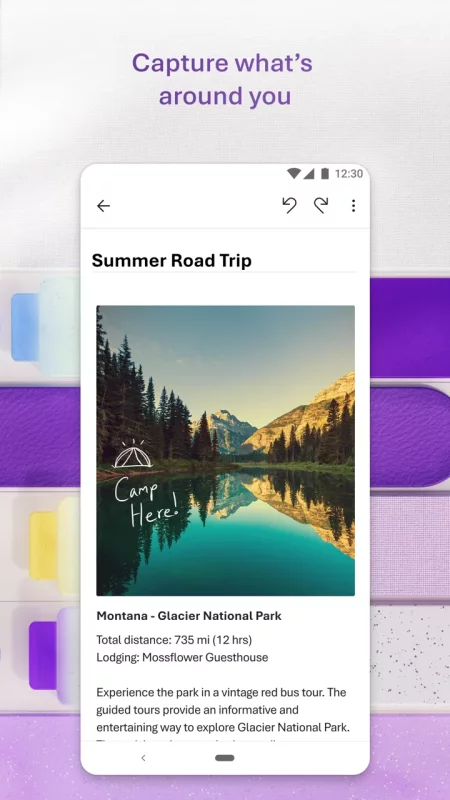
• Capture images to extract text from documents, files, & more
• Apply different filters to change colors, add ink, crop images & more

SECURE NOTES & AUDIO TRANSCRIPTION
• Voice smart notes: Take accurate voice notes with voice dictation
• Click the Mic button to begin recording & save the file
• Dictate smart notes in 27 languages (note some languages are in preview) & use Auto-Punctuation to automatically format your writing

NOTE-TAKING THAT HELPS YOU ACHIEVE MORE
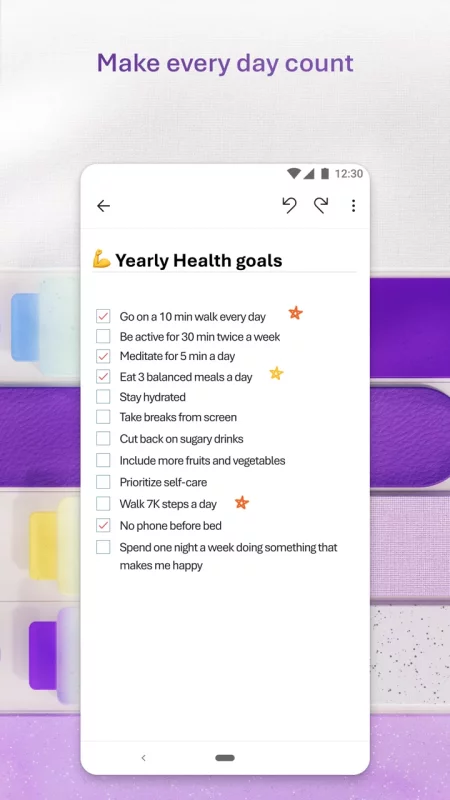
• Task organizer features help you organize your writing using to-do lists, follow up items, marks for what’s important & custom labels
• Use OneNote as a notepad for work or AI studying
• NEW Sticky notes - Make quick note-taking & memos

COLLABORATE WRITING & SHARE SMART NOTES
• Write meeting notes, brainstorm projects, & draw attention to important points
• Take notes & save ideas across your team’s favorite devices

BETTER TOGETHER WITH MICROSOFT OFFICE
• OneNote is part of the Office family & works great with your favorite apps, such as Excel or Word, to help you do more

Write notes, save ideas & keep up with your to-do list with Microsoft OneNote.

APP REQUIREMENTS:
• Requires Android OS 9.0 or later.
• A free Microsoft account is required to use OneNote.
• OneNote opens existing notebooks created in Microsoft OneNote 2010 format or later.
• To sync your notes to OneDrive for Business, sign in with your organization’s Office 365 or SharePoint account.

This app is provided either by Microsoft or a third-party app publisher and is subject to a separate privacy statement and terms and conditions. Data provided through the use of this store and this app may be accessible to Microsoft or the third-party app publisher, as applicable, and transferred to, stored and processed in the United States or any other country where Microsoft or the app publisher and their affiliates or service providers maintain facilities.

Please refer to Microsoft’s End User License Agreement (EULA) for Terms of Service for OneNote on Android.
Download Microsoft OneNote: Save Notes for Android for free

Download Microsoft OneNote: Save Notes 16.0.20326.20108 apk Android 9+ ARMV7
104.9 Mb
No viruses found
Permissions (31)
Detections: 0
Check date: 14 September 2026, 17:50
The file was scanned for viruses using VirusTotal.
FOREGROUND_SERVICE_SPECIAL_USE - allows a regular application to use service.startforeground with the type "specialuse".
FOREGROUND_SERVICE_MEDIA_PROJECTION - allows a regular application to use service.startforeground with the type "mediaprojection".
FOREGROUND_SERVICE - allows a regular application to use service.startforeground.
POST_NOTIFICATIONS - allows an app to post notifications
INTERNET - allows applications to open network sockets.
READ_PHONE_STATE - allows read only access to phone state, including the current cellular network information, the status of any ongoing calls, and a list of any phoneaccounts registered on the device.
RECORD_AUDIO - allows an application to record audio.
ACCESS_WIFI_STATE - allows applications to access information about wi-fi networks.
ACCESS_NETWORK_STATE - allows applications to access information about networks.
WRITE_SYNC_SETTINGS - allows applications to write the sync settings.
WRITE_EXTERNAL_STORAGE - allows an application to write to external storage.
WAKE_LOCK - allows using powermanager wakelocks to keep processor from sleeping or screen from dimming.
INSTALL_SHORTCUT - allows an application to install a shortcut in launcher.
SYSTEM_ALERT_WINDOW - allows an app to create windows using the type windowmanager.layoutparams.type_application_overlay, shown on top of all other apps.
RECEIVE_BOOT_COMPLETED - allows an application to receive the intent.action_boot_completed that is broadcast after the system finishes booting.
SET_ALARM - allows an application to broadcast an intent to set an alarm for the user.
VIBRATE - allows access to the vibrator.
SCHEDULE_EXACT_ALARM - allows applications to use exact alarm apis.
CAMERA - required to be able to access the camera device.
CHANGE_WIFI_STATE - allows applications to change wi-fi connectivity state.
CHANGE_NETWORK_STATE - allows applications to change network connectivity state.
USE_FINGERPRINT - this constant was deprecated in api level 28. applications should request use_biometric instead
READ_EXTERNAL_STORAGE - allows an application to read from external storage.
GET_PACKAGE_SIZE - allows an application to find out the space used by any package.
FOREGROUND_SERVICE_DATA_SYNC - allows a regular application to use service.startforeground with the type "datasync".
FOREGROUND_SERVICE_MEDIA_PLAYBACK - allows a regular application to use service.startforeground with the type "mediaplayback".
MODIFY_AUDIO_SETTINGS - allows an application to modify global audio settings.
USE_BIOMETRIC - allows an app to use device supported biometric modalities.
BLUETOOTH - allows applications to connect to paired bluetooth devices.
FOREGROUND_SERVICE_MICROPHONE - allows a regular application to use service.startforeground with the type "microphone".
NFC - allows applications to perform i/o operations over nfc.
SHA1 signature: 7dc83cd2abe833560c2896626e307041c0df3a7a
SHA256 signature: b925136f3ea7c0a1951690a1ab313910da81f40994a85342ec622888f1287051
How to install APK
  1. Download the APK file to your Android device.
  2. Find the file in the Downloads folder and open it.
  3. Allow installation from this source if Android blocks it.
  4. Tap Install. To update the app, install the newer APK without uninstalling the current version.

⚠If the download fails or gets stuck, try enabling a VPN, disabling your ad blocker, or switching to a different network.
More by Microsoft Corporation
Microsoft Teams
Microsoft Teams
Whether you’re connecting with your community for an upcoming activity or working with teammates on
Microsoft Excel: Spreadsheets
Spreadsheets & Calculations • Create charts, budgets, project plans, accounting & financial
Microsoft OneDrive
Microsoft OneDrive
Start with 5 GB of free storage, or upgrade to Microsoft 365 Personal or Family for 1 TB per user.
Microsoft Outlook
Microsoft Outlook
Stay organized with a unified inbox, intelligent filtering and multiple calendars at a glance.
See also
AOL: Email News Weather
Get news, weather, and fast email—all in one effortless place, the AOL App. Discover the AOL App -
DuckDuckGo, optional Duck.ai
At DuckDuckGo, we believe the best way to protect your personal information from hackers, scammers,
Dropbox: Secure Cloud Storage
Dropbox allows you to backup your most essential files to the cloud, where you may access them at
Microsoft Copilot
Microsoft Copilot
The Microsoft Copilot app is the AI built for work. Copilot helps you keep your work moving, from
Microsoft Outlook
Microsoft Outlook
Stay organized with a unified inbox, intelligent filtering and multiple calendars at a glance.
Google Calendar
Google Calendar
Get the official Google Calendar app, for your Android phone, tablet, or Wear OS device to stay
Microsoft Excel: Spreadsheets
Spreadsheets & Calculations • Create charts, budgets, project plans, accounting & financial
Microsoft Word: Edit Documents
Create, edit, read and share documents on your mobile device with the same power and familiarity
Comments (0)
Loading comments...