
- Update10.09.2026
- Latest Version5.294.1
- Android OS9+
- LicenseFree
-
LanguagesEnglish English, العربية, Deutsch, Español, Français, हिन्दी, Bahasa Indonesia, Italiano, 日本語, 한국어, မြန်မာ, Português, Русский, ไทย, Türkçe, Tiếng Việt, 中文
- Content RatingEveryone
- DeveloperDuckDuckGo
- Package Namecom.duckduckgo.mobile.android
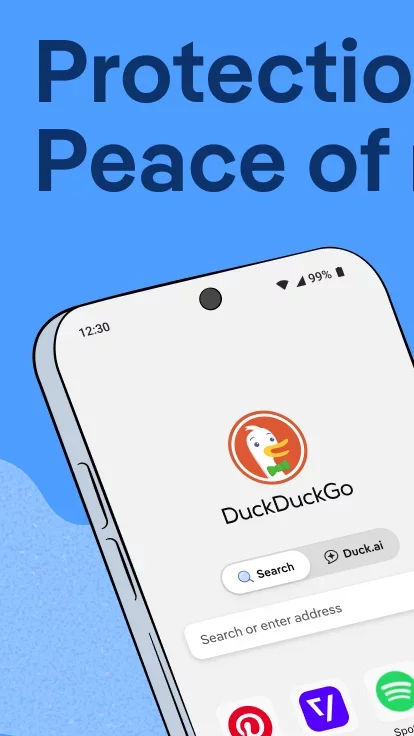
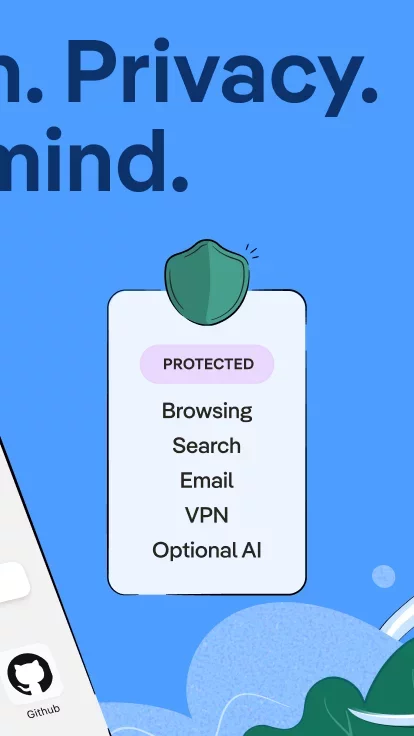
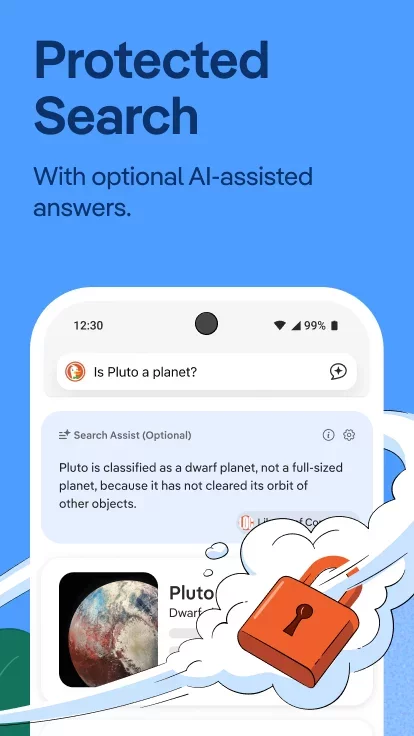
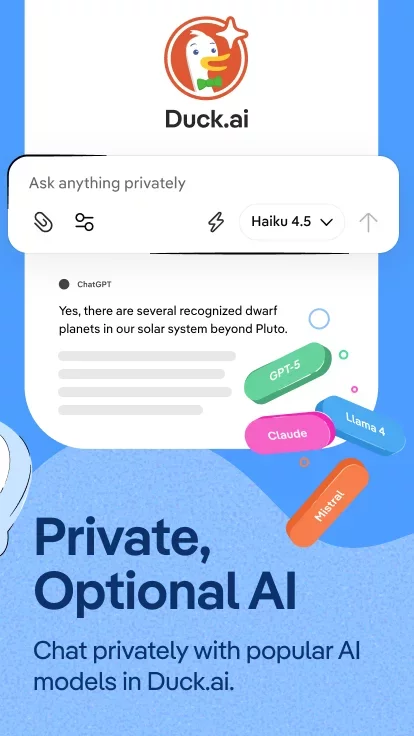
At DuckDuckGo, we believe the best way to protect your personal information from hackers, scammers, and privacy-invasive companies is to stop it from being collected at all. That's why millions of people choose DuckDuckGo over Chrome and other browsers to search and browse online. Our built-in search engine is like Google but never tracks your searches. Our browser blocks invasive web ads (including most video ads) and cookie pop-ups, reducing distractions, and helping to stop other companies from collecting your data. While our optional integrated AI features, Search Assist and Duck.ai, are private and never use your data to train AI. Oh, and our browser is free. We make money from privacy-respecting search ads, not by exploiting your data. Take back control of your personal information with the browser designed for data protection, not data collection.
FEATURE HIGHLIGHTS
Protect Your Searches by Default: DuckDuckGo Search comes built-in, so you can easily search online without being tracked.
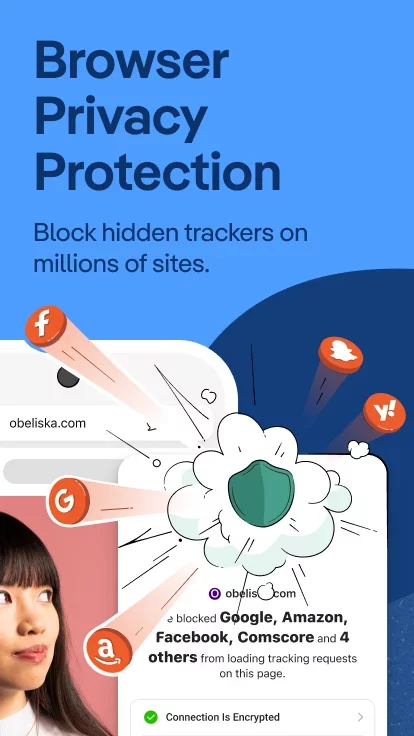
Shield Your Browsing History: Our 3rd-Party Tracker Loading Protection blocks most trackers before they load, greatly exceeding what most popular browsers offer by default.
Chat Privately With AI: Duck.ai lets you have private conversations with 3rd-party AI models, anonymized by us and never used to train AI.
Block Ads: Our browser blocks most video ads, and stops invasive trackers from loading on sites, effectively eliminating targeted web ads.
Automatically Enforce Encryption: Shield your data from network and Wi-Fi snoopers by forcing many sites to use an HTTPS connection.
Protect Your Personal Information in Other Apps: Block most hidden trackers in other apps around the clock (even while you’re sleeping) and prevent 3rd-party companies from invading your privacy with App Tracking Protection. This feature uses a VPN connection but is not a VPN. It works locally on your device and does not collect personal data.
Escape Fingerprinting: Make it harder for companies to create a unique identifier for you by blocking attempts to combine info about your browser and device.
Sync and Back Up Securely (Optional): Sync encrypted bookmarks and passwords across your devices.
Clear your tabs and browsing data in a flash with the Fire Button.
Banish cookie pop-ups and automatically set your preferences to minimize cookies and maximize privacy.
DUCKDUCKGO SUBSCRIPTION
Subscribers get:
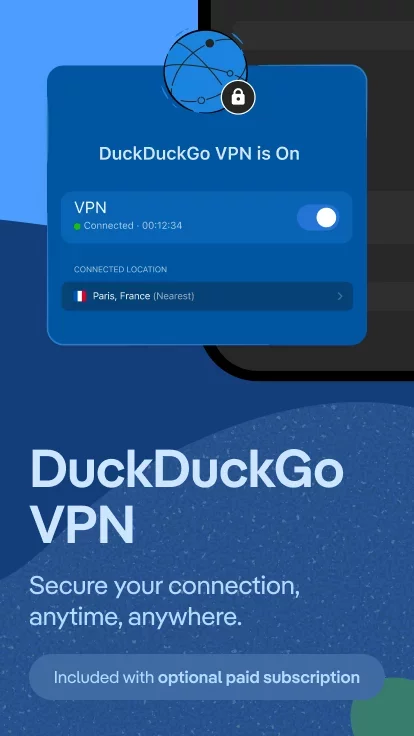
- Our VPN: Secure your connection on up to 5 devices.
- Advanced AI Models in Duck.ai: Chat privately with AI models built for complex tasks.
- Personal Information Removal: Find and remove personal info from sites that store and sell it (access on desktop).
- Identity Theft Restoration: If your identity is stolen, we’ll help restore it.
DuckDuckGo Subscription Pricing & Terms
Payment will be charged automatically to your Google Account until you cancel, which you can do in app settings. You have the option to provide an email address to activate your subscription on other devices, and we will only use that email address to verify your subscription.
Note about 3rd-Party Tracker Protection and Search Ads: while there are some limitations following search ad clicks, viewing ads on DuckDuckGo search is anonymous.
Download DuckDuckGo, optional Duck.ai for Android for free
- Download the XAPK file to your Android device.
- Install one of these installers from our website:
- Open the installer and select the downloaded file from the Downloads folder.
- Allow installation from this source if Android asks for permission.
- Start installation. To update the app, install the newer file without uninstalling the current version.