
- Update24.09.2026
- Latest Version1.3
- Android OS8.0+
- LicenseFree
-
LanguagesEnglish العربية, Deutsch, English, Español, Français, हिन्दी, Bahasa Indonesia, Italiano, 日本語, 한국어, မြန်မာ, Português, Русский, ไทย, Türkçe, Tiếng Việt, 中文
- Content RatingEveryone
- Developerruriboshi
- Package Namecom.ruriboshi.habitter
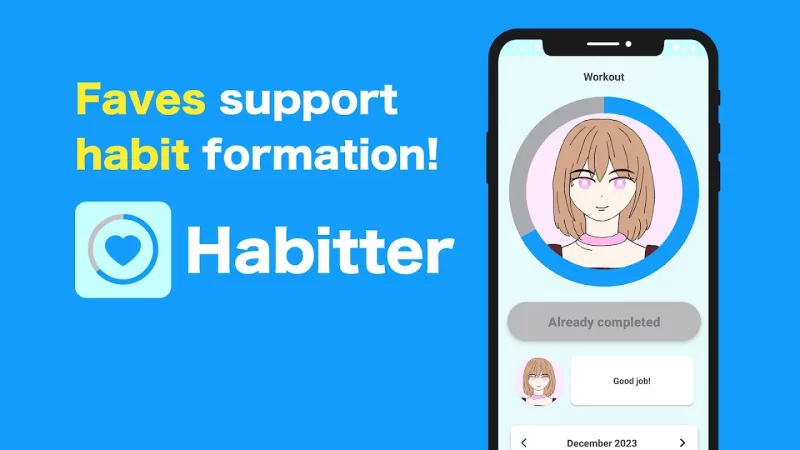
Habitter is a habit management app that lets you feel like your fave is helping you make habits!
Set a fave image, comments, and theme color for each habit to help maintain motivation to make it a habit!
Let's continue the habit while having fun and getting support from your fave!
[Features of Habitter]
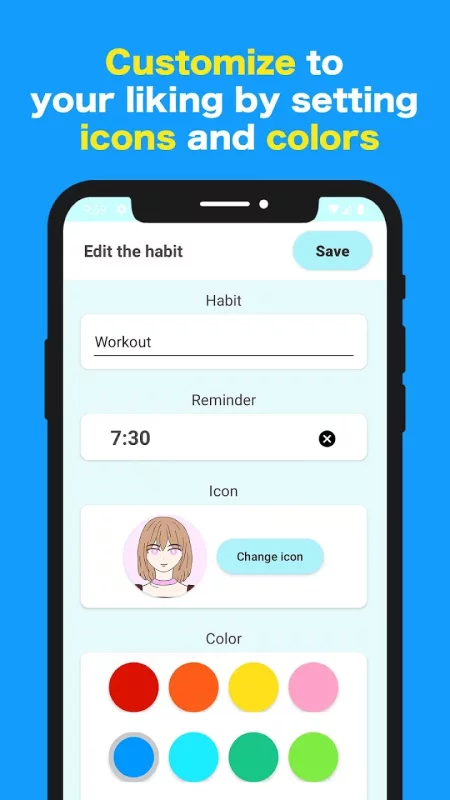
★You can set your fave image
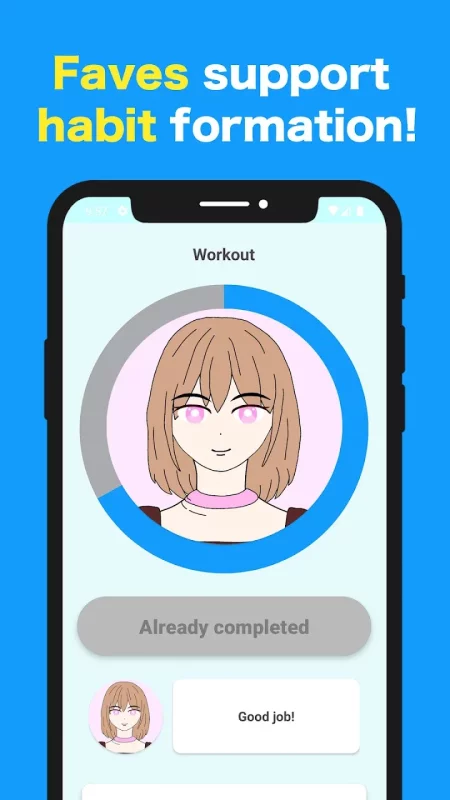
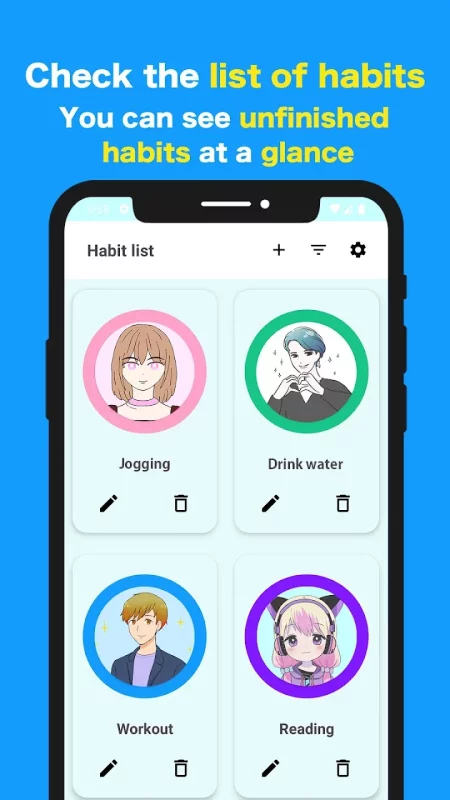
You can set your fave image for each habit! Increase your motivation for habits by looking at the fave image!
★You can set comments from your fave.
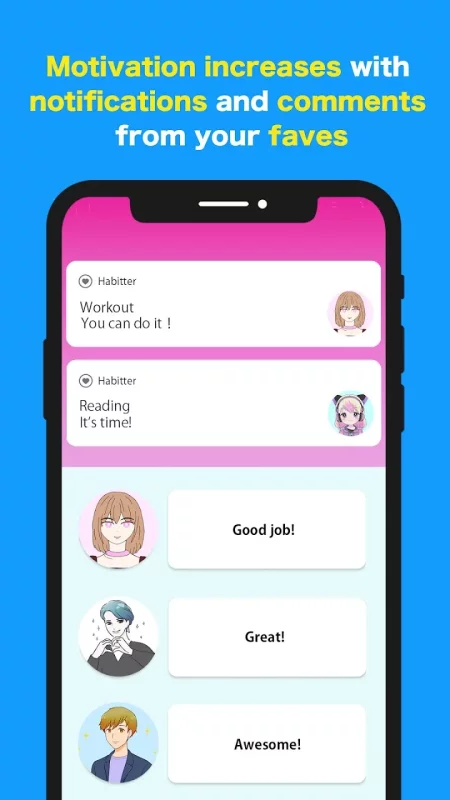
You can set 3 types of comments from your fave for each habit! Increase your motivation to make it a habit by setting comments that you want your fave to say, such as "Thank you for your hard work" or "You did a great job!"
★Easy to record
With Habitter, you can easily record your habits by simply pressing the "Complete" button!
★You can register many habits
You can register an unlimited number of habits. You can now manage multiple habits such as muscle training, diet, and study with one app.
★Reminder from your fave
You can also set reminders for each habit. The reminder notification will display a comment from your fave and an image of your fave, so you can feel like you've received a message from your fave!
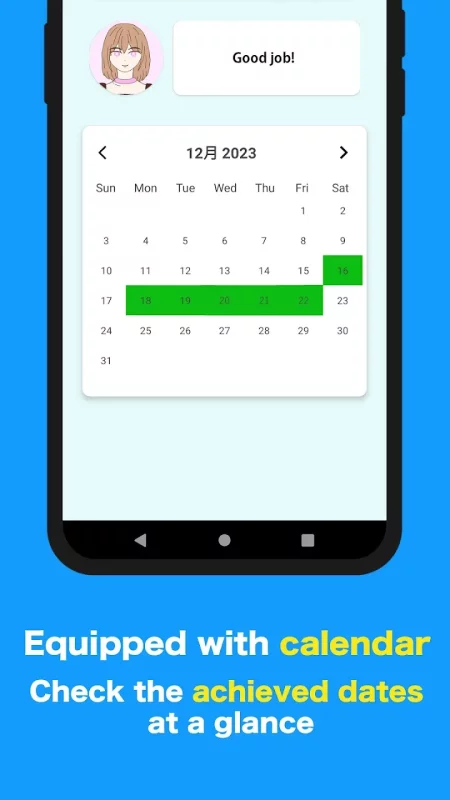
★Calendar function
You can check the record of the day you achieved your habit on the calendar! You can see at a glance the days when you achieved your habits!
★Selectable theme colors
You can set a theme color for each habit! Set a theme color that suits your preference from among 12 colors!
Download Habitter:Habit management app for Android for free
- Download the XAPK file to your Android device.
- Install one of these installers from our website:
- Open the installer and select the downloaded file from the Downloads folder.
- Allow installation from this source if Android asks for permission.
- Start installation. To update the app, install the newer file without uninstalling the current version.