
- Update12.09.2026
- Latest Version2.36
- Android OS11+
- LicenseFree
-
LanguagesEnglish English, Afrikaans, አማርኛ, العربية, অসমীয়া, Azərbaycan dili, Беларуская, Български, বাংলা, Bosanski, Català, Čeština, Dansk, Deutsch, Ελληνικά, Español, Eesti, Euskara, فارسی, Suomi, Français, Galego, ગુજરાતી, हिन्दी, Hrvatski, Magyar, Հայերեն, Bahasa Indonesia, Íslenska, Italiano, עברית, 日本語, ქართული, Қазақ тілі, ខ្មែរ, ಕನ್ನಡ, 한국어, Кыргызча, ລາວ, Lietuvių, Latviešu, Македонски, മലയാളം, Монгол, मराठी, Bahasa Melayu, မြန်မာ, Norsk bokmål, नेपाली, Nederlands, ଓଡ଼ିଆ, ਪੰਜਾਬੀ, Polski, Português, Română, Русский, සිංහල, Slovenčina, Slovenščina, Shqip, Српски, Svenska, Kiswahili, தமிழ், తెలుగు, ไทย, Tagalog, Türkçe, Українська, اردو, Oʻzbekcha, Tiếng Việt, 中文, isiZulu
- Content RatingEveryone
- DeveloperYutaka Kenjo
- Package Namecom.kdevelop.CalcplusFree
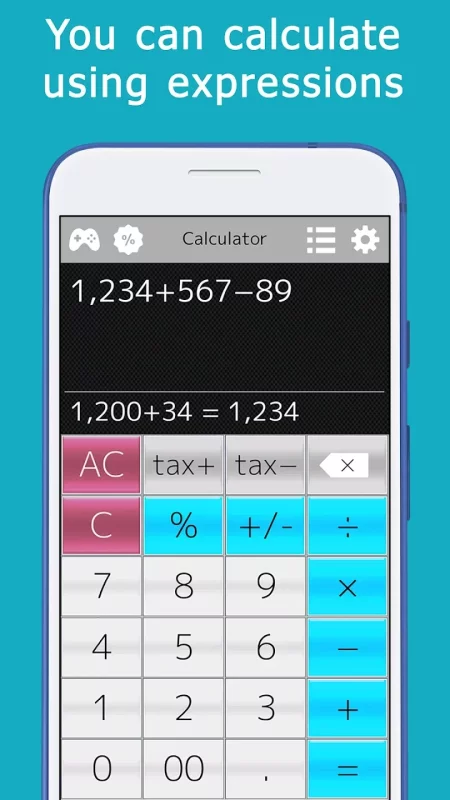
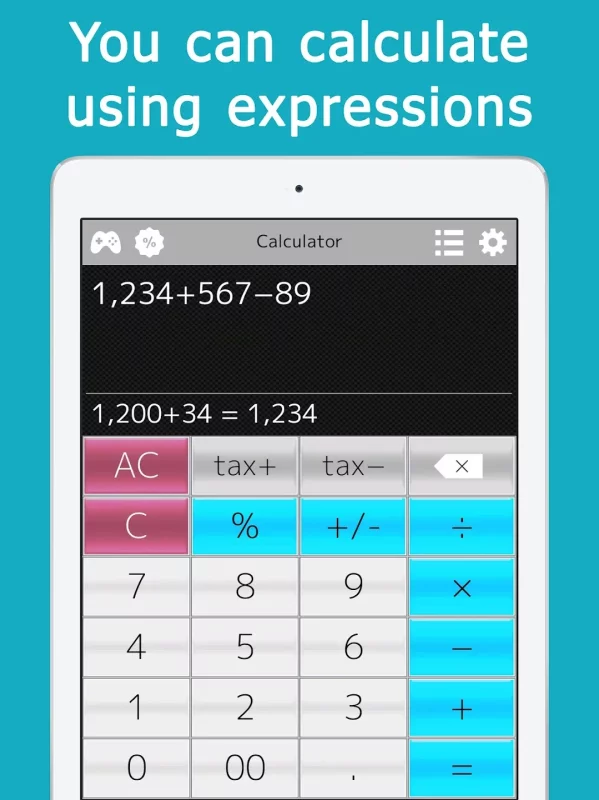
This is a calculator application that allows you to perform calculations collectively by formula, like 100+30-50.
It can be used in a variety of everyday situations, such as shopping, calculating taxes, and estimating for work.
It has been designed to be simple to use and easy to read.
The answer is displayed while you are entering the formula, so you can easily redo the calculation.
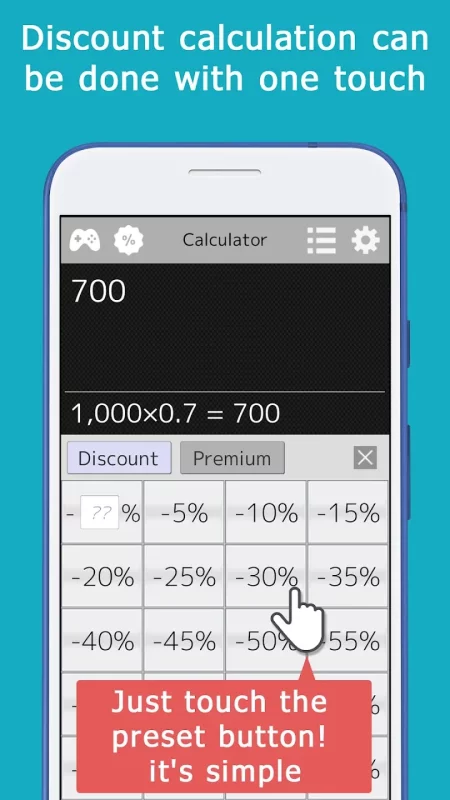
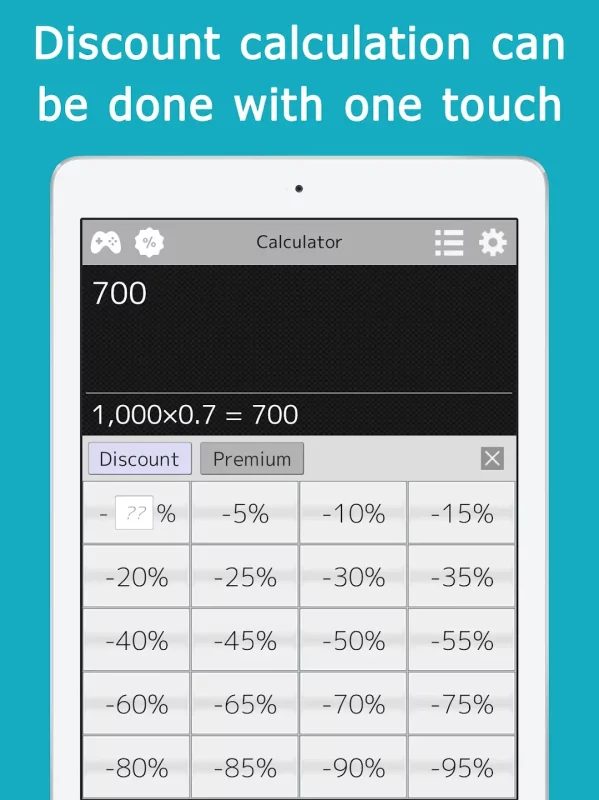
Discount calculations such as 30% discount can be done with a single touch.
Preset buttons for 5%, 10%, 15%, and so on are provided for easy calculation.
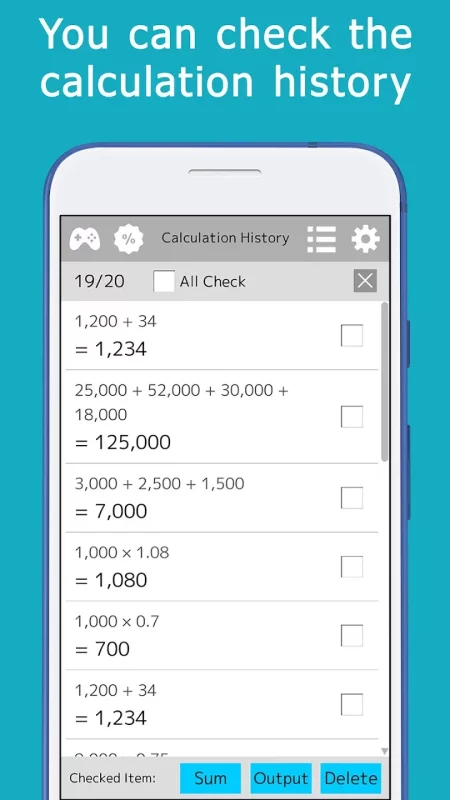
The calculation history is saved, freeing you from the hassle of doing the same calculation over and over again and taking notes.
Also, you can reuse the formulas and answers from the history for calculations, so you can calculate efficiently.
In the history screen, you can calculate the sum of the answers.
A memory key is provided.
You can save a subtotal for each calculation and calculate the total value.
This can be used conveniently when shopping.
When you add or subtract, the value is displayed as an equation so that you can see the contents of the memory.
Also, VAT can be calculated with a single touch.
If there are multiple tax rates, you can smoothly select the tax rate by touching and sliding the tax calculation button.
There is a mini-game for calculation, so you can exercise your mind in your free time.
[List of functions]
You can input formulas and calculate them all at once. You can enter formulas and calculate them all at once. × and ÷ are calculated first.
You can perform calculations using ( ) (To display the key, you need to set it on the settings screen.
Even if the application is interrupted or closed in the middle of a calculation, the formula at that point is saved, so the calculation can be resumed immediately.
By using the memory key, you can save the subtotal and calculate the total value.
By using the checkboxes on the history screen, you can calculate the sum of the answers.
When you touch an equation or answer in the history, you can reuse those values in the calculator mode to perform calculations.
The "00" key is included.
You can calculate discounts with a single touch.
The backspace key allows you to correct one character at a time.
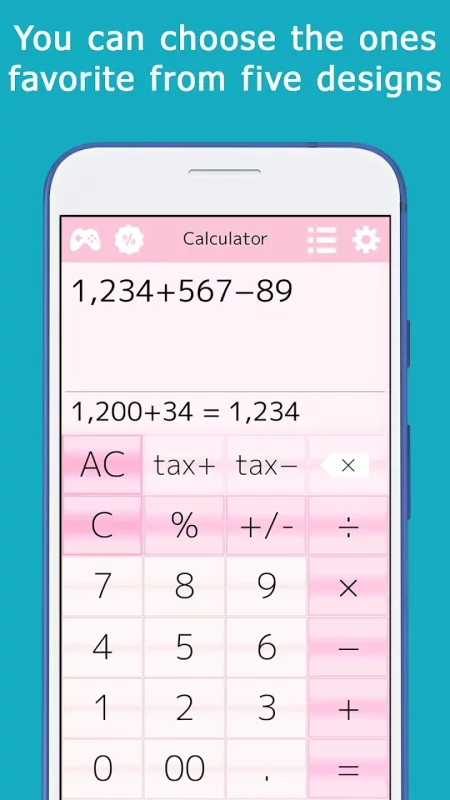
You can choose from a variety of designs.
You can choose from several designs.
Download Calculator+ for Android for free
- Download the XAPK file to your Android device.
- Install one of these installers from our website:
- Open the installer and select the downloaded file from the Downloads folder.
- Allow installation from this source if Android asks for permission.
- Start installation. To update the app, install the newer file without uninstalling the current version.