Chrome Beta

Chrome Beta

0 votes
  • Update
    21.09.2026
  • Latest Version
    155.0.8059.4
  • Android OS
    12.1+
  • License
    Free
  • Languages
    English
  • Content Rating
    Everyone
  • Developer
  • Package Name
    com.chrome.beta

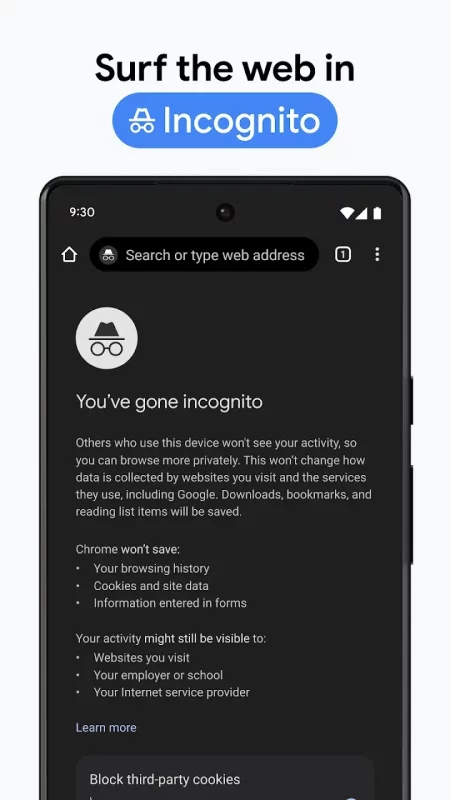
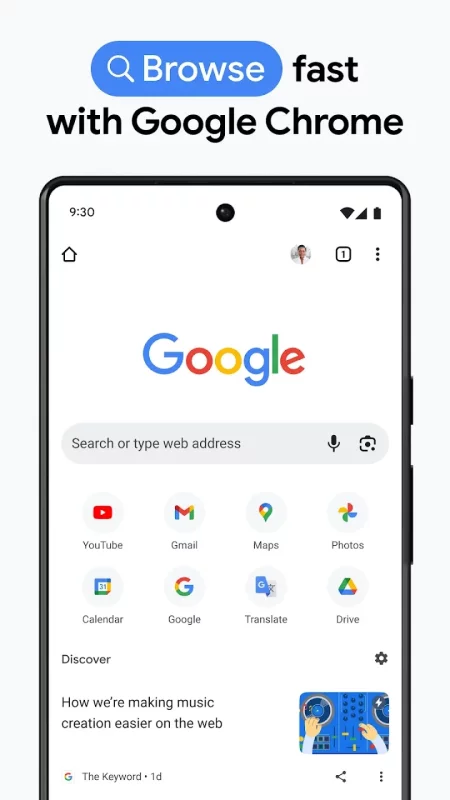
Welcome to Chrome Beta for Android!

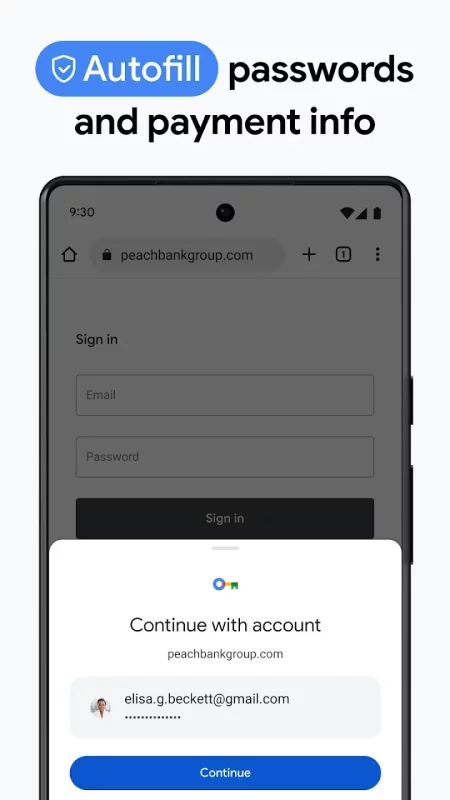
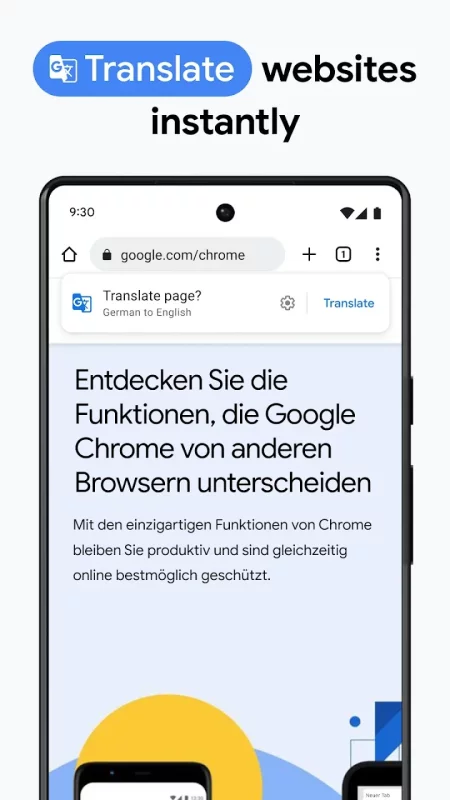
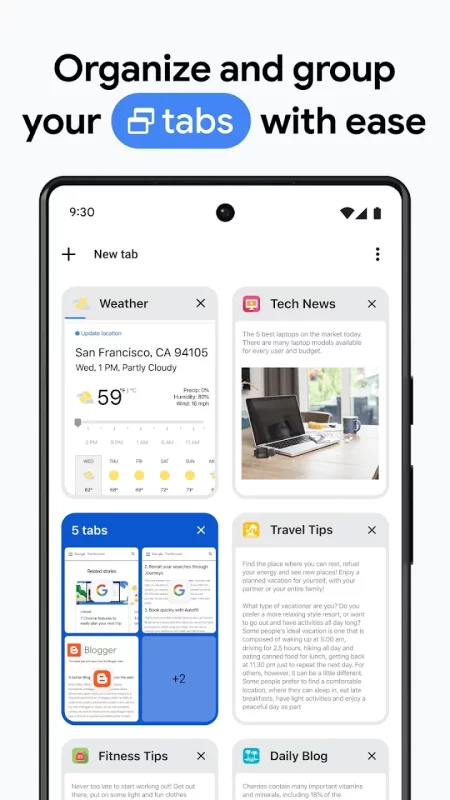
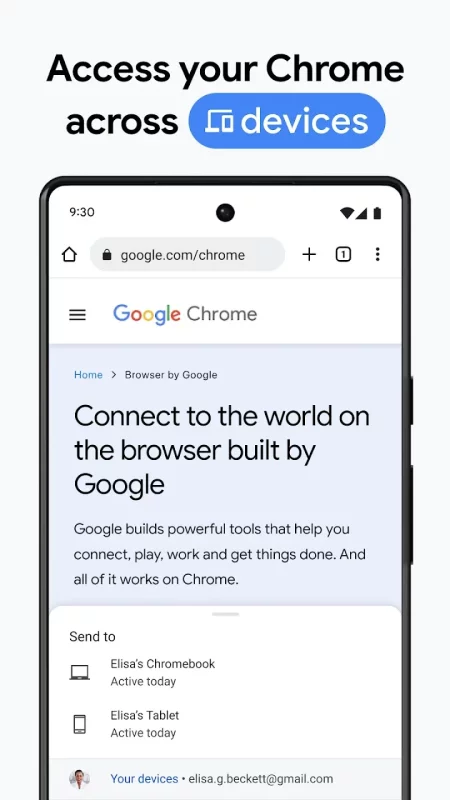
• Preview the latest features: Try out the newest features. (Sometimes these may be a little rough around the edges.)
• Give early feedback: Let us know what you think and help make Chrome for Android a better browser.

You can install Chrome Beta alongside your current version of Chrome for Android.
Download Chrome Beta for Android for free

Download Chrome Beta 155.0.8059.4 xapk Android 12.1+ ARMV7
133.13 Mb
No viruses found
Permissions (30)
Detections: 0
Check date: 21 September 2026, 14:55
The file was scanned for viruses using VirusTotal.
ACCESS_COARSE_LOCATION - allows an app to access approximate location.
ACCESS_FINE_LOCATION - allows an app to access precise location.
ACCESS_NETWORK_STATE - allows applications to access information about networks.
CAMERA - required to be able to access the camera device.
CREDENTIAL_MANAGER_QUERY_CANDIDATE_CREDENTIALS - allows a browser to invoke the set of query apis to get metadata about credential candidates prepared during the credentialmanager.preparegetcredential api.
CREDENTIAL_MANAGER_SET_ALLOWED_PROVIDERS - allows specifying candidate credential providers to be queried in credential manager get flows, or to be preferred as a default in the credential manager create flows.
CREDENTIAL_MANAGER_SET_ORIGIN - allows a browser to invoke credential manager apis on behalf of another rp.
FOREGROUND_SERVICE - allows a regular application to use service.startforeground.
FOREGROUND_SERVICE_CAMERA - allows a regular application to use service.startforeground with the type "camera".
FOREGROUND_SERVICE_DATA_SYNC - allows a regular application to use service.startforeground with the type "datasync".
FOREGROUND_SERVICE_MEDIA_PLAYBACK - allows a regular application to use service.startforeground with the type "mediaplayback".
FOREGROUND_SERVICE_MEDIA_PROJECTION - allows a regular application to use service.startforeground with the type "mediaprojection".
FOREGROUND_SERVICE_MICROPHONE - allows a regular application to use service.startforeground with the type "microphone".
GET_ACCOUNTS - allows access to the list of accounts in the accounts service.
INTERNET - allows applications to open network sockets.
MODIFY_AUDIO_SETTINGS - allows an application to modify global audio settings.
NFC - allows applications to perform i/o operations over nfc.
POST_NOTIFICATIONS - allows an app to post notifications
QUERY_ALL_PACKAGES - allows query of any normal app on the device, regardless of manifest declarations.
READ_CONTACTS - allows an application to read the user's contacts data.
READ_EXTERNAL_STORAGE - allows an application to read from external storage.
RECEIVE_BOOT_COMPLETED - allows an application to receive the intent.action_boot_completed that is broadcast after the system finishes booting.
RECORD_AUDIO - allows an application to record audio.
RUN_USER_INITIATED_JOBS - allows applications to use the user-initiated jobs api.
USE_BIOMETRIC - allows an app to use device supported biometric modalities.
USE_FINGERPRINT - this constant was deprecated in api level 28. applications should request use_biometric instead
VIBRATE - allows access to the vibrator.
WAKE_LOCK - allows using powermanager wakelocks to keep processor from sleeping or screen from dimming.
WRITE_EXTERNAL_STORAGE - allows an application to write to external storage.
INSTALL_SHORTCUT - allows an application to install a shortcut in launcher.
SHA1 signature: 1533a699acac962810f17bce964aa22e64df1153
SHA256 signature: da633d34b69e63ae2103b49d53ce052fc5f7f3c53aab94fdc2a208bdfd14249c
How to install XAPK
  1. Download the XAPK file to your Android device.
  2. Install one of these installers from our website:
  3. Open the installer and select the downloaded file from the Downloads folder.
  4. Allow installation from this source if Android asks for permission.
  5. Start installation. To update the app, install the newer file without uninstalling the current version.
⚠If the download fails or gets stuck, try enabling a VPN, disabling your ad blocker, or switching to a different network.
More by Google LLC

YouTube
YouTube
Get the official YouTube app on Android phones and tablets. See what the world is watching -- from
Google Docs
Google Docs
Create, edit, and collaborate with others on documents from your Android phone or tablet with the

YouTube Music
YouTube Music
Connecting you to the world of music: ● Music content including live performances, covers, remixes

Google Messages
Google Messages
Google Messages is the official Google app for messaging. Google Messages is revolutionizing how a
See also

HP
HP
The go-to app for your HP devices. Set up your new printer, personalize your experience, print,

Samsung Notes
Samsung Notes
Samsung Notes can create and edit documents on mobile, tablet, or PC and collaborate with others.

DuckDuckGo, optional Duck.ai
At DuckDuckGo, we believe the best way to protect your personal information from hackers, scammers,

Notepad, Notes, Easy Notebook
Want an easy-to-use notepad for quick note-taking? Want a sticky notes widget to organize your

LastPass Password Manager
LastPass is a password manager that secures your passwords and personal information in an encrypted

Dropbox: Secure Cloud Storage
Dropbox allows you to backup your most essential files to the cloud, where you may access them at

AT&T
AT&T
One app, every connection. The all-new AT&T app gives you unprecedented access, control, and

Google Keep - Notes and lists
Quickly capture and share your thoughts, manage your to-dos, and stay organized. Google Keep has
Comments (0)
Loading comments...