Notion: AI Workspace

Notion: AI Workspace

0 votes
  • Update
    21.09.2026
  • Latest Version
    0.6.4160
  • Android OS
    10+
  • License
    Free
  • Languages
    English
  • Content Rating
    Everyone
  • Developer
  • Package Name
    notion.id

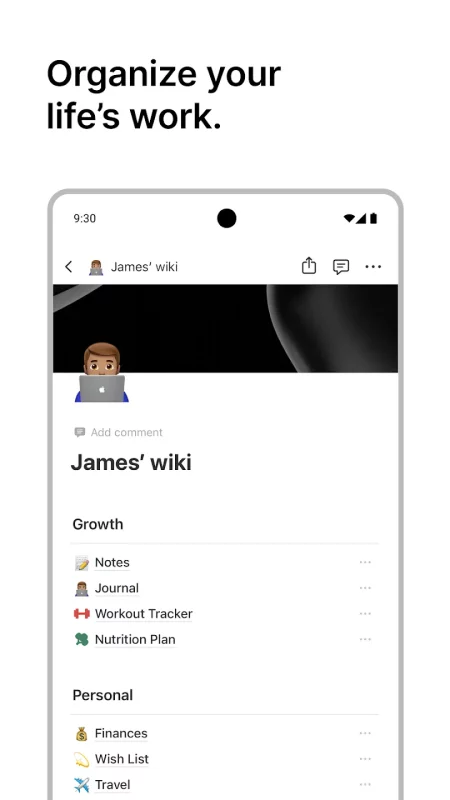
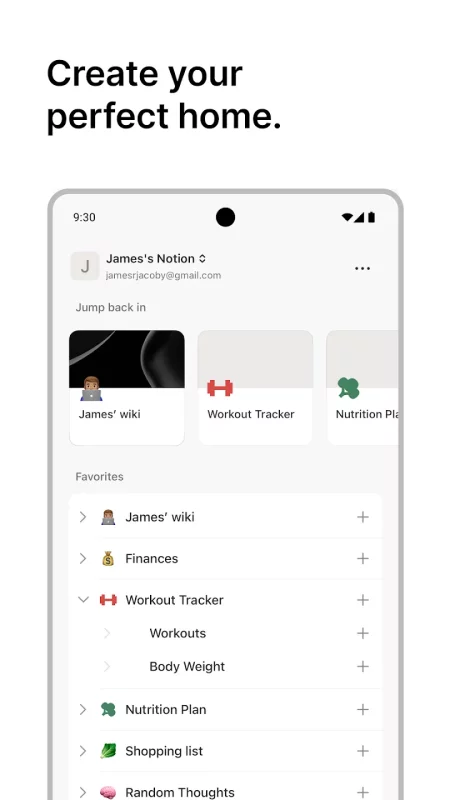
Notion is the connected workspace where teams and AI think together. Used by over 100M, Notion lets you capture knowledge, find answers, and automate repetitive tasks so you can spend less time on busywork and more time on your life’s work.

Use Notion to:
- Find answers across your workspace and connected apps (e.g., Slack, Google Drive, Jira, GitHub, Figma, Snowflake)
- Capture meetings and get instant summaries with action items and key decisions
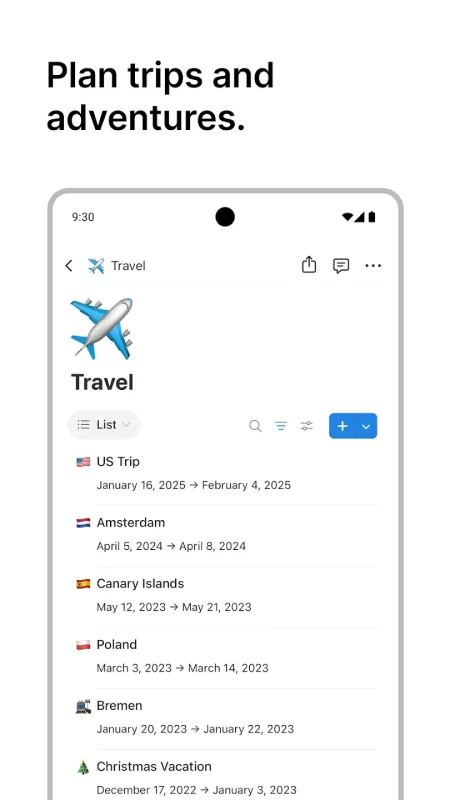
- Track projects and tasks with your team
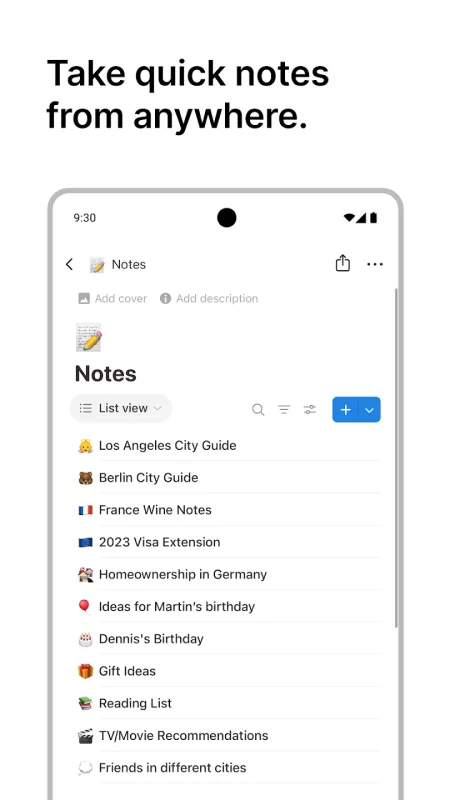
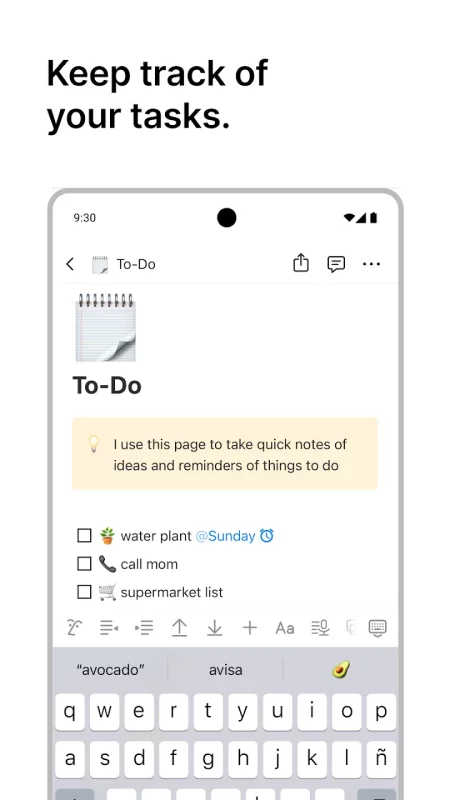
- Write docs and to-dos
- Hand off busywork to agents that draft, research, and write status reports for you

GET ANSWERS ON THE GO

Stop chasing answers across tools. What’s the updated launch date? Where did that decision land? What can I expense while traveling? Ask Notion AI and get answers instantly from Notion and all your connected tools, like Slack, Google Drive, GitHub, and more.

TURN MEETINGS INTO ACTION

AI Meeting Notes transcribe your meeting and turn what gets said into what gets done. Your meeting notes? Shared. And the bug you flagged? Assigned. No need for separate apps. Capture it once and find it forever.

PUT YOUR AGENTS TO WORK

Your agents keep work moving even when you’re away from your desk. Ask an agent to draft a doc, research a question, or write a status report, all from your phone.

MORE PRODUCTIVITY. FEWER TOOLS.

Keep your projects, meetings, and docs all in one place instead of scattered across tools. One connected workspace reduces tool cost and creates a single system of record that agents love.

FREE TO GET STARTED

Get started with a flexible home for your docs, meetings, and projects. No credit card required. Plan work, stay organized, and achieve your goals. Choose from thousands of ready-made templates from the Notion community.

TRUSTED BY THE WORLD’S FASTEST GROWING TEAMS

Teams at OpenAI, Figma, Ramp, Cursor, and Toyota choose Notion to move faster with fewer tools. Capture context, find answers, automate tasks with AI built for your team. See what’s possible with less busywork and more time your life’s work.

Download Notion: AI Workspace for Android for free

Download Notion: AI Workspace 0.6.4160 xapk Android 10+ ARMV8, ARMV7, X86, X86_64
219.38 Mb
No viruses found
Permissions (20)
Detections: 0
Check date: 21 September 2026, 17:10
The file was scanned for viruses using VirusTotal.
ACCESS_NETWORK_STATE - allows applications to access information about networks.
FOREGROUND_SERVICE - allows a regular application to use service.startforeground.
FOREGROUND_SERVICE_DATA_SYNC - allows a regular application to use service.startforeground with the type "datasync".
FOREGROUND_SERVICE_MICROPHONE - allows a regular application to use service.startforeground with the type "microphone".
INTERNET - allows applications to open network sockets.
MODIFY_AUDIO_SETTINGS - allows an application to modify global audio settings.
NFC - allows applications to perform i/o operations over nfc.
POST_NOTIFICATIONS - allows an app to post notifications
READ_EXTERNAL_STORAGE - allows an application to read from external storage.
READ_MEDIA_IMAGES - allows an application to read image files from external storage.
READ_MEDIA_VISUAL_USER_SELECTED - allows an application to read image or video files from external storage that a user has selected via the permission prompt photo picker.
RECEIVE_BOOT_COMPLETED - allows an application to receive the intent.action_boot_completed that is broadcast after the system finishes booting.
RECORD_AUDIO - allows an application to record audio.
USE_BIOMETRIC - allows an app to use device supported biometric modalities.
USE_FINGERPRINT - this constant was deprecated in api level 28. applications should request use_biometric instead
VIBRATE - allows access to the vibrator.
WAKE_LOCK - allows using powermanager wakelocks to keep processor from sleeping or screen from dimming.
WRITE_EXTERNAL_STORAGE - allows an application to write to external storage.
WRITE_SETTINGS - allows an application to read or write the system settings.
SHA1 signature: d589cbbf4f21fb21ad20fec16e47084682a9d3e9
SHA256 signature: 600789a463ac5812b944c695c18c89acae9457999d8cd35ca27a092cdd5d9a8d
How to install XAPK
  1. Download the XAPK file to your Android device.
  2. Install one of these installers from our website:
  3. Open the installer and select the downloaded file from the Downloads folder.
  4. Allow installation from this source if Android asks for permission.
  5. Start installation. To update the app, install the newer file without uninstalling the current version.

⚠If the download fails or gets stuck, try enabling a VPN, disabling your ad blocker, or switching to a different network.
See also
HP
HP
The go-to app for your HP devices. Set up your new printer, personalize your experience, print,
LastPass Password Manager
LastPass is a password manager that secures your passwords and personal information in an encrypted
AOL: Email News Weather
Get news, weather, and fast email—all in one effortless place, the AOL App. Discover the AOL App -
Notepad, Notes, Easy Notebook
Want an easy-to-use notepad for quick note-taking? Want a sticky notes widget to organize your
DuckDuckGo, optional Duck.ai
At DuckDuckGo, we believe the best way to protect your personal information from hackers, scammers,
1Password: Password Manager
1Password has been helping folks forget their passwords since 2006. Trusted by millions of people
Microsoft OneNote: Save Notes
Supercharge your productivity with OneNote. Organize your thoughts and ideas, and simplify planning
Google Keep - Notes and lists
Quickly capture and share your thoughts, manage your to-dos, and stay organized. Google Keep has
Comments (0)
Loading comments...