Send Anywhere (File Transfer)

Send Anywhere (File Transfer)

0 votes
  • Update
    26.09.2026
  • Latest Version
    23.3.2
  • Android OS
    6.0+
  • License
    Free
  • Languages
    English
  • Content Rating
    Everyone
  • Developer
  • Package Name
    com.estmob.android.sendanywhere

Send Anywhere: Easy, quick, and unlimited file sharing

▶ Features
• Transfer any file type without altering the original
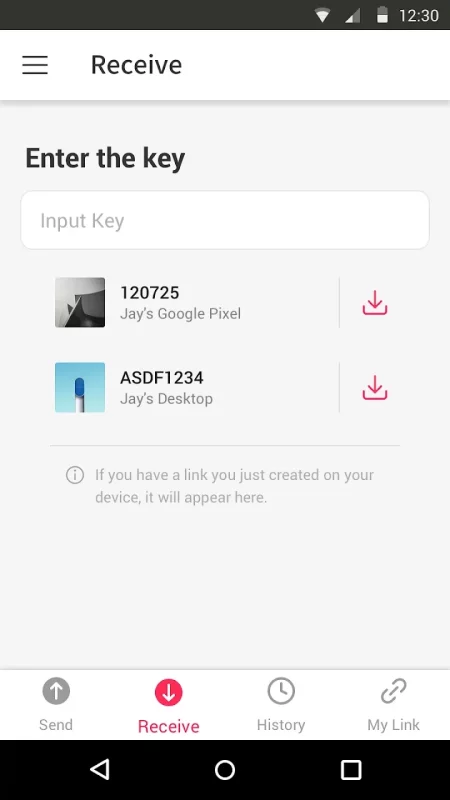
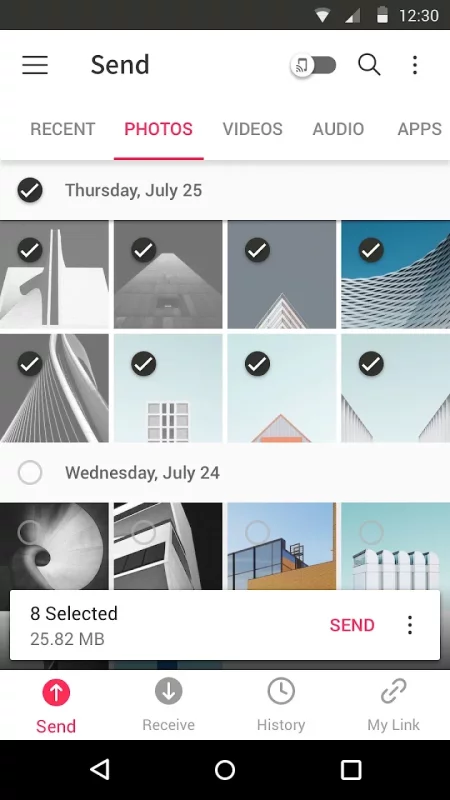
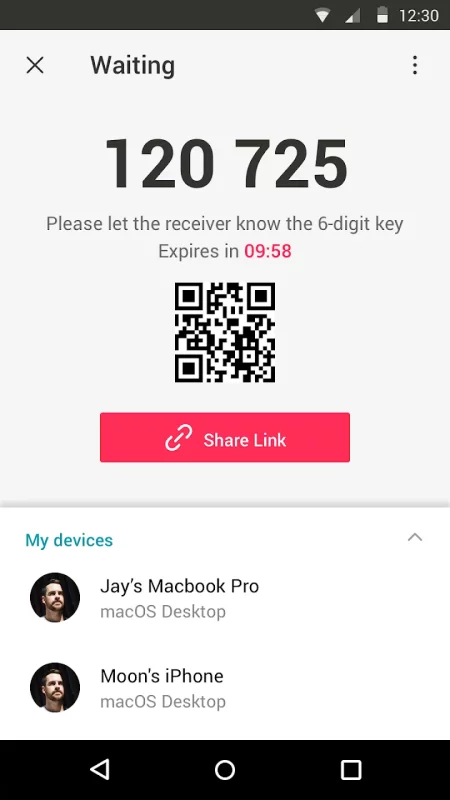
• All you need is a one-time 6-digit key for an easy file transfer
• Wi-Fi Direct: transfer without using data or the Internet
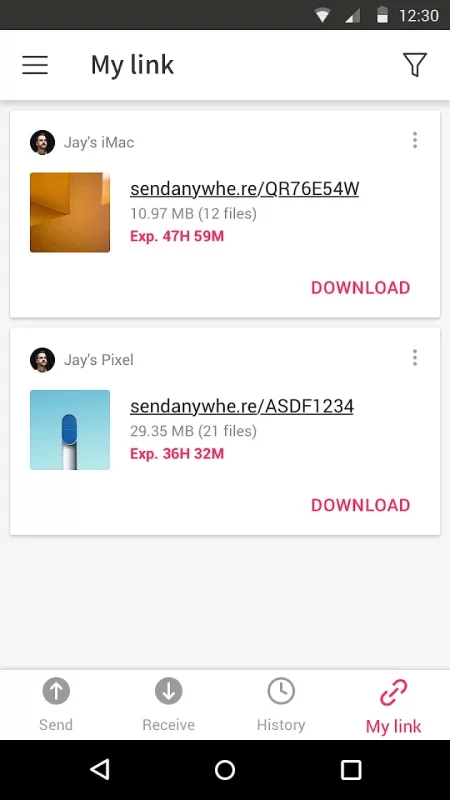
• Share files to multi-people at once via a link
• Transfer files to a specific device
• Reinforced file encryption (256-bit)

▶ When to use Send Anywhere!
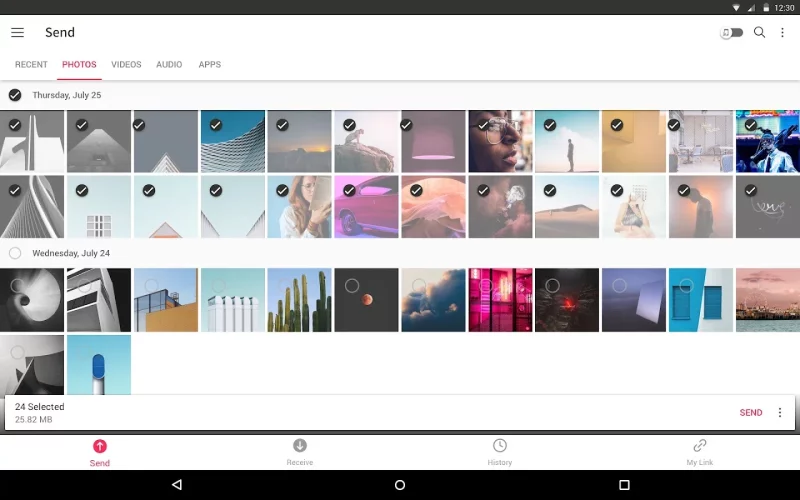
• When moving photos, videos, and music to your PC!
• When you need to send large files but you do not have mobile data or you have difficulty connecting to the internet
• Anytime you want to send files in an instant!

* While using the application if an issue or error arises, please let us know by clicking “Send Feedback” under More menu

-

APK File
• The copyright of applications sent through Send Anywhere belong to the application’s developer. If sharing an APK file conflicts with current copyright laws then all responsibility falls upon the user.
• Typically, you will not be able to share APK files between OS and Android. First check with application’s developer before cross-platform transfers.

Video Files
• Depending on the video type received, the video may not be pushed into the phone’s gallery. In this case, using a file management application will play the video.
• If you can’t play the videos received, download a different video player that is compatible with the video format.

-

To best use Send Anywhere’s convenient file sharing service, we ask user’s permissions listed below
• Write Internal Storage(Required) : To store files that are in internal storage through 'Send Anywhere'
• Read Internal Storage(Required) : To send files stored in internal storage through Send Anywhere.
• Access to location: To share files by using Wi-Fi Direct that through Google Nearby API.( Bluetooth may be turned on to find and identify near devices, so it may request Bluetooth permissions.)
• Write External Storage : To store files that are received through Send Anywhere in external storage (SD Card).
• Read External Storage : To send files stored in external storage through Send Anywhere.
• Read Contacts : To send contacts stored in your phone.
• Camera : For being able to receive files via a QR Code.

For more information about our terms and privacy policies, please visit our site.
https://send-anywhere.com/terms
https://send-anywhere.com/mobile-privacy/privacy.html
Download Send Anywhere (File Transfer) for Android for free

Download Send Anywhere (File Transfer) 23.3.2 xapk Android 6.0+ ARMV8
54.68 Mb
Permissions (34)
ACCESS_COARSE_LOCATION - allows an app to access approximate location.
ACCESS_FINE_LOCATION - allows an app to access precise location.
ACCESS_MEDIA_LOCATION - allows an application to access any geographic locations persisted in the user's shared collection.
ACCESS_NETWORK_STATE - allows applications to access information about networks.
ACCESS_WIFI_STATE - allows applications to access information about wi-fi networks.
BLUETOOTH - allows applications to connect to paired bluetooth devices.
BLUETOOTH_ADMIN - allows applications to discover and pair bluetooth devices.
CAMERA - required to be able to access the camera device.
CHANGE_NETWORK_STATE - allows applications to change network connectivity state.
CHANGE_WIFI_MULTICAST_STATE - allows applications to enter wi-fi multicast mode.
CHANGE_WIFI_STATE - allows applications to change wi-fi connectivity state.
FOREGROUND_SERVICE - allows a regular application to use service.startforeground.
FOREGROUND_SERVICE_DATA_SYNC - allows a regular application to use service.startforeground with the type "datasync".
GET_ACCOUNTS - allows access to the list of accounts in the accounts service.
INTERNET - allows applications to open network sockets.
MANAGE_EXTERNAL_STORAGE - allows an application a broad access to external storage in scoped storage.
NEARBY_WIFI_DEVICES - required to be able to advertise and connect to nearby devices via wi-fi.
POST_NOTIFICATIONS - allows an app to post notifications
QUERY_ALL_PACKAGES - allows query of any normal app on the device, regardless of manifest declarations.
READ_CONTACTS - allows an application to read the user's contacts data.
READ_EXTERNAL_STORAGE - allows an application to read from external storage.
READ_MEDIA_AUDIO - allows an application to read audio files from external storage.
READ_MEDIA_IMAGES - allows an application to read image files from external storage.
READ_MEDIA_VIDEO - allows an application to read video files from external storage.
READ_PHONE_STATE - allows read only access to phone state, including the current cellular network information, the status of any ongoing calls, and a list of any phoneaccounts registered on the device.
RECEIVE_BOOT_COMPLETED - allows an application to receive the intent.action_boot_completed that is broadcast after the system finishes booting.
REQUEST_INSTALL_PACKAGES - allows an application to request installing packages.
SYSTEM_ALERT_WINDOW - allows an app to create windows using the type windowmanager.layoutparams.type_application_overlay, shown on top of all other apps.
VIBRATE - allows access to the vibrator.
WAKE_LOCK - allows using powermanager wakelocks to keep processor from sleeping or screen from dimming.
WRITE_EXTERNAL_STORAGE - allows an application to write to external storage.
WRITE_SETTINGS - allows an application to read or write the system settings.
SHA1 signature: c1e7ca3bf60e23d2668270cf7ee15917db4a5c9d
SHA256 signature: 0787b56a7e2ffa80afc6d6f8b763d48f978bf8765882b051c3e77949edc44858
How to install XAPK
  1. Download the XAPK file to your Android device.
  2. Install one of these installers from our website:
  3. Open the installer and select the downloaded file from the Downloads folder.
  4. Allow installation from this source if Android asks for permission.
  5. Start installation. To update the app, install the newer file without uninstalling the current version.

⚠If the download fails or gets stuck, try enabling a VPN, disabling your ad blocker, or switching to a different network.
See also
Image to PDF - PDF Maker
Image to PDF - PDF Maker can convert images (jpg, jpeg, png, etc.) to PDF files. Easy to use and
HP
HP
The go-to app for your HP devices. Set up your new printer, personalize your experience, print,
CamScanner- scanner, PDF maker
Looking for an efficient scanner app? Try CamScanner! CamScanner is an all-in-one scanner app. It
Microsoft To Do: Lists & Tasks
Microsoft To Do is a task management app to help you stay organized and manage your day-to-day. You
Dropbox: Secure Cloud Storage
Dropbox allows you to backup your most essential files to the cloud, where you may access them at
LastPass Password Manager
LastPass is a password manager that secures your passwords and personal information in an encrypted
1Password: Password Manager
1Password has been helping folks forget their passwords since 2006. Trusted by millions of people
Cloud: Video, photo storage
Cloud: upload, transfer photos, documents, and files to the disk. One drive with cloud storage for
Comments (0)
Loading comments...