
- Update25.09.2026
- Latest Version2.15.0.10408
- Android OS7.1+
- LicenseFree
-
LanguagesEnglish English
- Content RatingEveryone
- DeveloperBlockSite
- Package Nameco.blocksite
BlockSite is a productivity & screen time management app used by over 5 million people worldwide. Use BlockSite to block websites, apps, and various content so you can avoid distractions, manage your screen time, and stay focused.
If you’re looking to stay focused, reduce screen time, and increase productivity, BlockSite is your go-to solution. Block distractions, form better habits, and focus on what really matters.
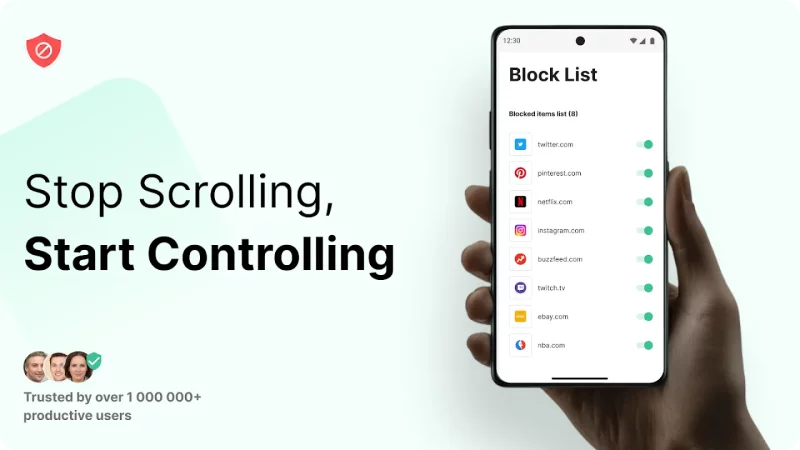
Reduce time spent on social media, news, and other addictive apps. With custom block lists, you can take back control of your day. Set your own schedule, stay on task, and block harmful or time-wasting apps with a single tap.
Whether you're a student, freelancer, remote worker, or someone trying to change digital habits, BlockSite will help you stay focused and build healthier routines.
Try our free website blocker & app blocker to experience a new world of productivity.
⭐️Features⭐️
Free features include:
⛔App Blocker*
🚫Block Lists
📅Schedule Mode
🎯Focus Mode
✍️Block by Words
💻Device Sync
📈 Insights
Premium features for the ultimate productivity boost:
↪️Redirect Mode: Instead of seeing a blocked screen, get redirected to a helpful site that supports your goals. For example, replace 'YouTube' with your calendar or email.
🗒️Category Blocking: Block thousands of sites and apps by topic — adult, social media, shopping, news, sports, gambling & more.
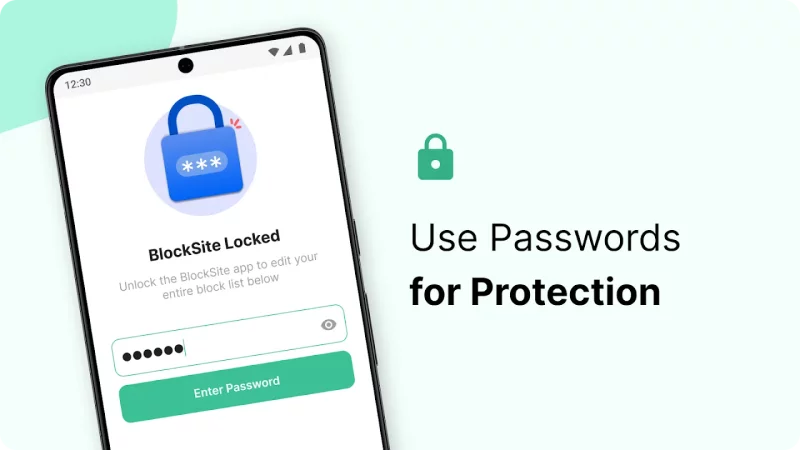
🔑Password Protection: Lock your settings to prevent yourself from undoing blocks in moments of temptation.
✔️Custom Block Pages: Personalize your block page with motivational images, quotes, or even memes.
🚫Uninstall Prevention: Add an extra layer of accountability by preventing uninstallation without a password.
BlockSite Productivity Features in Detail
⛔App Blocker
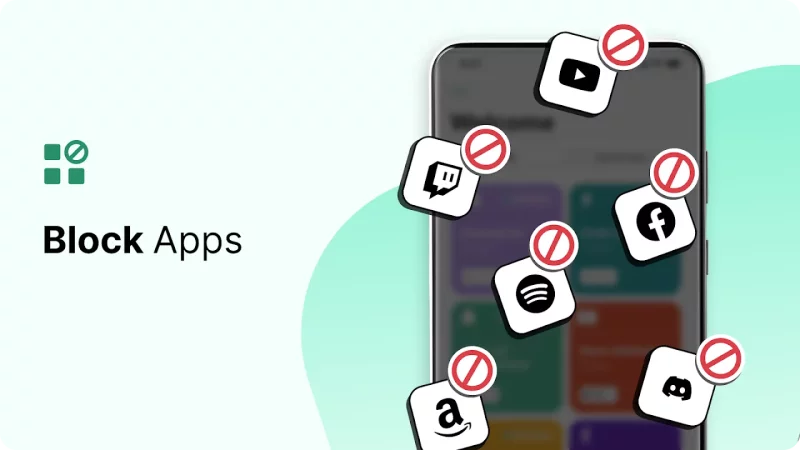
Add up to 5 distracting apps to your block lists to ensure they don’t distract and take away from your productivity and focus. Block apps from social media to games and more to stay focused and reduce time spent on your phone.
🚫Block Lists
Add websites and apps to your block list for the ultimate app and website blocking. BlockSite will ensure that you don’t visit them while they’re activated.
🕑 App Time Limit
Use BlockSite to set app time limits and take control of your screen time. Whether you want to limit social media, streaming apps, or games, you’re in charge.
📅Schedule Mode
Set daily routines with flexible schedules. Decide when apps and sites are accessible, and when it’s time to work or rest.
🎯Focus Mode
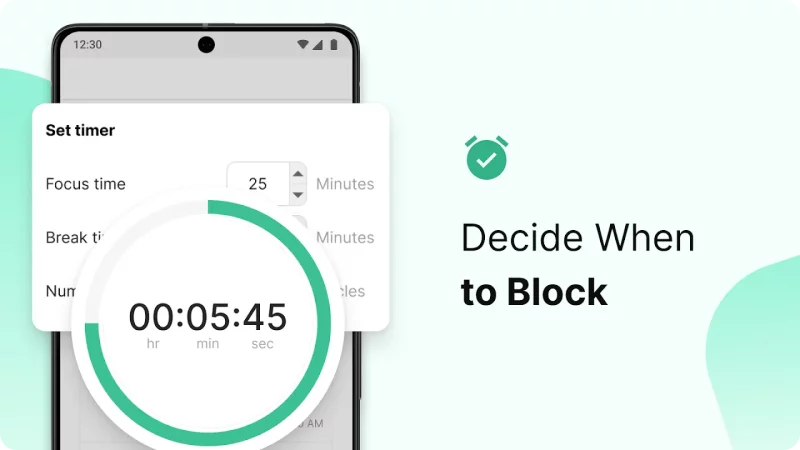
Use our Pomodoro-style focus timer to break work into timed sessions — with short breaks in between to maximize concentration.
✍️Block by Words
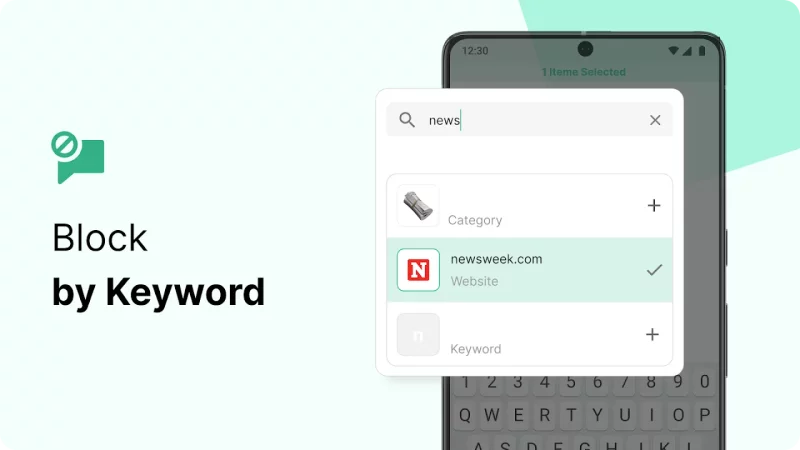
Block websites based on specific keywords in their URLs. For example, if you block the keyword ‘face’, you won’t be able to access any websites with a URL that contains the word ‘face’ (facebook).
💻Device Sync
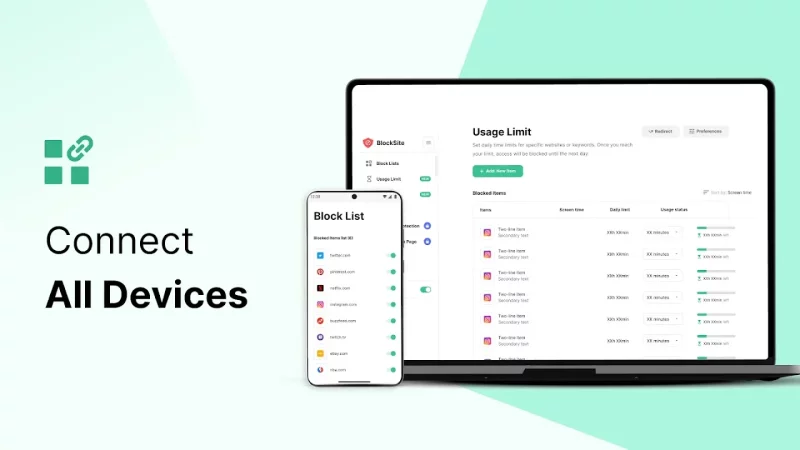
Block apps and websites across all your devices with cross-device sync.
📈Insights
Track how much time you spend on sites and apps. Understand your behavior and make better digital choices.
Download BlockSite for FREE on Android to stay focused, reduce screen time, and improve your productivity.
BlockSite helps you stay focused and avoid distracting websites and apps by using Accessibility services to block them from opening. As part of this process, BlockSite receives and analyzes aggregated de-identified information about your mobile data and app use.
For more information, please see our Privacy Policy: https://blocksite.co/privacy/
Terms of Service: https://blocksite.co/terms/
Still have questions? Head over to https://blocksite.co/support-requests/
Download BlockSite: Block Apps & Sites for Android for free
- Download the XAPK file to your Android device.
- Install one of these installers from our website:
- Open the installer and select the downloaded file from the Downloads folder.
- Allow installation from this source if Android asks for permission.
- Start installation. To update the app, install the newer file without uninstalling the current version.