
- Update24.09.2026
- Latest Version1.41.18
- Android OS7.0+
- LicenseFree
-
LanguagesEnglish العربية, Deutsch, English, Español, Français, हिन्दी, Bahasa Indonesia, Italiano, 日本語, 한국어, မြန်မာ, Português, Русский, ไทย, Türkçe, Tiếng Việt, 中文
- Content RatingEveryone
- DeveloperMegasky2234
- Package Namebrowsermini.incognitobrowser.webexplorer.fastbrowser
Welcome to the world of Fast & Secure Internet Explorer Browser! 🌐 We're revolutionizing the way you surf the web 🚀. Our cutting-edge browser has been meticulously designed to provide an unparalleled 🌟 and safe internet experience. Fast & Secure Internet Explorer Browser combines ultimate speed and efficiency, offering a plethora of innovative capabilities.
Our Internet Explorer-style browser 🌐 is designed to offer you fast, secure, and private browsing. Whether you're surfing the web 🔍, researching, or just enjoying online content, our browser is built to provide a seamless and efficient experience.
Fast & Secure Internet Explorer Browser is a small-sized, high-performance browser 📏, perfect for individuals who crave a fast surfing experience without the bulk of other browsers. It boasts the latest security 🔒 and privacy features to keep you safe while browsing online.
Why Choose Our Internet Explorer-Style Browser?
- 🌟 Lightning-Fast Browsing
Enjoy quick load times 🚀 and smooth navigation.
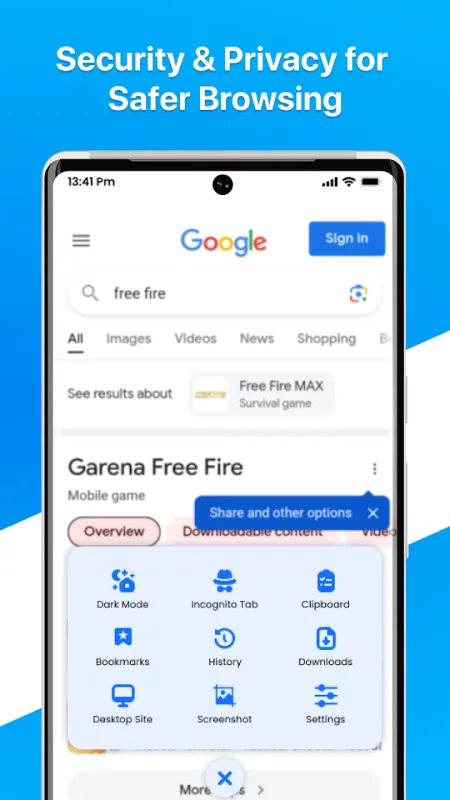
Optimized for minimal data usage 📉. - 🔒 Advanced Incognito Mode
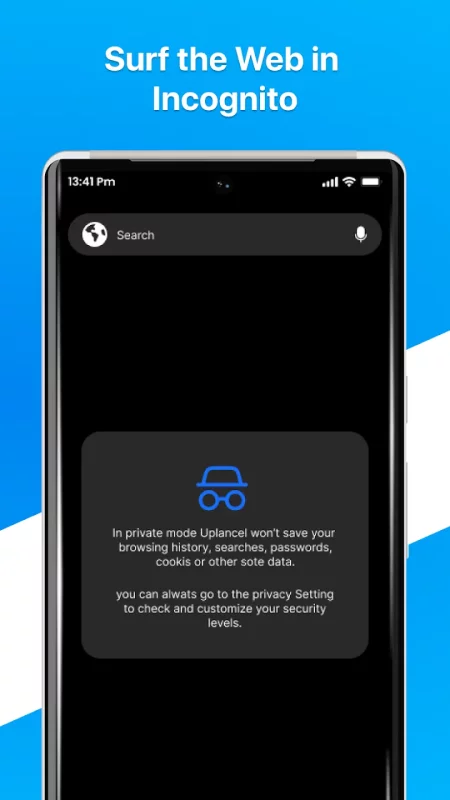
Browse privately with our enhanced incognito mode 🕶.
No history, cookies 🍪, or caches are saved, ensuring complete privacy. - 🛡 Secure Web Experience
Advanced security features to protect you.
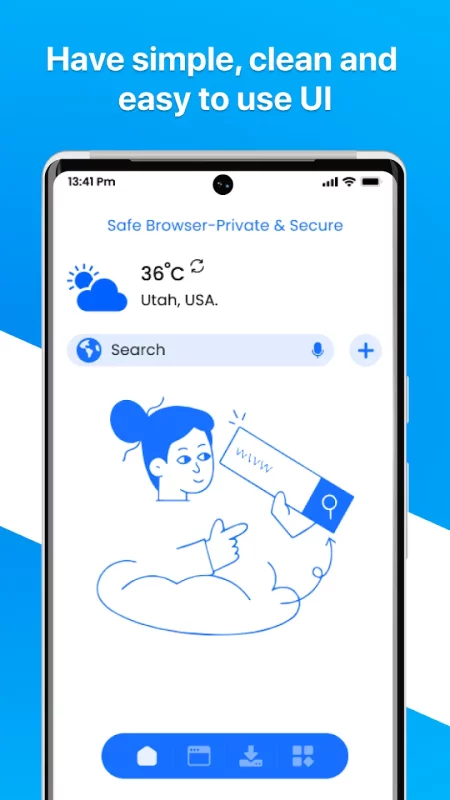
Regular updates 🔄 to keep your browsing safe. - 👌 User-Friendly Interface
Intuitive design that mimics the classic Internet Explorer look 🔄.
Easy-to-use tabs, bookmarks 📑, and navigation controls. - 🎨 Customizable Settings
Personalize your browsing experience with adjustable settings 🛠.
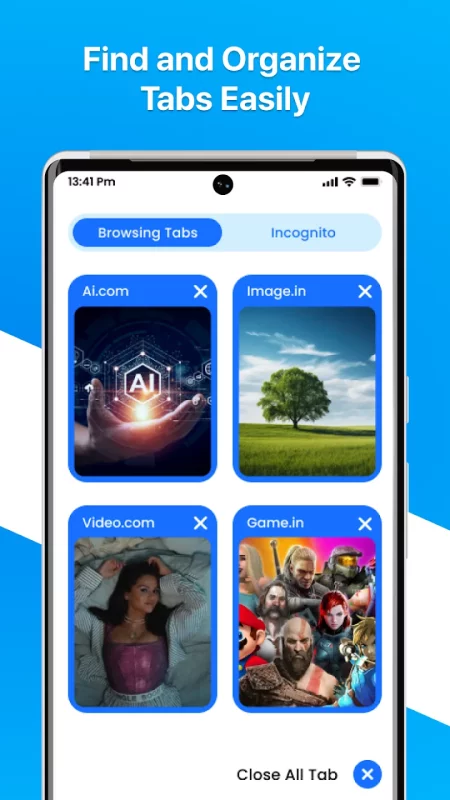
Choose your preferred search engine 🔍, set your homepage 🏠, and more. - 🗂 Multi-Tab Management
Easily switch between multiple tabs 📑.
Organize and manage open tabs with a simple interface. - 📥 Download Manager
Fast and reliable download manager 📁 for all your files.
Pause, resume, and manage your downloads effortlessly. - 🎙 Voice Search
Hands-free browsing with integrated voice search functionality 🎤.
Just speak to search the web quickly and efficiently.
When exploring the outstanding features of Fast & Secure Internet Explorer Browser, one can't help but be drawn to its lightning-fast performance 🌟. Our browser utilizes an optimized surfing engine 🔄, providing quick access to webpages while consuming minimal data 📉. We significantly reduce page loading times with smart caching , ensuring an ultra-smooth surfing experience like never before.
In the digital world 🌐, privacy and security are paramount 🔒, and Fast & Secure Internet Explorer Browser excels in these aspects. Your internet activities remain private, safeguarding your critical information. Furthermore, our cutting-edge anti-tracking technology 🛡 prevents third-party websites from recording your browsing history. Enjoy the peace of mind of exploring the web while knowing your personal information is secure.
At the core of Fast & Secure Internet Explorer Browser lies its user-friendly interface 👌. We understand the challenges users face while navigating the vast expanse of the internet, which is why our browser features an intuitive design that is both easy to use and visually appealing. With our user-friendly interface, finding what you're looking for 🔍 and personalizing your browsing experience requires minimal effort.
We recognize the importance of staying connected in today's digital world 🌐, and the Fast & Secure Internet Explorer Browser ensures just that. Our browser seamlessly integrates with your favorite search engines 🔍 and social networking sites 🌐, Fast & Secure Internet Explorer Browser makes connecting a breeze.
Download Internet Explorer Browser for Android for free
- Download the XAPK file to your Android device.
- Install one of these installers from our website:
- Open the installer and select the downloaded file from the Downloads folder.
- Allow installation from this source if Android asks for permission.
- Start installation. To update the app, install the newer file without uninstalling the current version.