Microsoft Teams

Microsoft Teams

0 votes
  • Update
    03.09.2026
  • Latest Version
    1416/1.0.0.2026153102
  • Android OS
    11+
  • License
    Free
  • Languages
    English
  • Content Rating
    Everyone
  • Developer
  • Package Name
    com.microsoft.teams

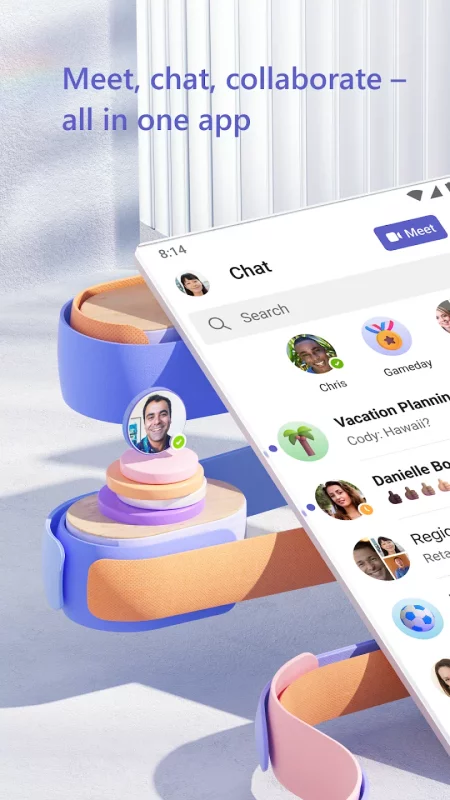
Whether you’re connecting with your community for an upcoming activity or working with teammates on a project, Microsoft Teams helps bring people together so that they can get things done. It’s the only app that has communities, events, chats, channels, meetings, storage, tasks, and calendars in one place—so you can easily connect and manage access to information. Get your community, family, friends, or work mates together to accomplish tasks, share ideas, and make plans. Join audio and video calls in a secure setting, collaborate in documents, and store files and photos with built-in cloud storage. You can do it all in Microsoft Teams.

Easily connect with anyone:
• Skype is now part of Teams. Continue where you left off with your chats, calls and contacts in Microsoft Teams Free.
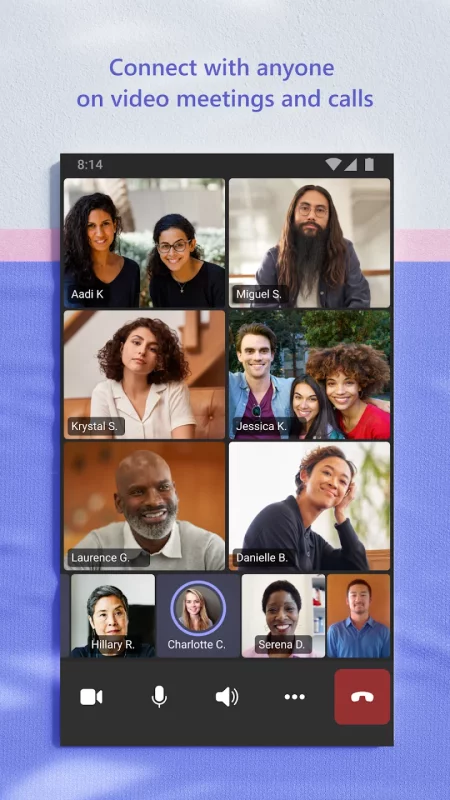
• Meet securely with communities, teammates, family, or friends.
• Set up a meeting within seconds and invite anyone by sharing a link or calendar invite.
• Chat 1-1 or to your entire community, @mention people in chats to get their attention.
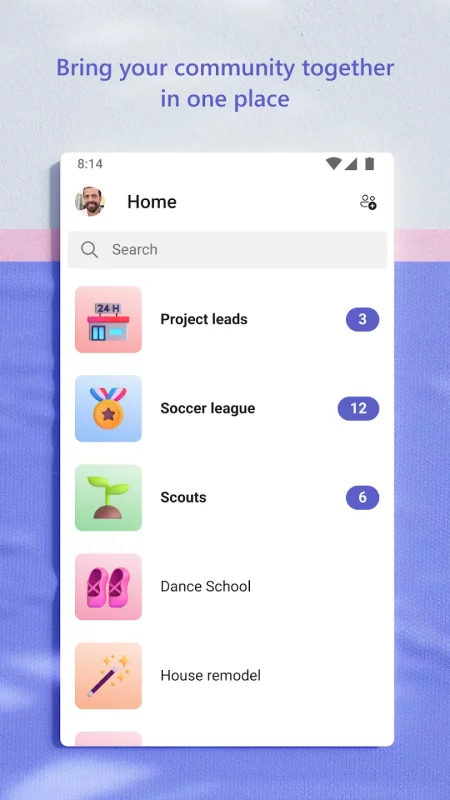
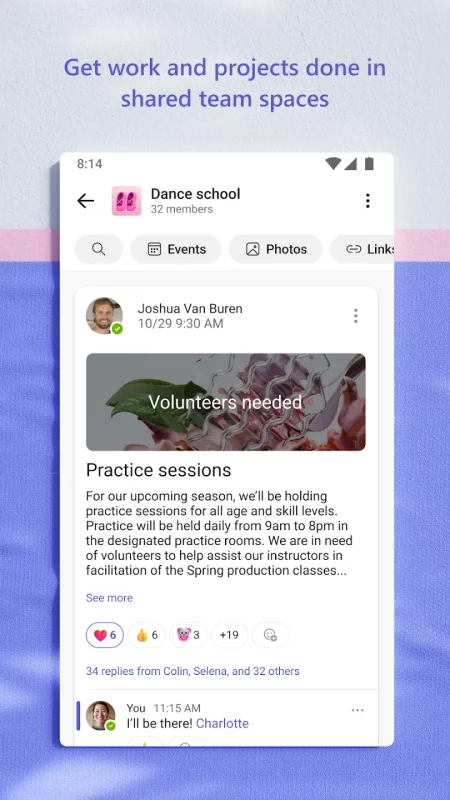
• Create a dedicated community to discuss specific topics and make plans*.
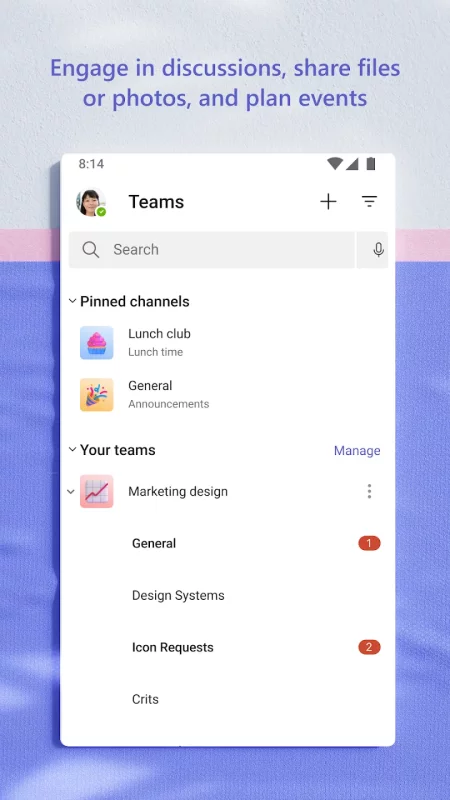
• Work closely and collaborate by keeping conversations organized by specific topics and projects with teams and channels.
• Video or audio call anyone directly in Teams or instantly convert a group chat to a call.
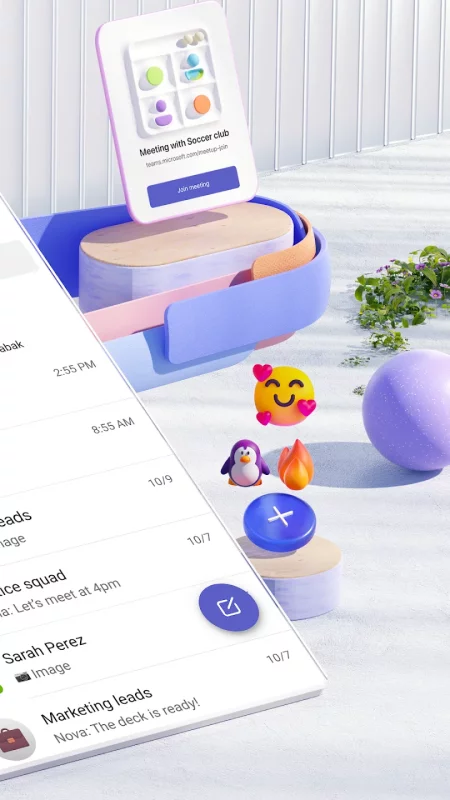
• Use GIFs, emojis, and message animations to express yourself when words aren’t enough.

Accomplish plans and projects together:
• Send photos and videos in chats to quickly and easily share important moments.
• Use cloud storage to access shared documents and files on the go.
• Organize shared content in a community — events, photos, links, files —so you don’t have to waste time searching*.
• Get the most out of your meetings by using screenshare, whiteboard, or breakout in virtual rooms.
• Manage access to information and ensure the right people have access to the right info, even when people join and leave projects.
• Use task lists to stay on top of projects and plans - assign tasks, set due dates, and cross off items to keep everyone on the same page.

Designed to give you peace of mind:
• Securely collaborate with others while maintaining control over your data.
• Keep communities safe by allowing owners to remove inappropriate content or members*.
• Enterprise-level security and compliance you expect from Microsoft 365**.

*Available when using Microsoft Teams with your Microsoft account.

**Commercial features of this app require a paid Microsoft 365 commercial subscription or a trial subscription of Microsoft Teams for work.
Download Microsoft Teams for Android for free

Download Microsoft Teams 1416/1.0.0.2026153102 xapk Android 11+ ARMV7
186.1 Mb
No viruses found
Permissions (47)
Detections: 0
Check date: 03 September 2026, 05:50
The file was scanned for viruses using VirusTotal.
ACCESS_COARSE_LOCATION - allows an app to access approximate location.
ACCESS_FINE_LOCATION - allows an app to access precise location.
ACCESS_NETWORK_STATE - allows applications to access information about networks.
ACCESS_WIFI_STATE - allows applications to access information about wi-fi networks.
BLUETOOTH - allows applications to connect to paired bluetooth devices.
BLUETOOTH_ADMIN - allows applications to discover and pair bluetooth devices.
BLUETOOTH_ADVERTISE - required to be able to advertise to nearby bluetooth devices.
BLUETOOTH_CONNECT - required to be able to connect to paired bluetooth devices.
BLUETOOTH_PRIVILEGED - allows applications to pair bluetooth devices without user interaction, and to allow or disallow phonebook access or message access.
BLUETOOTH_SCAN - required to be able to discover and pair nearby bluetooth devices.
CALL_PHONE - allows an application to initiate a phone call without going through the dialer user interface for the user to confirm the call.
CAMERA - required to be able to access the camera device.
CHANGE_NETWORK_STATE - allows applications to change network connectivity state.
DETECT_SCREEN_CAPTURE - allows an application to get notified when a screen capture of its windows is attempted.
FOREGROUND_SERVICE - allows a regular application to use service.startforeground.
FOREGROUND_SERVICE_CONNECTED_DEVICE - allows a regular application to use service.startforeground with the type "connecteddevice".
FOREGROUND_SERVICE_DATA_SYNC - allows a regular application to use service.startforeground with the type "datasync".
FOREGROUND_SERVICE_MEDIA_PLAYBACK - allows a regular application to use service.startforeground with the type "mediaplayback".
FOREGROUND_SERVICE_MEDIA_PROJECTION - allows a regular application to use service.startforeground with the type "mediaprojection".
FOREGROUND_SERVICE_MICROPHONE - allows a regular application to use service.startforeground with the type "microphone".
FOREGROUND_SERVICE_PHONE_CALL - allows a regular application to use service.startforeground with the type "phonecall".
FOREGROUND_SERVICE_SPECIAL_USE - allows a regular application to use service.startforeground with the type "specialuse".
GET_ACCOUNTS - allows access to the list of accounts in the accounts service.
INTERNET - allows applications to open network sockets.
MANAGE_OWN_CALLS - allows a calling application which manages its own calls through the self-managed connectionservice apis.
MODIFY_AUDIO_SETTINGS - allows an application to modify global audio settings.
NFC - allows applications to perform i/o operations over nfc.
POST_NOTIFICATIONS - allows an app to post notifications
READ_CONTACTS - allows an application to read the user's contacts data.
READ_EXTERNAL_STORAGE - allows an application to read from external storage.
READ_MEDIA_AUDIO - allows an application to read audio files from external storage.
READ_MEDIA_IMAGES - allows an application to read image files from external storage.
READ_MEDIA_VIDEO - allows an application to read video files from external storage.
READ_MEDIA_VISUAL_USER_SELECTED - allows an application to read image or video files from external storage that a user has selected via the permission prompt photo picker.
READ_PHONE_STATE - allows read only access to phone state, including the current cellular network information, the status of any ongoing calls, and a list of any phoneaccounts registered on the device.
RECEIVE_BOOT_COMPLETED - allows an application to receive the intent.action_boot_completed that is broadcast after the system finishes booting.
RECORD_AUDIO - allows an application to record audio.
REQUEST_IGNORE_BATTERY_OPTIMIZATIONS - permission an application must hold in order to use settings.action_request_ignore_battery_optimizations.
SCHEDULE_EXACT_ALARM - allows applications to use exact alarm apis.
SYSTEM_ALERT_WINDOW - allows an app to create windows using the type windowmanager.layoutparams.type_application_overlay, shown on top of all other apps.
USE_FULL_SCREEN_INTENT - required for apps targeting build.version_codes.q that want to use notification full screen intents.
VIBRATE - allows access to the vibrator.
WAKE_LOCK - allows using powermanager wakelocks to keep processor from sleeping or screen from dimming.
WRITE_CONTACTS - allows an application to write the user's contacts data.
WRITE_EXTERNAL_STORAGE - allows an application to write to external storage.
WRITE_SETTINGS - allows an application to read or write the system settings.
SHA1 signature: fbb0becdea8a445f3a4762659f207def66cc4cad
SHA256 signature: d49b848e0580370b89c4da712b8da7296782e866bcbfb58ccd873fd954725985
How to install XAPK
  1. Download the XAPK file to your Android device.
  2. Install one of these installers from our website:
  3. Open the installer and select the downloaded file from the Downloads folder.
  4. Allow installation from this source if Android asks for permission.
  5. Start installation. To update the app, install the newer file without uninstalling the current version.

⚠If the download fails or gets stuck, try enabling a VPN, disabling your ad blocker, or switching to a different network.
More by Microsoft Corporation
Microsoft Outlook
Microsoft Outlook
Stay organized with a unified inbox, intelligent filtering and multiple calendars at a glance.
Microsoft Word: Edit Documents
Create, edit, read and share documents on your mobile device with the same power and familiarity
Microsoft Excel: Spreadsheets
Spreadsheets & Calculations • Create charts, budgets, project plans, accounting & financial
Microsoft PowerPoint
OneDrive syncing keeps your files up to date, so you can start on your PC and continue editing on
Comments (0)
Loading comments...