
- Update20.09.2026
- Latest Version21.5.91.30
- Android OS15+
- LicenseFree
-
LanguagesEnglish English, አማርኛ, العربية, অসমীয়া, Azərbaycan dili, Беларуская, Български, বাংলা, Bosanski, Català, کوردیی ناوەندی, Čeština, Dansk, Deutsch, Ελληνικά, Español, Eesti, Euskara, فارسی, Suomi, Français, Gaeilge, Galego, ગુજરાતી, Hausa, हिन्दी, Hrvatski, Magyar, Հայերեն, Igbo, Bahasa Indonesia, Íslenska, Italiano, עברית, 日本語, ქართული, Қазақ тілі, ខ្មែរ, ಕನ್ನಡ, 한국어, Кыргызча, ລາວ, Lietuvių, Latviešu, Македонски, മലയാളം, Монгол, मराठी, Bahasa Melayu, မြန်မာ, Norsk bokmål, नेपाली, Nederlands, ଓଡ଼ିଆ, ਪੰਜਾਬੀ, Polski, Português, Română, Русский, සිංහල, Slovenčina, Slovenščina, Shqip, Српски, Svenska, Kiswahili, தமிழ், తెలుగు, Тоҷикӣ, ไทย, Türkmençe, Tagalog, Türkçe, ئۇيغۇرچە, Українська, اردو, Oʻzbekcha, Tiếng Việt, Èdè Yorùbá, 中文
- Content RatingEveryone
- DeveloperSamsung Electronics Co., Ltd.
- Package Namecom.sec.android.app.voicenote
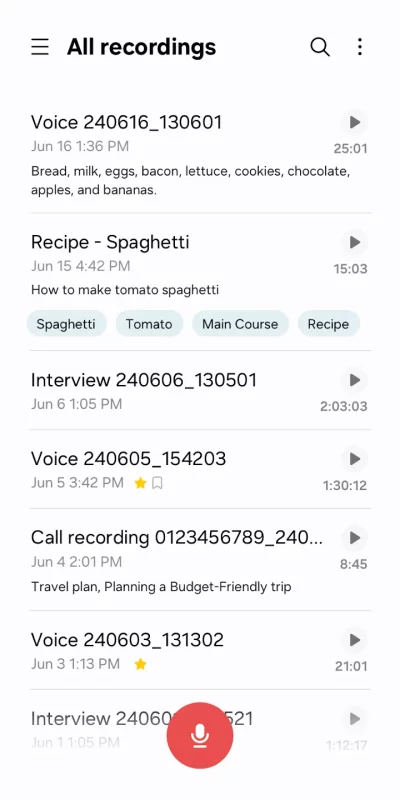
Record high-quality sound in a variety of situations quickly and easily with the Voice Recordings app. You can also efficiently manage and edit the recorded files, edit transcribed text from the audio, or share the files with various apps.
• Record easily anytime, anywhere
Start recording quickly and easily from anywhere, including from your Galaxy smartphone, tablet, or watch.
Record through the built-in microphone, a Bluetooth headset, or a compatible external microphone.
• Record in various recording modes
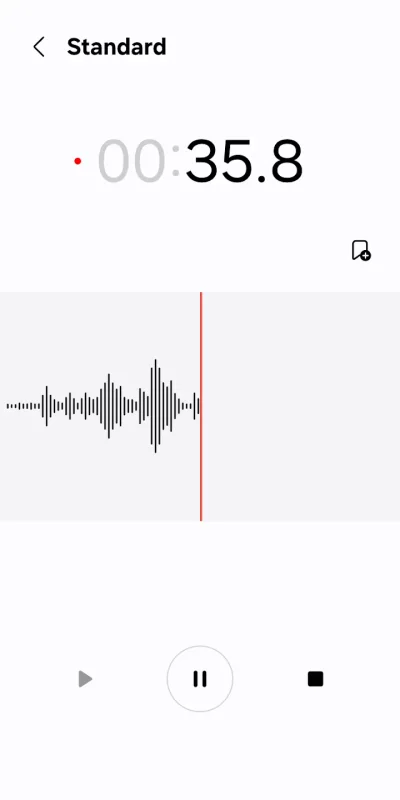
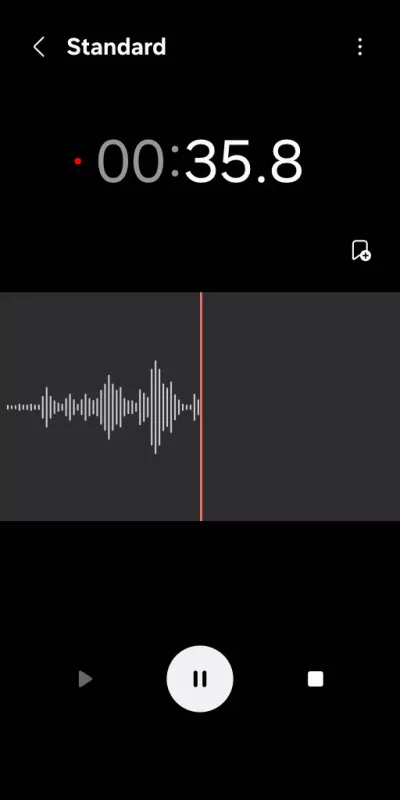
[General] It allows you to record easily. It shows the waveform of the audio.
[Interview] Record yourself and another person’s voice using the microphones on the top and bottom of your phone. It shows the waveform for each voice, which you can play back separately.
• Bookmark important moments
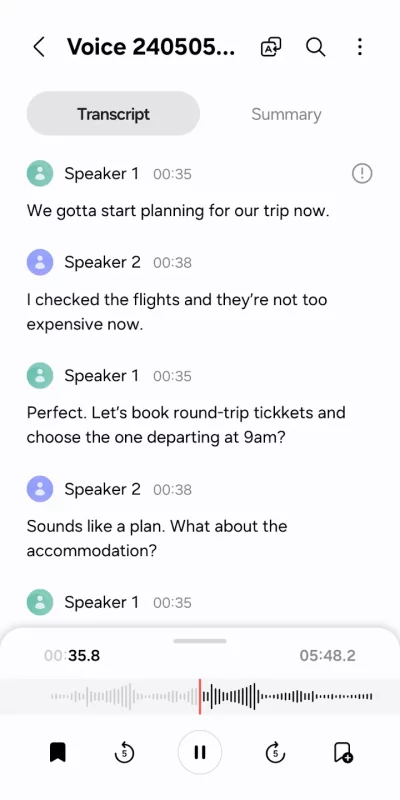
You can add bookmarks to easily find important content.
You can also collect only the snippets you bookmarked or play them right away.
• Block calls while recording
When you get a call while you’re recording, you can continue recording without answering.
• Share only the data you need
Share your recorded audio or transcribed text by selecting only the data you want to share.
※ Supported features may vary depending on the device.
To use this app, the following permissions are required. You can use the basic features of the app without giving the optional permissions.
Required permissions
• Microphone: To record voices and other sounds
• Music and audio: To save the recorded files
Optional permissions
• Nearby devices: To check Bluetooth headset information to allow the Bluetooth microphone recording feature
• Notifications: To notify the user when recording or playing
• Contacts: To block calls while recording
• Call log: To import call recording files
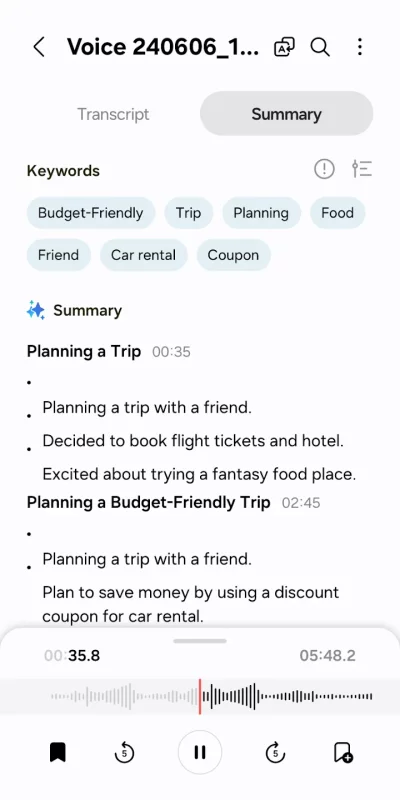
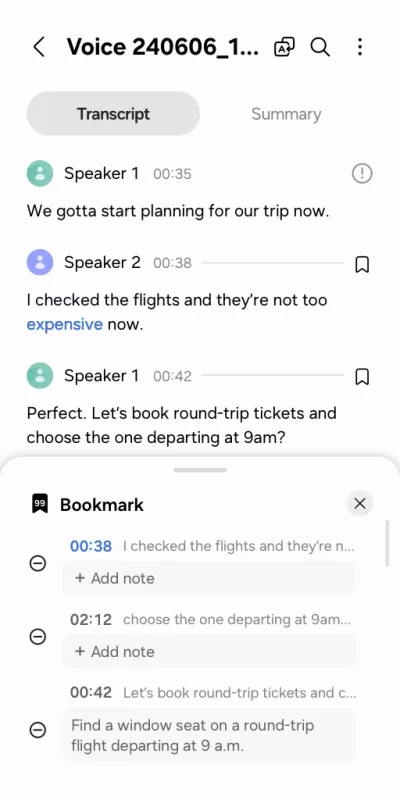
Download Voice Recorder for Android for free
- Download the APK file to your Android device.
- Find the file in the Downloads folder and open it.
- Allow installation from this source if Android blocks it.
- Tap Install. To update the app, install the newer APK without uninstalling the current version.