
- Update18.09.2026
- Latest Version59.2
- Android OS10+
- LicenseFree
-
LanguagesEnglish English, العربية, Deutsch, Español, Français, हिन्दी, Bahasa Indonesia, Italiano, 日本語, 한국어, မြန်မာ, Português, Русский, ไทย, Türkçe, Tiếng Việt, 中文
- Content RatingEveryone
- DeveloperImmedia Semiconductor
- Package Namecom.immediasemi.android.blink
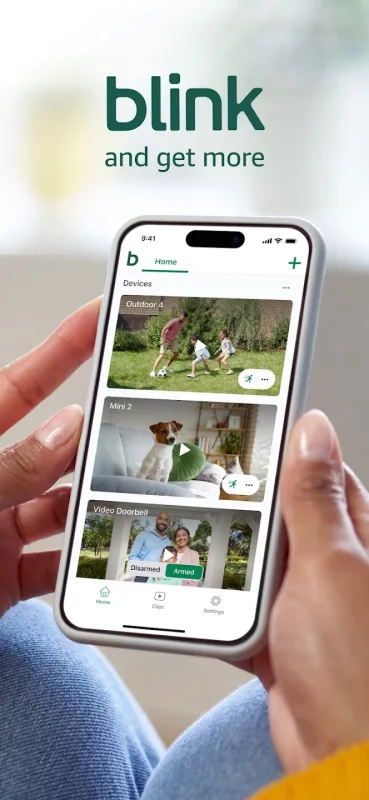
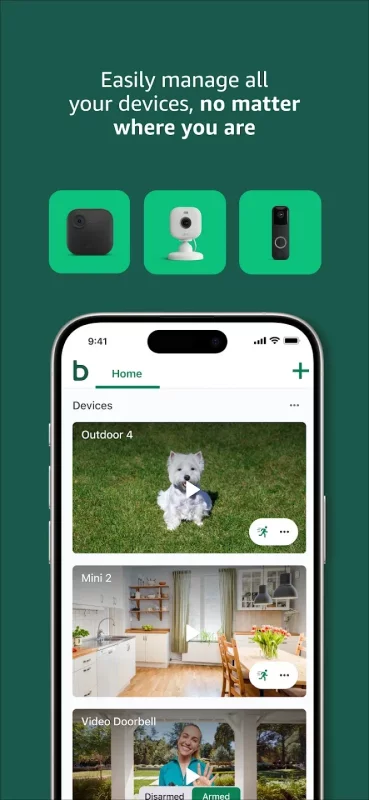
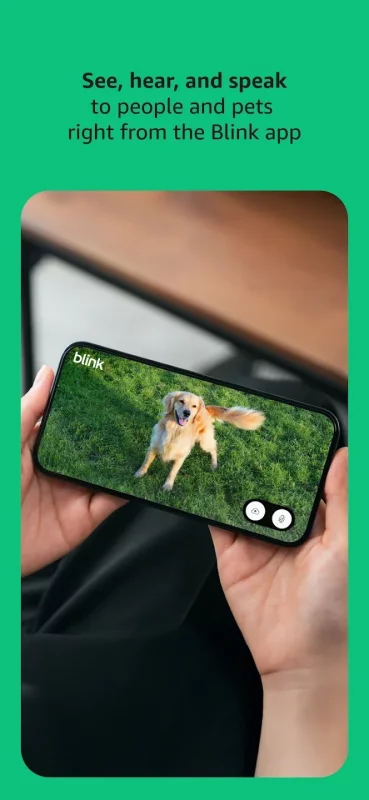
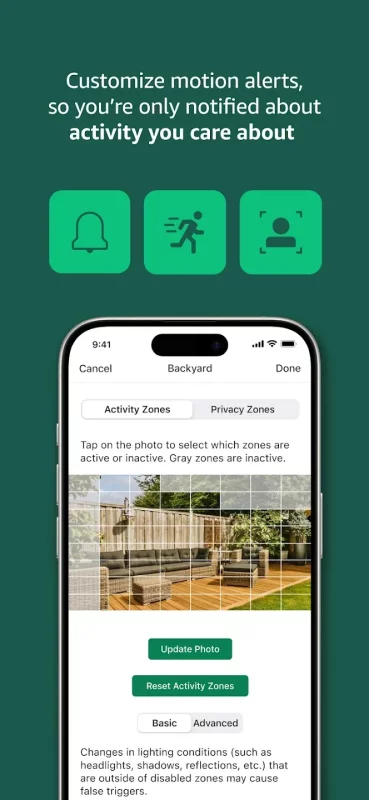
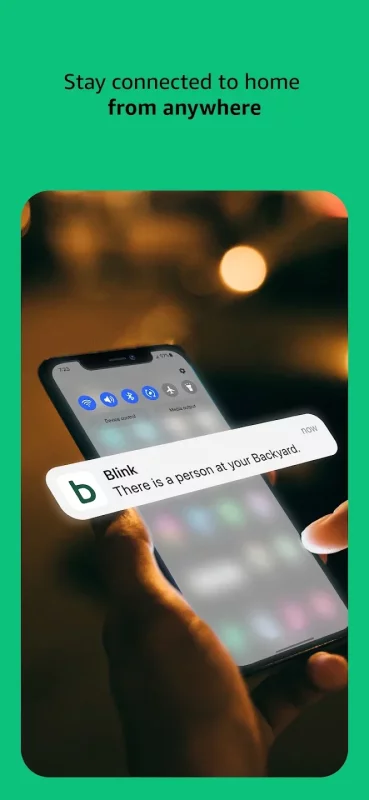
Get more value, simplicity, and convenience with Blink smart home security. See and speak to people and pets, right from the Blink app with features like HD live view, infrared night vision, and crisp two-way audio. Connect to an Alexa-enabled device to engage live view, arm and disarm your system, and more using your voice. Plus, use the Blink app to customize motion alerts, and set activity and privacy zones, so you only get notified about the activity you care about. With wired, plug-in, and wireless options featuring up two years of powerful battery life, Blink cameras can be set up in minutes and placed almost anywhere around your home. Affordable peace of mind starts at www.blinkforhome.com. Blink and get more.
Blink Outdoor 4 is our fourth-generation wireless smart security camera that helps you protect your home inside and out right from your phone. Outdoor 4 runs for up to two years on a single set of AA lithium batteries and can be used inside and out — rain or shine — with features like two-way audio, enhanced motion detection, and more.
Blink Outdoor 4 Floodlight Camera illuminated your home with 700 lumens of motion-triggered LED lighting, HD live view, wire-free install, and real-time alerts for around-the-clock peace of mind. Be alerted to motion faster from your smartphone with dual-zone, enhanced motion detection, and Receive alerts when a person is detected with embedded computer vision (CV) as part of an optional Blink Subscription Plan (sold separately).
Blink Mini 2 is our second-generation plug-in smart security camera that helps you stay connected to what’s happening in your home, right from your smartphone. Use the motion-activated built-in spotlight to always know who’s there, day or night. Plus, plug in Mini 2 outside your home with the Blink Weather Resistant Power Adapter (sold separately or as part of a bundle) and mount with the included kit.
Blink Mini is mighty — but tiny — which means you can plug it in anywhere inside your home. Hear, see, and speak right from the Blink Home Monitor app on your phone and get alerts whenever motion is detected.
Blink Mini Pan-Tilt lets you see what's happening inside any room from corner to corner with 360° coverage from your smartphone, tablet, or compatible Alexa device. Pan left and right and tilt up and down from the Blink app to see more of your home with HD day and infrared night view.
Blink Wired Floodlight Camera helps protect your home day or night with with 2600 lumens of LED lighting, enhanced motion detection, and a built-in security siren. Get alerted to movement with dual-zone, customizable motion detection and sound the security siren when needed. Set motion zones in the Blink Home Monitor app so you’re only notified when you need to be.
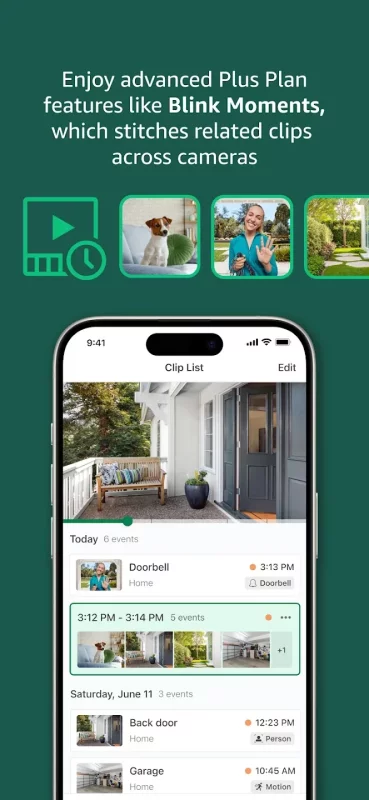
With a Blink Subscription Plan, save and share clips conveniently in the cloud, stream up to 90 minutes of continuous live view per session, and enable advanced features like person detection. Experience the convenience and added benefits of a Blink Subscription Plus Plan with an included 30-day free trial on every Blink camera purchase.
Download Blink Home Monitor for Android for free
- Download the XAPK file to your Android device.
- Install one of these installers from our website:
- Open the installer and select the downloaded file from the Downloads folder.
- Allow installation from this source if Android asks for permission.
- Start installation. To update the app, install the newer file without uninstalling the current version.