- Update17.09.2026
- Latest Version9.13.2
- Android OS9+
- LicenseFree
-
LanguagesDeutsch, Español, Français, Italiano, 日本語, 한국어, Nederlands, Polski, Português, Svenska, 中文
- Content RatingEveryone
- DeveloperNord Security
- Package Namecom.nordvpn.android
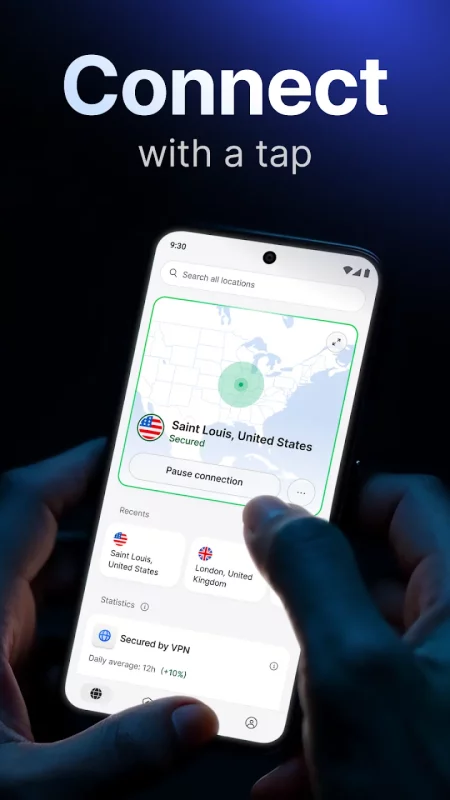
Download NordVPN to enjoy fast, private, and secure internet in an instant. It’s an easy-to-use VPN app for Android smartphones, tablets, and TVs, trusted by millions of users worldwide.
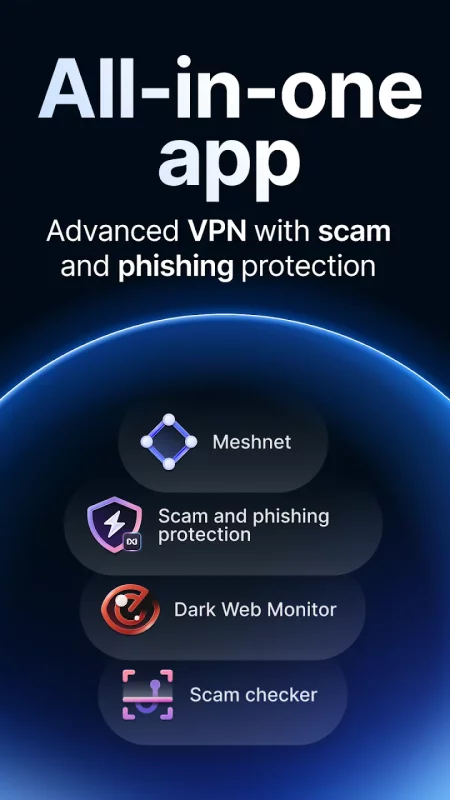
🥇 All-in-one digital security app
⭐️ Recommended by CNET, TechRadar, and PCMag
📱Why should you download NordVPN for your Android smartphone?📱
✔ Safer online
When you’re connected to a VPN, no one can see what websites you visit or files you download. Not even us — we have a no-log policy approved by independent practitioners.
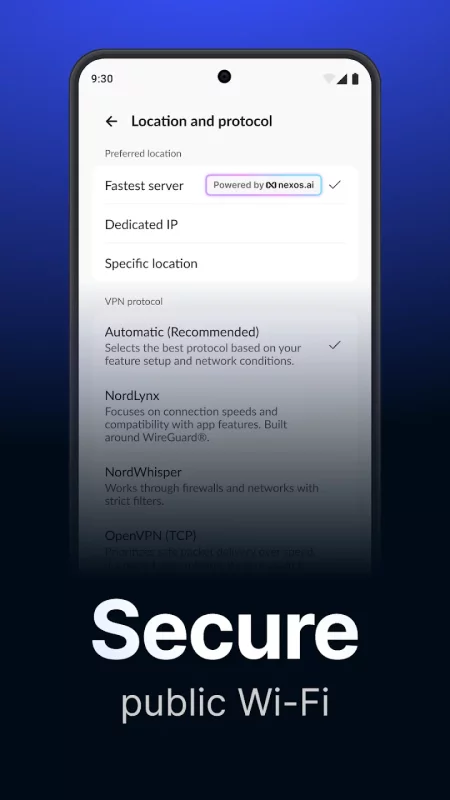
✔ Enjoy a high-speed connection with NordLynx
It’s our special VPN protocol built on the backbone of WireGuard® to bring you blazing speeds and increased security.
✔ Shield yourself from malicious websites
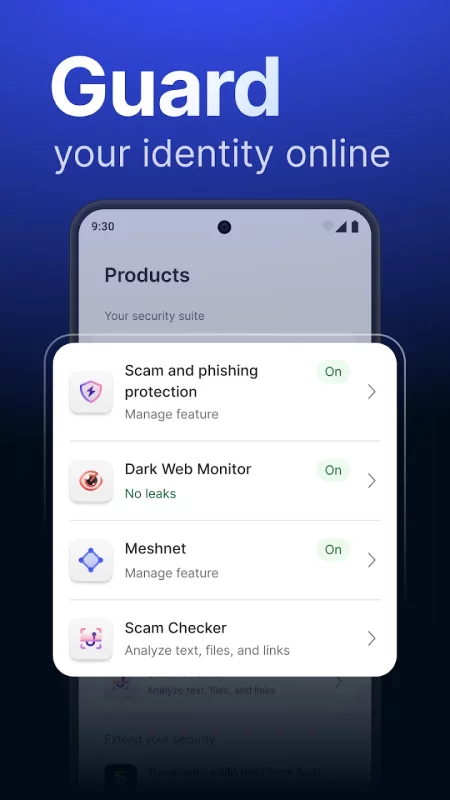
Surf the web with confidence with Scam and Phishing Protection. It blocks your access to malicious websites so you can read your daily news in peace — there’s less of a chance you’ll accidentally end up on a dangerous website.
✔ Part of your daily routine
Set up the auto-connect feature and never worry about forgetting your digital security. You can keep it always enabled or set it to connect to a VPN server only when you’re on an unknown Wi-Fi network.
📺Additional benefits for Android TV users! 📺
✔ Secure your movie nights
Enjoy the shows you love on your Android TV while protected by advanced encryption.
✔ Avoid interruptions
NordVPN protects you from traffic-based bandwidth throttling — your ISP won’t know where your internet traffic is going, so it won’t be able to slow you down based on it!
✔ Amazing VPN speeds
Thanks to our extensive server network and advanced VPN protocols, your security won’t interrupt your movies.
✔ Access your Android TV while away
Work trips have you longing for your TV back home? Use NordVPN’s Meshnet feature and connect to your devices wherever you are! It’s safe, fast, and reliable.
NordVPN’s features at a glance
• Powerful encryption for top-grade security.
• VPN protocols: OpenVPN, NordLynx based on WireGuard.
• Unlimited VPN data for internet freedom.
• 7,000+ servers worldwide for turbo speeds.
• Protection of up to 10 devices with a single account.
• Double VPN for increased privacy.
• VPN auto-connect for effortless online protection.
• 24/7 customer support by our award-winning team.
• Split tunneling: Select apps you don’t want to run through the encrypted VPN connection.
• Set a DNS server address you want.
• Switch between TCP and UDP protocols.
• Specialty servers optimized for your individual needs.
• Scam and Phishing Protection.
Ready to experience a better internet?
Online security is just a tap away – install the app and start your free trial (new users only). Wind down, connect to NordVPN, and enjoy safe and private internet access wherever you go.
*“All-in-one" refers to the VPN, scam protection, phishing protection, tracker and ad blocking, and other features available within the NordVPN app, depending on your device and the plan you choose.
WireGuard® is a registered trademark of Jason A. Donenfeld.
Auto-renewals do not apply to subscriptions purchased from resellers.
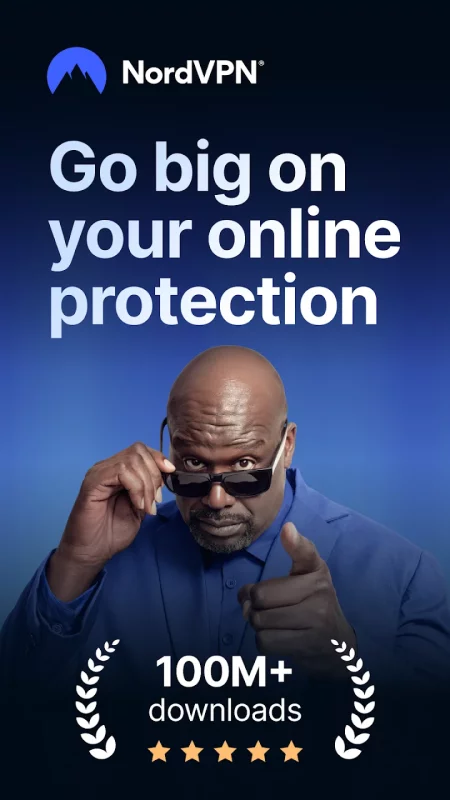
Download NordVPN – fast VPN for privacy for Android for free
- Download the XAPK file to your Android device.
- Install one of these installers from our website:
- Open the installer and select the downloaded file from the Downloads folder.
- Allow installation from this source if Android asks for permission.
- Start installation. To update the app, install the newer file without uninstalling the current version.