- Update08.10.2026
- Latest Version2.5.4
- Android OS7.0+
- LicenseFree
-
LanguagesEnglish العربية, Български, Čeština, Dansk, Deutsch, Ελληνικά, English, Español, فارسی, Suomi, Français, हिन्दी, Hrvatski, Magyar, Bahasa Indonesia, Italiano, עברית, 日本語, 한국어, Lietuvių, Norsk bokmål, Nederlands, Polski, Português, Română, Русский, Slovenčina, Српски, Svenska, ไทย, Türkçe, Українська, Tiếng Việt, 中文
- Content RatingEveryone
- DeveloperSimple Design Ltd.
- Package Namepedometer.stepcounter.calorieburner.pedometerforwalking
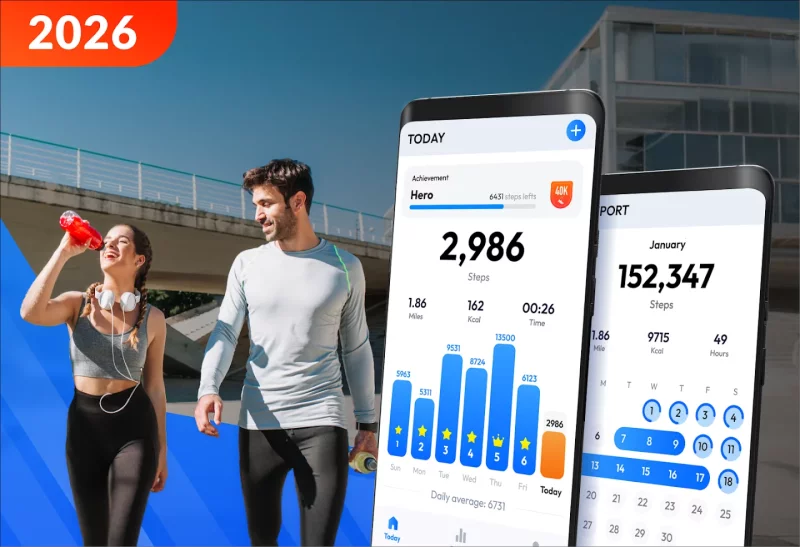
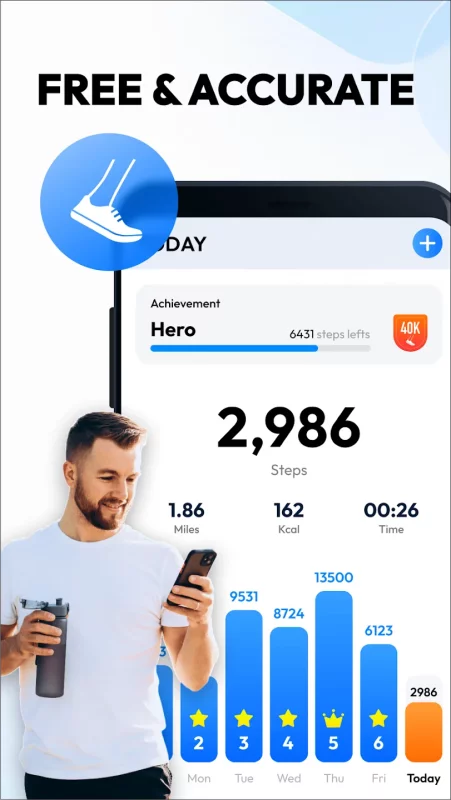
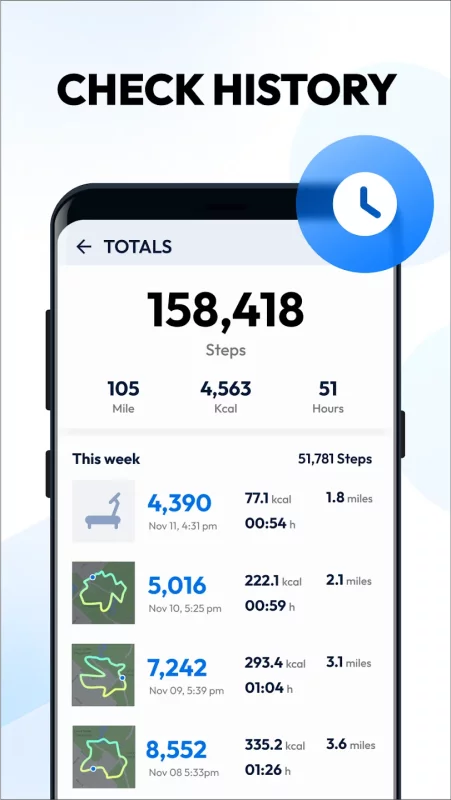
This pedometer uses the built-in sensor to count your steps. No GPS tracking, so it can greatly save battery. It also tracks your burned calories, walking distance and time, etc. All this information will be clearly displayed in graphs.
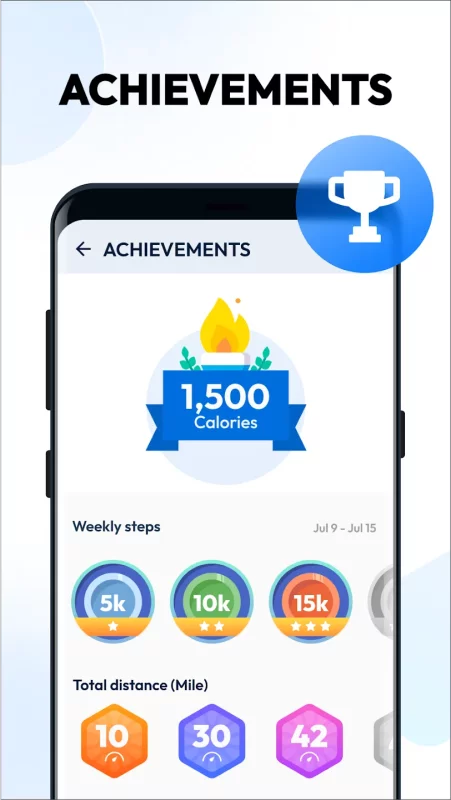
You can set daily step goals. Consecutively achieve your goal for 2 days or more will start a streak. You can easily check your streak statistics chart to stay motivated.
No Locked Features
All features are 100% FREE. You can use all features without having to pay for them.
Save Power
This step counter uses the built-in sensor to count your steps. No GPS tracking, so it barely consumes battery power.
Easy-to-use Pedometer
Just tap the start button, and it starts counting your steps. Whether your phone is in your hand, bag, pocket or armband, it can auto-record your steps even your screen is locked.
100% Private
No sign-in required. We never collect your personal data or share your information with third parties.
Start a Streak to Stay Motivated
The streak starts when you consecutively achieve your goal for 2 days or more. Keep active to let the streak continues.
Start, Pause and Reset
You can pause and start step counting at any time to save power. The app will stop background-refreshing statistics once you pause it. And you can reset today’s step count and count step from 0 if you want to.
Training Mode
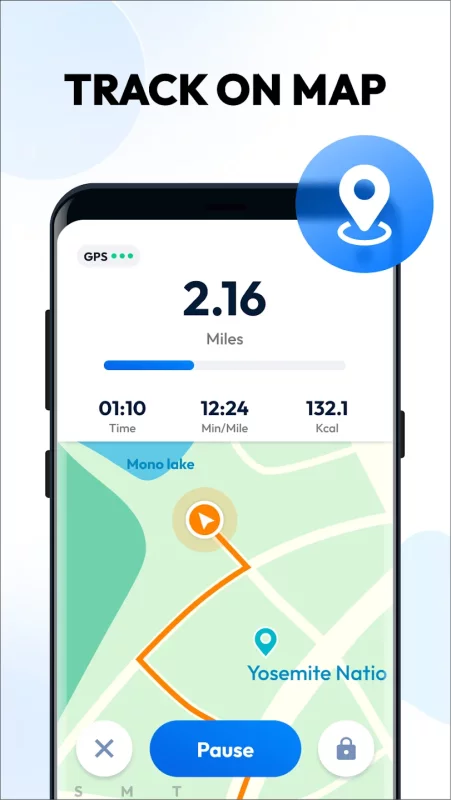
You can start a separate walking training anytime you want, such as a 30-minute walking exercise after dinner. In the training mode, we provide a function to separately record your active time, distance and burned calories of your walking training.
Fashion Design
This step tracker is designed by our Google Play Best of 2017 winning team. The clean design makes it easy to use.
Report Graphs
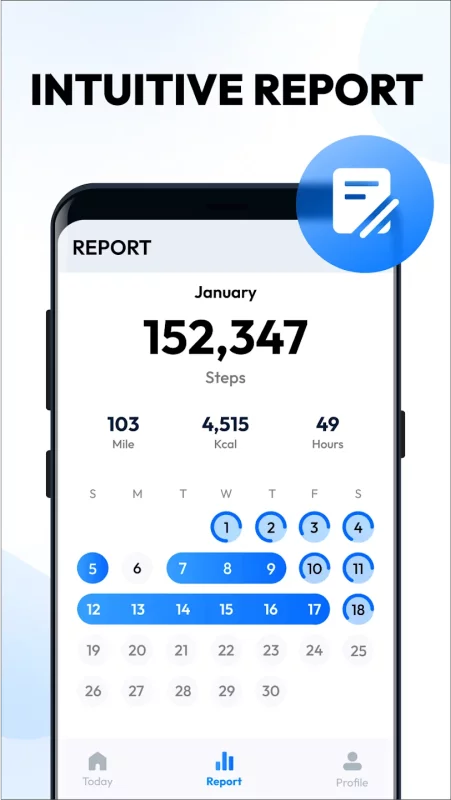
The report graphs are the most innovative ever, they are specially designed for mobile devices to help you track your walking data. You can check your weekly and monthly statistics in graphs.
Colorful Themes
Multi colorful themes are under development. You can choose your favorite one to enjoy your step counting experience with this step tracker.
IMPORTANT NOTE
● To ensure the accuracy of step counting, please input your correct information in settings, because it will be used to calculate your walking distance and calories.
● You are welcome to adjust sensitivity to make pedometer count steps more accurately.
● Because of the device power saving processing, some devices stop counting steps when the screen is locked.
● Step counting is not available for devices with older versions when their screen is locked. It's not a bug. We are sorry to say that we are not able to solve this problem.
Best Pedometer
Looking for an accurate step counter & steps tracker? Does your pedometer use too much power? Our step counter & steps tracker is the most accurate one you can find and is also a battery saving pedometer. Get our step counter & steps tracker now!
Weight Loss Apps
Looking for lose weight app? No satisfied weight loss apps? Don't worry, here is the best lose weight app you can find to help you lose weight. This lose weight app not only can count steps but also a good weight loss apps.
Walking App & Walking Tracker
The best walking app & walking tracker ever! It's not only a walking app & walking tracker, but also a walk planner & step tracker. Try this walk planner, get in better shape and keep fit with walk planner.
Free health apps
There are so many free health apps on Google Play. Among all these free health apps, you'll find that pedometer is the most popular one.
Health and fitness
Looking for a health and fitness app? Why not try pedometer? This pedometer is designed to improve your health and fitness.
Samsung health & Google fit
Can't your steps tracking app sync data to Samsung health & Google fit? You can try this pedometer. It makes syncing data to Samsung Health & Google fit easy.
Download Pedometer - Step Counter for Android for free
- Download the XAPK file to your Android device.
- Install one of these installers from our website:
- Open the installer and select the downloaded file from the Downloads folder.
- Allow installation from this source if Android asks for permission.
- Start installation. To update the app, install the newer file without uninstalling the current version.