Sideline: 2nd Phone Line App

Sideline: 2nd Phone Line App

0 votes
  • Update
    05.10.2026
  • Latest Version
    13.27
  • Android OS
    10+
  • License
    Free
  • Content Rating
    Everyone
  • Developer
  • Package Name
    com.sideline.phone.number

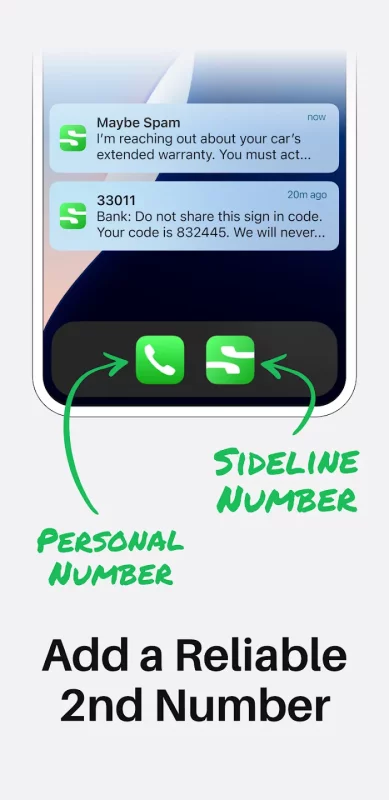
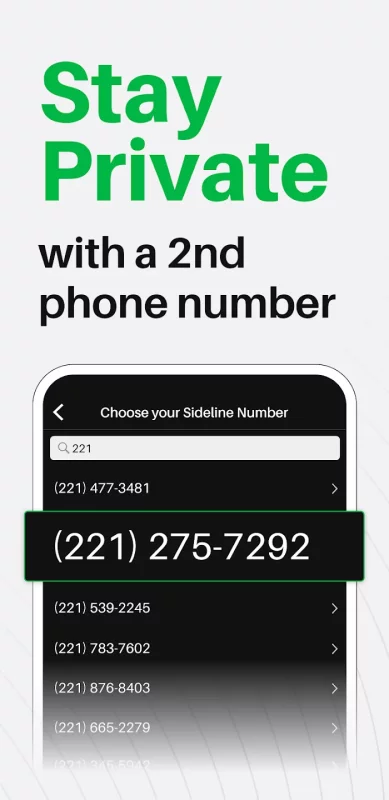
Sideline gives you a second phone number for calling and texting—so you can stay connected without sharing your real number. Get the app today to keep your personal number private.

Whether you're working, selling online, or just want more control over who can reach you, Sideline makes it easy to separate your communications.

FREQUENTLY ASKED QUESTIONS

What is Sideline, and how does a second phone number work?
Sideline is a second phone number app that lets you call and text from a separate number on your smartphone. Just download the Sideline app, and your Sideline number will work alongside your primary number, so you can keep personal and secondary communications separate without needing a second phone.

Can I use Sideline for private texting and calling?
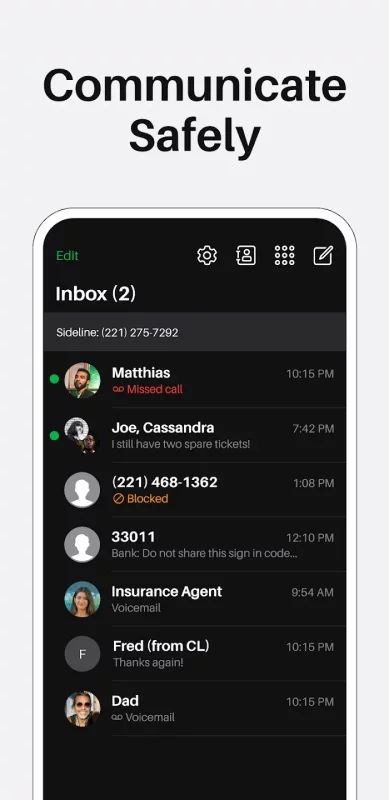
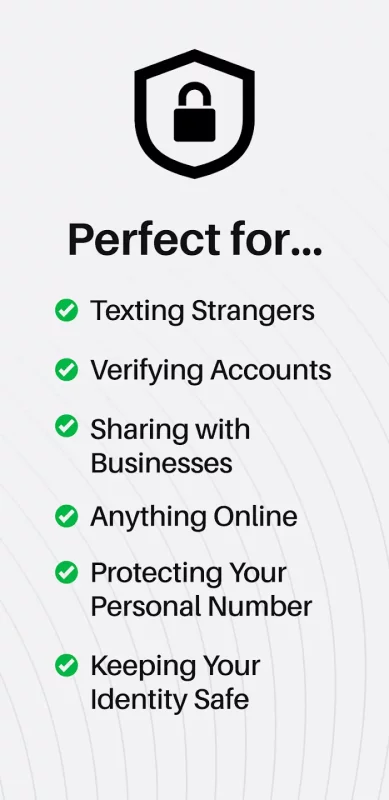
Yes. Sideline is designed for private texting and calling, so you don't have to share your personal phone number with strangers and businesses. Use your second number for work, online selling, dating, or any situation where you want more privacy.

Is Sideline reliable for calls and texts?
Sideline uses your carrier's cellular network (not VoIP), which means your calls are clear and reliable—just like your regular phone number. You can send unlimited SMS and MMS messages and make calls with confidence.

Can I choose or transfer my phone number?
Yes. You can select a second phone number with an area code of your choice, or port (transfer) your existing number to Sideline. This makes it easy to keep a number you already use while gaining more privacy and features.

Who is Sideline for?
Sideline is for anyone who wants a second phone number to keep their personal number private and their communications organized—like professionals and business owners who don't want to carry a second phone, people buying and selling online who don't want to share their real number, freelancers who need to manage client communications—and anyone who values privacy and wants to control who can reach their real number.

Do I need to provide a government-issued ID to create a Sideline account?
No. You do not need to submit a government-issued ID to sign up for Sideline. Instead, you'll verify your account using two-factor authentication (2FA).

Get a second phone number with an area code of your choice, send unlimited texts, and manage calls with powerful tools—all from one app. Sideline works over your carrier network (not VoIP), so your second number is as reliable as your first.

Take control of your privacy and communication with Sideline.

WHY SIDELINE?

Protect Your Personal Number:

- Get a second phone number for private calling and texting
- Keep your real number separate and secure
- Choose a local area code (or an area code of your choice)
- Includes Caller ID and custom voicemail
- Reliable cellular calling (not VoIP)

Private Texting & Calling:

- Send unlimited SMS and MMS messages
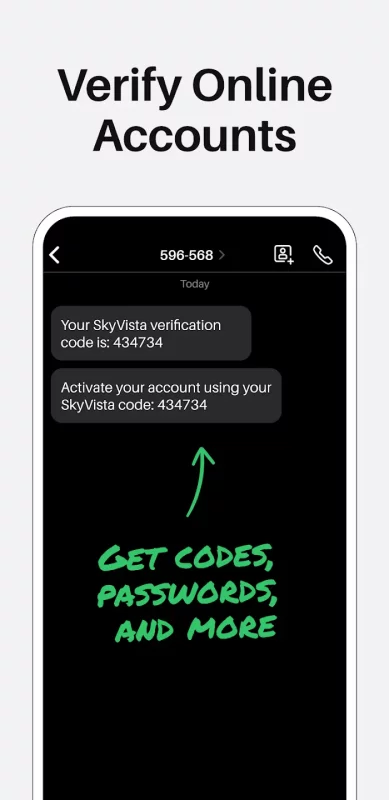
- Use your second number for work, marketplace listings, or signups
- Call and text without revealing your personal number
- Access your number from multiple devices

Stay in Control:

- Auto-Reply sends instant responses when you miss a call
- Custom voicemail with message transcripts
- Port your existing number to Sideline
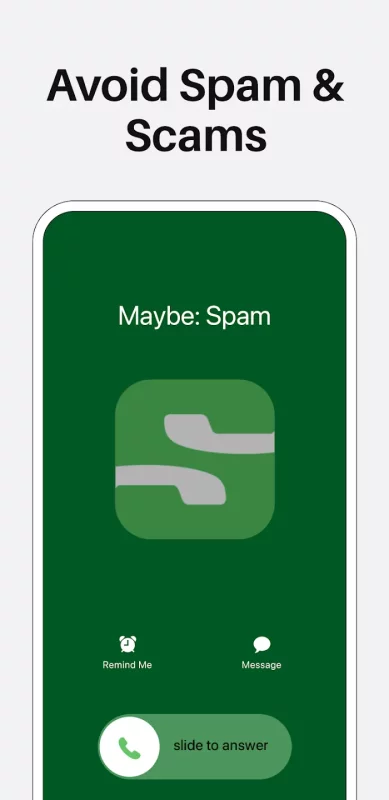
- Block unwanted callers and manage contacts

Smart Communication Tools:

- Save and reuse frequently sent texts
- Add notes to conversations and contacts
- Stay organized without mixing personal and business messages

USE SIDELINE FOR:

- Private texting and calling
- Work or business communications
- Online buying and selling (Craigslist, Facebook Marketplace, etc.)
- Protect your personal number

DOWNLOAD SIDELINE TODAY

LEGAL

© 2026 Pinger, Inc. All rights reserved. The TextFree name, associated trademarks, and logos are trademarks of Pinger, Inc. or related entities.

Terms of Service: https://www.sideline.com/terms-of-service/
Privacy Policy: https://www.sideline.com/privacy-policy/
Download Sideline: 2nd Phone Line App for Android for free

Download Sideline: 2nd Phone Line App 13.27 xapk Android 10+ ARMV8, ARMV7
65.13 Mb
No viruses found
Permissions (35)
Detections: 0
Check date: 05 October 2026, 13:20
The file was scanned for viruses using VirusTotal.
ACCESS_COARSE_LOCATION - allows an app to access approximate location.
ACCESS_FINE_LOCATION - allows an app to access precise location.
ACCESS_NETWORK_STATE - allows applications to access information about networks.
ACCESS_WIFI_STATE - allows applications to access information about wi-fi networks.
CALL_PHONE - allows an application to initiate a phone call without going through the dialer user interface for the user to confirm the call.
CHANGE_WIFI_MULTICAST_STATE - allows applications to enter wi-fi multicast mode.
DISABLE_KEYGUARD - allows applications to disable the keyguard if it is not secure.
FOREGROUND_SERVICE - allows a regular application to use service.startforeground.
FOREGROUND_SERVICE_DATA_SYNC - allows a regular application to use service.startforeground with the type "datasync".
FOREGROUND_SERVICE_MICROPHONE - allows a regular application to use service.startforeground with the type "microphone".
GET_ACCOUNTS - allows access to the list of accounts in the accounts service.
GET_TASKS - this constant was deprecated in api level 21. no longer enforced.
INTERNET - allows applications to open network sockets.
MODIFY_AUDIO_SETTINGS - allows an application to modify global audio settings.
POST_NOTIFICATIONS - allows an app to post notifications
READ_CONTACTS - allows an application to read the user's contacts data.
READ_EXTERNAL_STORAGE - allows an application to read from external storage.
READ_MEDIA_IMAGES - allows an application to read image files from external storage.
READ_MEDIA_VIDEO - allows an application to read video files from external storage.
READ_PHONE_NUMBERS - allows read access to the device's phone number(s), which is exposed to instant applications.
READ_PHONE_STATE - allows read only access to phone state, including the current cellular network information, the status of any ongoing calls, and a list of any phoneaccounts registered on the device.
READ_SYNC_SETTINGS - allows applications to read the sync settings.
RECEIVE_BOOT_COMPLETED - allows an application to receive the intent.action_boot_completed that is broadcast after the system finishes booting.
RECORD_AUDIO - allows an application to record audio.
REORDER_TASKS - allows an application to change the z-order of tasks.
USE_BIOMETRIC - allows an app to use device supported biometric modalities.
USE_FINGERPRINT - this constant was deprecated in api level 28. applications should request use_biometric instead
USE_FULL_SCREEN_INTENT - required for apps targeting build.version_codes.q that want to use notification full screen intents.
VIBRATE - allows access to the vibrator.
WAKE_LOCK - allows using powermanager wakelocks to keep processor from sleeping or screen from dimming.
WRITE_CONTACTS - allows an application to write the user's contacts data.
WRITE_EXTERNAL_STORAGE - allows an application to write to external storage.
WRITE_SYNC_SETTINGS - allows applications to write the sync settings.
WRITE_SETTINGS - allows an application to read or write the system settings.
SHA1 signature: 4ea5731803548a4b9e4219936ba6feb116d7afb5
SHA256 signature: cf257fbcc5b17b162a2fb79a7d76f5aabd0e1c101b86838e14d0151f2ee7bcb0
How to install XAPK
  1. Download the XAPK file to your Android device.
  2. Install one of these installers from our website:
  3. Open the installer and select the downloaded file from the Downloads folder.
  4. Allow installation from this source if Android asks for permission.
  5. Start installation. To update the app, install the newer file without uninstalling the current version.

⚠If the download fails or gets stuck, try enabling a VPN, disabling your ad blocker, or switching to a different network.
More by Pinger, Inc
Text Free: Second Phone Number
TextFree: Free Texting App & Call App With A 2nd Phone Number Looking for a free texting app or
See also
Find My Phone: Find Lost Phone
Find My Phone has over 15 Million downloads. Find Lost Phone is one of best lost phone finder
Text Free: Second Phone Number
TextFree: Free Texting App & Call App With A 2nd Phone Number Looking for a free texting app or
TikTok - Videos, Shop & LIVE
TikTok is the global discovery platform for videos, streaming on LIVE, shopping, and more. Our
Instacart: Get Food Delivery
Get food delivery and grocery orders delivered directly to your door in as fast as 30 minutes with
AirDroid: File & Remote Access
AirDroid is your best personal mobile device management suite, which is built on 10 years of
Funimate Video Editor & Maker
Funimate is the best video editing app you can find on mobile! Join millions of Funimate users who
Make Money: Play to Earn Cash
Join millions using the Mode Earn App to earn rewards through everyday activities! Mode Earn App
Mercari: Buy and Sell App
MEET MERCARI: a marketplace built for you. Sell quick and save big all in one, top-rated
Comments (0)
Loading comments...