- Update08.08.2026
- Latest Version2.26.317.0
- Android OS8.0+
- LicenseFree
-
LanguagesEnglish English, Afrikaans, አማርኛ, العربية, অসমীয়া, Azərbaycan dili, Беларуская, Български, বাংলা, Català, Čeština, Dansk, Deutsch, Ελληνικά, Español, Eesti, Euskara, فارسی, Suomi, Français, Galego, ગુજરાતી, हिन्दी, Hrvatski, Magyar, Հայերեն, Bahasa Indonesia, Íslenska, Italiano, עברית, 日本語, ქართული, Қазақ тілі, ខ្មែរ, ಕನ್ನಡ, 한국어, ລາວ, Lietuvių, Latviešu, Македонски, മലയാളം, Монгол, मराठी, Bahasa Melayu, မြန်မာ, Norsk bokmål, नेपाली, Nederlands, ଓଡ଼ିଆ, ਪੰਜਾਬੀ, Polski, Português, Română, Русский, සිංහල, Slovenčina, Slovenščina, Српски, Svenska, Kiswahili, தமிழ், తెలుగు, ไทย, Tagalog, Türkçe, Українська, اردو, Oʻzbekcha, Tiếng Việt, 中文, isiZulu
- Content RatingEveryone
- DeveloperGoogle LLC
- Downloads1
- Package Namecom.google.android.apps.docs
Google Drive lets you securely store, intelligently organize and collaborate on files and folders from anywhere, on any device.
With Drive, you can:
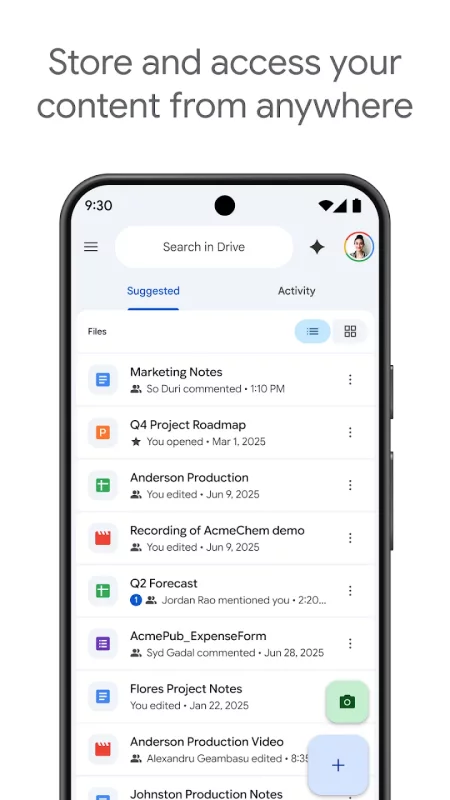
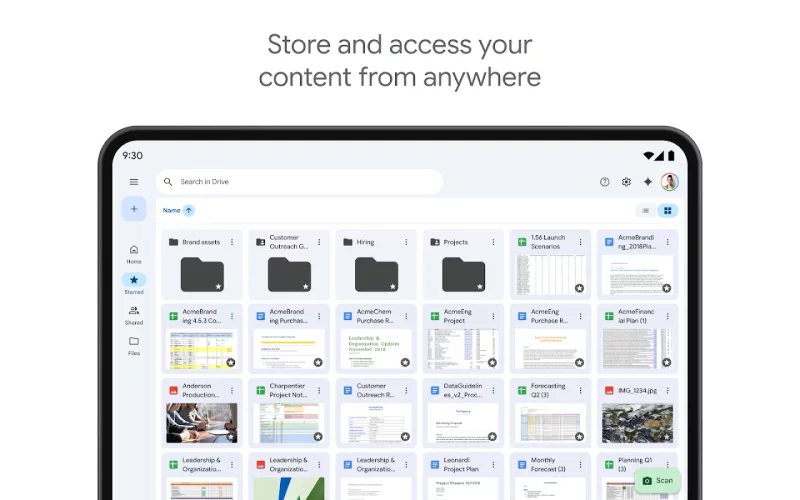
• Safely store and access your files anywhere
• Edit and store 100+ file types, including PDFs, Office files, videos and more
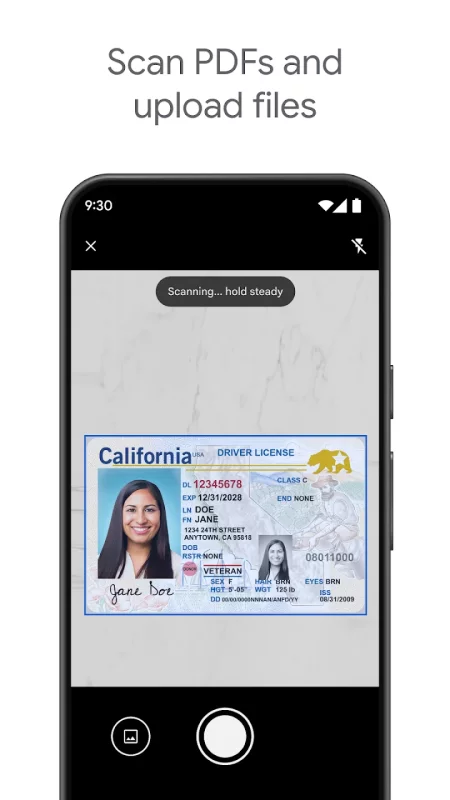
• Scan and upload paper documents using your device’s camera
• Quickly access recent and important files
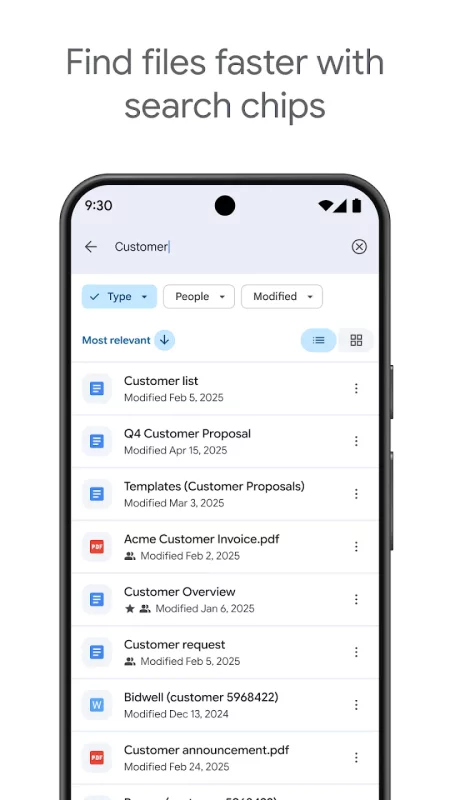
• Search for files by name and content
• Filter files by type, last modified date and more
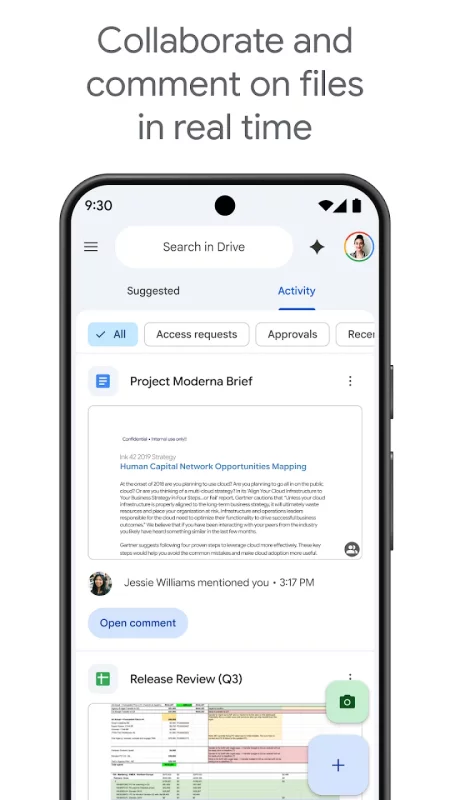
• Share and set permissions for files and folders
• View your content on the go while offline
• Receive notifications about important activity on your files
• View files more easily on Android tablets with side by side view, drag and drop functionality and more
Google Workspace subscribers have access to additional Drive functionality, including:
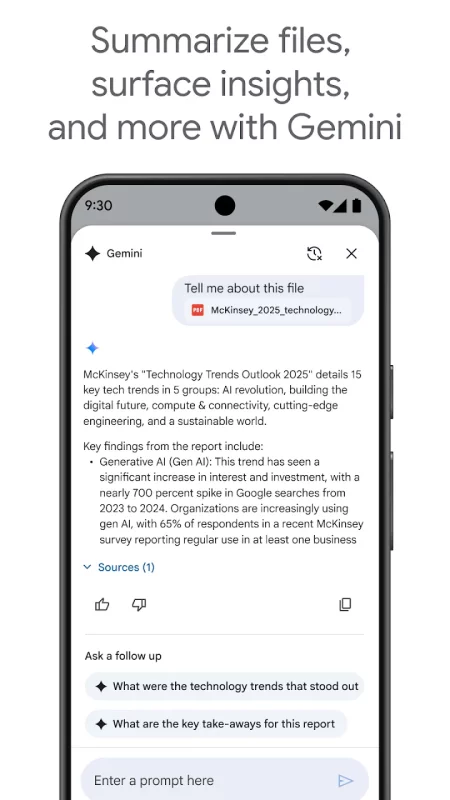
• Using AI to summarize information, retrieve quick facts, and surface insights from your files
• Security and management controls for admins to help meet data compliance needs
• Sharing files and folders directly with groups or teams within your organization
• Creating a shared drive to store all of your team’s content
• Requesting electronic signatures and manage vendor agreements, customer contracts, and more
Download Google Drive for Android for free
- Download the APK file to your Android device.
- Find the file in the Downloads folder and open it.
- Allow installation from this source if Android blocks it.
- Tap Install. To update the app, install the newer APK without uninstalling the current version.