• Update
    24.09.2026
  • Latest Version
    3.0.3
  • Android OS
    7.0+
  • License
    Free
  • Languages
    English
  • Content Rating
    Everyone
  • Developer
  • Package Name
    com.audibook.audibook

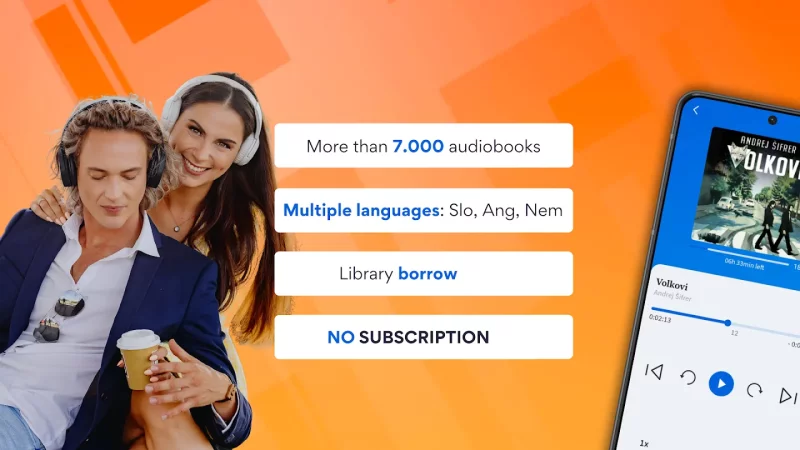
Audibook app allows you to listen to audiobooks on your smartphone or tablet devices whenever and wherever you want.

Audiobooks are currently available in the following languages:
- SLOVENIAN, CROATIAN, GERMAN, ENGLISH

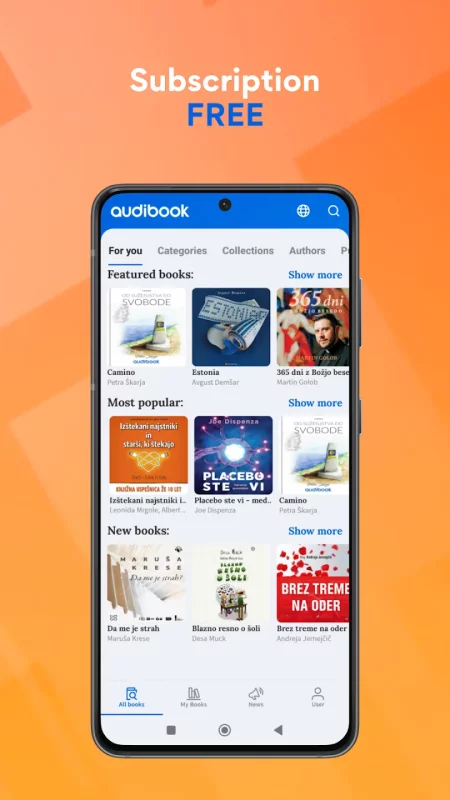
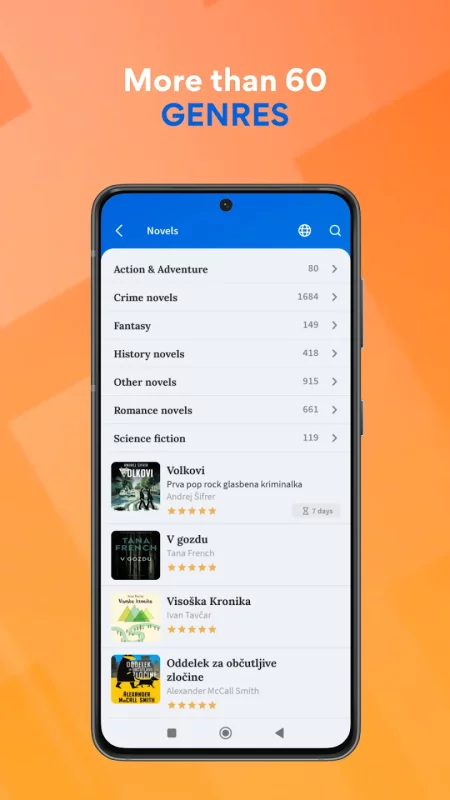
You can browse the Audibook library and choose from many different categories of audiobooks:
• Fiction
• Romance
• Kids books
• Education
• Business & Economics
• Real Estate
• Law
• Science & Technology
• History
• …

You can listen to free audio samples of each audiobook before borrowing or buying an audiobook.
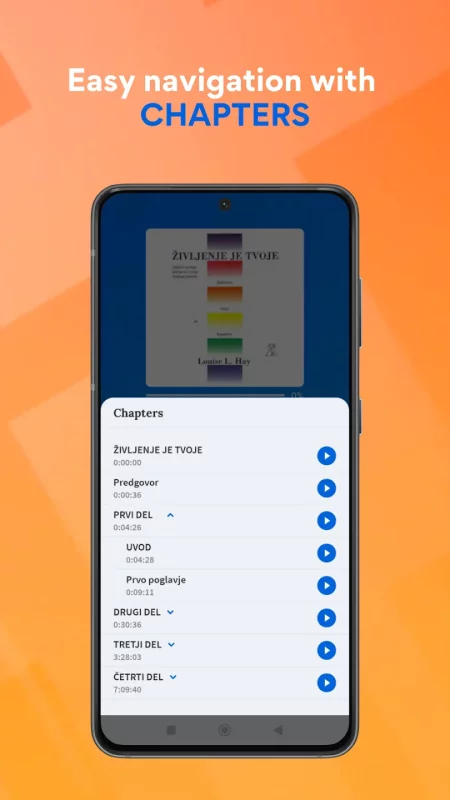
Our entire library of audiobooks is equipped with a unique and easy to use bookmark system to help the user navigate through each audiobook with ease.

With the Audibook app you can download audiobooks to your device and listen to them even when your device is without an internet connection. You can access your entire local audiobook library offline and save on mobile data outside your home or office, while traveling, commuting, on holidays, ...

Download the Audibook app now and enjoy listening to audiobooks for 60 days free.

App feature overview:

• Free trial - Audibook offers new users a 60 days free trial access to more than 1 000 audiobooks. Not sure if audiobooks are your thing? Here is your chance to give them a try.

• News - always keep up to date with the latest book releases via our in-app news tab

• My books - your very own bookshelf to keep all your audiobooks in one place

• Library - we expand our audiobook library daily, with new titles from over 20 different categories

• Book description - each book is equipped with a short free audio sample and a book description to allow the user to get acquainted with the narrator and decide if this is the right book for them

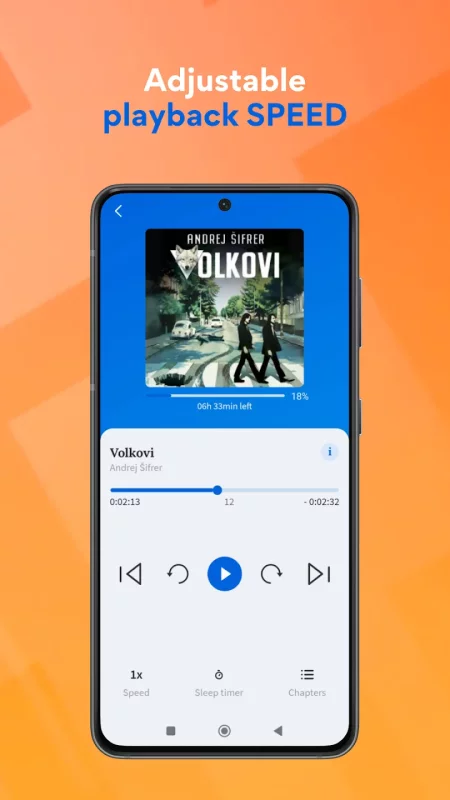
• Bookmarks - navigate through audiobooks without trouble, with our detailed multi-level bookmark system, designed specifically for ease of use

• Settings - a variety of settings for users to choose from (list view or bookshelf view, 5s - 10m skip ahead sensitivity) ensures the app is tailor made for each and every user

• Checkout history - always be in control with our real time check out and transaction history

Download Audibook for Android for free

Download Audibook 3.0.3 xapk Android 7.0+ ARMV8
42.04 Mb
No viruses found
Permissions (12)
Detections: 0
Check date: 24 September 2026, 14:45
The file was scanned for viruses using VirusTotal.
ACCESS_NETWORK_STATE - allows applications to access information about networks.
FOREGROUND_SERVICE - allows a regular application to use service.startforeground.
FOREGROUND_SERVICE_MEDIA_PLAYBACK - allows a regular application to use service.startforeground with the type "mediaplayback".
INTERNET - allows applications to open network sockets.
POST_NOTIFICATIONS - allows an app to post notifications
READ_EXTERNAL_STORAGE - allows an application to read from external storage.
READ_PHONE_STATE - allows read only access to phone state, including the current cellular network information, the status of any ongoing calls, and a list of any phoneaccounts registered on the device.
RECEIVE_BOOT_COMPLETED - allows an application to receive the intent.action_boot_completed that is broadcast after the system finishes booting.
USE_BIOMETRIC - allows an app to use device supported biometric modalities.
USE_FINGERPRINT - this constant was deprecated in api level 28. applications should request use_biometric instead
WAKE_LOCK - allows using powermanager wakelocks to keep processor from sleeping or screen from dimming.
WRITE_EXTERNAL_STORAGE - allows an application to write to external storage.
SHA1 signature: aeb3ed7f3602d9b5fba5551ed574fe981056ea59
SHA256 signature: bed8182abd2dc88568daeb17a0c61b75b2e34d1dd3b3bb5b7de5e45fd9eff7b5
How to install XAPK
  1. Download the XAPK file to your Android device.
  2. Install one of these installers from our website:
  3. Open the installer and select the downloaded file from the Downloads folder.
  4. Allow installation from this source if Android asks for permission.
  5. Start installation. To update the app, install the newer file without uninstalling the current version.

⚠If the download fails or gets stuck, try enabling a VPN, disabling your ad blocker, or switching to a different network.
See also
Amazon Kindle: Reading App
READ ANYTIME, ANYWHERE On the bus, on your break, in your bed—never be without something to read.
Wattpad - Read & Write Stories
Wattpad. Stories to obsess over. Read and write original stories in your own language! Discover the
Wikipedia
Wikipedia
The best Wikipedia experience on your Mobile device. Ad-free and free of charge, forever. With the
World Map & Countries: AI
Explore every country on Earth with World Map & Countries: AI — an interactive world map, world
Bible Gateway
Bible Gateway
Completely rebuilt for Spring 2026 with an all-new design, focused on getting you into Scripture
Google Play Books & Audiobooks
Dive into a world of stories with Google Play Books! Explore millions of ebooks, audiobooks,
Adobe Digital Editions
One eBook reader for all your Adobe DRM protected books across your Android Devices, iPad, Mac or
Dictionary - Merriam-Webster
Get America’s most useful and respected dictionary, optimized for your Android device. Continuously
Comments (0)
Loading comments...