
- Update18.09.2026
- Latest Version50608-r-2026-09-15
- Android OS9+
- LicenseFree
-
LanguagesEnglish English, Afrikaans, አማርኛ, अंगिका, العربية, الدارجة, অসমীয়া, Asturianu, авар мацӏ, Azərbaycan dili, تۆرکجه, башҡортса, Basa Bali, Беларуская, Betawi, Български, भोजपुरी, ပအိုဝ်ႏဘာႏသာႏ, বাংলা, Brezhoneg, Bosanski, Hata Mandailing, Català, нохчийн, Cebuano, کوردیی ناوەندی, Laiholh, Corsu, Čeština, словѣньскъ, чӑвашла, Cymraeg, Dansk, Dagbanli, Deutsch, Dagaare, Zazaki, Ελληνικά, Esperanto, Español, Eesti, Euskara, فارسی, Suomi, Filipino, Føroyskt, Français, Frysk, Gaeilge, Gàidhlig, Galego, Avañe’ẽ, ગુજરાતી, Hausa, ʻŌlelo Hawaiʻi, עברית, हिन्दी, Hmoob, Hrvatski, Hornjoserbšćina, Kreyòl ayisyen, Magyar, Հայերեն, Interlingua, Bahasa Indonesia, Igbo, гӀалгӀай мотт, Ido, Íslenska, medžuslovjansky, Italiano, 日本語, ייִדיש, Basa Jawa, ქართული, Taqbaylit, Tyap, Қазақ тілі, ខ្មែរ, ಕನ್ನಡ, 한국어, къарачай-малкъар тил, کٲشُر, Ripoarisch, Kurdî, къумукъ тил, Kʋsaal, Kernewek, Кыргызча, Latina, Lëtzebuergesch, Limburgs, Lakȟótiyapi, lombard, ລາວ, Lietuvių, Latviešu, मगही, Malagasy, олык марий, Māori, Bahaso Minangkabau, Македонски, മലയാളം, Монгол, ꯃꯤꯇꯩ ꯂꯣꯟ, ဘာသာမန်, मराठी, Bahasa Melayu, Malti, မြန်မာ, Norsk bokmål, नेपाली, Li Niha, Nederlands, Norsk, ߒߞߏ, Chichewa, Occitan, livvinkarjala, Afaan Oromoo, ଓଡ଼ିଆ, ਪੰਜਾਬੀ, Polski, پنجابی, پښتو, Português, ရက္ခိုင်ဘာသာ, Română, Русский, Ikinyarwanda, संस्कृतम्, саха тыла, Sicilianu, سنڌي, Sassaresu, کوردی خوارگ, davvisámegiella, srpskohrvatski / српскохрватски, တႆး, සිංහල, Slovenčina, سرائیکی, Slovenščina, Gagana Samoa, anarâškielâ, nuõrttsääʹmǩiõll, chiShona, Soomaali, Shqip, Српски, sardu campidanesu, Sesotho, Basa Sunda, Svenska, Kiswahili, தமிழ், ತುಳು, తెలుగు, Тоҷикӣ, ไทย, ትግርኛ, Türkmençe, Tagalog, Tolışə zıvon, Türkçe, Татар теле, ئۇيغۇرچە, Українська, اردو, Oʻzbekcha, Tiếng Việt, isiXhosa, მარგალური ნინა, Èdè Yorùbá, Nhẽẽgatú, ⵜⴰⵎⴰⵣⵉⵖⵜ ⵜⴰⵏⴰⵡⴰⵢⵜ, 中文, isiZulu
- Content RatingEveryone 10+
- DeveloperWikimedia Foundation
- Package Nameorg.wikipedia
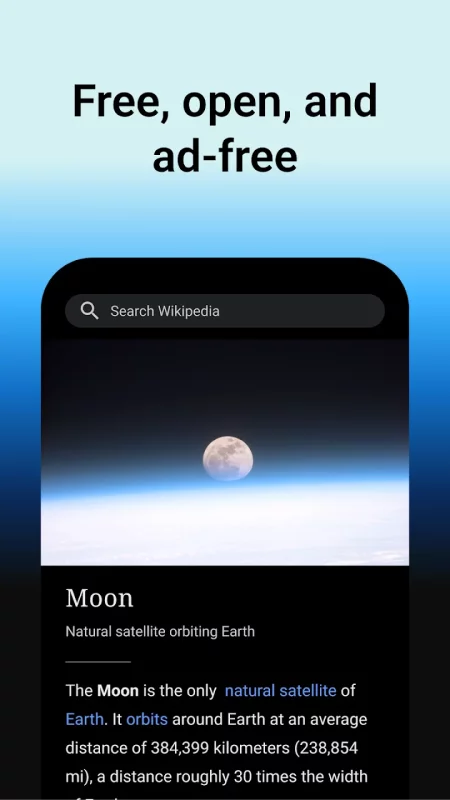
The best Wikipedia experience on your Mobile device. Ad-free and free of charge, forever. With the official Wikipedia app, you can search and explore 40+ million articles in 300+ languages, no matter where you are.
== Why you'll love the this app ==
1. It's free and open
Wikipedia is the encyclopedia that anyone can edit. Articles on Wikipedia are freely licensed and the app code is 100% open source. The heart and soul of Wikipedia is a community of people working to bring you unlimited access to free, reliable and neutral information.
2. No ads
Wikipedia is a place to learn, not a place for advertising. This app is made by the Wikimedia Foundation, a nonprofit organization that supports and operates Wikipedia. We provide this service in the pursuit of open knowledge that’s always ad-free and never tracks your data.
3. Read in your language
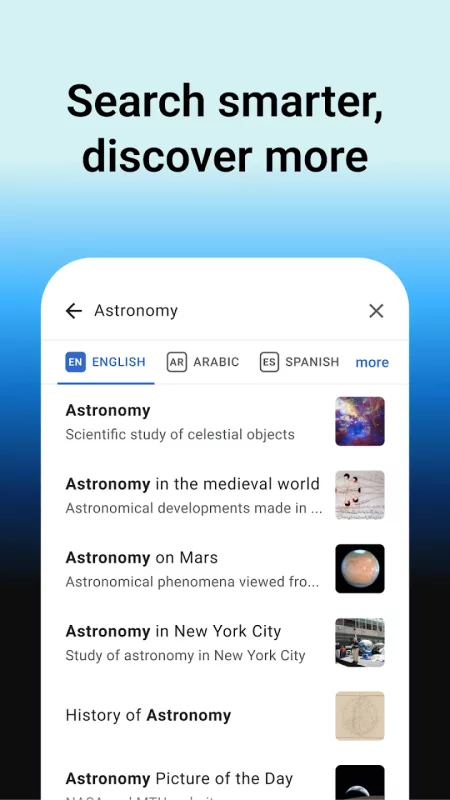
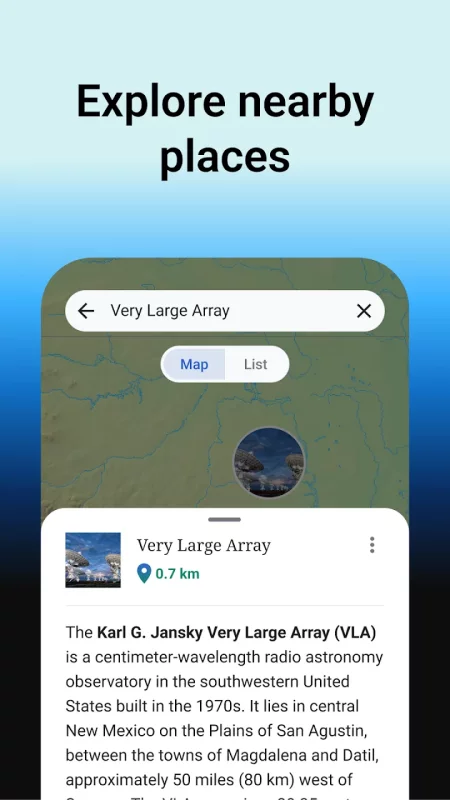
Search 40 million articles in over 300 languages in the world’s largest source of information. Set your preferred languages in the app and easily switch between them when browsing or reading.
4. Use it offline
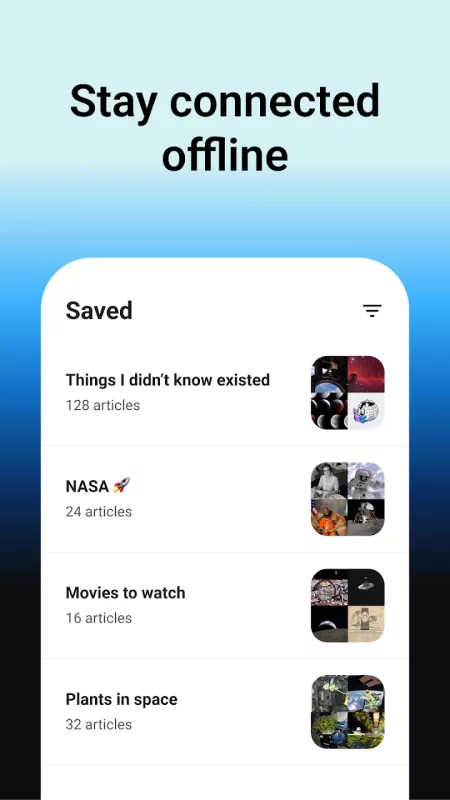
Save your favorite articles and read Wikipedia offline with “My lists“. Name lists as you like and collect articles across different languages. Saved articles and reading lists are synced across all your devices and are available even when you do not have internet connectivity.
5. Attention to detail and night mode
The app embraces Wikipedia’s simplicity and adds delight to it. A beautiful and distraction-free interface lets you focus on the essential: reading articles. With text size adjustment and themes in pure black, dark, sepia or light, you can choose the most pleasant reading experience for you.
== Broaden your horizon with these features ==
1. Customize your Explore feed
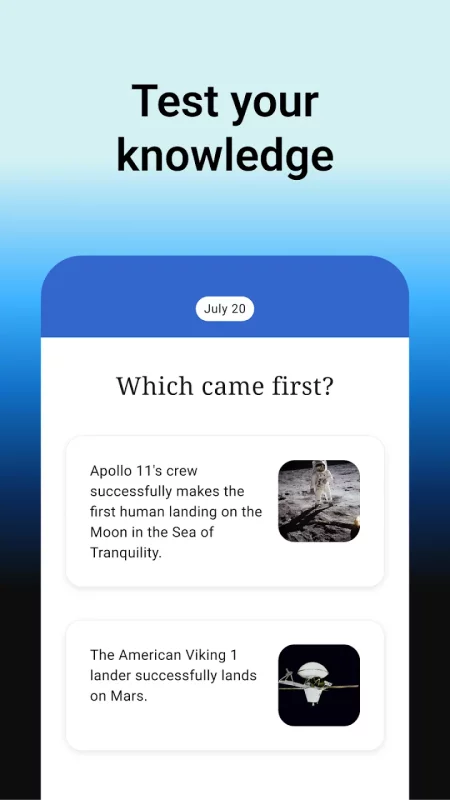
"Explore" lets you see recommended Wikipedia content including current events, popular articles, captivating freely-licensed photos, events on this day in history, suggested articles based on your reading history, and more.
2. Find and search
Quickly find what you're looking for by searching within articles or with the search bar at the top of the app. You can even search using your favorite emojis or voice-enabled search.
== We'd love your feedback ==
1. To send feedback from the app:
In the menu, press "Settings", then, in the "About" section, tap "Send app feedback".
2. About the Wikimedia Foundation:
The Wikimedia Foundation is a charitable nonprofit organization that supports and operates Wikipedia and the other Wiki projects. It is funded mainly through donations.
Download Wikipedia for Android for free
- Download the XAPK file to your Android device.
- Install one of these installers from our website:
- Open the installer and select the downloaded file from the Downloads folder.
- Allow installation from this source if Android asks for permission.
- Start installation. To update the app, install the newer file without uninstalling the current version.