Amazon Kindle: Reading App

Amazon Kindle: Reading App

0 votes
  • Update
    17.09.2026
  • Latest Version
    14.146.100(2.0.74785.0)
  • Android OS
    9+
  • License
    Free
  • Languages
    English
  • Content Rating
    Teen
  • Developer
  • Package Name
    com.amazon.kindle

READ ANYTIME, ANYWHERE
On the bus, on your break, in your bed—never be without something to read. The Kindle app puts millions of books, magazines, newspapers, comics, and manga at your fingertips.

FIND YOUR NEXT GREAT READ
- Find your next great read with Kindle. Choose from millions of Kindle books (including books with Audible narration), magazines, audiobooks, and comics. Explore new releases, Amazon Charts best sellers, and titles across genres like romance, science fiction, children’s books, self-help, religion, nonfiction, and more—and try any book with a sample in the app before you buy on Amazon.com

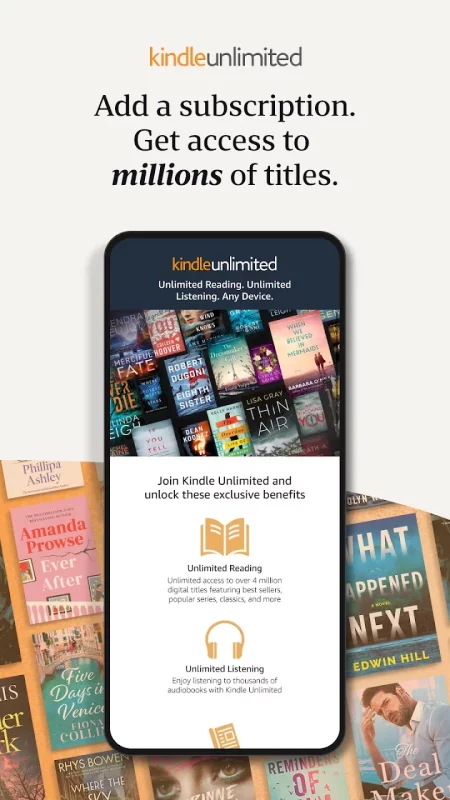
- Kindle Unlimited members can enjoy unlimited reading and listening, with the freedom to explore over 1 million titles, thousands of audiobooks, and current magazines.

- Thousands of books, magazines, comics, and more included with Amazon Prime.

GO BEYOND PAPER
Turn your phone or tablet into a book with the Kindle app—so you can read anytime, anywhere. Explore these reading features in the Kindle app:

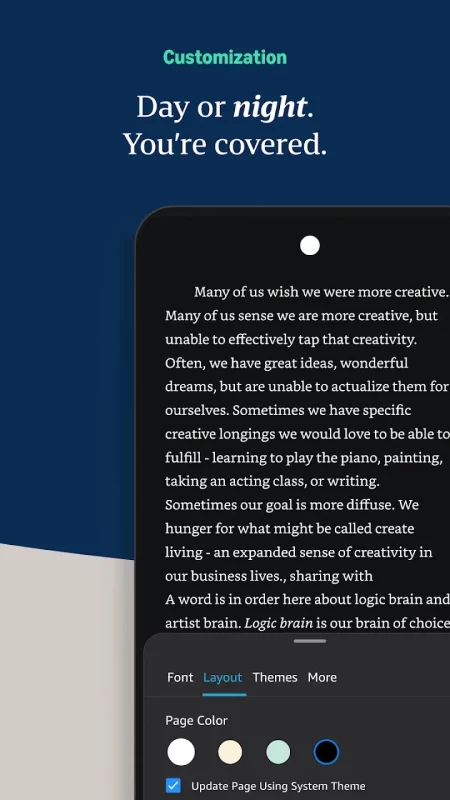
- Read your way. Customize your text size, font type, margins, text alignment, and orientation (portrait or landscape)—and choose whether to turn pages from left to right or continuously scroll. Read comfortably day and night with adjustable brightness and background colors. Go to the Aa menu in your book to get started.

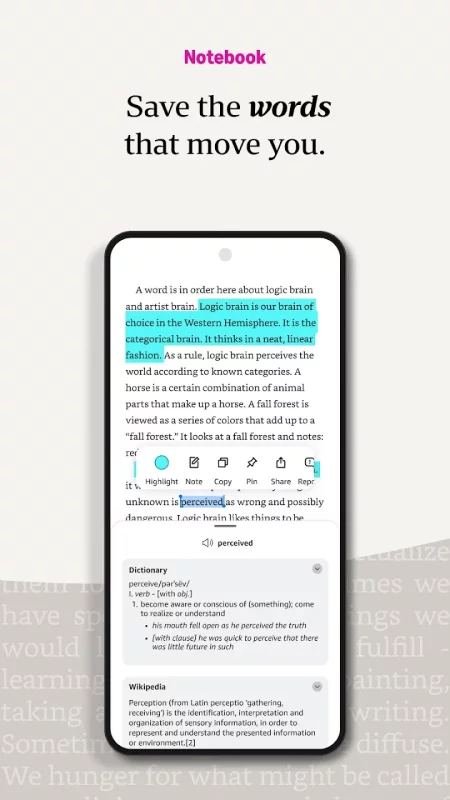
- Look up words, people, and places while you read. Breeze through words you don’t know and characters you can’t remember with the built-in dictionary, X-Ray, Wikipedia lookup, instant translations, and search within your book. Simply tap and hold a word to view its definition, or follow links to Google and Wikipedia to get more information.

- Track your reading progress. See what percent of the book you’ve read, real page numbers (for most top titles), and how much time you have left in the chapter or book based on your actual reading speed.

- Bookmark places you want to revisit, and make highlights and take notes throughout your book. Open My Notebook to see all your notes in the same place.

- Hop, skim, and jump with Page Flip. Flip between pages or get a bird’s-eye view of your book with Page Flip—don’t worry, we’ll save your place.

- Zoom in on high-definition color images in Kindle books, magazines, comics, and manga.

- Sync your books across devices. When you’re reading a book, the Kindle app will automatically sync where you left off—along with any bookmarks, highlights, or notes—so you can start reading on one device and pick up where you left off on another.

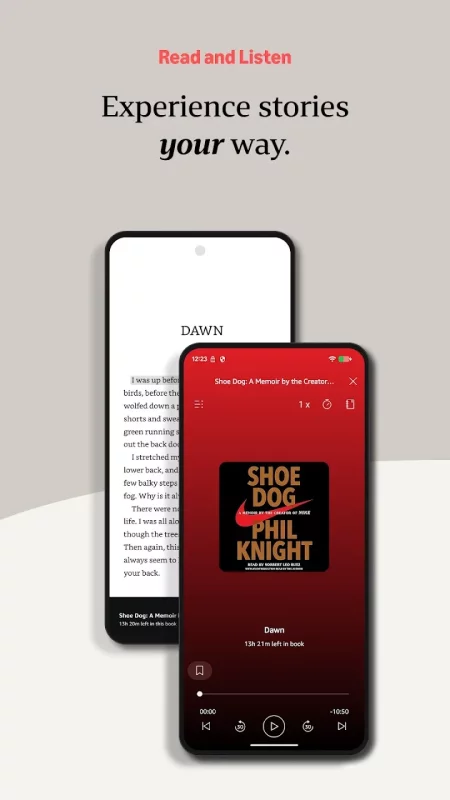
- When you can’t read, listen. Switch seamlessly from reading your Kindle book to listening to the Audible book, all within the Kindle app.

- Get notified when authors you love have new releases.

By using this app, you agree to Amazon’s Conditions of Use and Privacy Notice.
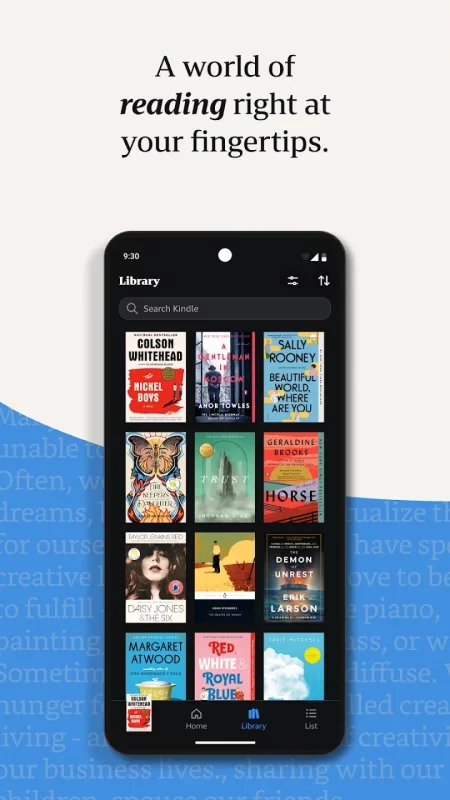
Download Amazon Kindle: Reading App for Android for free

Download Amazon Kindle: Reading App 14.146.100(2.0.74785.0) apk Android 9+ ARMV7
145.89 Mb
No viruses found
Permissions (27)
Detections: 0
Check date: 17 September 2026, 18:35
The file was scanned for viruses using VirusTotal.
READ_PHONE_STATE - allows read only access to phone state, including the current cellular network information, the status of any ongoing calls, and a list of any phoneaccounts registered on the device.
WAKE_LOCK - allows using powermanager wakelocks to keep processor from sleeping or screen from dimming.
WRITE_SETTINGS - allows an application to read or write the system settings.
WRITE_SECURE_SETTINGS - allows an application to read or write the secure system settings.
WRITE_EXTERNAL_STORAGE - allows an application to write to external storage.
ACCESS_WIFI_STATE - allows applications to access information about wi-fi networks.
ACCESS_NETWORK_STATE - allows applications to access information about networks.
GET_TASKS - this constant was deprecated in api level 21. no longer enforced.
INTERNET - allows applications to open network sockets.
RECEIVE_BOOT_COMPLETED - allows an application to receive the intent.action_boot_completed that is broadcast after the system finishes booting.
SYSTEM_ALERT_WINDOW - allows an app to create windows using the type windowmanager.layoutparams.type_application_overlay, shown on top of all other apps.
READ_EXTERNAL_STORAGE - allows an application to read from external storage.
MANAGE_EXTERNAL_STORAGE - allows an application a broad access to external storage in scoped storage.
POST_NOTIFICATIONS - allows an app to post notifications
FOREGROUND_SERVICE_MEDIA_PLAYBACK - allows a regular application to use service.startforeground with the type "mediaplayback".
ACCESS_FINE_LOCATION - allows an app to access precise location.
ACCESS_COARSE_LOCATION - allows an app to access approximate location.
FOREGROUND_SERVICE - allows a regular application to use service.startforeground.
FOREGROUND_SERVICE_DATA_SYNC - allows a regular application to use service.startforeground with the type "datasync".
BROADCAST_STICKY - allows an application to broadcast sticky intents.
BLUETOOTH - allows applications to connect to paired bluetooth devices.
READ_BASIC_PHONE_STATE - allows read only access to phone state with a non dangerous permission, including the information like cellular network type, software version.
BLUETOOTH_CONNECT - required to be able to connect to paired bluetooth devices.
CHANGE_NETWORK_STATE - allows applications to change network connectivity state.
GET_ACCOUNTS - allows access to the list of accounts in the accounts service.
CHANGE_WIFI_STATE - allows applications to change wi-fi connectivity state.
CHANGE_WIFI_MULTICAST_STATE - allows applications to enter wi-fi multicast mode.
SHA1 signature: a183524c3c8f8153aad02c0a346aef505fd397ea
SHA256 signature: 2f19adeb284eb36f7f07786152b9a1d14b21653203ad0b04ebbf9c73ab6d7625
How to install APK
  1. Download the APK file to your Android device.
  2. Find the file in the Downloads folder and open it.
  3. Allow installation from this source if Android blocks it.
  4. Tap Install. To update the app, install the newer APK without uninstalling the current version.

⚠If the download fails or gets stuck, try enabling a VPN, disabling your ad blocker, or switching to a different network.
More by Amazon Mobile LLC
Amazon Alexa
Amazon Alexa
Use the Amazon Alexa App to set up your Alexa-enabled devices, listen to music, create shopping
Amazon Shopping
Amazon Shopping
Product Features Amazon Shopping offers app-only benefits to help make shopping on Amazon faster
Amazon Fire TV
Amazon Fire TV
Your entertainment sidekick wherever you go. The Fire TV mobile app puts the Fire TV experience at
Amazon Photos: Photo & Video
Amazon Photos lets you store and share full-resolution photos, keeping favorite moments secure and
See also
Wattpad - Read & Write Stories
Wattpad. Stories to obsess over. Read and write original stories in your own language! Discover the
World Map & Countries: AI
Explore every country on Earth with World Map & Countries: AI — an interactive world map, world
Bible Gateway
Bible Gateway
Completely rebuilt for Spring 2026 with an all-new design, focused on getting you into Scripture
Google Play Books & Audiobooks
Dive into a world of stories with Google Play Books! Explore millions of ebooks, audiobooks,
WordReference.com dictionaries
Note: for users of Android 7.1 and earlier, update to the latest version to get the app working
Comments (0)
Loading comments...