- Update20.09.2026
- Latest Version1.23
- Android OS5.0+
- LicenseFree
-
LanguagesEnglish English, Afrikaans, አማርኛ, العربية, অসমীয়া, Azərbaycan dili, Беларуская, Български, বাংলা, Bosanski, Català, Čeština, Dansk, Deutsch, Ελληνικά, Español, Eesti, Euskara, فارسی, Suomi, Français, Galego, ગુજરાતી, हिन्दी, Hrvatski, Magyar, Հայերեն, Bahasa Indonesia, Íslenska, Italiano, עברית, 日本語, ქართული, Қазақ тілі, ខ្មែរ, ಕನ್ನಡ, 한국어, Кыргызча, ລາວ, Lietuvių, Latviešu, Македонски, മലയാളം, Монгол, मराठी, Bahasa Melayu, မြန်မာ, Norsk bokmål, नेपाली, Nederlands, ଓଡ଼ିଆ, ਪੰਜਾਬੀ, Polski, Português, Română, Русский, සිංහල, Slovenčina, Slovenščina, Shqip, Српски, Svenska, Kiswahili, தமிழ், తెలుగు, ไทย, Tagalog, Türkçe, Українська, اردو, Oʻzbekcha, Tiếng Việt, 中文, isiZulu
- Content RatingTeen
- DeveloperAloha Std
- Package Namecom.anhlt.sniptool
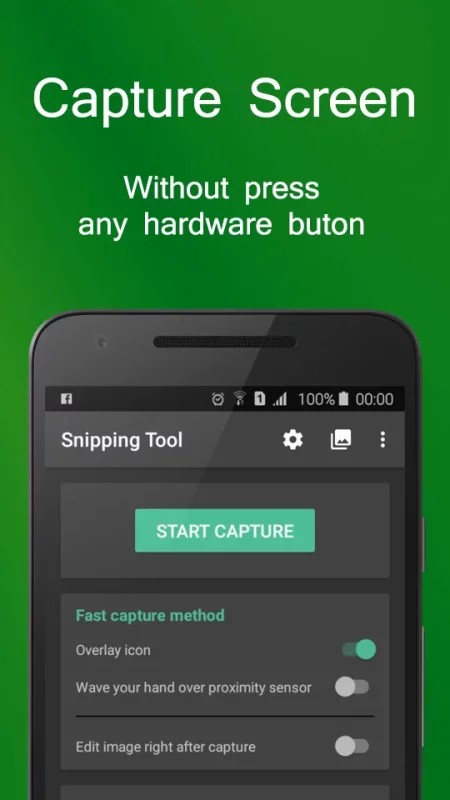
Snipping Tool - Screenshots is a free application that help you capture device's screen easily, conveniently. You can take a screenshot quickly without pressing any hardware button, just one touch for screenshot. You can also edit screen capture image after that with many powerful tools then share your file.
With Snipping Tool, you can:
- Capture screen easily by:
+ Touch the overlay icon.
+ Wave your hand over proximity sensor.
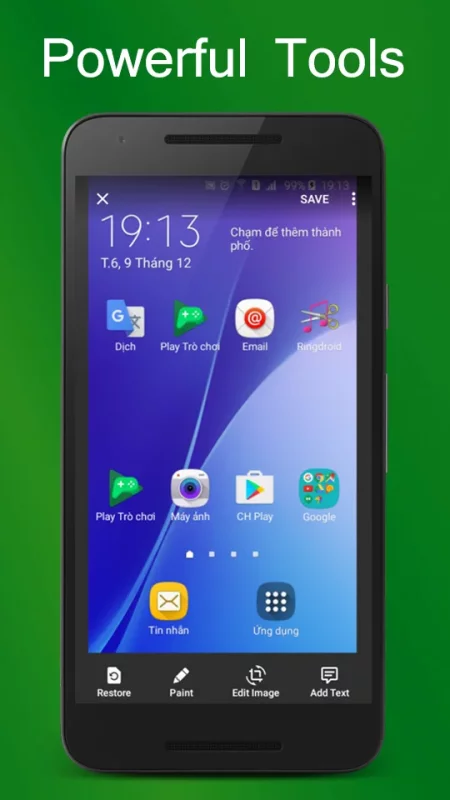
- Edit screenshot with many tools:
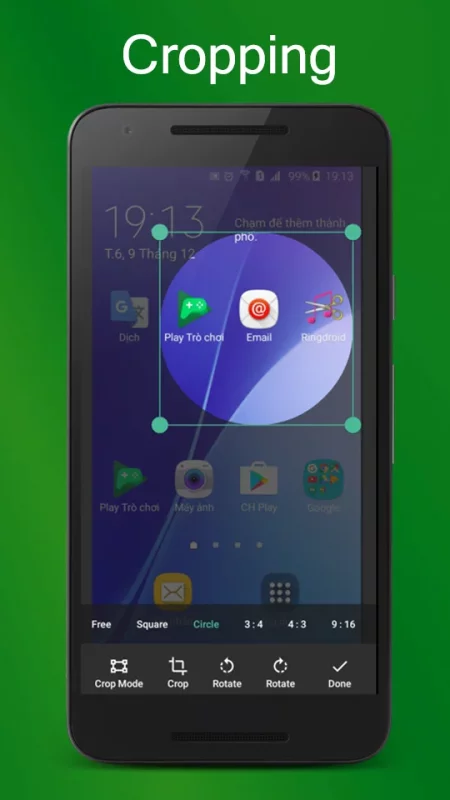
+ Rotate, crop image.
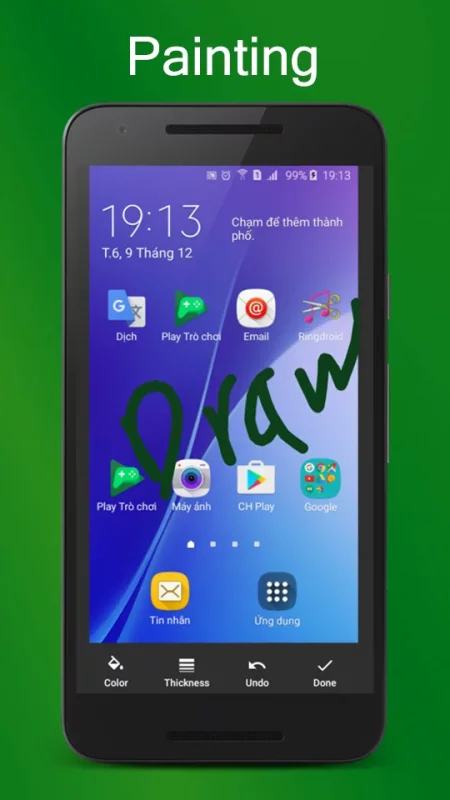
+ Draw on the captured image.
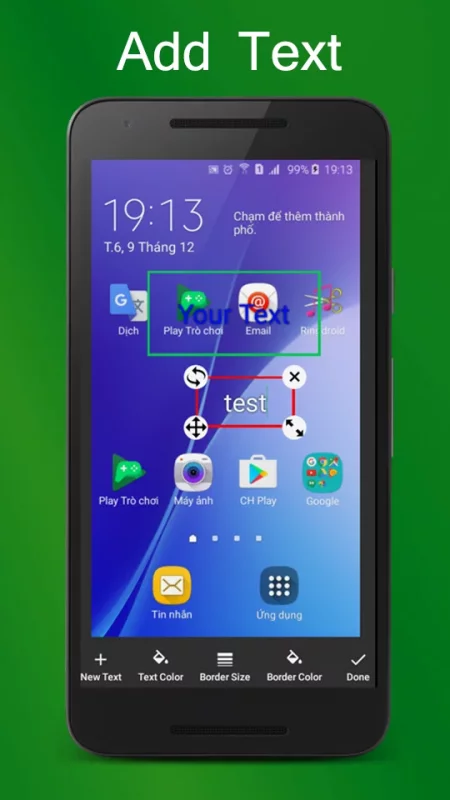
+ Add text to image.
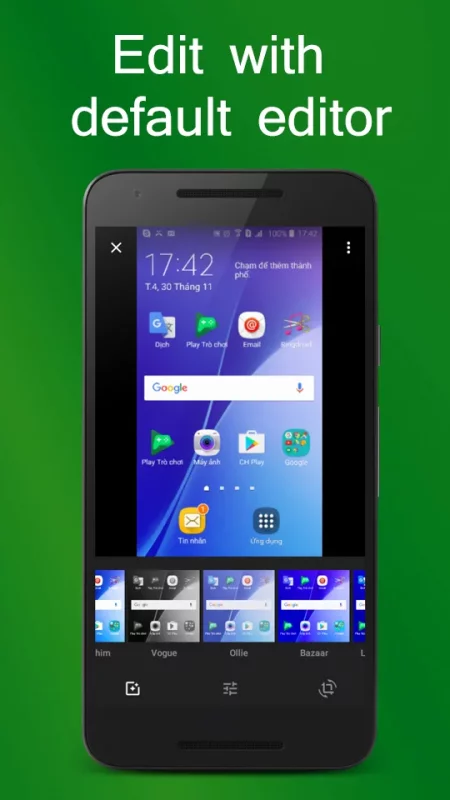
+ And many other powerful tools.
- Manage screen capture image (change name, zip, share and so on)
- Support save screen capture images as png, jpg, webp.
Let's try capturing screen by Snipping Tool - Screenshot Touch free for android, you will enjoy it ^^
Note:
- Application support Android 5.0 and up.
- Application requires WRITE_EXTERNAL_STORAGE Permission to save screen capture images to device storage.
- Application requires SYSTEM_ALERT_WINDOW Permission to draw the fast capture icon over other applications.
Thank you for using Snipping Tool - Screenshots.
Download Snipping Tool - Screenshots for Android for free
- Download the APK file to your Android device.
- Find the file in the Downloads folder and open it.
- Allow installation from this source if Android blocks it.
- Tap Install. To update the app, install the newer APK without uninstalling the current version.