- Update14.09.2026
- Latest Version5.29.0+571
- Android OS10+
- LicenseFree
-
LanguagesEnglish English, العربية, Deutsch, Español, Suomi, Français, हिन्दी, Bahasa Indonesia, Italiano, 日本語, 한국어, Bahasa Melayu, မြန်မာ, Nederlands, Polski, Português, Русский, ไทย, Türkçe, Tiếng Việt, 中文
- Content RatingEveryone
- DeveloperMalwarebytes
- Package Nameorg.malwarebytes.antimalware
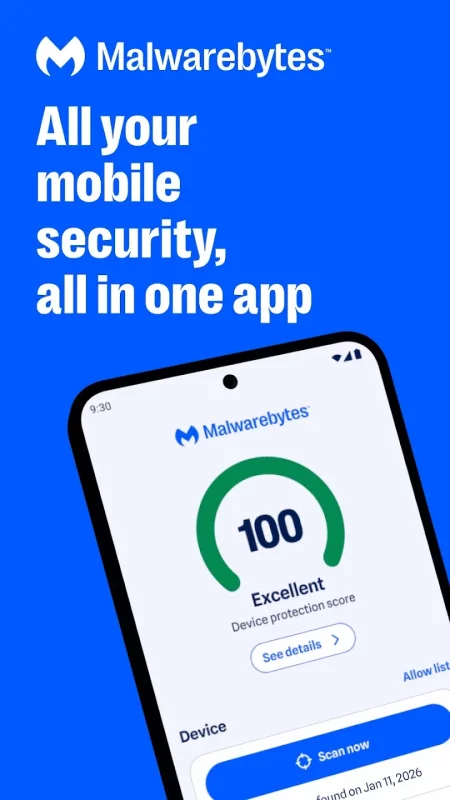
Malwarebytes delivers all-in-one mobile security and powerful digital protection against malware, online scams, identity theft, ransomware and more. Combining proactive device security, privacy protection, and powerful antivirus defense, Malwarebytes keeps your Android device fast, safe and optimized.
From banking, insurance, photos, and important files, your phone carries your most personal information. We make sure it doesn't fall into the wrong hands.
Malwarebytes is designed for everybody: professionals, families, even first-time smartphone users. No complicated setup. No IT expertise needed. Just easy, smart protection, removal and Junk cleanup that works. Your phone holds your entire digital life. Protect it with Malwarebytes.
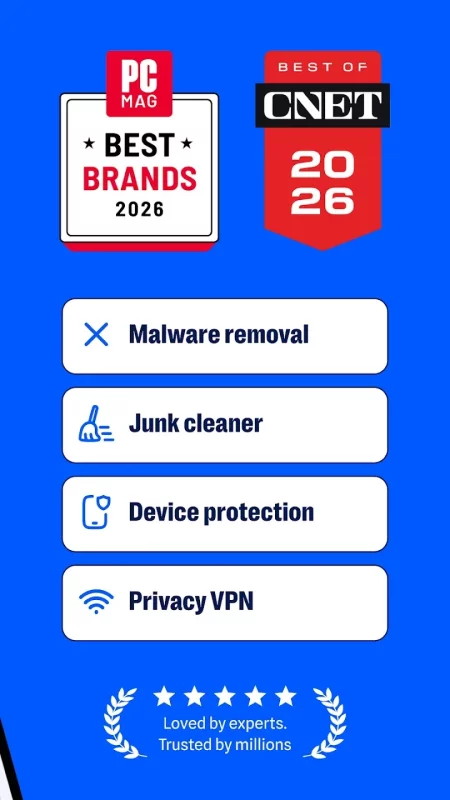
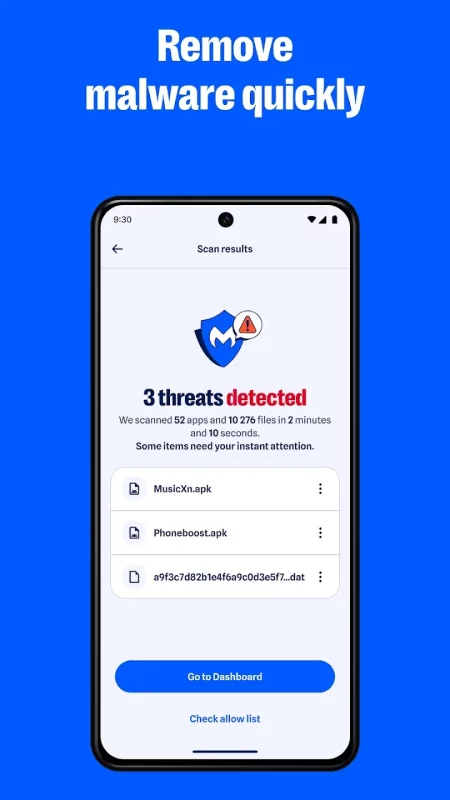
🛡️REAL-TIME MALWARE PROTECTION & REMOVAL
Malware and security threats are constantly evolving. From trojan horse viruses to spyware to ransomware that locks up your files. If not caught in time, these online threats can steal passwords, access bank accounts, compromise your privacy, and hijack your entire identity.
Malwarebytes stops these threats with:
- Automatic app and file scanning: New apps and downloads are checked for malicious code before it runs.
- Zero-day threat protection: Detect brand-new malware variants that other antivirus software misses
- Ransomware shield: Blocks file-encrypting attacks that lock devices and acts as your first line of defense.
📞 CALL PROTECTION
Tired of spam? Malwarebytes puts you in control.
- Flag scam calls and hidden numbers
- Block known spam callers automatically
- Whitelist trusted contacts and customize alerts
🔐IDENTITY THEFT PROTECTION & DARK WEB MONITORING
Your emails, passwords, and personal data may be exposed on the dark web through data breaches.
Malwarebytes helps protect your identity and privacy with:
- Digital footprint scanner: Scan dark web databases for exposed emails, passwords, and more sensitive data.
- Instant breach alerts: Get notified when your info appears in new leaks and steps to secure accounts.
- Identity theft protection: 24/7 monitoring with live-agent support and up to $2 million in identity theft insurance.
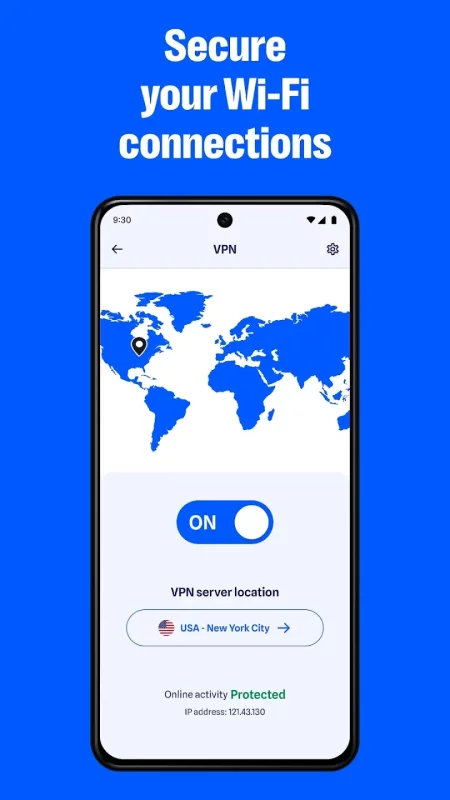
🌐 SECURE VPN FOR PRIVATE BROWSING & ONLINE PRIVACY
Incognito can only do so much. Public Wi-Fi can expose your data to hackers.
Malwarebytes VPN helps protect your online privacy with:
- Secure browsing on public Wi-Fi: Hide your IP address from trackers.
- Third-party audited no-logs policy: We don't track, store, or sell your browsing data.
- AES-256 encryption with WireGuard: Lightning-fast security across 62+ countries.
📵AI-POWERED SCAM PROTECTION
Online scams are getting smarter, from fake package texts to trusted brand impersonation.
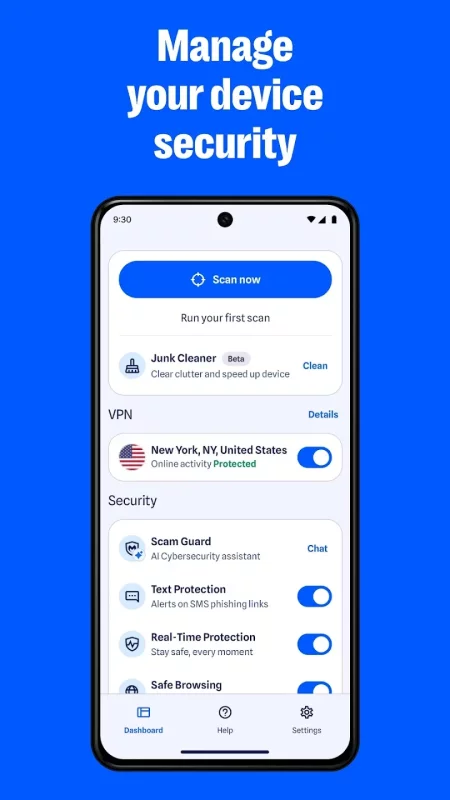
Malwarebytes Scam Guard flags:
- Phishing messages: fake delivery alerts, bank scams, etc.
- Malicious links: Real-time scanning of URLs in texts, emails, and messaging apps
- Evolving scams: Brand impersonation, AI-generated scams, social engineering attacks, and malware threats
🧹DEVICE OPTIMIZATION
Malwarebytes keeps your phone fast and clean with:
- Smart junk cleaner: Clean out junk and other unnecessary files.
- Storage analyzer: See what’s consuming space and what can be safely removed.
- One tap cleanup: Free up space in seconds.
⚡SIMPLE, POWERFUL PROTECTION
Advanced mobile security and privacy protection don't have to mean clutter.
- Clean dashboard: Security at a glance with color-coded indicators
- Lightweight performance: Minimal battery drain, even on older Android devices
- Set-it-and-forget-it protection: Scanning happens in the background
WHY MILLIONS TRUST MALWAREBYTES
✓ All-in-One Mobile Protection
✓ Proactive Device Security
✓ AI-Powered Antivirus Protection
✓ 4 Million Daily Threats Blocked
✓ We’ll Never Sell Your Data
Enjoy a FREE 7-day trial of advanced features that offer 24/7 protection
Malwarebytes requires Android 10 or later and uses the AccessibilityService API to detect and protect against malicious apps and scams.

Download Malwarebytes - Mobile Security for Android for free
- Download the XAPK file to your Android device.
- Install one of these installers from our website:
- Open the installer and select the downloaded file from the Downloads folder.
- Allow installation from this source if Android asks for permission.
- Start installation. To update the app, install the newer file without uninstalling the current version.