- Update18.09.2026
- Latest Version7.1.0
- Android OS7.0+
- LicenseFree
-
LanguagesEnglish English, Afrikaans, አማርኛ, العربية, অসমীয়া, Azərbaycan dili, Беларуская, Български, বাংলা, Bosanski, Català, Čeština, Dansk, Deutsch, Ελληνικά, Español, Eesti, Euskara, فارسی, Suomi, Français, Galego, ગુજરાતી, हिन्दी, Hrvatski, Magyar, Հայերեն, Bahasa Indonesia, Íslenska, Italiano, עברית, 日本語, ქართული, Қазақ тілі, ខ្មែរ, ಕನ್ನಡ, 한국어, Кыргызча, ລາວ, Lietuvių, Latviešu, Македонски, മലയാളം, Монгол, मराठी, Bahasa Melayu, မြန်မာ, Norsk bokmål, नेपाली, Nederlands, ଓଡ଼ିଆ, ਪੰਜਾਬੀ, Polski, Português, Română, Русский, සිංහල, Slovenčina, Slovenščina, Shqip, Српски, Svenska, Kiswahili, தமிழ், తెలుగు, ไทย, Tagalog, Türkçe, Українська, اردو, Oʻzbekcha, Tiếng Việt, 中文, isiZulu
- Content RatingEveryone
- DeveloperOokla
- Package Nameorg.zwanoo.android.speedtest
The Speedtest® app now features Downdetector® to help you plan, assess, and troubleshoot your internet connection for seamless connectivity in one location. Make the Speedtest app your first stop when connecting and staying connected.
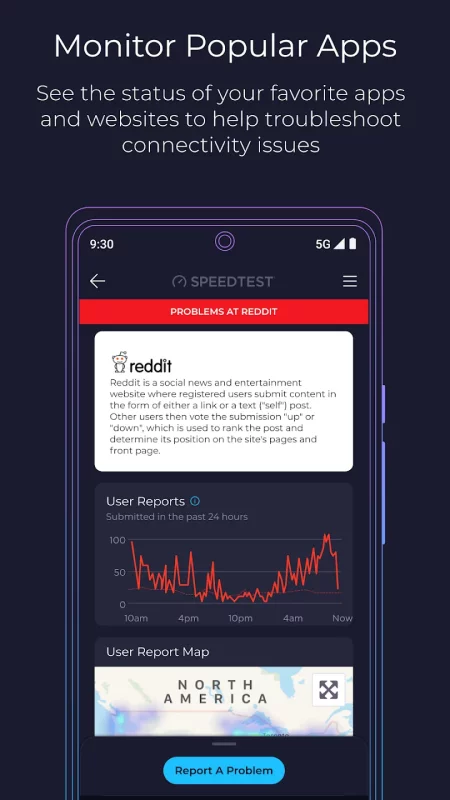
With 55 billion tests and counting, our speed test is the go-to solution to wifi testing, cell measurement, and internet performance analysis Speedtest around the world. Now we feature Downdetector in the app so you can see real-time status updates on your favorite online apps and services. Use it to track your favorite services and report problems to stay informed.
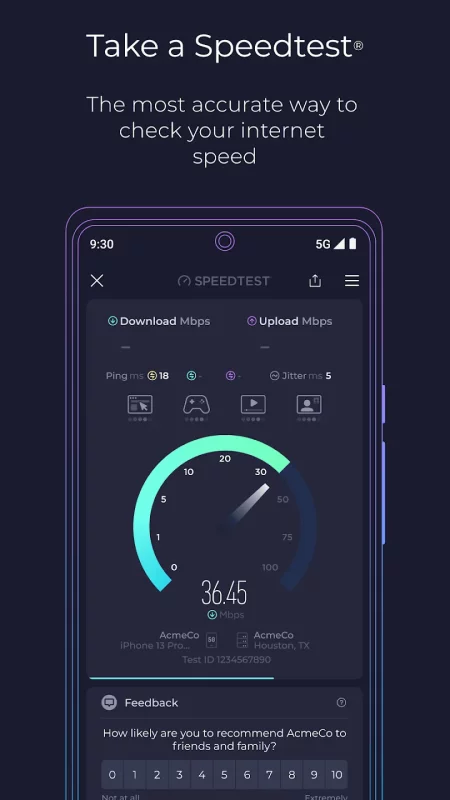
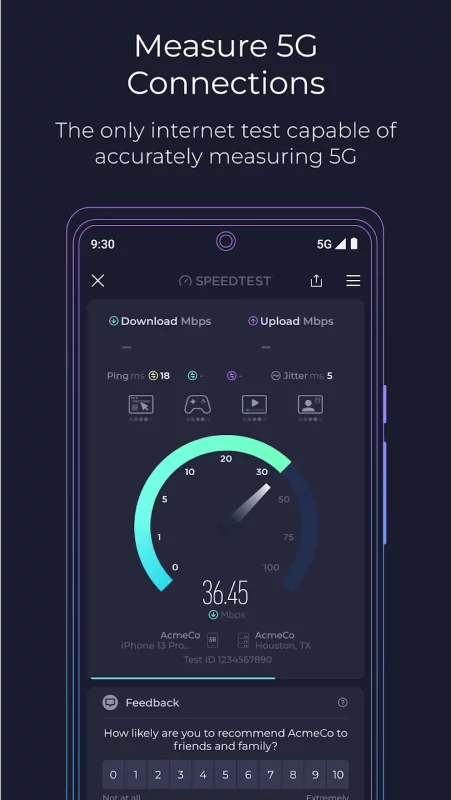
The Speedtest tab checks your network status in an instance and you can run our classic speed test for an accurate, one-tap assessment of your speed and bandwidth that you can use anywhere, thanks to our global server network. Test your download and upload speeds as well as three measures of latency to check a slow connection or use the app to make sure your network is ready for a gaming session.
Use real-world data to find out where mobile network coverage is strong and weak for providers in your area with the Speedtest Maps tab. You can even see where 5G is available and compare that to a map of which technology type is most common where you are.
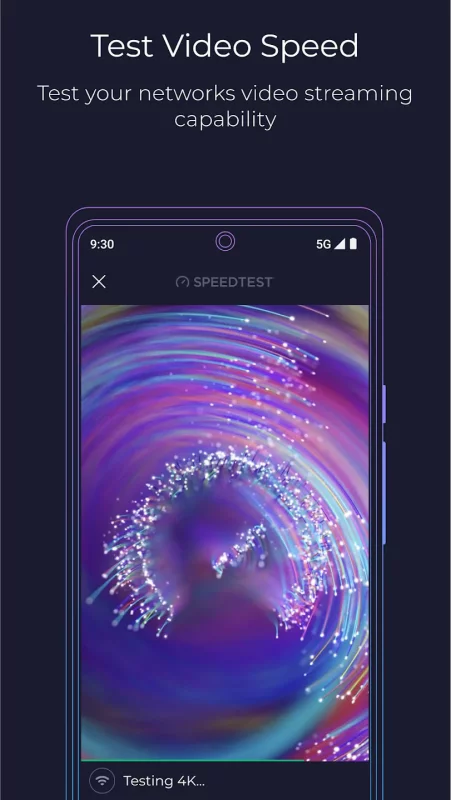
Plan ahead to stream your favorite shows with the Speedtest video test. We show you the quality of your network's current streaming capability and offer actionable insights for optimizing your online video experience.
Key features:
The most accurate internet speed test, from the name you trust
Real-time monitoring of apps and services with Downdetector
Track your favorite services for instant access to status updates for disruptions
Mobile carrier coverage maps based on real-world data
Video testing for network streaming quality
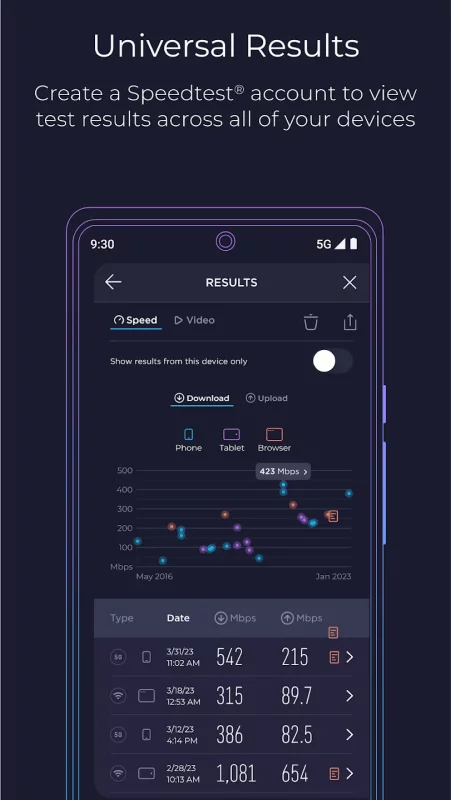
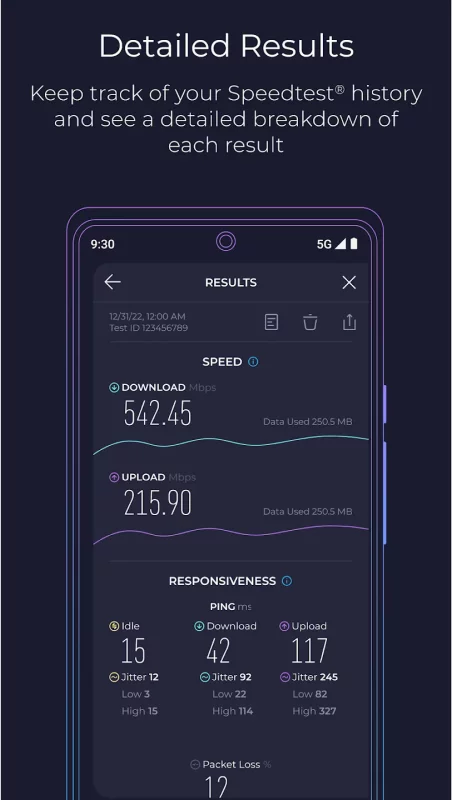
A detailed history of past test results and easy result sharing
Go ad free! If you’d like to enjoy Speedtest without ads, we provide the option of removing ads.
Millions of people trust Speedtest for internet speed testing every day. Download the Speedtest app to join them in staying connected and informed with Speedtest + Downdetector.
Download Speedtest by Ookla for Android for free
- Download the APK file to your Android device.
- Find the file in the Downloads folder and open it.
- Allow installation from this source if Android blocks it.
- Tap Install. To update the app, install the newer APK without uninstalling the current version.