• Update
    18.09.2026
  • Latest Version
    26.09.20.0
  • Android OS
    10+
  • License
    Free
  • Languages
    English
  • Content Rating
    Everyone
  • Developer
  • Package Name
    com.Slack

Slack helps companies big and small turn chaos into cohesive collaboration.

It’s one place where you can have meetings, collaborate on documents, share files, access your favorite apps, work alongside external partners, and use AI and agents to get ahead.

With Slack, you have everything you need to grow your business.

💬 Talk things out with your team
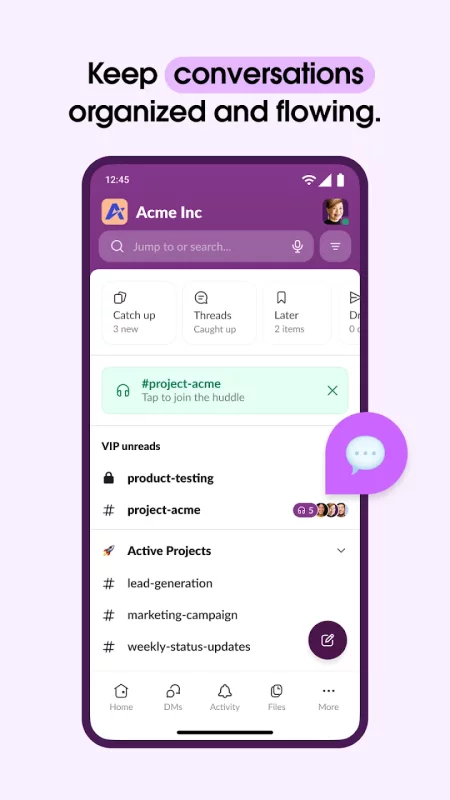
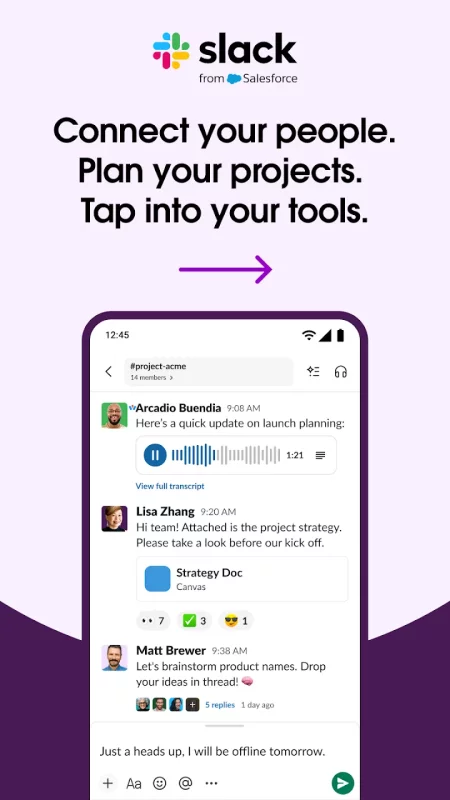
• Stay organized with a dedicated channel for every project.
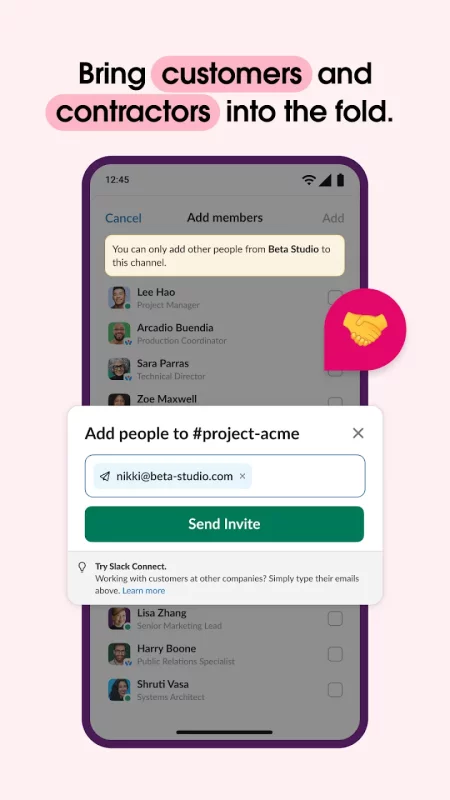
• Work alongside your team, customers, contractors, and vendors from anywhere in the world.
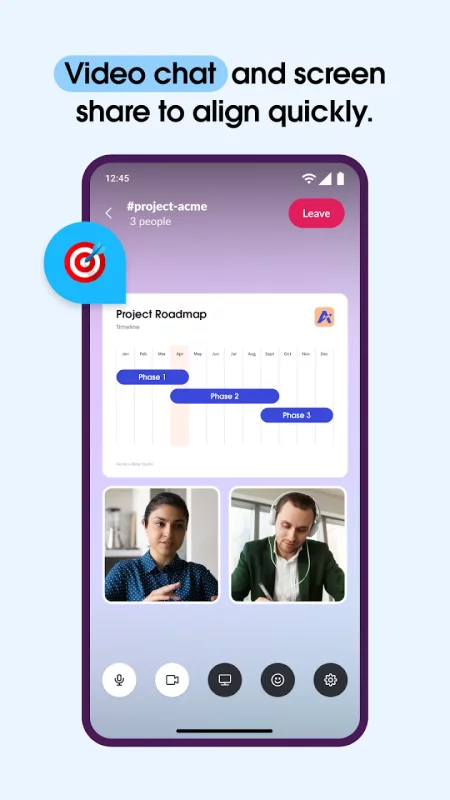
• Video chat directly in Slack, and share your screen to present and discuss work live.
• When typing doesn’t cut it, record and send audio or video clips to share complicated ideas clearly.

🎯 Keep projects on track
• Set projects up for success with pre-made and customizable* templates.
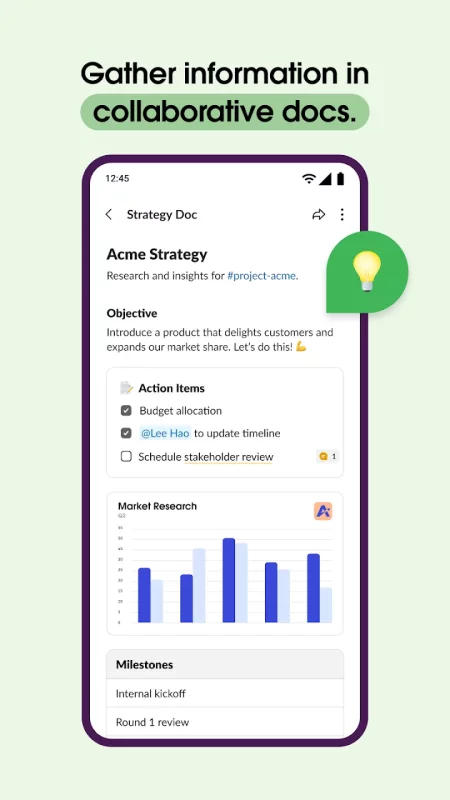
• Collaborate on marketing plans, product specs, and more in shared docs that live right next to your team’s conversations.
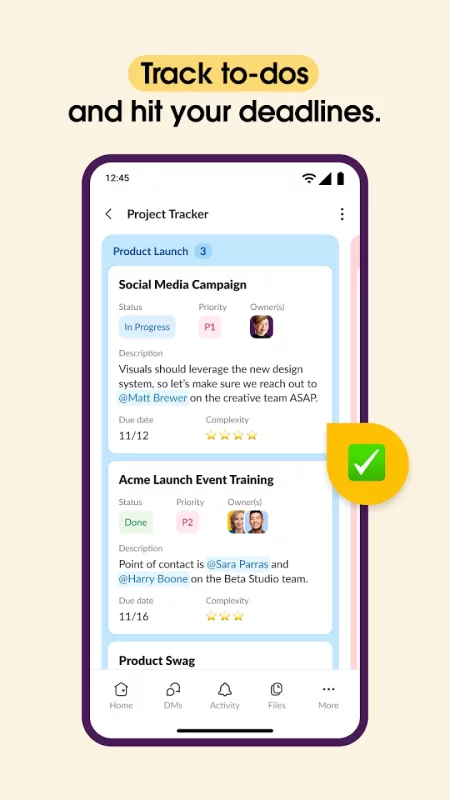
• Track to-dos, assign tasks, and map out milestones with project management tools.*

⚙️ Tap into all of your tools
• Access 2,600+ apps, including Google Drive, Salesforce Data Cloud, Dropbox, Asana, Zapier, Figma, and Zendesk.
• Approve requests, manage your calendar, and update file permissions without leaving Slack.
• Find files, messages, and information instantly with AI-powered search.**
Use Slack AI to take meeting notes, so you and your teammates can stay focused.**

*Requires an upgrade to Slack Pro, Business+, or Enterprise.

**Requires Slack AI add-on.
Download Slack for Android for free

Download Slack 26.09.20.0 xapk Android 10+ ARMV7
121.18 Mb
No viruses found
Permissions (31)
Detections: 0
Check date: 18 September 2026, 11:25
The file was scanned for viruses using VirusTotal.
ACCESS_NETWORK_STATE - allows applications to access information about networks.
ACCESS_NOTIFICATION_POLICY - marker permission for applications that wish to access notification policy.
BLUETOOTH - allows applications to connect to paired bluetooth devices.
BLUETOOTH_CONNECT - required to be able to connect to paired bluetooth devices.
CAMERA - required to be able to access the camera device.
FOREGROUND_SERVICE - allows a regular application to use service.startforeground.
FOREGROUND_SERVICE_DATA_SYNC - allows a regular application to use service.startforeground with the type "datasync".
FOREGROUND_SERVICE_MEDIA_PLAYBACK - allows a regular application to use service.startforeground with the type "mediaplayback".
FOREGROUND_SERVICE_MEDIA_PROJECTION - allows a regular application to use service.startforeground with the type "mediaprojection".
FOREGROUND_SERVICE_MICROPHONE - allows a regular application to use service.startforeground with the type "microphone".
FOREGROUND_SERVICE_PHONE_CALL - allows a regular application to use service.startforeground with the type "phonecall".
GET_ACCOUNTS - allows access to the list of accounts in the accounts service.
INTERNET - allows applications to open network sockets.
MANAGE_OWN_CALLS - allows a calling application which manages its own calls through the self-managed connectionservice apis.
MODIFY_AUDIO_SETTINGS - allows an application to modify global audio settings.
POST_NOTIFICATIONS - allows an app to post notifications
READ_CONTACTS - allows an application to read the user's contacts data.
READ_EXTERNAL_STORAGE - allows an application to read from external storage.
READ_MEDIA_AUDIO - allows an application to read audio files from external storage.
READ_MEDIA_IMAGES - allows an application to read image files from external storage.
READ_MEDIA_VIDEO - allows an application to read video files from external storage.
READ_PHONE_STATE - allows read only access to phone state, including the current cellular network information, the status of any ongoing calls, and a list of any phoneaccounts registered on the device.
RECEIVE_BOOT_COMPLETED - allows an application to receive the intent.action_boot_completed that is broadcast after the system finishes booting.
RECORD_AUDIO - allows an application to record audio.
SYSTEM_ALERT_WINDOW - allows an app to create windows using the type windowmanager.layoutparams.type_application_overlay, shown on top of all other apps.
USE_BIOMETRIC - allows an app to use device supported biometric modalities.
USE_FINGERPRINT - this constant was deprecated in api level 28. applications should request use_biometric instead
USE_FULL_SCREEN_INTENT - required for apps targeting build.version_codes.q that want to use notification full screen intents.
VIBRATE - allows access to the vibrator.
WAKE_LOCK - allows using powermanager wakelocks to keep processor from sleeping or screen from dimming.
WRITE_EXTERNAL_STORAGE - allows an application to write to external storage.
SHA1 signature: c2a4e59ef0ab8081c671b28d89a8586647b5bf3e
SHA256 signature: 33533619756e8701a82e7887565b152dc348188711ebb5c48d073b2c942f7e41
How to install XAPK
  1. Download the XAPK file to your Android device.
  2. Install one of these installers from our website:
  3. Open the installer and select the downloaded file from the Downloads folder.
  4. Allow installation from this source if Android asks for permission.
  5. Start installation. To update the app, install the newer file without uninstalling the current version.

⚠If the download fails or gets stuck, try enabling a VPN, disabling your ad blocker, or switching to a different network.
See also
Uber - Driver: Drive & Deliver
Uber Driver is the app trusted by over 10 million drivers and couriers worldwide. Whether you want
Microsoft Teams
Microsoft Teams
Whether you’re connecting with your community for an upcoming activity or working with teammates on
LinkedIn: Community & Network
Welcome to LinkedIn – The Professional Network That Works for You Build your career, grow your
Zoom Workplace
Zoom Workplace
Zoom Workplace is your AI-first collaboration platform for meetings, chat, phone calls, docs,
FedEx Mobile
FedEx Mobile
Create a domestic and international shipping label, track shipment status and manage your packages
TeamViewer Remote Control
Control your desktop, manage files, and support devices—from anywhere, anytime. Whether you’re on
Webex Meetings
Webex Meetings
Meet Anywhere Anytime. Enjoy a rich meeting experience with background noise cancellation,
Google Chat
Google Chat
Google Chat is the best way for teams using Workspace to connect, collaborate and get things done.
Comments (0)
Loading comments...