
- Update18.09.2026
- Latest Version9.32.0
- Android OS11+
- LicenseFree
-
LanguagesEnglish English, Afrikaans, አማርኛ, العربية, অসমীয়া, Azərbaycan dili, Беларуская, Български, বাংলা, Bosanski, Català, Čeština, Dansk, Deutsch, Ελληνικά, Español, Eesti, Euskara, فارسی, Suomi, Français, Galego, ગુજરાતી, עברית, हिन्दी, Hrvatski, Magyar, Հայերեն, Bahasa Indonesia, Íslenska, Italiano, 日本語, ქართული, Қазақ тілі, ខ្មែរ, ಕನ್ನಡ, 한국어, Кыргызча, ລາວ, Lietuvių, Latviešu, Македонски, മലയാളം, Монгол, मराठी, Bahasa Melayu, မြန်မာ, Norsk bokmål, नेपाली, Nederlands, ଓଡ଼ିଆ, ਪੰਜਾਬੀ, Polski, Português, Română, Русский, සිංහල, Slovenčina, Slovenščina, Shqip, Српски, Svenska, Kiswahili, தமிழ், తెలుగు, ไทย, Tagalog, Türkçe, Українська, اردو, Oʻzbekcha, Tiếng Việt, 中文, isiZulu
- Content RatingEveryone
- DeveloperFedEx
- Package Namecom.fedex.ida.android
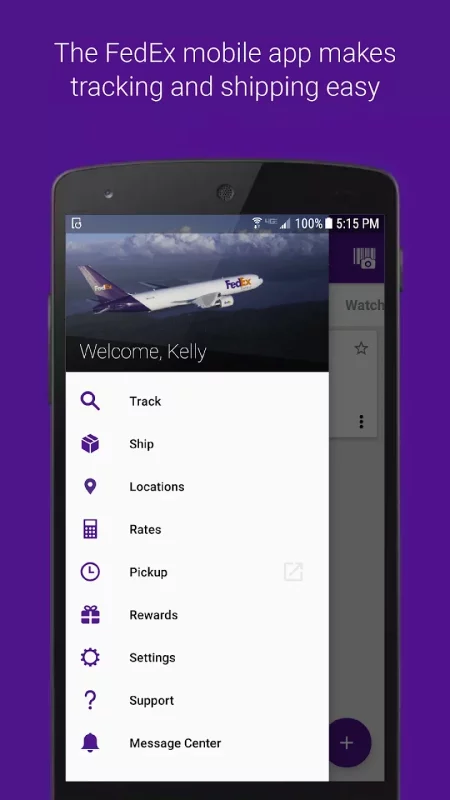
Create a domestic and international shipping label, track shipment status and manage your packages wherever you are with the FedEx Mobile app. Use the app to get quick rates, find a pickup or drop off location, scan bar codes, and view rewards. Enroll in FedEx Delivery Manager® to customize when and where you’d like to receive your packages.
Available in all regions
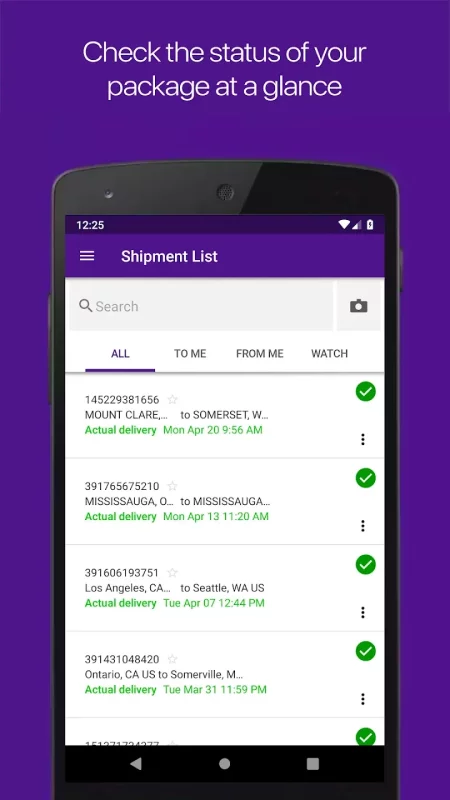
• Track the status of all incoming or outgoing packages
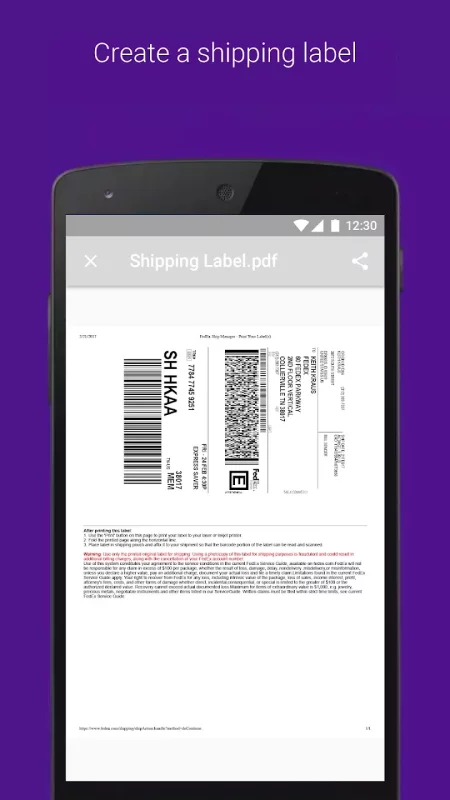
• Create a mobile shipment label and request a pickup**
• Enable push notifications to get updates on your shipments and a sound notification on delivered shipments*
• Scan a barcode for easy tracking*
• Find a FedEx location near you*
• View or cancel a scheduled pickup
• Create a new pickup
• Get shipment cost estimates and delivery times
• Access your shipper address book
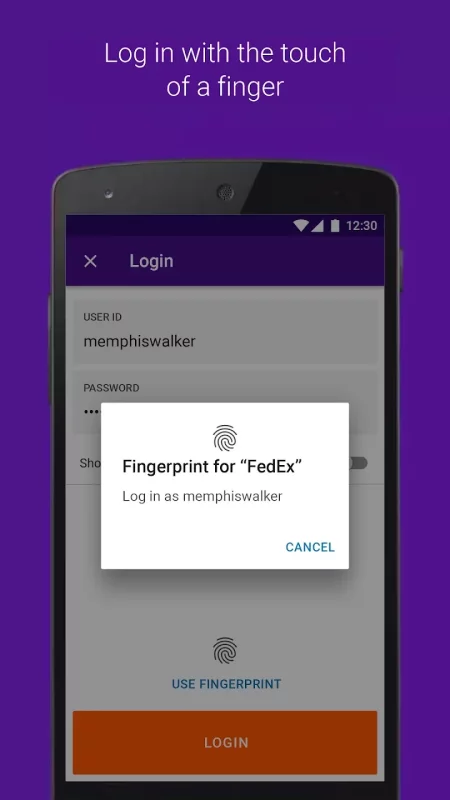
• Log in with finger or facial recognition
• Search your list of shipments by tracking number, references, vendors and more
Available in some regions
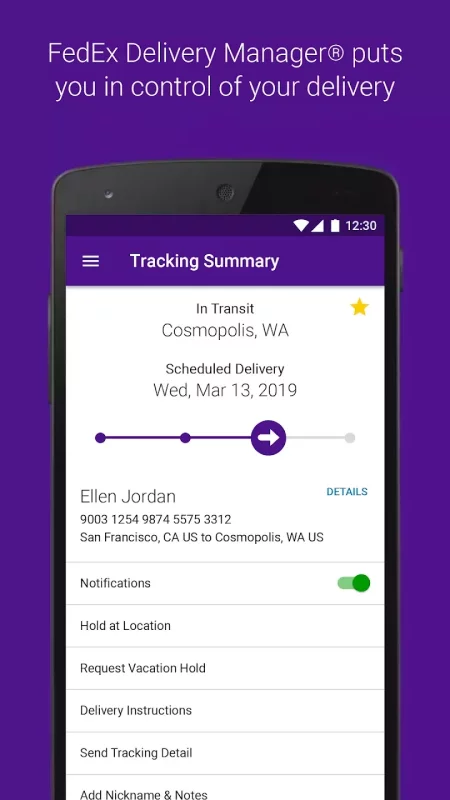
• Enroll in FedEx Delivery Manager to:
o Hold a package at a preferred FedEx location
o Leave delivery instructions for the courier
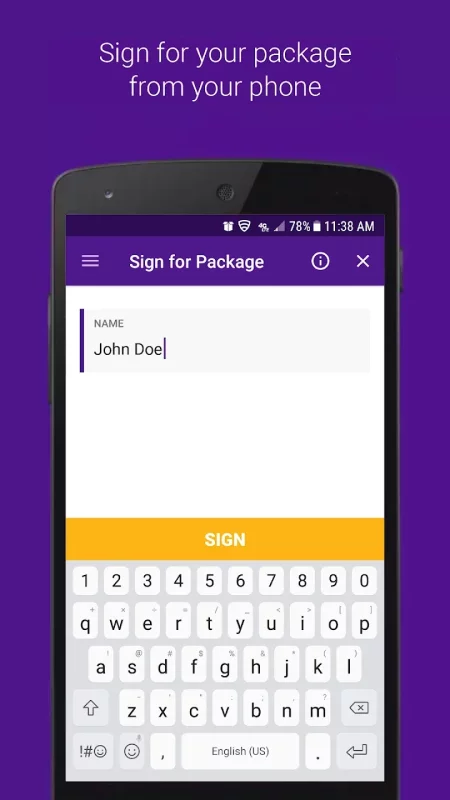
o Sign for a package requiring your signature
o Request a vacation hold
• Reroute your package to a FedEx location to pick up at your convenience
• Ship directly to a FedEx-designated location
• Scan your door tag to get information and options regarding your missed shipment
• Access a chat assistant for FedEx Mobile app and services questions
• Create a login for more convenient tracking
• View rewards
Thank you for using the FedEx Mobile app!
FedEx Delivery Manager is only available for residential deliveries within the U.S. You must be signed in to the FedEx Mobile app and registered for FedEx Delivery Manager to use selected features.
*Maximize your FedEx experience by allowing the following permissions: Location to find a convenient FedEx location, Camera to scan a shipping label and track a package, and Push Notifications to receive notifications on a package. Also, get Sound Notifications for delivered packages by turning on sound in your settings.
**Shipping administration rules apply.
Download FedEx Mobile for Android for free
- Download the XAPK file to your Android device.
- Install one of these installers from our website:
- Open the installer and select the downloaded file from the Downloads folder.
- Allow installation from this source if Android asks for permission.
- Start installation. To update the app, install the newer file without uninstalling the current version.