- Update18.09.2026
- Latest Version9.11.0.20250115
- Android OS5.0+
- LicenseFree
-
LanguagesEnglish English, Afrikaans, አማርኛ, العربية, অসমীয়া, Azərbaycan dili, Беларуская, Български, বাংলা, Bosanski, Català, Čeština, Dansk, Deutsch, Ελληνικά, Español, Eesti, Euskara, فارسی, Suomi, Français, Galego, ગુજરાતી, हिन्दी, Hrvatski, Magyar, Հայերեն, Bahasa Indonesia, Íslenska, Italiano, עברית, 日本語, ქართული, Қазақ тілі, ខ្មែរ, ಕನ್ನಡ, 한국어, Кыргызча, Lëtzebuergesch, ລາວ, Lietuvių, Latviešu, Македонски, മലയാളം, Монгол, मराठी, Bahasa Melayu, မြန်မာ, Norsk bokmål, नेपाली, Nederlands, Norsk, ଓଡ଼ିଆ, ਪੰਜਾਬੀ, Polski, Português, Română, Русский, සිංහල, Slovenčina, Slovenščina, Shqip, Српски, Svenska, Kiswahili, தமிழ், తెలుగు, ไทย, Tagalog, Türkçe, Українська, اردو, Oʻzbekcha, Tiếng Việt, 中文, isiZulu
- Content RatingEveryone
- DeveloperLighthouse, Inc.
- Package Namecom.peacock.flashlight
It quickly and easily turns on the flashlight next to the rear camera.
Features:
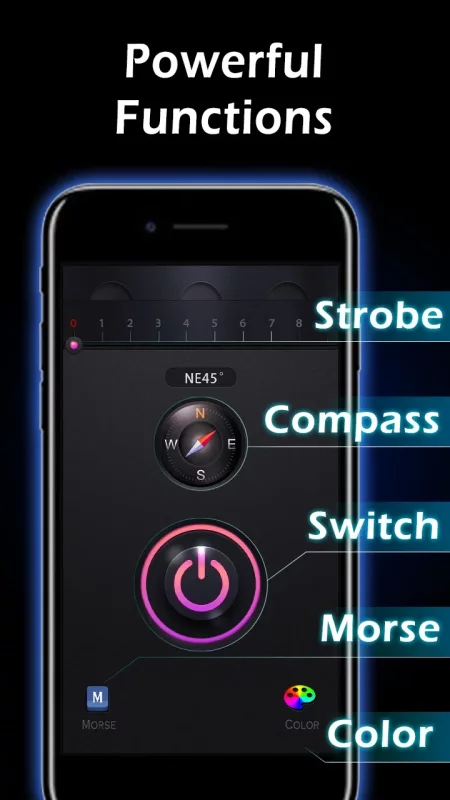
1. Flashlight in Dark
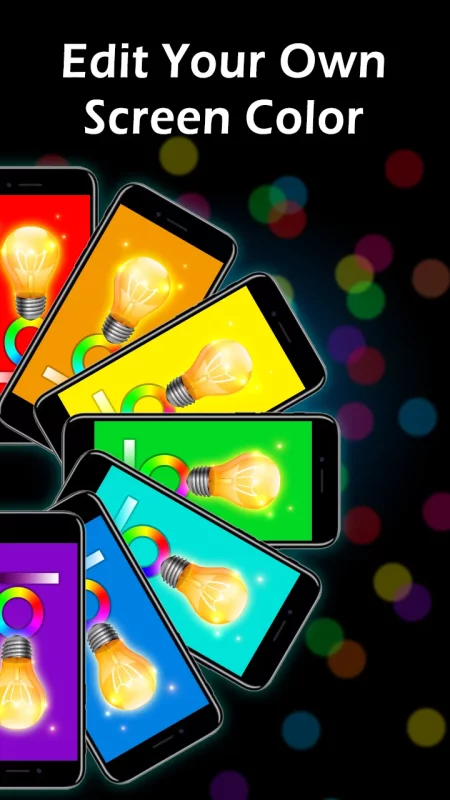
2. Color Screen Flashlight
3. Morse Code Flashlight for SOS
4. Compass & Map
With this app, you can do :
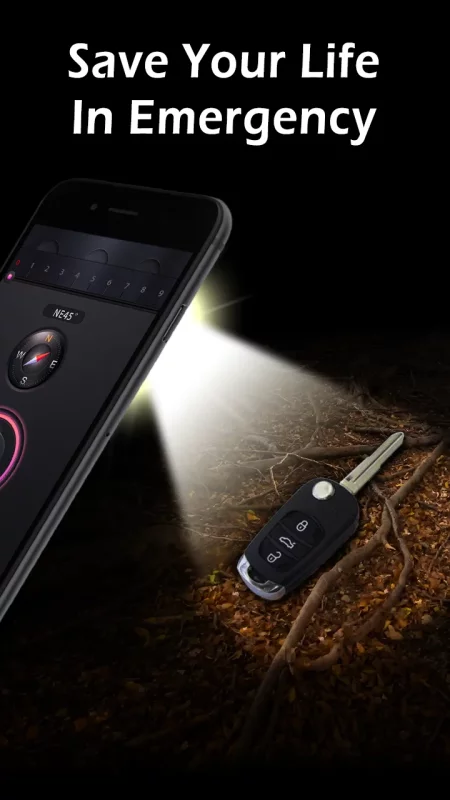
+ Find Your Keys in the Dark
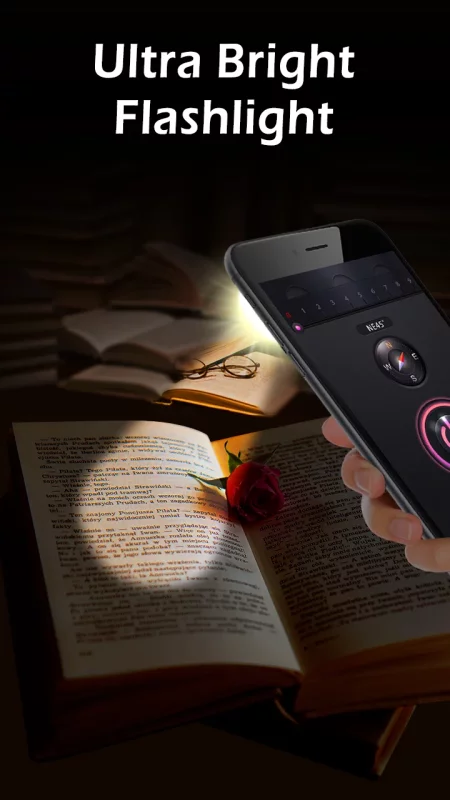
+ Read a Real Book at Night
+ Light the Way When Camping and Hiking
+ Make Yourself Visible on Roadside at Night
+ Light Your Room During a Power Outage
+ Repair Your Car or Change a Puppets
+ Check on the Little Ones
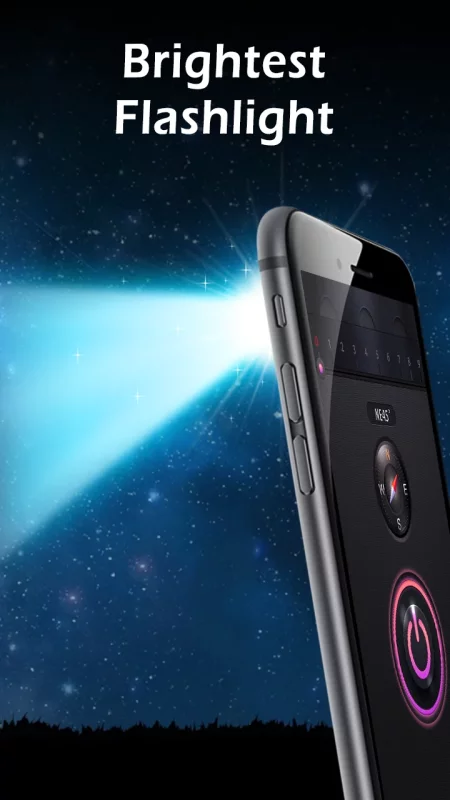
It's hard to beat the super bright LED flashlight on Android when it comes to simplicity. The flashlight app's setup mimics an actual hardware flashlight, with an on and off switch you can toggle to turn on and off your digital torch light.
You can also adjust the light's strobe or blinking mode by swiping left or right on the digital flashlight's bezel. If it's a free and simple flashlight app you're after and you use a smartphone running Android, this should be one of the first downloads you check out.
You'll find the basic torch functionality with this torch light app, but it also offers some more "fun" features. Apart from that most basic torch functionality, you can even use the torch light to send Morse code.

Download Flashlight for Android for free
- Download the APK file to your Android device.
- Find the file in the Downloads folder and open it.
- Allow installation from this source if Android blocks it.
- Tap Install. To update the app, install the newer APK without uninstalling the current version.