Duo Mobile

Duo Mobile

0 votes
  • Update
    18.09.2026
  • Latest Version
    4.121.0
  • Android OS
    12+
  • License
    Free
  • Languages
  • Content Rating
    Everyone
  • Developer
  • Package Name
    com.duosecurity.duomobile

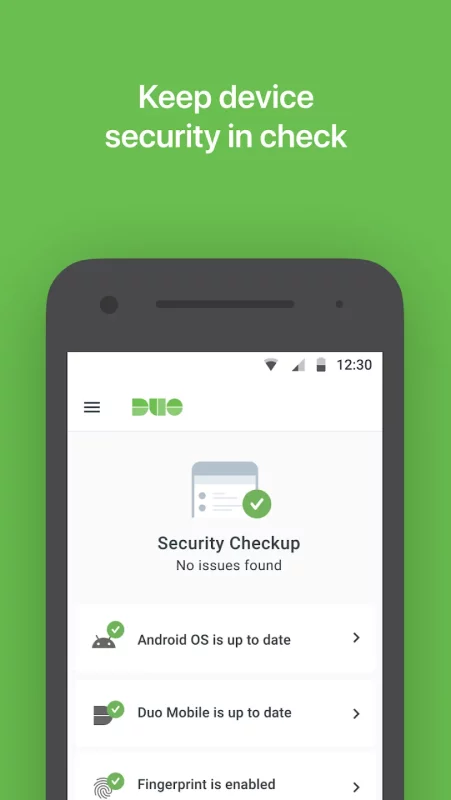
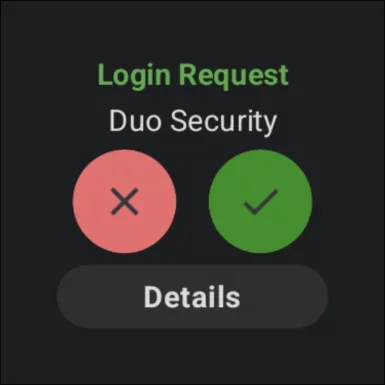
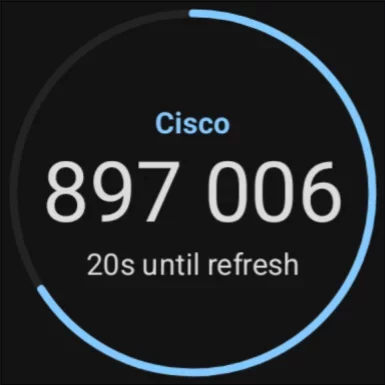
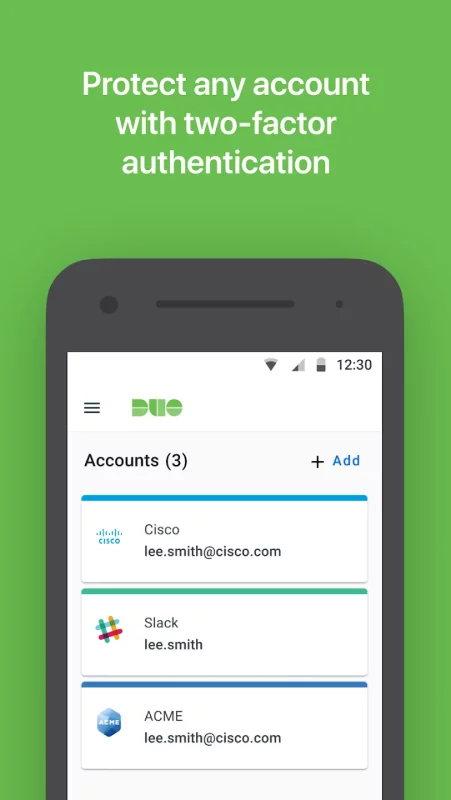
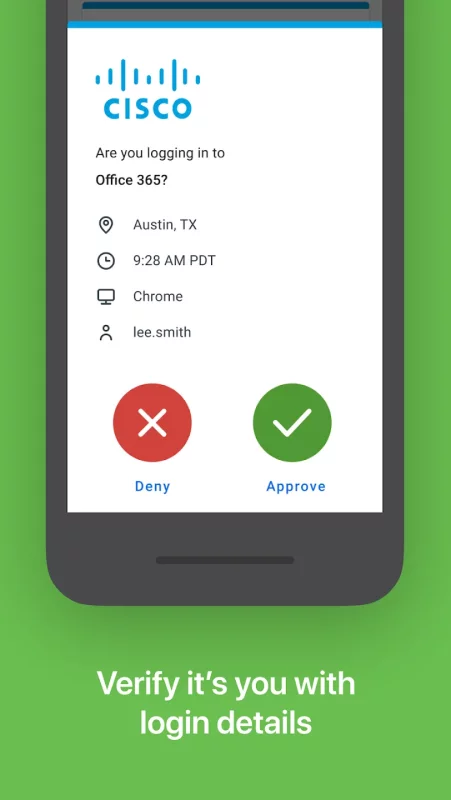
Duo Mobile works with Duo Security's two-factor authentication service to make logins more secure. The application generates passcodes for login and can receive push notifications for easy, one-tap authentication.

Additionally, you can use Duo Mobile to manage two-factor authentication for other application and web services that make use of passcodes.

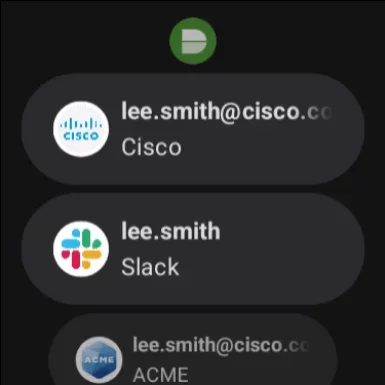
Duo Mobile also has a companion app for Wear OS, Duo Wear, making secure authentication even more convenient on your smartwatch.

Note: For Duo accounts, Duo Mobile needs to be activated and linked to your account before it will work. You will receive an activation link as part of Duo's enrollment process. You may add third-party accounts at any time.

Additionally, we will request access to use your camera for the sole purpose of scanning QR codes when activating accounts. Accounts can be activated by other methods if you choose not to do so.
Download Duo Mobile for Android for free

Download Duo Mobile 4.121.0 apk Android 12+ ARMV8, ARMV5, ARMV7, MIPS, MIPS64, X86, X86_64
33.79 Mb
No viruses found
Permissions (17)
Detections: 0
Check date: 18 September 2026, 06:35
The file was scanned for viruses using VirusTotal.
INTERNET - allows applications to open network sockets.
CAMERA - required to be able to access the camera device.
ACCESS_NETWORK_STATE - allows applications to access information about networks.
HIDE_OVERLAY_WINDOWS - allows an app to prevent non-system-overlay windows from being drawn on top of it
WAKE_LOCK - allows using powermanager wakelocks to keep processor from sleeping or screen from dimming.
ACCESS_COARSE_LOCATION - allows an app to access approximate location.
ACCESS_FINE_LOCATION - allows an app to access precise location.
BLUETOOTH_CONNECT - required to be able to connect to paired bluetooth devices.
BLUETOOTH_ADVERTISE - required to be able to advertise to nearby bluetooth devices.
BLUETOOTH_SCAN - required to be able to discover and pair nearby bluetooth devices.
RECORD_AUDIO - allows an application to record audio.
POST_NOTIFICATIONS - allows an app to post notifications
VIBRATE - allows access to the vibrator.
RECEIVE_BOOT_COMPLETED - allows an application to receive the intent.action_boot_completed that is broadcast after the system finishes booting.
FOREGROUND_SERVICE - allows a regular application to use service.startforeground.
USE_BIOMETRIC - allows an app to use device supported biometric modalities.
USE_FINGERPRINT - this constant was deprecated in api level 28. applications should request use_biometric instead
SHA1 signature: 56a8fc4417e41e0eb0b24e8b17ee1f447d0381e5
SHA256 signature: be5aa8a5436e997121e5e55e4ca7e0478448880914b9f94c242c5e4fdbe8d898
How to install APK
  1. Download the APK file to your Android device.
  2. Find the file in the Downloads folder and open it.
  3. Allow installation from this source if Android blocks it.
  4. Tap Install. To update the app, install the newer APK without uninstalling the current version.

⚠If the download fails or gets stuck, try enabling a VPN, disabling your ad blocker, or switching to a different network.
More by Cisco Systems, Inc.
Webex Meetings
Webex Meetings
Meet Anywhere Anytime. Enjoy a rich meeting experience with background noise cancellation,
See also
Uber - Driver: Drive & Deliver
Uber Driver is the app trusted by over 10 million drivers and couriers worldwide. Whether you want
Microsoft Teams
Microsoft Teams
Whether you’re connecting with your community for an upcoming activity or working with teammates on
LinkedIn: Community & Network
Welcome to LinkedIn – The Professional Network That Works for You Build your career, grow your
Zoom Workplace
Zoom Workplace
Zoom Workplace is your AI-first collaboration platform for meetings, chat, phone calls, docs,
Webex Meetings
Webex Meetings
Meet Anywhere Anytime. Enjoy a rich meeting experience with background noise cancellation,
TeamViewer Remote Control
Control your desktop, manage files, and support devices—from anywhere, anytime. Whether you’re on
Google Chat
Google Chat
Google Chat is the best way for teams using Workspace to connect, collaborate and get things done.
eHub
eHub
eHub by TEAM Software eHub Mobile is an employee and customer self-service app for the building
Comments (0)
Loading comments...