
- Update17.09.2026
- Latest Version14.0.1
- Android OS9+
- LicenseFree
-
Languagesالعربية, Azərbaycan dili, বাংলা, Čeština, Deutsch, Ελληνικά, Español, فارسی, Français, עברית, हिन्दी, Magyar, Bahasa Indonesia, Italiano, 日本語, 한국어, Bahasa Melayu, Nederlands, Polski, Português, Română, Русский, Svenska, Türkçe, Українська, Tiếng Việt, 中文
- Content RatingEveryone
- Developerdev.macgyver
- Package Namecom.iudesk.android.photo.editor
If you have some knowledge of photography, you can do a lot with Photo Editor.
Now use Photo Editor to edit photos on your mobile phone just like you would on a PC.
Features
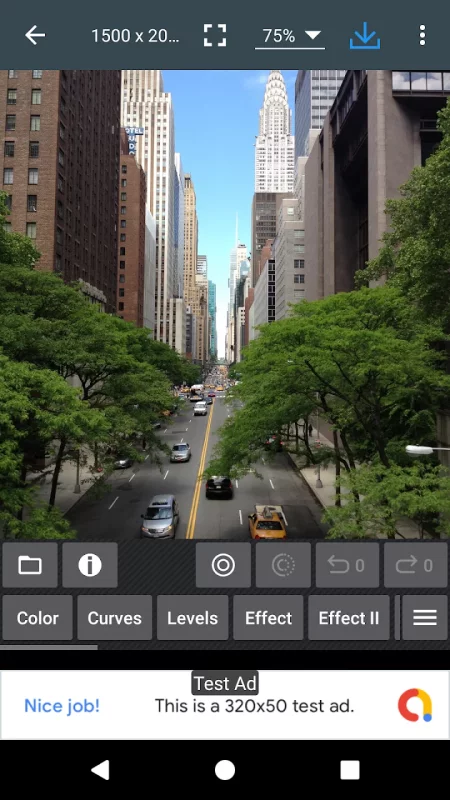
* Color : exposure, brightness, contrast, saturation, temperature, tint and hue
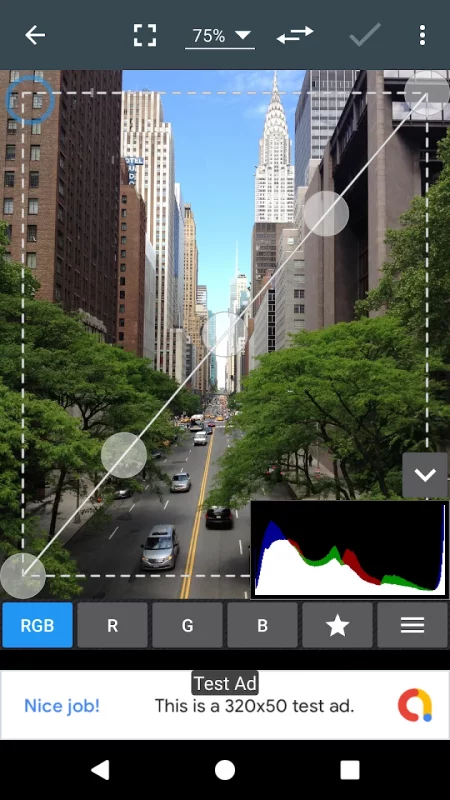
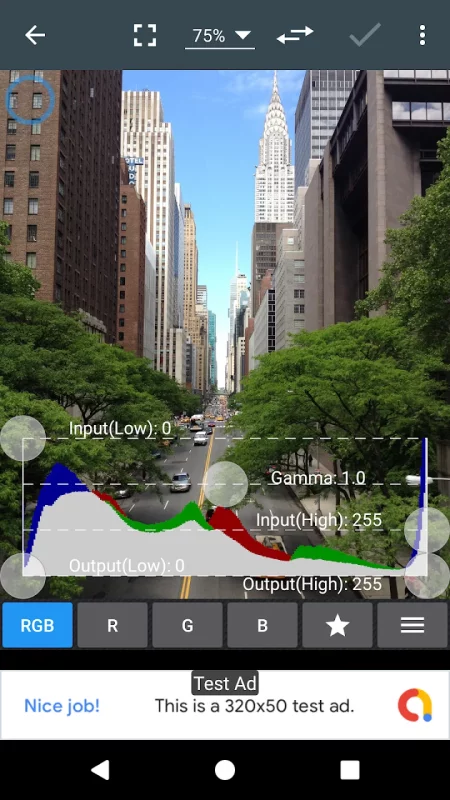
* Curves & Levels : fine-tuning of colors
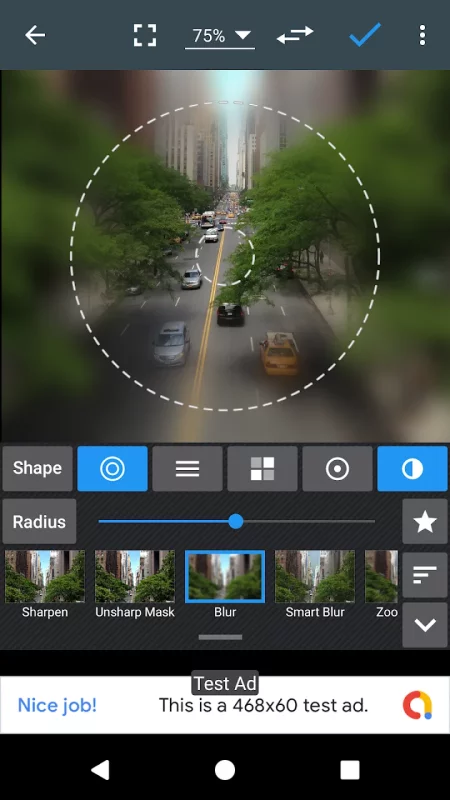
* Effects : gamma correction, auto contrast, auto tone, vibrance, blur, sharpen, oil paint, sketch, black & white high contrast, sepia, and more
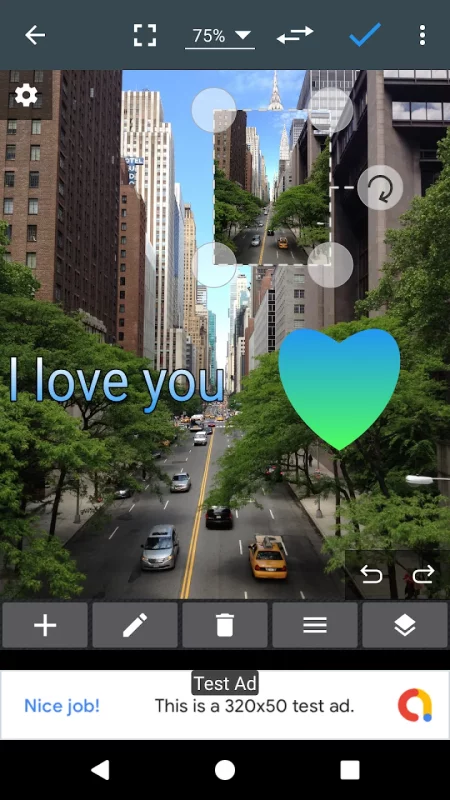
* Adding text, images or shapes
* Frame, Denoise, Drawing, Pixel, Clone, Cut Out
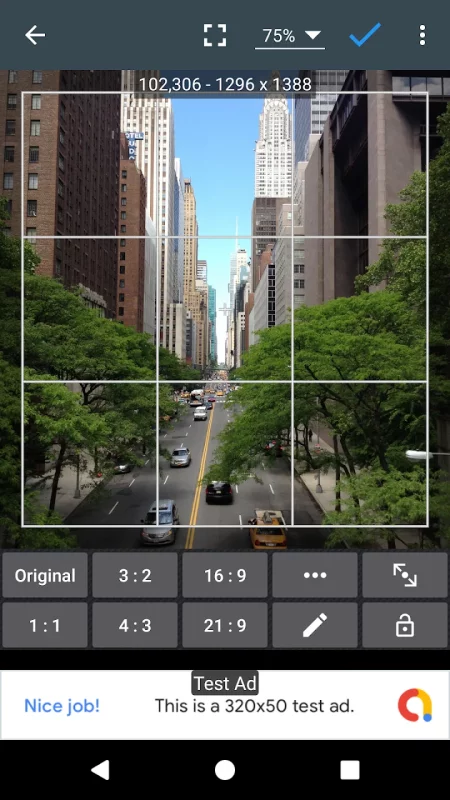
* Rotation, Straighten, Crop, Resize
* Corrections : perspective, lens, red-eye, white balance and backlight
* Easily edit with the touch and pinch-to-zoom interface
* Save images in JPEG, PNG, GIF, WebP and PDF
* View, edit, or delete Metadata (EXIF, IPTC, XMP)
* Save your final result to your gallery, as wallpaper, or on your SD card
* Share photos via email, social media, and more
* Batch, Crop(Puzzle), Compress to ZIP, Create PDF, Animated GIF
* Webpage Capture, Video Capture, PDF Capture
* Compare Photos, GIF Frame Extractor, SVG Rasterizer
* Ad-free option is available (Settings > Purchase Items)
Download Photo Editor for Android for free
- Download the APK file to your Android device.
- Find the file in the Downloads folder and open it.
- Allow installation from this source if Android blocks it.
- Tap Install. To update the app, install the newer APK without uninstalling the current version.