- Update14.09.2026
- Latest Version30.7.8
- Android OS6.0+
- LicenseFree
-
LanguagesEnglish English
- Content RatingTeen
- DeveloperPicsArt, Inc.
- Package Namecom.picsart.studio
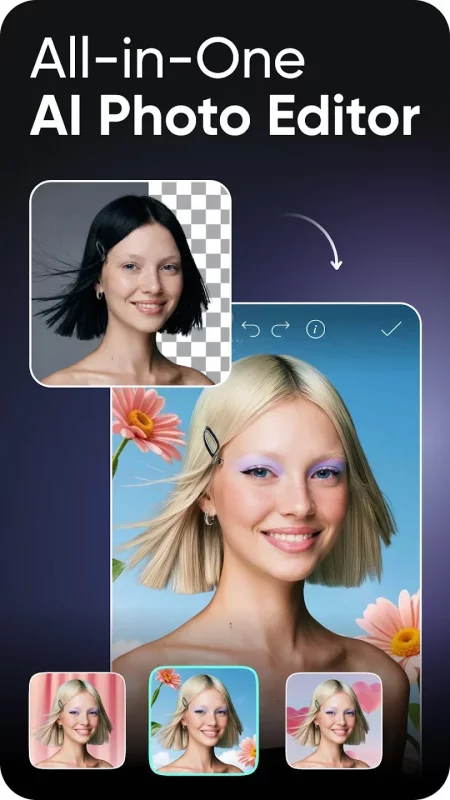
Ignite your creative potential with Picsart — the all-in-one AI photo editor, AI video editor, and design studio that’s free and easy to use. From business designs to AI art, go from inspiration to creation fast. Create with an AI photo generator and AI video generator, edit with an AI image editor, remove backgrounds with Background Remover (BG remover), erase objects with Object Remover (Object Eraser), apply AI effects, filters, and retouch tools, and turn ideas into designs with templates, collages, story maker, and more. Create with new image-to-video tools, AI video avatars, AI try-on, AI avatars, Gen AI Studio, AI Playground, and Picsart Persona.
MEET PICSART AURA
Chat your vision into visuals. Built on Picsart’s platform and trusted by 150M+ creators, Aura is your creative partner. From prompt to design in seconds, Aura creates, edits, and refines in one conversation. It suggests prompts, generates AI photos and AI videos, remembers chats, and lets you share sessions.
Aura combines AI models to create and edit AI images and videos. Use Nano Banana™ for image generation and video models like Veo™ (Veo 3), Kling, Runway, and Luma. Availability may vary. Trademarks belong to their owners.
KICK-START PROJECTS WITH TEMPLATES
• Use customizable templates made by professional editors.
• Create logos with AI logo maker, social posts, stories, business cards, posters, and more.
TRANSFORM DESIGNS WITH BACKGROUND REMOVER
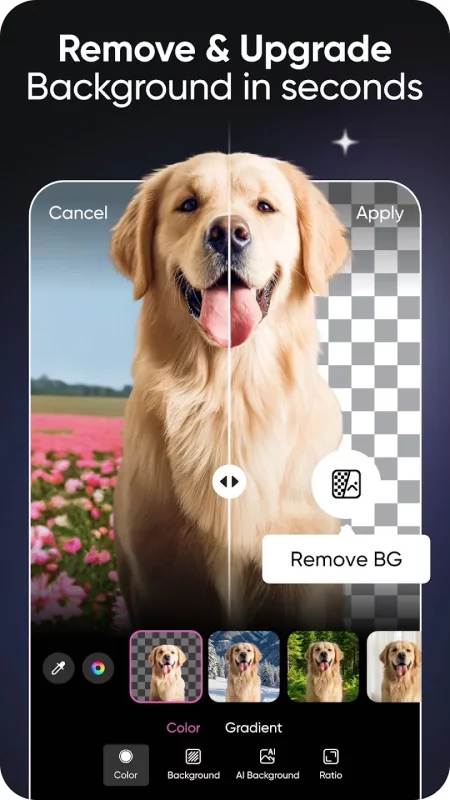
• Remove background for clean cutouts and product shots.
• Smart Background blends seamless backdrops — a fast background changer for ads and promos.
• Remove background, refine edges, and create aesthetic styles for photo editor projects.
REMOVE OBJECTS WITH EASE
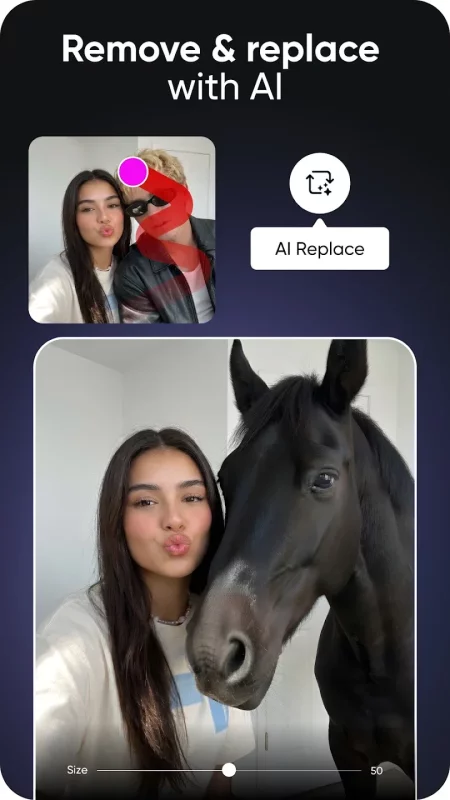
• Object Remover / Object Eraser deletes unwanted objects.
• Remove clutter and imperfections for a clean photo.
GET CREATIVE WITH AI
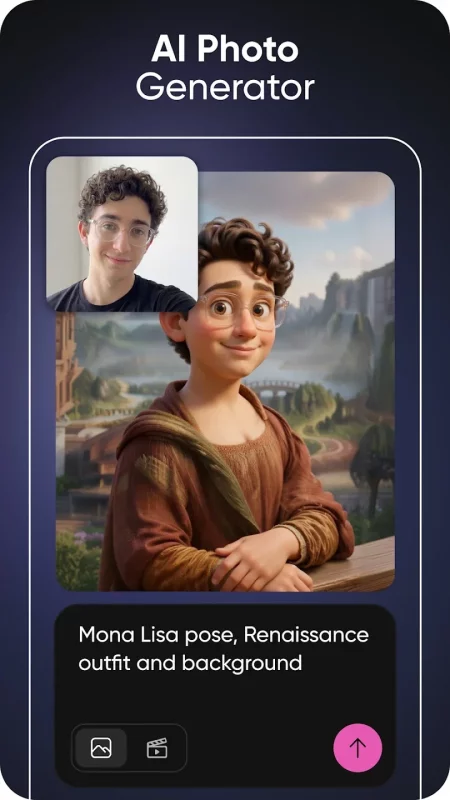
• AI Image Generator / AI photo generator: turn text into AI art, images, and GIFs.
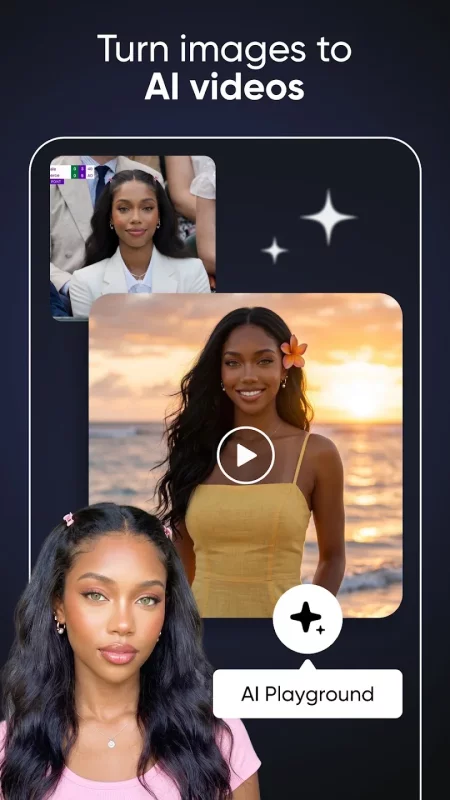
• AI video generator: create videos from text, images, or ideas in seconds.
• AI Enhance instantly boosts image quality for better photo retouch.
• Apply stylized AI filters and AI effects to create stunning photo effects in your photo editor workflow.
• AI Replace transforms images with face swaps, hair color changes, and selfie edits.
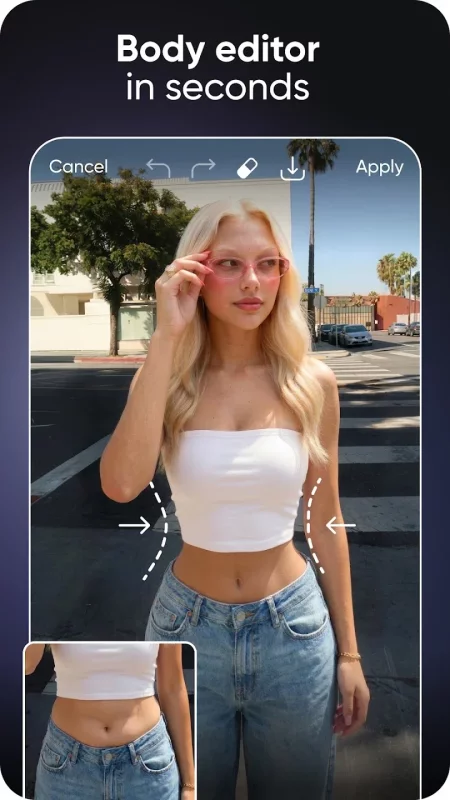
• AI Retouch perfects portraits with advanced skin, face, and detail enhancements for flawless retouch results.
• AI Expand extends images beyond the frame.
• AI Try-On lets you experiment with outfits and styles instantly.
• AI Writer creates captions, text, and marketing copy for your content needs.
• Upload selfies to generate customized AI avatar in different styles.
• Explore new ideas in AI Playground and create faster with Gen AI Studio.
EDIT VIDEOS LIKE A PRO
• Use the easy video editor to create and edit clips with music.
• Generate and edit videos with AI video tools, effects, text, and trendy filters.
• Turn images into motion with image-to-video tools.
• Create short-form edits that shine on any platform.
• Add your best moments to a video collage.
ADD YOUR FLAVOR WITH THE STICKER MAKER
• Discover 60M+ stickers.
• Add stickers to pictures or business promos.
• Create custom stickers.
TELL YOUR STORY IN TEXT
• Add text with the Picsart Text Editor.
• Discover hundreds of classic & trendy fonts.
• Customize text styles.
CREATE COLLAGE MAGIC (COLLAGE MAKER)
• Create fun photo collages with your favorite photos.
• Try photo grid collage or freestyle collage for mood boards and frames.
DISCOVER ENDLESS INSPIRATION
From solopreneurs to graphic design enthusiasts, AI art pioneers, and photo editors — share your ideas and get inspiration for your next project with Picsart Spaces.
UPGRADE YOUR DESIGN EXPERIENCE
Picsart Plus: premium content, templates, and extra retouch features.
Picsart Pro: more AI tools, extra team seats for small businesses, and more storage space.
Download Picsart AI Photo Editor, Video for Android for free
- Download the XAPK file to your Android device.
- Install one of these installers from our website:
- Open the installer and select the downloaded file from the Downloads folder.
- Allow installation from this source if Android asks for permission.
- Start installation. To update the app, install the newer file without uninstalling the current version.