- Update14.09.2026
- Latest Version18.3.39
- Android OS9+
- LicenseFree
-
Languagesالعربية, Deutsch, Français, हिन्दी, Bahasa Indonesia, Italiano, 日本語, Bahasa Melayu, Nederlands, Polski, Português, Русский, ไทย, Tiếng Việt, 中文
- Content RatingEveryone
- DeveloperAdobe
- Package Namecom.adobe.psmobile
PHOTO EDITING MADE FUN AND EASY
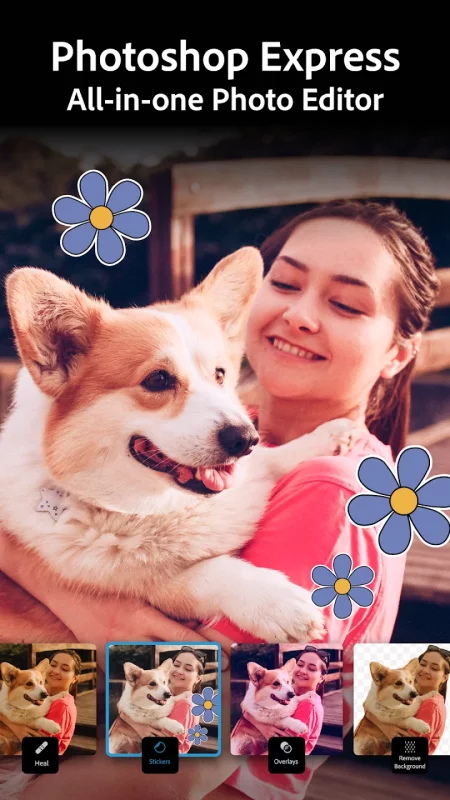
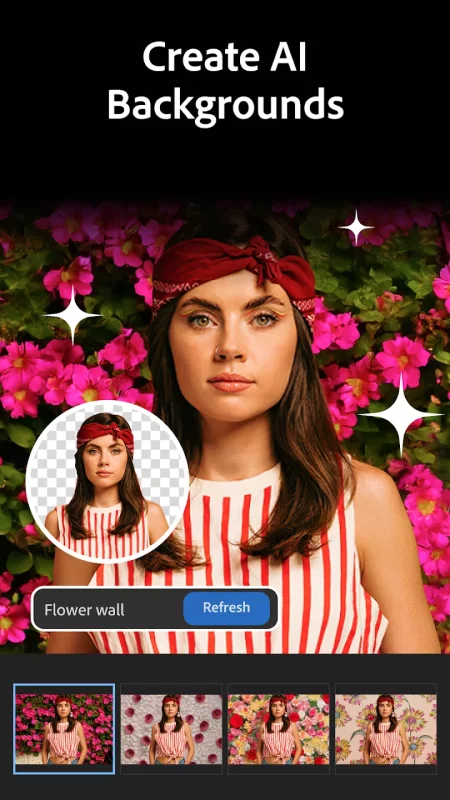
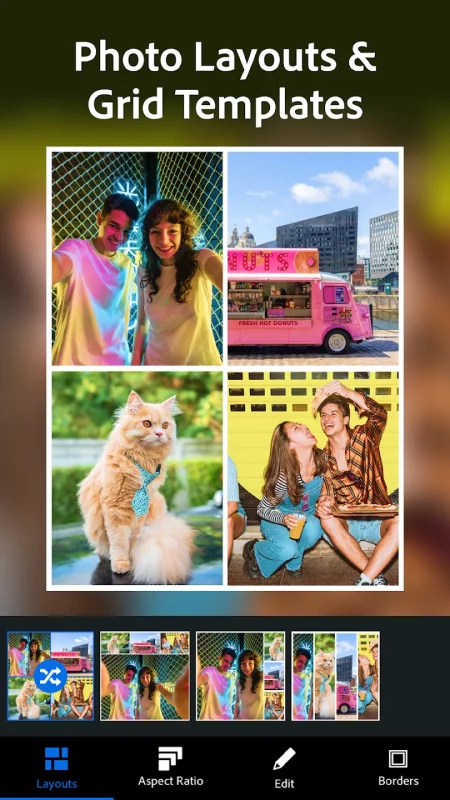
Tap into your creativity and capture the moment with a photo editor made for fun, fast, and easy one-tap photo edits. Trusted by millions, Photoshop Express is the picture editor perfect for turning creative ideas into reality. Add text to photos, touch up a selfie, and make pre-post edits using social media templates. Create a collage of your favorite memories, remove objects and replace backgrounds with AI, apply vibrant beauty filters and stickers, or match your aesthetic with nostalgic or vintage camera effects. With Photoshop Express, you get a state-of-the-art AI image generator, easy-to-use collage maker, and an airbrush face editor in one app.
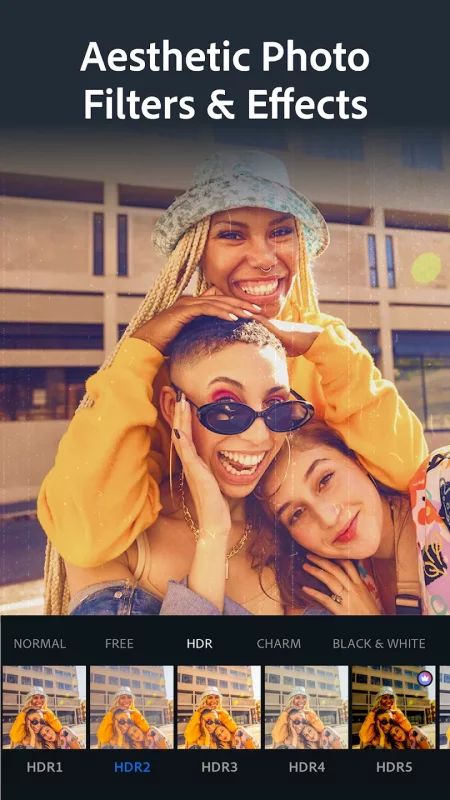
Get a photo editor app with airbrush tools to remove blemishes, filters to match any aesthetic, and an easy-to-use collage maker. From vintage camera effects and film filters to text overlays, photo stickers and retouch tools, you can access thousands of ways to customize and edit photos.
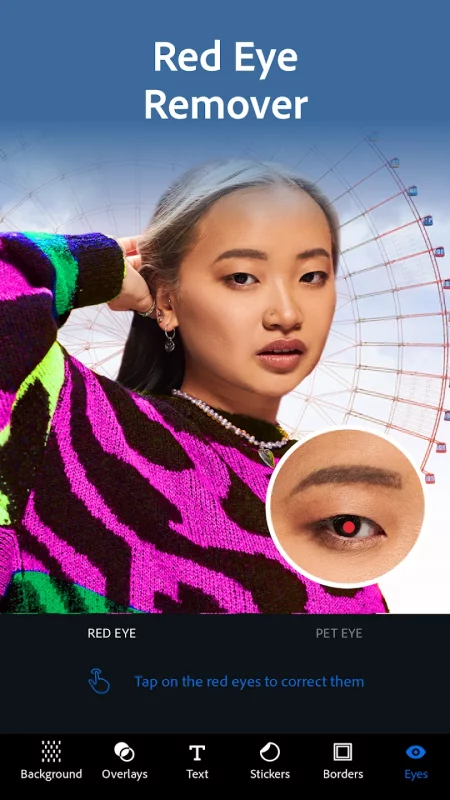
Airbrush your selfie in just a few taps with our face editor app! Clean up images with red eye corrector, healing, clone stamp, and blemish remover features. Choose from hundreds of camera filters for moody film effects, aesthetic styles, or one that feels like a vintage camera! Collage maker, AI photo generator, and face editor app — get it all with Photoshop Express.
Add text to photos, use AI to enhance portraits, create unique stickers, or create a photo collage with our collage maker. Anyone can enjoy our high-quality image editor no matter their photography skills. Get Photoshop Express today for a comprehensive yet simple way to edit and retouch photos and transform moments!
PHOTOSHOP EXPRESS FEATURES
AI PHOTO EDITING & FACE RETOUCH TOOLS
- Airbrush your selfie with our face editor app
- Vintage camera filters give your photo a cinematic feel
- Add text to photos to elevate your images
- Easily retouch and enhance photos with blemish remover and spot healing tools
- Use AI to replace backgrounds, remove objects from photos, and adjust photos
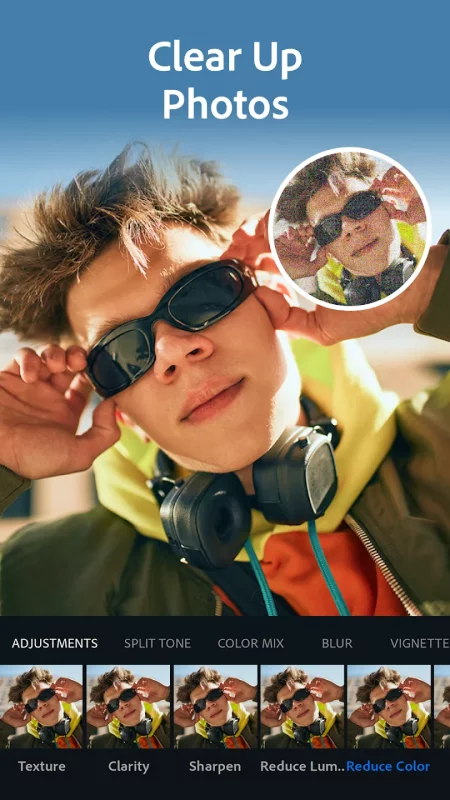
- Add blur effects, dehaze pictures, erase background noise, and add vintage camera filters
- Easily apply presets, add makeup, change your hair color, and restyle images
ADD TEXT TO PHOTOS & USE OUR COLLAGE MAKER
- Combine pictures in a pre-made photo grid with our fun and simple photo collage maker
- Add text to photos and create memes with easy-to-use graphic design features
- Create custom stamps and watermarks with dozens of fonts and layouts to choose from
LEVEL UP YOUR CREATIVITY WITH A PROMPT
- Photoshop Express is more than a face editor app. Expand the possibilities of creative concepting with AI photo editing tools
- Create custom eye-catching stickers or try on an outfit or accessory you create with a text prompt
- Level up your vision and moodboards, or transport your subject to new worlds in seconds
- Add your own reference image to your prompt to generate photos that align with your moody, vibrant, or vintage photo editing aesthetic
UPLOAD & SHARE PHOTOS EASILY
- Upload images from multiple source formats (including RAW, TIFF, and PNG)
- Face editor app, collage maker, and image editor that’s perfect for social media
- Share photos to your favorite social channels like Instagram, TikTok, Pinterest, Snapchat, Facebook, Line, and X
PREMIUM
Upgrade to Photoshop Express Premium to access extra, exclusive features, and more precise editing controls.
Photoshop Express is the picture editor made for everyone. Make photo magic happen with Adobe Photoshop Express. Fix photos, create fun memes, and make personalized pic collages today!
Adobe Terms of Use:
Your use of this application is governed by the Adobe General Terms of Use
Download Photoshop Express Photo Editor for Android for free
- Download the XAPK file to your Android device.
- Install one of these installers from our website:
- Open the installer and select the downloaded file from the Downloads folder.
- Allow installation from this source if Android asks for permission.
- Start installation. To update the app, install the newer file without uninstalling the current version.