Google Photos

Google Photos

0 votes
  • Update
    28.08.2026
  • Latest Version
    7.90.0.971743778
  • Android OS
    7.0+
  • License
    Free
  • Languages
    English
  • Content Rating
    Everyone
  • Developer
  • Package Name
    com.google.android.apps.photos

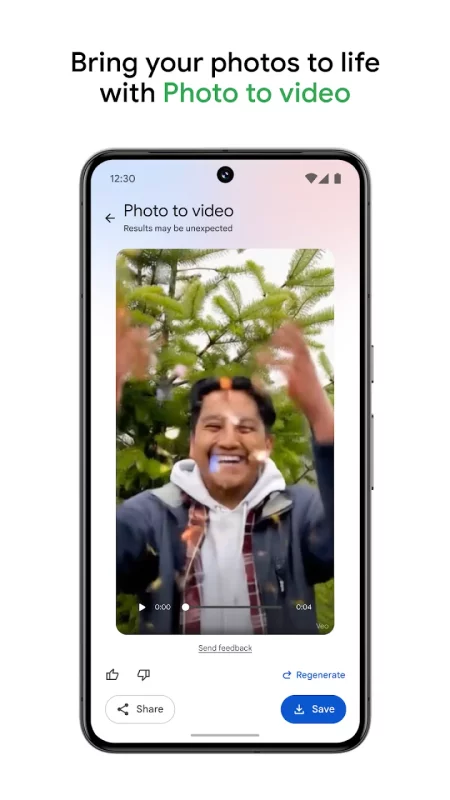
Google Photos is the home for all your photos and videos. Easily store, edit, organize, and search your memories with the help of Google AI.

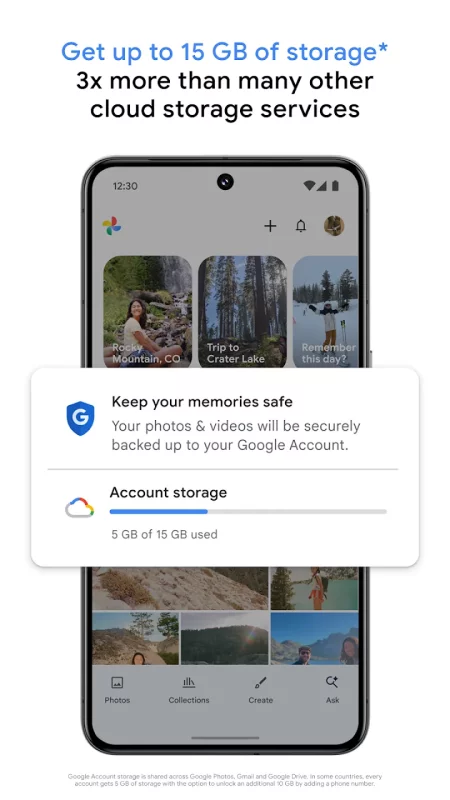
• 15 GB OF CLOUD STORAGE: Every Google account gets up to 15 GB of storage*, 3X more than many other cloud storage services. So you can back up and keep your memories safe automatically on all of your devices.

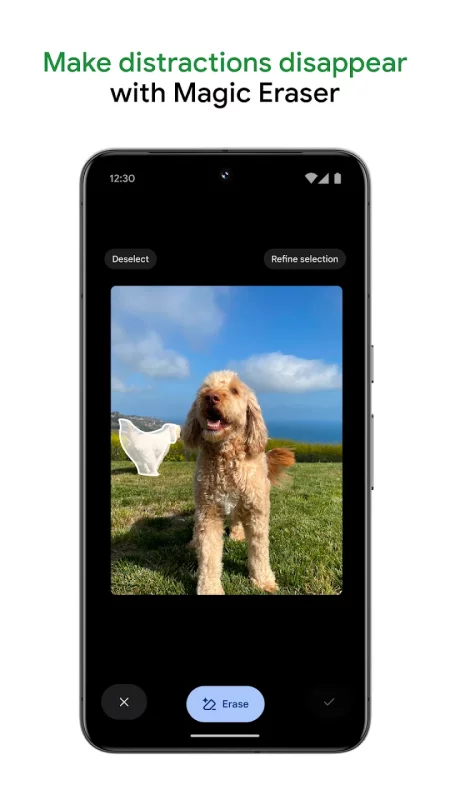
• AI-POWERED EDITING TOOLS: Make complex edits in just a few taps. Remove unwanted distractions with Magic Eraser. Improve out-of-focus blurry photos with Unblur. Enhance lighting and brightness with Portrait Light.

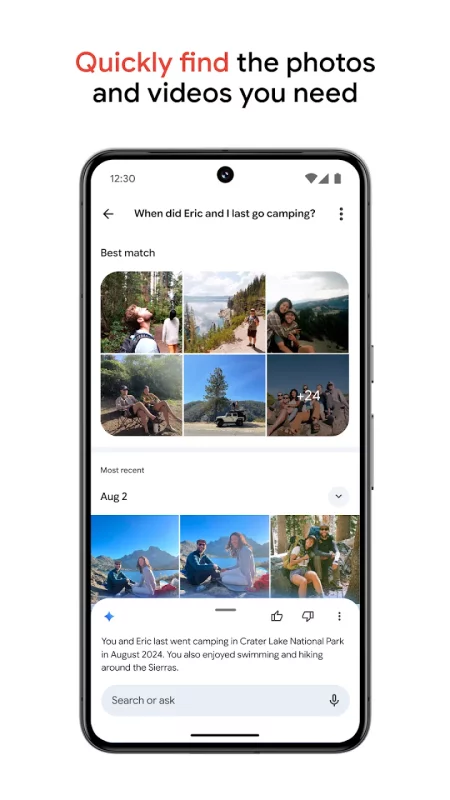
• SEARCH MADE SIMPLE: Your photos are easily searchable in a natural, descriptive way, like “Alice and me laughing,” “Kayaking on a lake surrounded by mountains” or “Emma painting in the backyard.”

• EASY ORGANIZATION: Google Photos helps declutter your gallery by automatically organizing duplicates and similar photos into photo stacks. It also offers smart, intuitive folders for screenshots, documents, custom albums and daily camera roll organization, making your gallery feel orderly and personalized. You can even save sensitive photos and videos to a locked folder protected by your device screen lock.

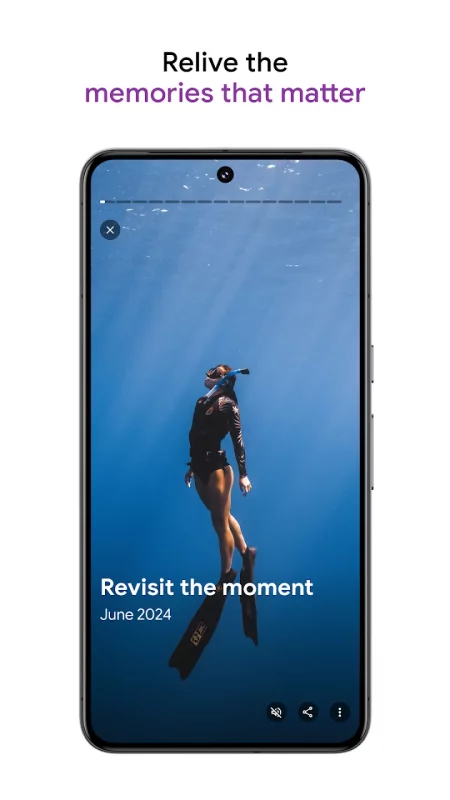
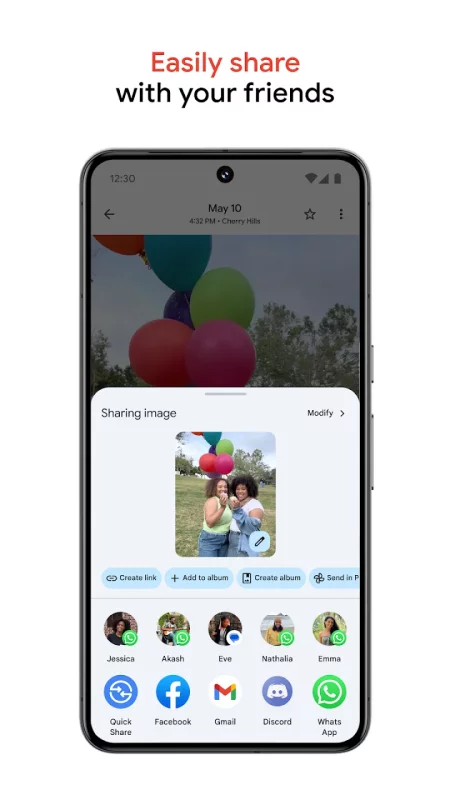
• RELIVE AND SHARE YOUR FAVORITE MEMORIES: Stroll down memory lane right in Google Photos. Share photos, videos, and albums with any of your contacts — even if they don't use Google Photos.

• YOUR MEMORIES ARE SAFE: Your photos and videos are safe and secure from the instant you store them, protected by our advanced security infrastructure while in storage or when you share them.

• ALL YOUR MEMORIES IN ONE PLACE: With backup on, you can easily transfer your photos from other apps, galleries and devices, so all of your content is in one place.

• FREE UP SPACE: Never worry about running out of space on your phone again. Photos that are backed up in Google Photos can be removed from your device’s storage in just a tap.

• PRINT YOUR FAVORITE MOMENTS:
From your phone, to your home. Turn your favorite memories into photo books, photo prints, canvas wall art and more. Price varies by product. Printing services available in the US, EU, UK, and CA only.

• GOOGLE LENS: Search what you see. This preview enables you to identify text and objects in your photos to learn more and take action.

* Google Account storage is shared across Google Photos, Gmail, and Google Drive. In some countries, every account gets 5 GB of storage with the option to unlock an additional 10 GB by adding a phone number.
Download Google Photos for Android for free

Download Google Photos 7.90.0.971743778 apk Android 7.0+ ARMV8, ARMV7, X86, X86_64
221.02 Mb
No viruses found
Permissions (36)
Detections: 0
Check date: 28 August 2026, 23:35
The file was scanned for viruses using VirusTotal.
NFC - allows applications to perform i/o operations over nfc.
INTERNET - allows applications to open network sockets.
BLUETOOTH - allows applications to connect to paired bluetooth devices.
CHANGE_WIFI_STATE - allows applications to change wi-fi connectivity state.
CHANGE_NETWORK_STATE - allows applications to change network connectivity state.
ACCESS_FINE_LOCATION - allows an app to access precise location.
ACCESS_COARSE_LOCATION - allows an app to access approximate location.
READ_CONTACTS - allows an application to read the user's contacts data.
READ_PHONE_STATE - allows read only access to phone state, including the current cellular network information, the status of any ongoing calls, and a list of any phoneaccounts registered on the device.
WRITE_SYNC_SETTINGS - allows applications to write the sync settings.
READ_SYNC_SETTINGS - allows applications to read the sync settings.
GET_ACCOUNTS - allows access to the list of accounts in the accounts service.
FOREGROUND_SERVICE_DATA_SYNC - allows a regular application to use service.startforeground with the type "datasync".
READ_CALENDAR - allows an application to read the user's calendar data.
WRITE_CALENDAR - allows an application to write the user's calendar data.
CAMERA - required to be able to access the camera device.
VIBRATE - allows access to the vibrator.
GET_PACKAGE_SIZE - allows an application to find out the space used by any package.
WRITE_EXTERNAL_STORAGE - allows an application to write to external storage.
SET_WALLPAPER - allows applications to set the wallpaper.
SYSTEM_ALERT_WINDOW - allows an app to create windows using the type windowmanager.layoutparams.type_application_overlay, shown on top of all other apps.
WAKE_LOCK - allows using powermanager wakelocks to keep processor from sleeping or screen from dimming.
ACCESS_NETWORK_STATE - allows applications to access information about networks.
MANAGE_MEDIA - allows an application to modify and delete media files on this device or any connected storage device without user confirmation.
RECEIVE_BOOT_COMPLETED - allows an application to receive the intent.action_boot_completed that is broadcast after the system finishes booting.
WRITE_SETTINGS - allows an application to read or write the system settings.
READ_MEDIA_IMAGES - allows an application to read image files from external storage.
READ_MEDIA_VIDEO - allows an application to read video files from external storage.
READ_MEDIA_AUDIO - allows an application to read audio files from external storage.
READ_MEDIA_VISUAL_USER_SELECTED - allows an application to read image or video files from external storage that a user has selected via the permission prompt photo picker.
FOREGROUND_SERVICE - allows a regular application to use service.startforeground.
FOREGROUND_SERVICE_CONNECTED_DEVICE - allows a regular application to use service.startforeground with the type "connecteddevice".
FOREGROUND_SERVICE_MEDIA_PLAYBACK - allows a regular application to use service.startforeground with the type "mediaplayback".
RECORD_AUDIO - allows an application to record audio.
RUN_USER_INITIATED_JOBS - allows applications to use the user-initiated jobs api.
READ_EXTERNAL_STORAGE - allows an application to read from external storage.
SHA1 signature: f8456b1d9986acf9ce21fb450b0d32b895f36885
SHA256 signature: 5aad2bee6db95d17e05a08d7d1e64c10a1511879154483916b6ae6c7fd9cb0c6
How to install APK
  1. Download the APK file to your Android device.
  2. Find the file in the Downloads folder and open it.
  3. Allow installation from this source if Android blocks it.
  4. Tap Install. To update the app, install the newer APK without uninstalling the current version.

⚠If the download fails or gets stuck, try enabling a VPN, disabling your ad blocker, or switching to a different network.
More by Google LLC
YouTube
YouTube
Get the official YouTube app on Android phones and tablets. See what the world is watching -- from
Google Docs
Google Docs
Create, edit, and collaborate with others on documents from your Android phone or tablet with the
YouTube Music
YouTube Music
Connecting you to the world of music: ● Music content including live performances, covers, remixes
Google Messages
Google Messages
Google Messages is the official Google app for messaging. Google Messages is revolutionizing how a
Comments (0)
Loading comments...