- Update17.09.2026
- Latest Version3.7.0
- Android OS8.0+
- LicenseFree
-
LanguagesEnglish English, Afrikaans, አማርኛ, العربية, অসমীয়া, Azərbaycan dili, Беларуская, Български, বাংলা, Bosanski, Català, Čeština, Dansk, Deutsch, Ελληνικά, Español, Eesti, Euskara, فارسی, Suomi, Français, Galego, ગુજરાતી, עברית, हिन्दी, Hrvatski, Magyar, Հայերեն, Bahasa Indonesia, Íslenska, Italiano, 日本語, ქართული, Қазақ тілі, ខ្មែរ, ಕನ್ನಡ, 한국어, Кыргызча, ລາວ, Lietuvių, Latviešu, Македонски, മലയാളം, Монгол, मराठी, Bahasa Melayu, မြန်မာ, Norsk bokmål, नेपाली, Nederlands, ଓଡ଼ିଆ, ਪੰਜਾਬੀ, Polski, Português, Română, Русский, සිංහල, Slovenčina, Slovenščina, Shqip, Српски, Svenska, Kiswahili, தமிழ், తెలుగు, ไทย, Tagalog, Türkçe, Українська, اردو, Oʻzbekcha, Tiếng Việt, 中文, isiZulu
- Content RatingEveryone
- DeveloperCanon Inc.
- Package Namejp.co.canon.bsd.ad.pixmaprint
Previously: Canon PRINT Inkjet/SELPHY.
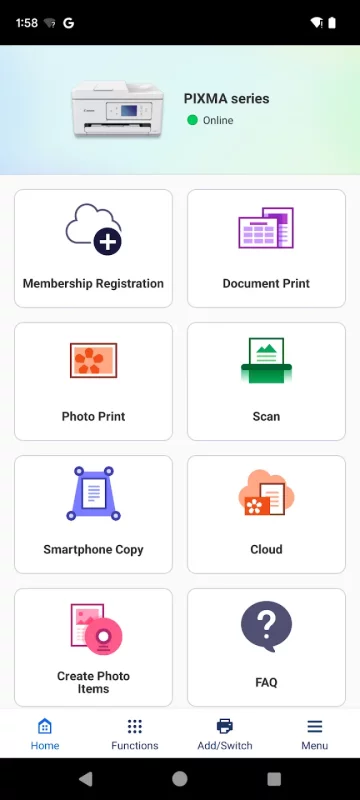
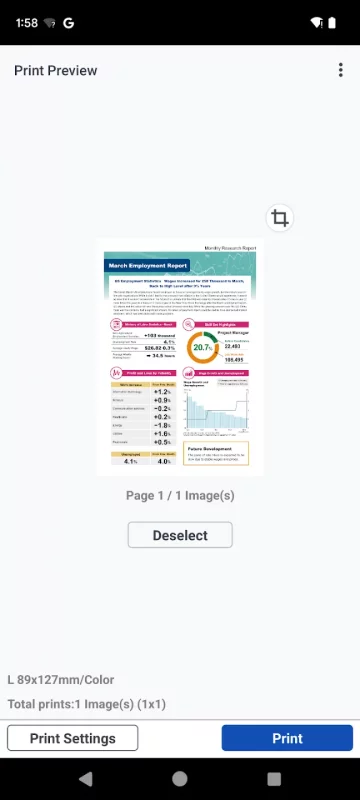
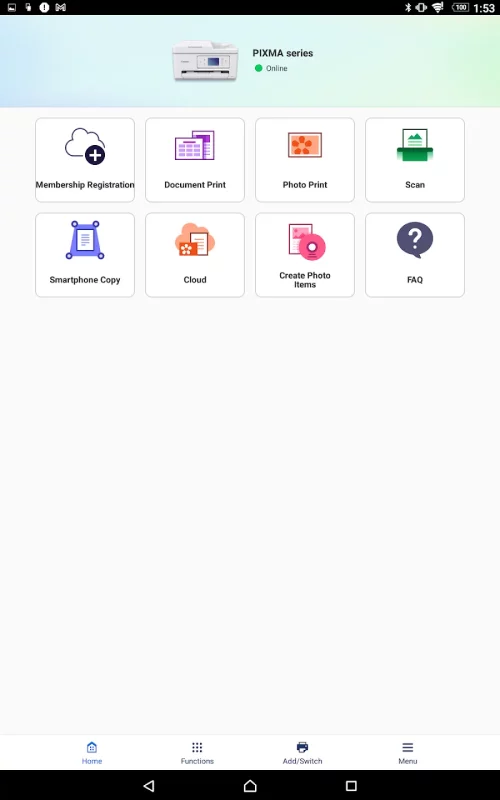
Canon PRINT is a companion app for your Canon printer.
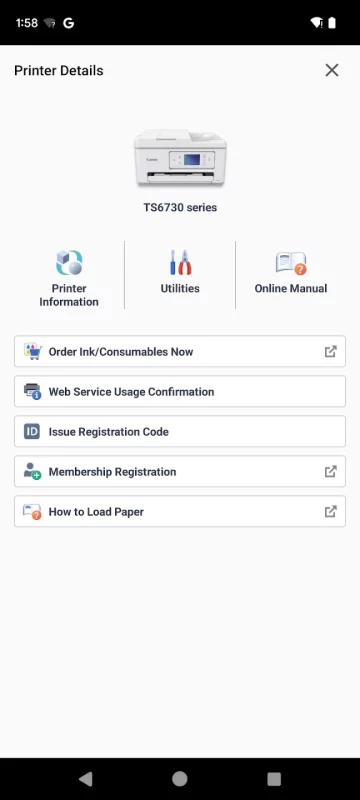
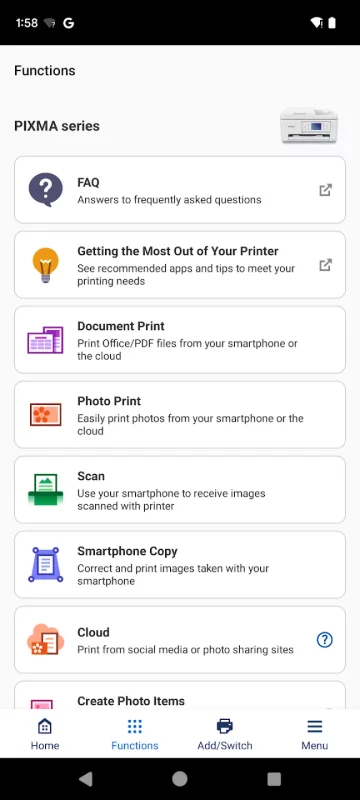
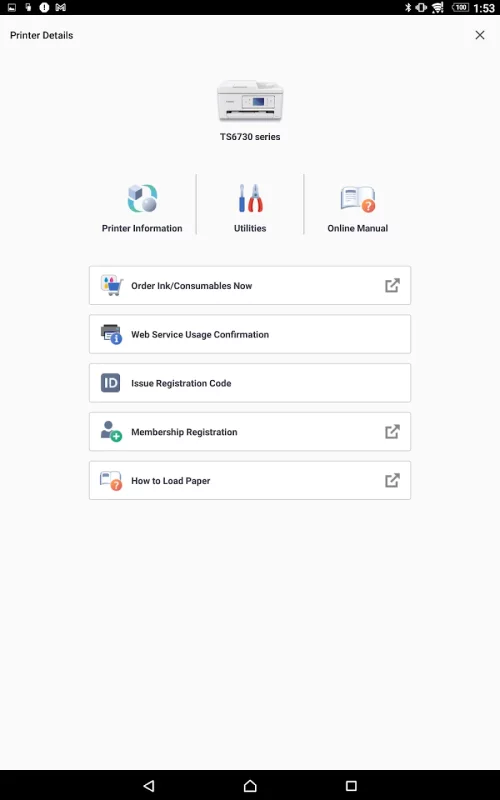
With this app you can set up your printer, and start printing and scanning. It also provides various handy functions such as checking consumable levels, and printing via the cloud.
We recommend using Canon PRINT with your Canon printer.
Some functions and services may not be available in certain printers, countries or regions and environments.
[Supported printers]
- Inkjet Printers
PIXMA TS series, TR series, MG series, MX series, G series, E series, GM series, PRO series, MP series, iP series, iX series
MAXIFY MB series, iB series, GX series, BX series
imagePROGRAF PRO, TM, TA, TX, TZ, GP, TC series
*Except for some models
- Laser Printers
imageFORCE series, imagePRESS series,
imageRUNNER ADVANCE series, Color imageRUNNER series, imageRUNNER series,
Satera series, imageCLASS series, imageCLASS X series, i-SENSYS series, i-SENSYS X series
- Compact Photo Printers
SELPHY CP900 series, CP910, CP1200, CP1300, CP1500
*CP900 does not support printing in Ad Hoc mode. Please use Infrastructure mode.
Download Canon PRINT for Android for free
- Download the APK file to your Android device.
- Find the file in the Downloads folder and open it.
- Allow installation from this source if Android blocks it.
- Tap Install. To update the app, install the newer APK without uninstalling the current version.