

- Update04.09.2026
- Latest Version3.1.712-07
- Android OS7.0+
- LicenseFree
-
LanguagesEnglish English, العربية, Deutsch, Español, Eesti, Suomi, Français, हिन्दी, Magyar, Bahasa Indonesia, Italiano, 日本語, 한국어, Bahasa Melayu, Nederlands, Polski, Português, Русский, Svenska, ไทย, Türkçe, Українська, Tiếng Việt, 中文
- Content RatingEveryone
- DeveloperGoogle LLC
- Package Namecom.google.android.apps.adm
For your devices and items
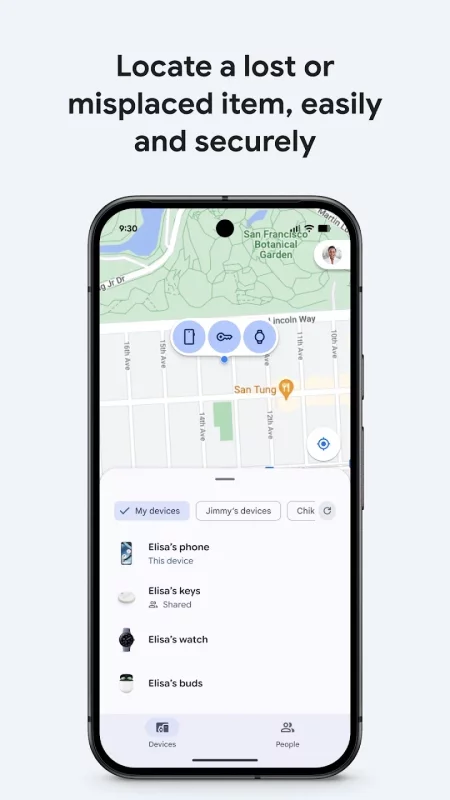
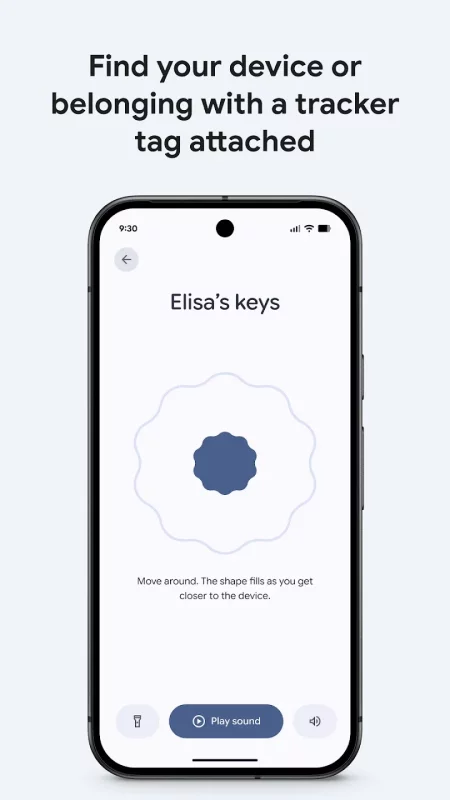
• View your phone, tablet, headphones, and other accessories on a map–even if they’re offline.
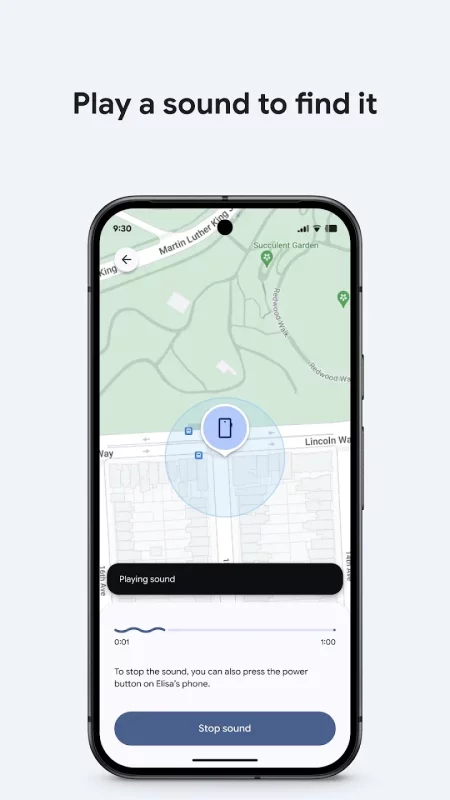
• Play a sound to locate your lost device if it’s nearby.
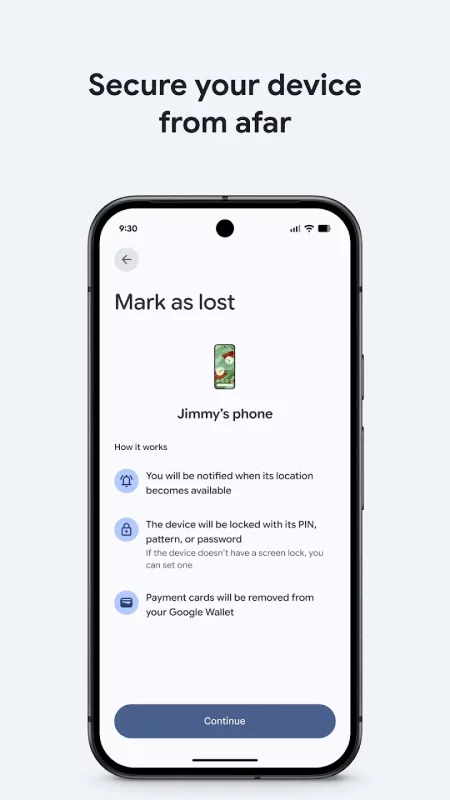
• If you’ve lost a device, you can remotely secure or erase it. You can also add a custom message to display on the lock screen in case someone finds your device.
• Find your devices and items on Mobile and supported Wear OS devices.
• All location data in the Find Hub network is encrypted. This location data is not visible even to Google.
For location sharing
• Share your live location to coordinate a meetup with a friend or check on family to make sure they got home safe.
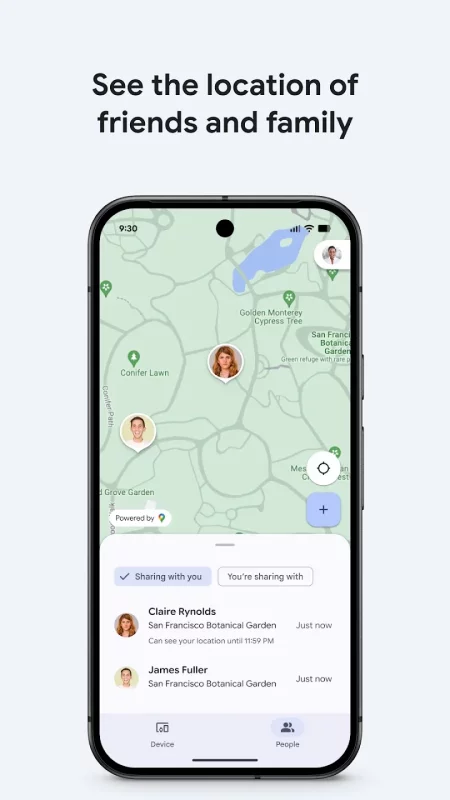
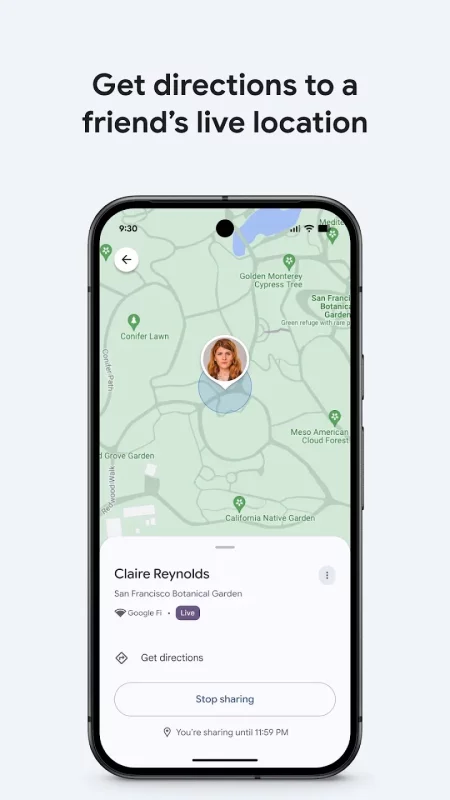
Download Google’s Find Hub for Android for free
How to install XAPK
- Download the XAPK file to your Android device.
- Install one of these installers from our website:
- Open the installer and select the downloaded file from the Downloads folder.
- Allow installation from this source if Android asks for permission.
- Start installation. To update the app, install the newer file without uninstalling the current version.
⚠If the download fails or gets stuck, try enabling a VPN, disabling your ad blocker, or switching to a different network.
More by Google LLC

YouTube
Get the official YouTube app on Android phones and tablets. See what the world is watching -- from
Google Docs
Create, edit, and collaborate with others on documents from your Android phone or tablet with the

YouTube Music
Connecting you to the world of music: ● Music content including live performances, covers, remixes

Google Messages
Google Messages is the official Google app for messaging. Google Messages is revolutionizing how a
See also
Google Translate
• Text translation: Translate between 108 languages by typing • Tap to Translate: Copy text in any
Comments (0)
Loading comments...