Citrix Workspace

Citrix Workspace

0 votes
  • Update
    30.09.2026
  • Latest Version
    25.11.0
  • Android OS
    13+
  • License
    Free
  • Languages
    English
  • Content Rating
    Everyone
  • Developer
  • Package Name
    com.citrix.Receiver

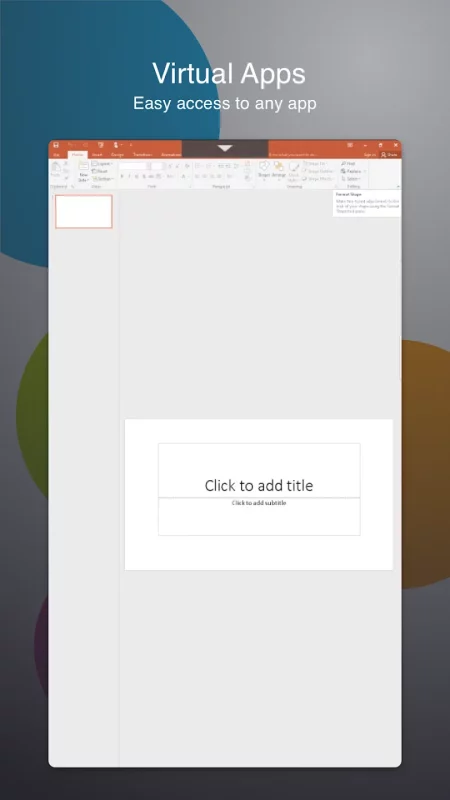
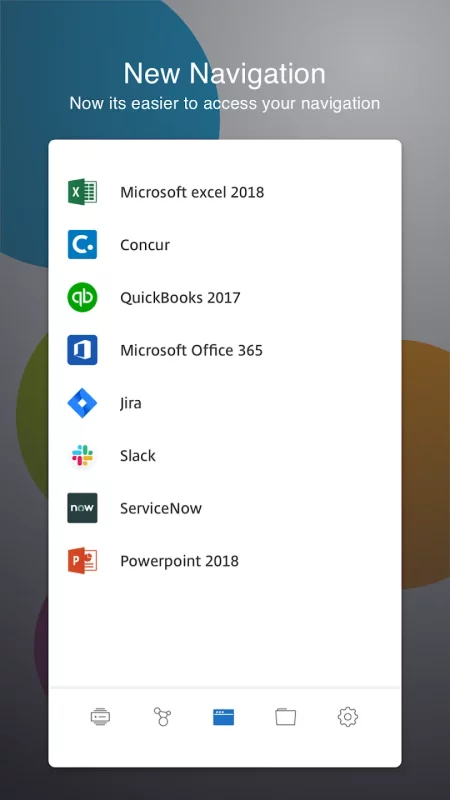
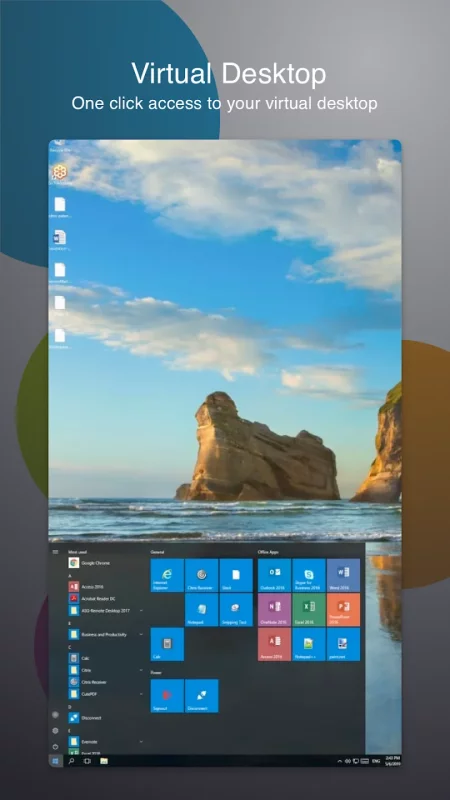
The new Citrix Workspace app (formerly known as Citrix Receiver) provides a great user experience - a secure, contextual, and unified workspace - on any device. It gives you instant access to all your SaaS and web apps, your mobile and virtual apps, files, and desktops from an easy-to-use, all-in-one interface powered by Citrix Workspace services.

Using your mobile and virtualized applications, files and desktops is faster and easier than ever. Just ask your IT department how to get started.
• Work on your favorite device from wherever you are
• Access email or other corporate applications
• Access your files, apps, desktop from your phone, tablet, or all in one from a unified view
• Provide single sign on capabilities with Citrix SecureHub and Citrix Files.

Client Drive Mapping Virtual Channel:
Client drive mapping (CDM) allows plug-and-play storage devices in a session. This means that you can use your local device storage or mass storage devices(for example, pen drives) to copy and paste documents between the session and the user device.

Location and Sensor Virtual Channel:
This virtual channel allows Workspace to redirect sensor information to applications running on server. For example, applications can use accelerometer data to drive 3D-modelling application, use ambient light level to control the brightness of the screen, use location data to alter behavior of application, and so on.

VpnService functionality
You can access the internal Web, Software‑as‑a‑Service (SaaS) apps, and websites hosted by your company.

Support for Citrix Ready workspace hub:
Built on the Raspberry Pi 3 platform, the Citrix Ready workspace hub provides a secure connection to authorized apps and data. Citrix Workspace app for Android supports user authentication to Citrix Ready workspace hubs as an experimental feature. This allows authenticated users to cast their sessions to a hub. The feature is disabled by default.
Note: Location permission is required for the Citrix Ready workspace hub experimental feature. You can deny this permission if there are no workspace hubs present.

Accessibility service:
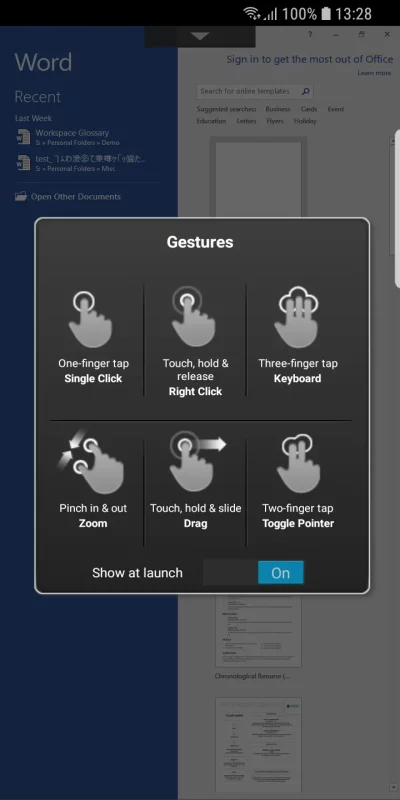
Enable the Citrix accessibility service to have a smooth functioning of Citrix Workspace app sessions. We do not collect any user data. We use this service to enable gesture and touch passthrough functionality in virtual sessions.

Problems downloading or installing the app? See https://www.citrix.com/downloads/workspace-app/

Still need help? Please tell us more about the issue. http://discussions.citrix.com/forum/1269-receiver-for-android

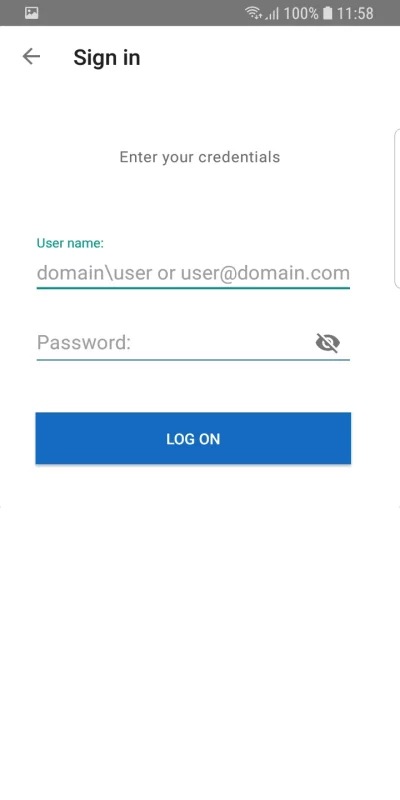
If your company doesn’t use Citrix yet, you can install Citrx Workspace app and request a demo account by “Try the demo” in Citrix Workspace app.

For more information about Citrix Workspace app, visit the product documentation https://docs.citrix.com/en-us/citrix-workspace-app-for-android.html
Download Citrix Workspace for Android for free

Download Citrix Workspace 25.11.0 xapk Android 13+ ARMV8
61.25 Mb
No viruses found
Permissions (30)
Detections: 0
Check date: 30 September 2026, 08:45
The file was scanned for viruses using VirusTotal.
ACCESS_BACKGROUND_LOCATION - allows an app to access location in the background.
ACCESS_COARSE_LOCATION - allows an app to access approximate location.
ACCESS_FINE_LOCATION - allows an app to access precise location.
ACCESS_NETWORK_STATE - allows applications to access information about networks.
ACCESS_WIFI_STATE - allows applications to access information about wi-fi networks.
BLUETOOTH - allows applications to connect to paired bluetooth devices.
BLUETOOTH_ADMIN - allows applications to discover and pair bluetooth devices.
CAMERA - required to be able to access the camera device.
DETECT_SCREEN_CAPTURE - allows an application to get notified when a screen capture of its windows is attempted.
FOREGROUND_SERVICE - allows a regular application to use service.startforeground.
INTERNET - allows applications to open network sockets.
MANAGE_EXTERNAL_STORAGE - allows an application a broad access to external storage in scoped storage.
POST_NOTIFICATIONS - allows an app to post notifications
READ_EXTERNAL_STORAGE - allows an application to read from external storage.
READ_MEDIA_IMAGES - allows an application to read image files from external storage.
READ_MEDIA_VIDEO - allows an application to read video files from external storage.
READ_PHONE_STATE - allows read only access to phone state, including the current cellular network information, the status of any ongoing calls, and a list of any phoneaccounts registered on the device.
RECEIVE_BOOT_COMPLETED - allows an application to receive the intent.action_boot_completed that is broadcast after the system finishes booting.
RECORD_AUDIO - allows an application to record audio.
REORDER_TASKS - allows an application to change the z-order of tasks.
REQUEST_DELETE_PACKAGES - allows an application to request deleting packages.
USE_BIOMETRIC - allows an app to use device supported biometric modalities.
USE_FINGERPRINT - this constant was deprecated in api level 28. applications should request use_biometric instead
USE_FULL_SCREEN_INTENT - required for apps targeting build.version_codes.q that want to use notification full screen intents.
VIBRATE - allows access to the vibrator.
WAKE_LOCK - allows using powermanager wakelocks to keep processor from sleeping or screen from dimming.
WRITE_EXTERNAL_STORAGE - allows an application to write to external storage.
INSTALL_SHORTCUT - allows an application to install a shortcut in launcher.
SHA1 signature: 9c3a78ec175911810753301d4d02421b81c229a8
SHA256 signature: 3dd112671069ab364ef9be739ab7b5ee15e1cde9d8757b1bf064f50c55689a49
How to install XAPK
  1. Download the XAPK file to your Android device.
  2. Install one of these installers from our website:
  3. Open the installer and select the downloaded file from the Downloads folder.
  4. Allow installation from this source if Android asks for permission.
  5. Start installation. To update the app, install the newer file without uninstalling the current version.

⚠If the download fails or gets stuck, try enabling a VPN, disabling your ad blocker, or switching to a different network.
See also
Cisco Secure Client-AnyConnect
Formerly AnyConnect COMPATIBLE DEVICES: Android 4.4+ KNOWN ISSUES: - Some freezes are known to
Find My Phone: Find Lost Phone
Find My Phone has over 15 Million downloads. Find Lost Phone is one of best lost phone finder
Yahoo Mail: Email & Planner
YAHOO MAIL: THE SMART INBOX DESIGNED TO SIMPLIFY YOUR LIFE Yahoo Mail is the ultimate smart inbox
Blink Home Monitor
Blink Home Monitor
Get more value, simplicity, and convenience with Blink smart home security. See and speak to people
Ultimate Guitar: Chords & Tabs
Ultimate Guitar is your portal to playing your favorite songs. Learn on any instrument, including
Track Any Phone
Track Any Phone
Discover a New Level of Location Tracking: Your Safe Connection with One Way GPS Tracker. Track Any
Instacart: Get Food Delivery
Get food delivery and grocery orders delivered directly to your door in as fast as 30 minutes with
Notion: AI Workspace
Notion is the connected workspace where teams and AI think together. Used by over 100M, Notion lets
Comments (0)
Loading comments...