- Update10.09.2026
- Latest Version0.1.884448652
- Android OS6.0+
- LicenseFree
-
LanguagesEnglish English, Afrikaans, አማርኛ, العربية, অসমীয়া, Azərbaycan dili, Беларуская, Български, বাংলা, Bosanski, Català, Čeština, Dansk, Deutsch, Ελληνικά, Español, Eesti, Euskara, فارسی, Suomi, Filipino, Français, Galego, ગુજરાતી, हिन्दी, Hrvatski, Magyar, Հայերեն, Bahasa Indonesia, Íslenska, Italiano, עברית, 日本語, ქართული, Қазақ тілі, ខ្មែរ, ಕನ್ನಡ, 한국어, Кыргызча, ລາວ, Lietuvių, Latviešu, Македонски, മലയാളം, Монгол, मराठी, Bahasa Melayu, မြန်မာ, Norsk bokmål, नेपाली, Nederlands, Norsk, ଓଡ଼ିଆ, ਪੰਜਾਬੀ, Polski, Português, Română, Русский, සිංහල, Slovenčina, Slovenščina, Shqip, Српски, Svenska, Kiswahili, தமிழ், తెలుగు, ไทย, Tagalog, Türkçe, Українська, اردو, Oʻzbekcha, Tiếng Việt, 中文, isiZulu
- Content RatingEveryone
- DeveloperGoogle LLC
- Downloads1
- Package Namecom.google.android.apps.googleassistant
Google Assistant: Your Hands-Free Helper.
Get instant help with everyday tasks using just your voice. Google Assistant makes it easy to:
- Control your phone: Open apps, adjust settings, turn on the flashlight, and more.
- Stay connected: Make calls, send texts, and manage emails without lifting a finger.
- Get things done: Set reminders, create lists, ask questions, and find directions.
- Manage your smart home: Control lights, thermostats, and other devices from anywhere.*
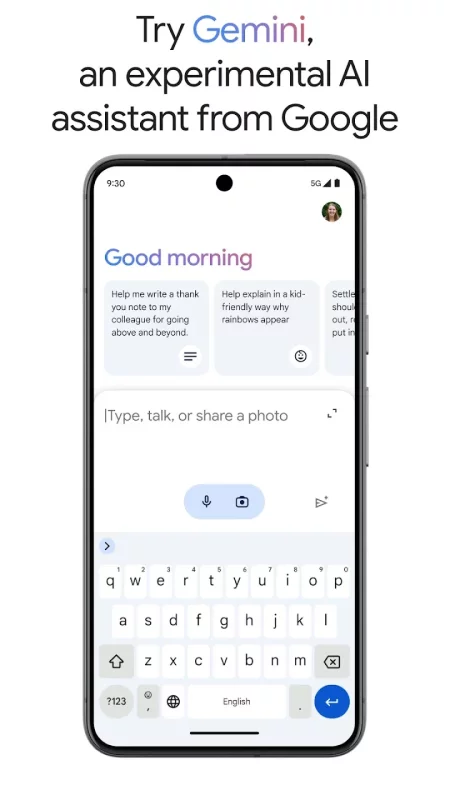
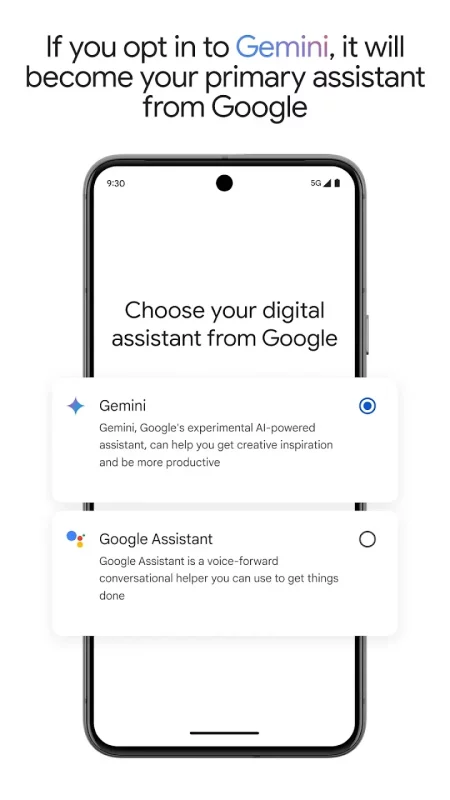
New! Now you can also opt in to Gemini (formerly Bard) from Google Assistant and have it act as your primary assistant from Google on your phone.
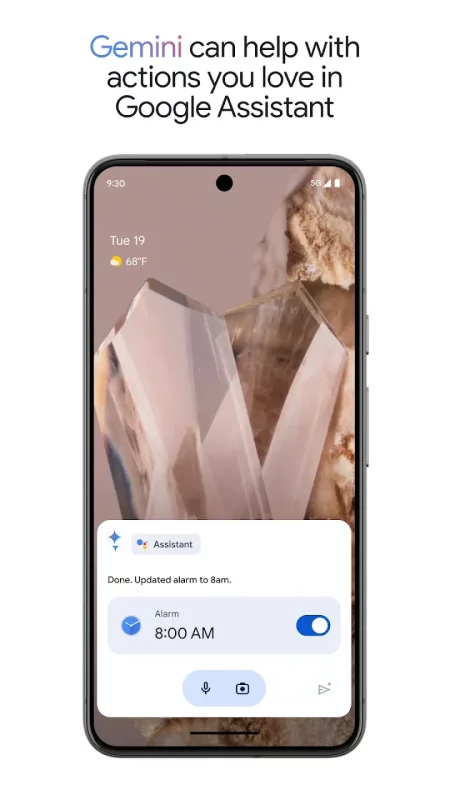
Gemini is an experimental AI assistant that gives you direct access to Google’s best family of AI models unlocking new ways to assist you, while still incorporating many of the actions you love in Google Assistant today.
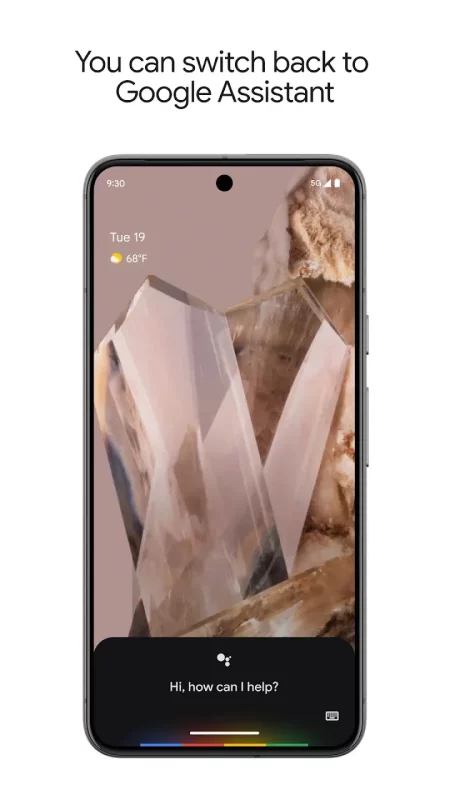
While some of the actions won’t work right away, we are working to support more coming soon. You will be able to switch back to Google Assistant in app settings.
Gemini opt in is rolling out to select devices and countries - opt in to Gemini from your Google Assistant or by downloading the Gemini app.
*Compatible devices required
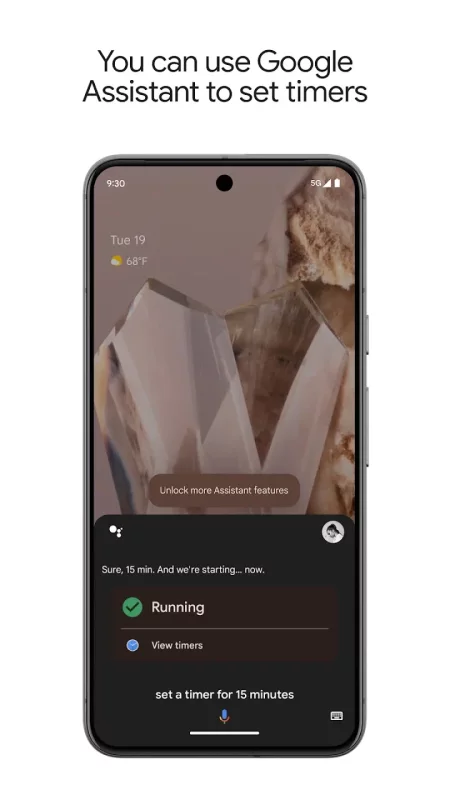
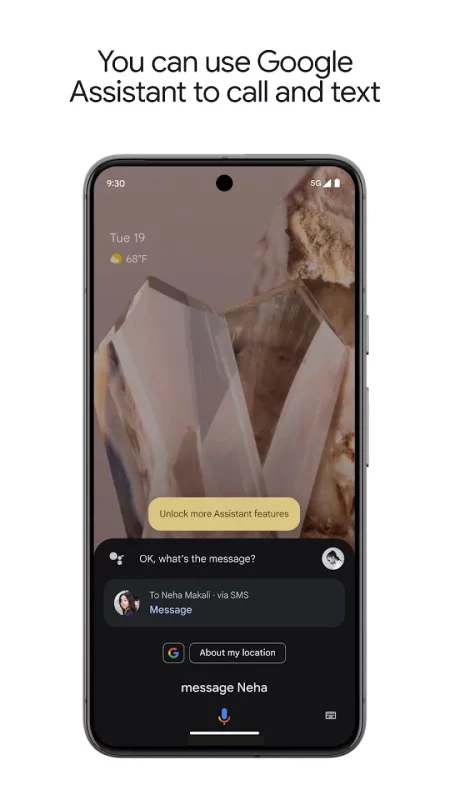
Download Google Assistant for Android for free
- Download the APK file to your Android device.
- Find the file in the Downloads folder and open it.
- Allow installation from this source if Android blocks it.
- Tap Install. To update the app, install the newer APK without uninstalling the current version.