- Update25.09.2026
- Latest Version1.4.6-release
- Android OS7.0+
- LicenseFree
-
LanguagesEnglish Afrikaans, አማርኛ, العربية, অসমীয়া, Azərbaycan dili, Беларуская, Български, বাংলা, Bosanski, Català, Čeština, Dansk, Deutsch, Ελληνικά, English, Español, Eesti, Euskara, فارسی, Suomi, Français, Galego, ગુજરાતી, हिन्दी, Hrvatski, Magyar, Հայերեն, Bahasa Indonesia, Íslenska, Italiano, עברית, 日本語, ქართული, Қазақ тілі, ខ្មែរ, ಕನ್ನಡ, 한국어, Кыргызча, ລາວ, Lietuvių, Latviešu, Македонски, മലയാളം, Монгол, मराठी, Bahasa Melayu, မြန်မာ, Norsk bokmål, नेपाली, Nederlands, ଓଡ଼ିଆ, ਪੰਜਾਬੀ, Polski, Português, Română, Русский, සිංහල, Slovenčina, Slovenščina, Shqip, Српски, Svenska, Kiswahili, தமிழ், తెలుగు, ไทย, Tagalog, Türkçe, Українська, اردو, Oʻzbekcha, Tiếng Việt, 中文, isiZulu
- Content RatingEveryone
- DeveloperBackslash
- Package Nametv.remote.control.vizcontrol
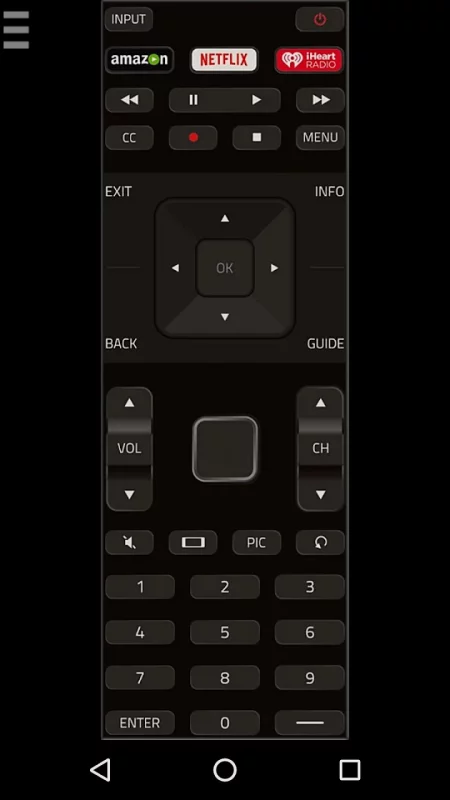
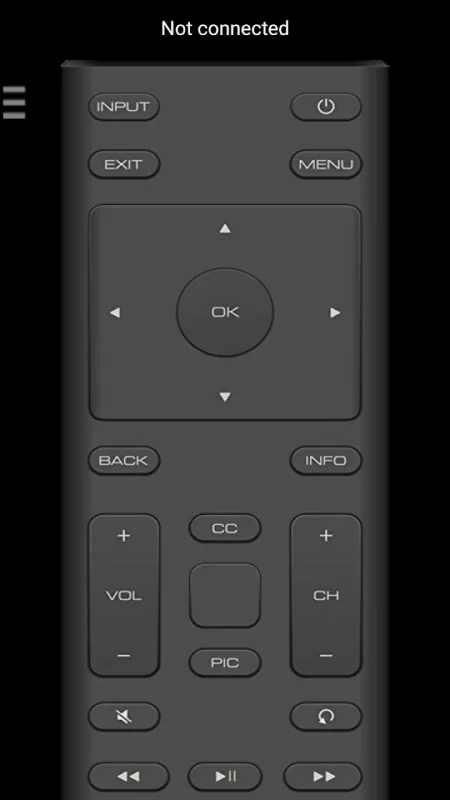
This remote control app lets you manage your Vizio SmartCast TV using your phone or from your wrist with the Wear OS app.
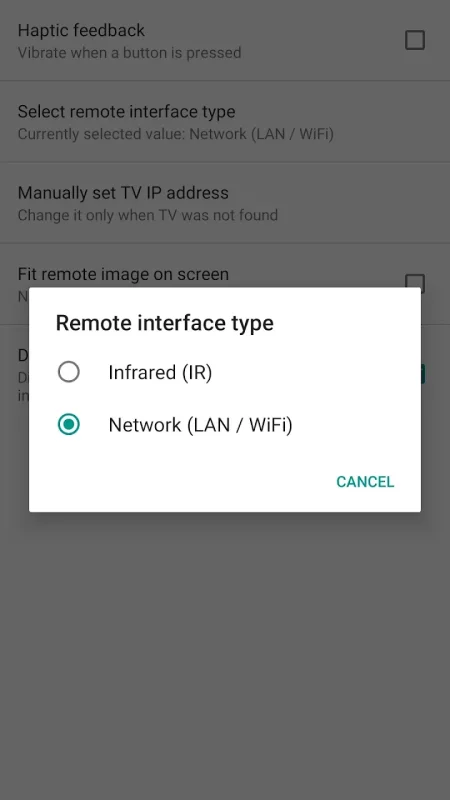
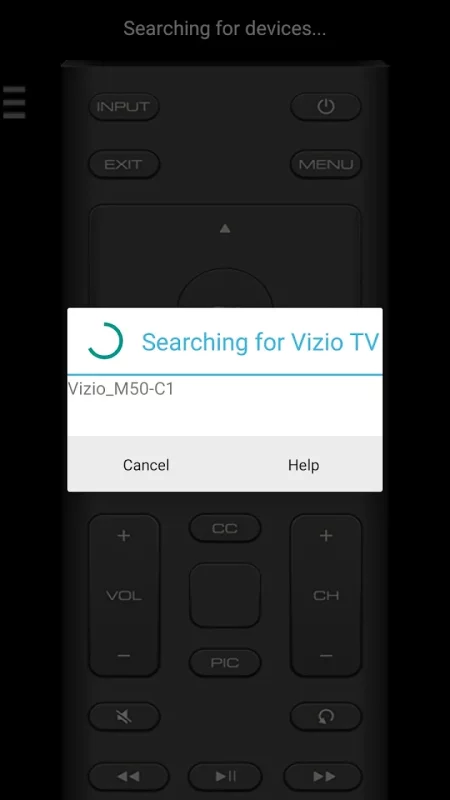
★ Network IP control (WiFi / WiFi Direct / LAN)
Network IP control works with Vizio SmartCast TVs manufactured 2016 and later!
- Make sure the TV that you want to pair is turned [On]
- Make sure your phone and TV are connected to the same home network. If your router supports a privacy separator function, make sure it is disabled.
Supported mobile devices: all phones and tablets with WiFi.
★ Infrared (IR) interface
- Your TV and phone/tablet must have infrared interface!
- Point your phone’s IR blaster directly at the TV like with the original infrared remote. Usual working range is 3 - 15ft (line of sight).
- With some phones in power saving mode or with almost empty battery the IR signal is very weak and range is less then 5ft.
Features:
All functions should work with the latest (2015) models. If you have 10 year old TV model which does not have internet connection, then of course some internet related (apps) buttons does not work, but all common functions will still work.
Supported devices with IR blaster running on Android KitKat or newer like Galaxy series S4, S5, S6, S6 Edge, Note, Tab, Mega, HTC One series incl. M7/M8/M9, LG G5, G3 Stylus, Xiaomi Mi and Note series, Huawei Honor, Mate and P series, TCT / Alcatel I221 and some Lonovo tablets with IR interface.
Thanks for downloading this app. If this app doesn't work with your phone / TV, some buttons are not working, you miss some features, you found a bug etc. then write e-mail to backslash.help@gmail
Disclaimer/Trademarks:
This app is made by independent developer and is NOT affiliated with or endorsed by Vizio Inc or any other developers.
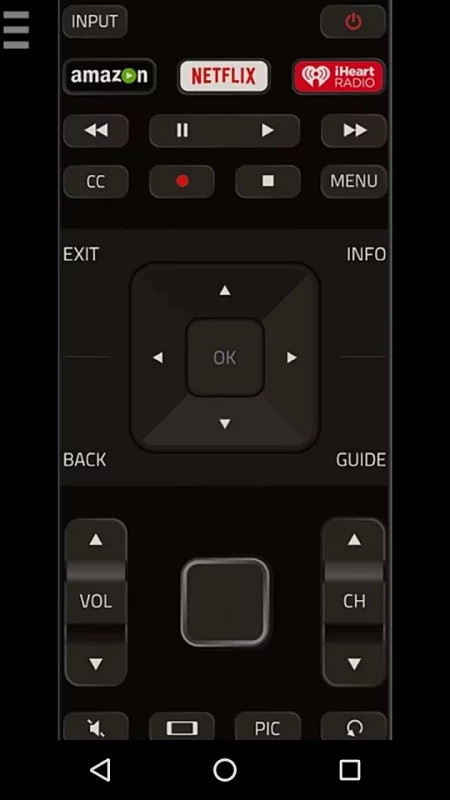
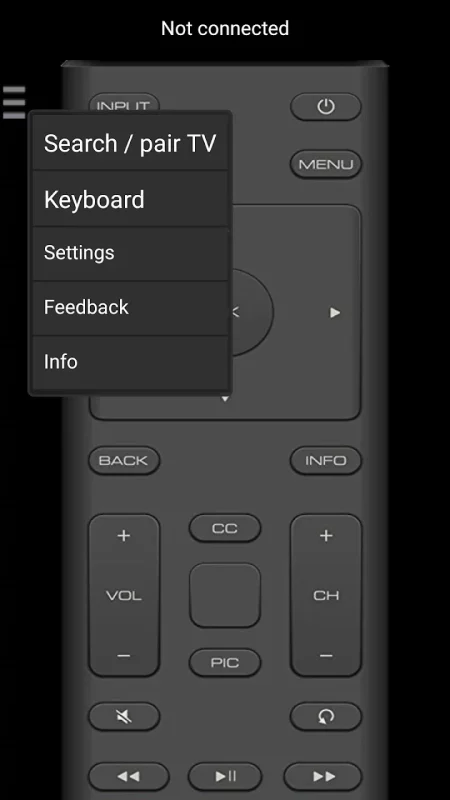
Download TV Remote Control for Vizio TV for Android for free
- Download the APK file to your Android device.
- Find the file in the Downloads folder and open it.
- Allow installation from this source if Android blocks it.
- Tap Install. To update the app, install the newer APK without uninstalling the current version.