- Update24.09.2026
- Latest Version2.19.0.911905029.armeabi-v7a.release
- Android OS9+
- LicenseFree
-
LanguagesEnglish Afrikaans, አማርኛ, العربية, অসমীয়া, Azərbaycan dili, Беларуская, Български, বাংলা, Bosanski, Català, Čeština, Cymraeg, Dansk, Deutsch, Ελληνικά, English, Español, Eesti, Euskara, فارسی, Suomi, Filipino, Français, Gaeilge, Galego, ગુજરાતી, हिन्दी, Hrvatski, Magyar, Հայերեն, Bahasa Indonesia, Íslenska, Italiano, עברית, 日本語, ქართული, Қазақ тілі, ខ្មែរ, ಕನ್ನಡ, 한국어, Кыргызча, ລາວ, Lietuvių, Latviešu, Македонски, മലയാളം, Монгол, मराठी, Bahasa Melayu, မြန်မာ, Norsk bokmål, नेपाली, Nederlands, Norsk nynorsk, Norsk, ଓଡ଼ିଆ, ਪੰਜਾਬੀ, Polski, Português, Română, Русский, සිංහල, Slovenčina, Slovenščina, Shqip, Српски, Svenska, Kiswahili, தமிழ், తెలుగు, ไทย, Tagalog, Türkçe, Українська, اردو, Oʻzbekcha, Tiếng Việt, 中文, isiZulu
- Content RatingEveryone
- DeveloperGoogle LLC
- Package Namecom.google.android.apps.assistant
Lightweight and fast, yet still packed with your favorite features, the Google Assistant is now available on Android (Go edition).
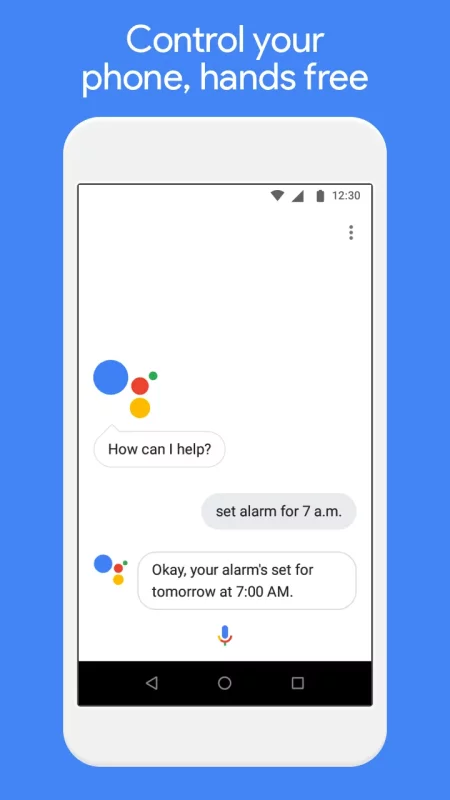
Use your voice to get directions to the nearest coffee shop, make calls hands free during your commute, and unwind by playing your favorite tunes. You personal Google is here to help. Ask your Google Assistant questions and get things done. Use it anytime, anywhere.
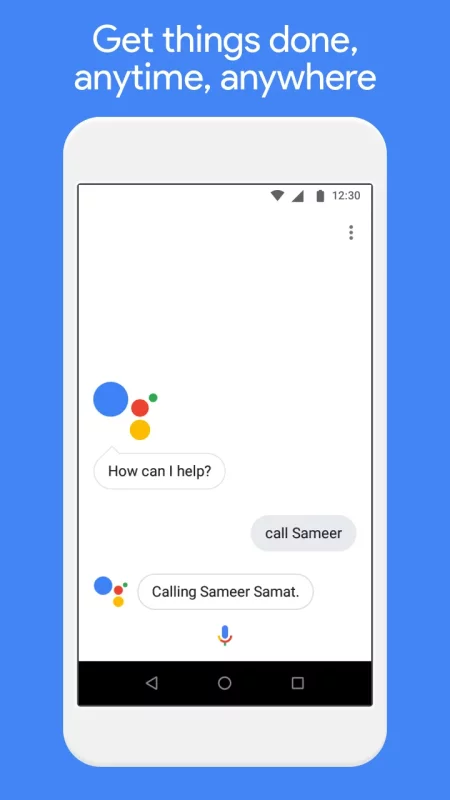
With the Google Assistant Go, you can:
• Make quick phone calls on the go (“Call Sameer”)
• Send text messages (“Text Sara I am running late”)
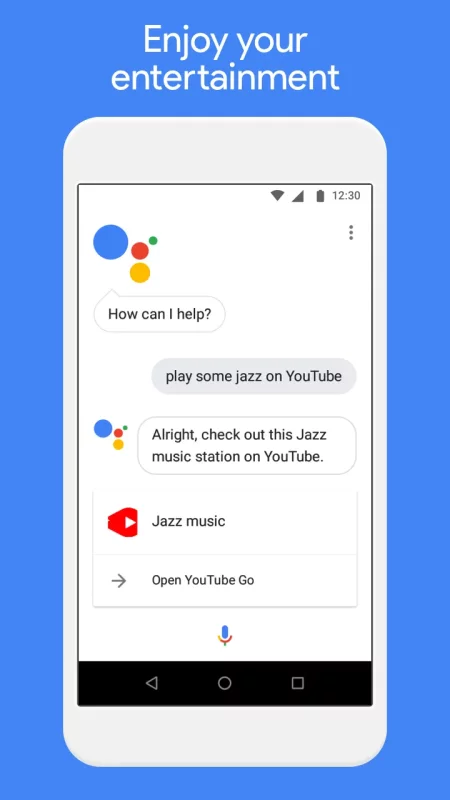
• Play music (“Play some jazz on YouTube”)
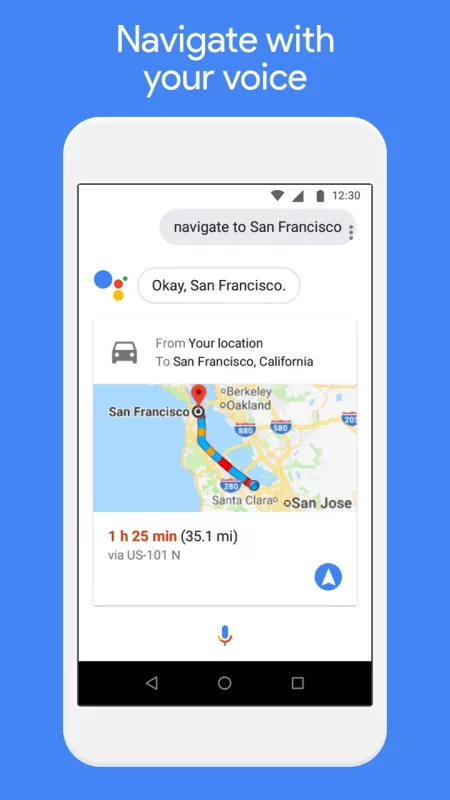
• Navigate places (“Get me directions to the nearest coffee shop”)
• Preview your upcoming events (“Tell me about my day”)
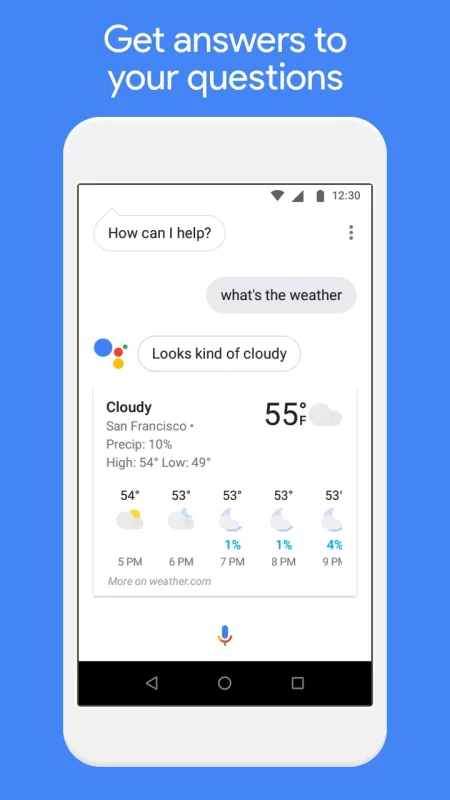
• Weather information (“Do I need an umbrella today?”)
• Answers (“How tall is Mount Everest?”)
* You can quickly access the Google Assistant for Android (Go edition) by tapping on the Assistant app icon or long-pressing the home button on your phone running Android (Go edition).
* Certain features available on the Google Assistant for standard Android phones are currently not supported on the Google Assistant for Android (Go edition), such as reminders, controls for smart home devices, Actions on Google, and Device Actions.
* The Google Assistant for Android (Go edition) currently supports English.
Download Google Assistant Go for Android for free
- Download the APK file to your Android device.
- Find the file in the Downloads folder and open it.
- Allow installation from this source if Android blocks it.
- Tap Install. To update the app, install the newer APK without uninstalling the current version.