
- Update21.09.2026
- Latest Version1.96
- Android OS10+
- LicenseFree
-
LanguagesEnglish English, العربية, Deutsch, Español, Suomi, Français, हिन्दी, Bahasa Indonesia, Italiano, 日本語, Bahasa Melayu, Nederlands, Polski, Português, Русский, ไทย, Tiếng Việt, 中文
- Content RatingEveryone
- DeveloperTOH Talent Team
- Package Namecom.tohsoft.mail.email.emailclient
Email is your email fastest tracking application, the best check mail application.
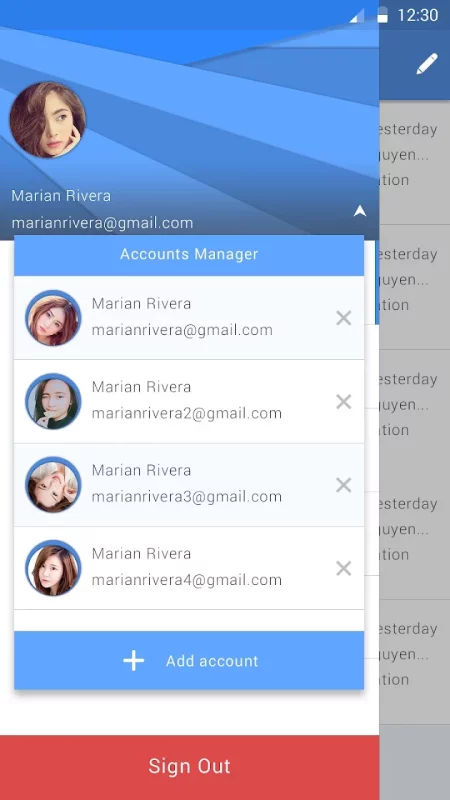
This application gives you to login for all your other accounts.
The best feature is auto detect server, we will detect server of your all emails
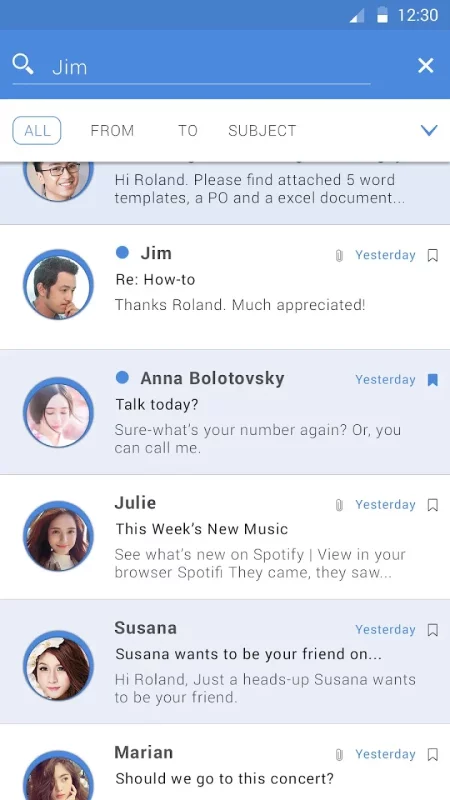
This application allows you to log into various mail accounts, track emails at once and has the ability to manage an unlimited number of messages coming from your friends, suppliers, and customers.
The interface of the application is beautifully designed, corresponding to the Android operating system, IOS of all smartphones, tablets, ...
With the auto-update feature of your best mail server, send the fastest mail notifications to the user, you are experiencing a strong unified account packaged in an intuitive and easy-to-use design.
This is the application provides the fastest mail check service, absolutely free when used.
- Support for all mail services
- Support for IMAP, POP3 Auto Configuration
- Sync multiple mailboxes from all your providers in a Unified Interface
- Support notification when new email coming
- Material Design & Lollipop
- The fastest email notification on smart mobile devices
- Check mail quickly and accurately
- Customizable email notification sounds
- Alerts and other preferences per each of your accounts.
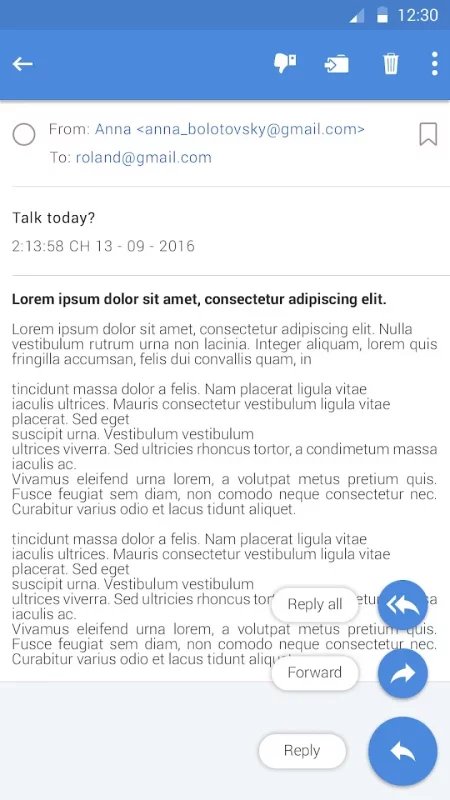
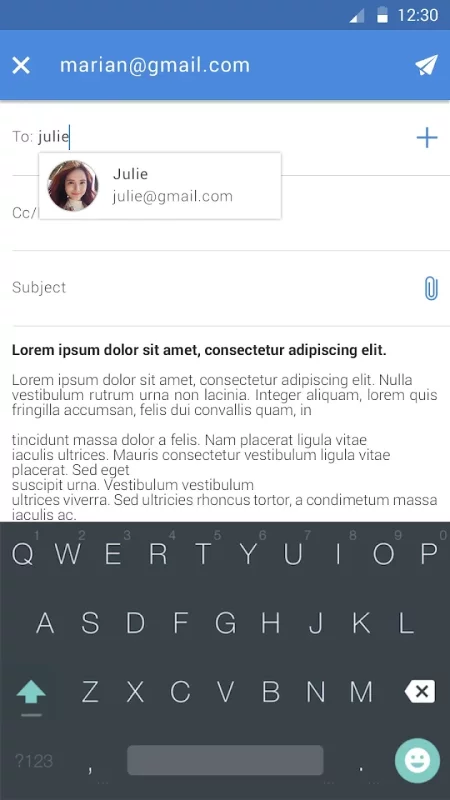
- Define & Share Groups to quickly send and receive emails
- With automatic switch between day & night modes
- Integrated with any printer supported by Android such as select plugins
- Track your mail in anywhere when connected to the internet
- Make check email convenient and easy
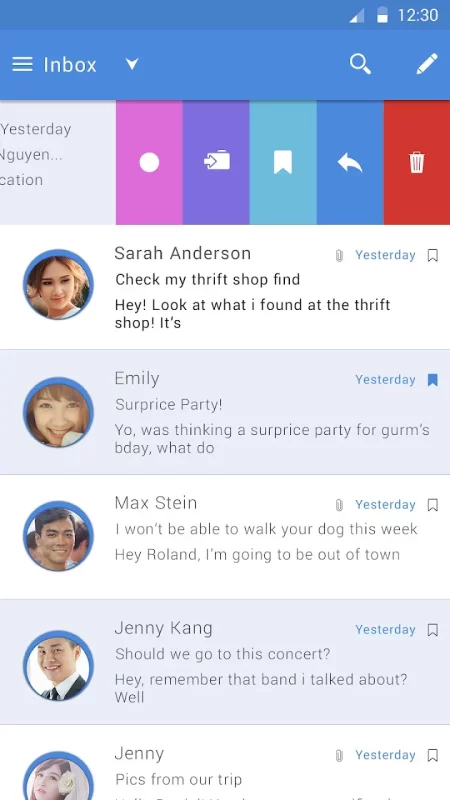
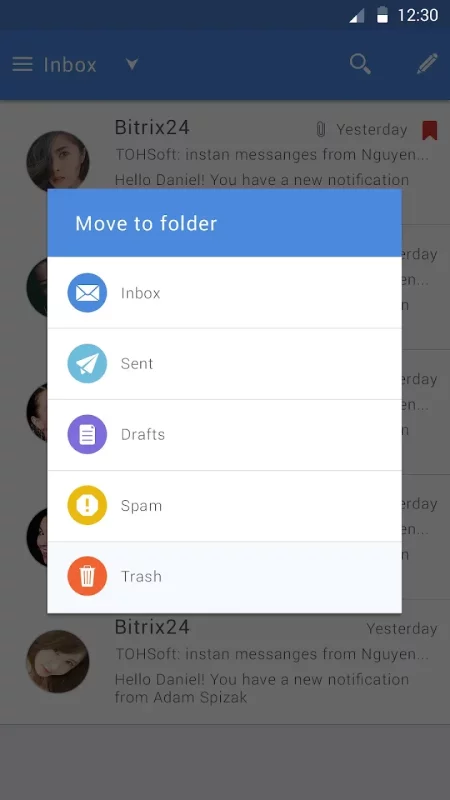
- Customize your swipe menu and email view actions with what matter to you the most
- See if you have a new email in your inbox directly from your home screen
- Daily sync: Customized for offline use
- Sign in to your gmail account and check your email inbox fastest in seconds
- Quickly mark emails to be handled later and set reminders so you do not miss them
- When you have read and finish handling an email, you can just mark it as done to get it out of the way without having to delete it or reach Zero Inbox by using smart filters.
- Easily filter and track emails by unread/starred
- Save time when using email tracking application
- The data in your mail is always encrypted to protect the security and confidentiality of information
- Secure communications and information, use industry-leading protocols to protect and protect your data.
- You can set a lock screen timer to protect your personal email.
- Work offline
- Auto detect server for all emails, not need to configure the server. This application will auto detect and find server to login with every account.
By this e mail application, easiest way to login and protect all your mail.
Download Email - Mail Mailbox for Android for free
- Download the XAPK file to your Android device.
- Install one of these installers from our website:
- Open the installer and select the downloaded file from the Downloads folder.
- Allow installation from this source if Android asks for permission.
- Start installation. To update the app, install the newer file without uninstalling the current version.