Microsoft Edge

Microsoft Edge

0 votes
  • Update
    14.09.2026
  • Latest Version
    152.0.4191.65
  • Android OS
    10+
  • License
    Free
  • Languages
    English
  • Content Rating
    Everyone
  • Developer
  • Package Name
    com.microsoft.emmx

Browse with Microsoft Edge, your everyday web browser with built-in Copilot. From finding information to making sense of it, Copilot works alongside you to streamline everyday browsing, so you can turn ideas into action and get it done faster.

Copilot in Edge helps you search, browse, and explore, so you can make decisions faster with more confidence, all in one place. Summarize lengthy articles and videos, get answers about what you are browsing, and turn ideas into drafts or images – without breaking your flow. Whether you need a quick answer or deeper help, Copilot in Edge adapts to support how you work, right when you need it.

Stay safer with built-in security tools like tracking prevention, AdBlock Plus and Microsoft Defender Smartscreen. When you want extra privacy, switch to InPrivate mode to keep your browsing history protected.

Do more with less effort. With Microsoft Edge, everyday browsing is faster, more intuitive, and focused.

Explore the web effortlessly with Copilot built-in
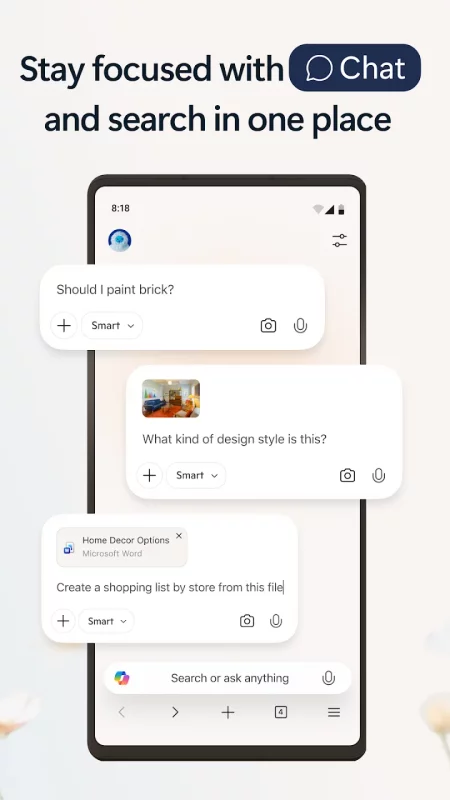
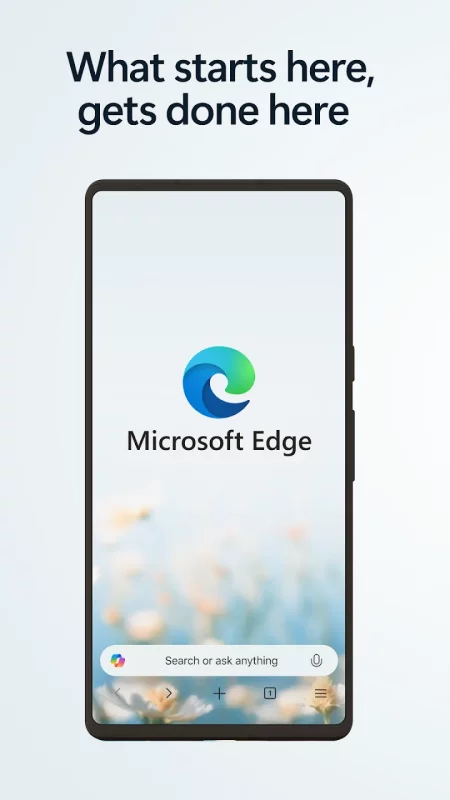
• The Copilot-inspired new tab page brings together Copilot with browsing. Now your queries will get routed to search, chat or web automatically – all in one place.
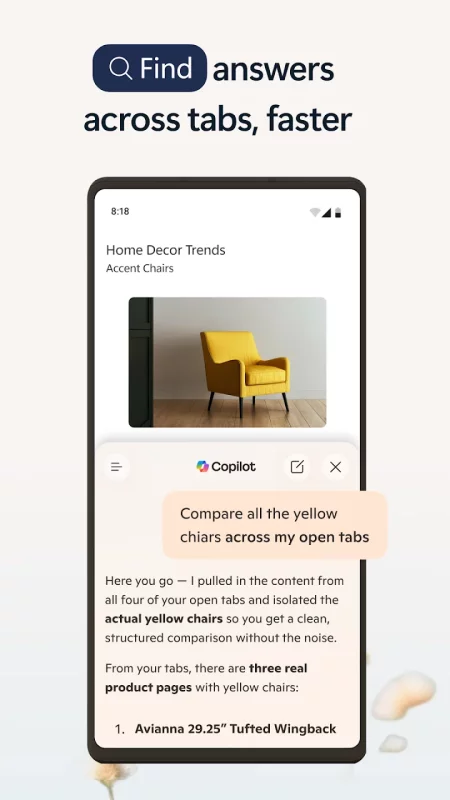
• Copilot understands context across your open tabs, helping you compare information, summarize, brainstorm and connect ideas across pages, so you can move faster and make decisions with confidence without switching tabs.
• Get help from what’s on your screen. With Vision, Copilot can scan, analyze, and brainstorm with you on the content you’re browsing.
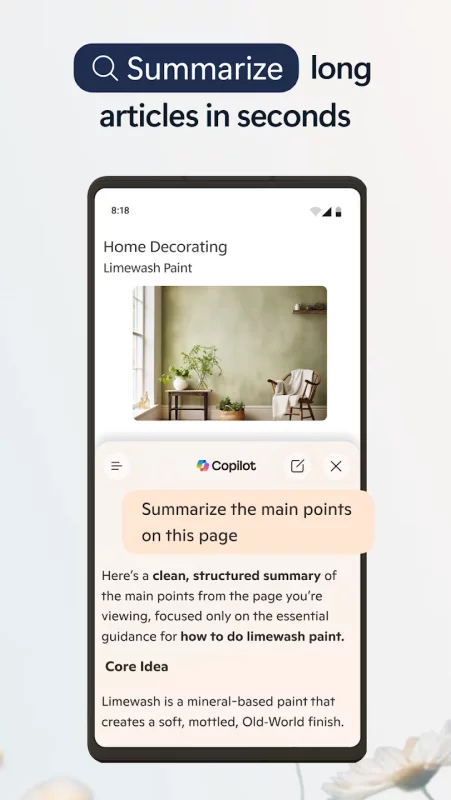
• Quickly summarize the content of the webpage, PDF or video you are viewing
• Get the right level of help for the moment—quick answers when you’re moving fast, deeper insights when you need it.

Make the most of your time online
• Microsoft Edge is a fast, reliable web browser designed to help you stay focused and get things done.
• Listen to articles and pages with Read Aloud while multitasking, using natural sounding voices in your preferred language.
• Group tabs by topic with one click to keep browsing organized and clutter free.
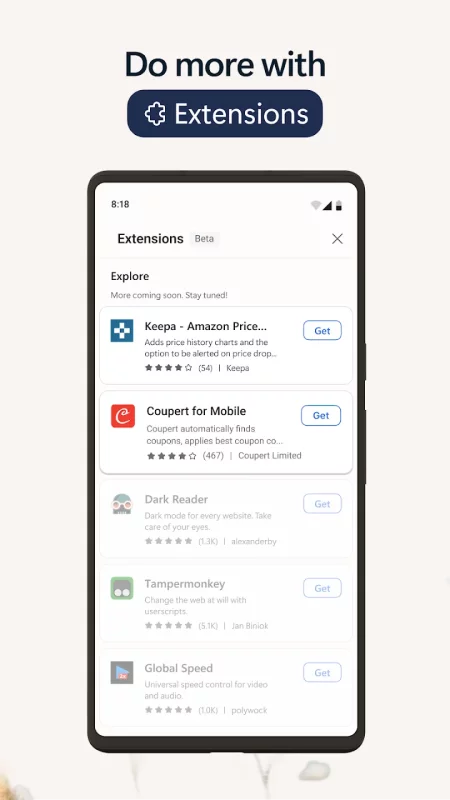
• Customize your experience with extensions for shopping, blocking distractions, and more.
• View webpages your way with page translation as you browse.
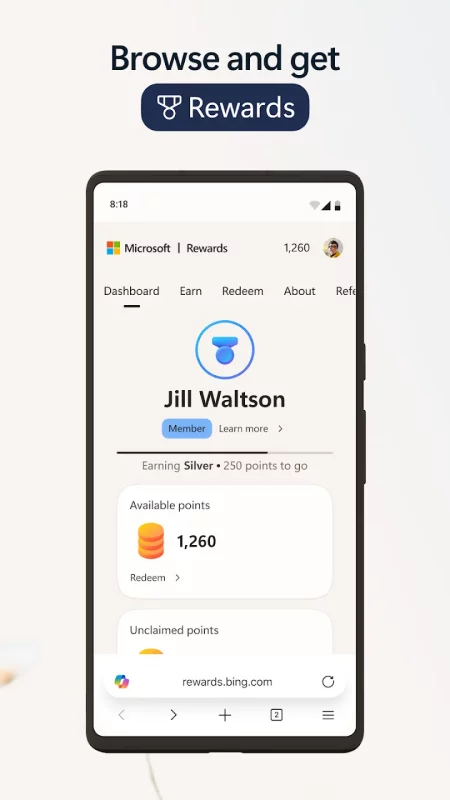
• Earn Microsoft Rewards points faster by browsing in Microsoft Edge.

Stay safer online
• Tracking Prevention helps protect your personal data.
• InPrivate mode keeps your activity private.
• Password monitoring alerts you if saved credentials are found on the dark web.
• AdBlock Plus blocks unwanted ads and distractions.
• Microsoft Defender SmartScreen helps protect you from phishing and malware.

Some screens are simulated, subject to change.
Download Microsoft Edge for Android for free

Download Microsoft Edge 152.0.4191.65 apk Android 10+ ARMV8
252.83 Mb
No viruses found
Permissions (34)
Detections: 0
Check date: 14 September 2026, 17:20
The file was scanned for viruses using VirusTotal.
ACCESS_COARSE_LOCATION - allows an app to access approximate location.
ACCESS_FINE_LOCATION - allows an app to access precise location.
ACCESS_NETWORK_STATE - allows applications to access information about networks.
FOREGROUND_SERVICE_MICROPHONE - allows a regular application to use service.startforeground with the type "microphone".
CAMERA - required to be able to access the camera device.
FOREGROUND_SERVICE - allows a regular application to use service.startforeground.
FOREGROUND_SERVICE_CAMERA - allows a regular application to use service.startforeground with the type "camera".
FOREGROUND_SERVICE_MICROPHONE - allows a regular application to use service.startforeground with the type "microphone".
FOREGROUND_SERVICE_MEDIA_PROJECTION - allows a regular application to use service.startforeground with the type "mediaprojection".
FOREGROUND_SERVICE_MEDIA_PLAYBACK - allows a regular application to use service.startforeground with the type "mediaplayback".
FOREGROUND_SERVICE_DATA_SYNC - allows a regular application to use service.startforeground with the type "datasync".
RUN_USER_INITIATED_JOBS - allows applications to use the user-initiated jobs api.
GET_ACCOUNTS - allows access to the list of accounts in the accounts service.
INTERNET - allows applications to open network sockets.
MODIFY_AUDIO_SETTINGS - allows an application to modify global audio settings.
NFC - allows applications to perform i/o operations over nfc.
POST_NOTIFICATIONS - allows an app to post notifications
QUERY_ALL_PACKAGES - allows query of any normal app on the device, regardless of manifest declarations.
READ_EXTERNAL_STORAGE - allows an application to read from external storage.
RECEIVE_BOOT_COMPLETED - allows an application to receive the intent.action_boot_completed that is broadcast after the system finishes booting.
RECORD_AUDIO - allows an application to record audio.
VIBRATE - allows access to the vibrator.
WAKE_LOCK - allows using powermanager wakelocks to keep processor from sleeping or screen from dimming.
WRITE_EXTERNAL_STORAGE - allows an application to write to external storage.
CREDENTIAL_MANAGER_QUERY_CANDIDATE_CREDENTIALS - allows a browser to invoke the set of query apis to get metadata about credential candidates prepared during the credentialmanager.preparegetcredential api.
CREDENTIAL_MANAGER_SET_ALLOWED_PROVIDERS - allows specifying candidate credential providers to be queried in credential manager get flows, or to be preferred as a default in the credential manager create flows.
CREDENTIAL_MANAGER_SET_ORIGIN - allows a browser to invoke credential manager apis on behalf of another rp.
INSTALL_SHORTCUT - allows an application to install a shortcut in launcher.
ACCESS_WIFI_STATE - allows applications to access information about wi-fi networks.
HIGH_SAMPLING_RATE_SENSORS - allows an app to access sensor data with a sampling rate greater than 200 hz.
SET_ALARM - allows an application to broadcast an intent to set an alarm for the user.
DETECT_SCREEN_CAPTURE - allows an application to get notified when a screen capture of its windows is attempted.
USE_BIOMETRIC - allows an app to use device supported biometric modalities.
USE_FINGERPRINT - this constant was deprecated in api level 28. applications should request use_biometric instead
SHA1 signature: 3f640e279f63bcea71082ae7e8c7efa2da014cad
SHA256 signature: 01e1999710a82c2749b4d50c445dc85d670b6136089d0a766a73827c82a1eac9
How to install APK
  1. Download the APK file to your Android device.
  2. Find the file in the Downloads folder and open it.
  3. Allow installation from this source if Android blocks it.
  4. Tap Install. To update the app, install the newer APK without uninstalling the current version.

⚠If the download fails or gets stuck, try enabling a VPN, disabling your ad blocker, or switching to a different network.
More by Microsoft Corporation
Microsoft Teams
Microsoft Teams
Whether you’re connecting with your community for an upcoming activity or working with teammates on
Microsoft Excel: Spreadsheets
Spreadsheets & Calculations • Create charts, budgets, project plans, accounting & financial
Microsoft OneNote: Save Notes
Supercharge your productivity with OneNote. Organize your thoughts and ideas, and simplify planning
Microsoft Outlook
Microsoft Outlook
Stay organized with a unified inbox, intelligent filtering and multiple calendars at a glance.
See also
Yahoo Mail: Email & Planner
YAHOO MAIL: THE SMART INBOX DESIGNED TO SIMPLIFY YOUR LIFE Yahoo Mail is the ultimate smart inbox
Firefox Fast & Private Browser
The internet. As it should be. Firefox is a private web browser designed to protect your data,
BOSS Revolution: Call & Top up
🎁 10% automatic saving on your First International Mobile Top-Up and $2 Free for Calling. 📞 Crystal
Messenger
Messenger
Messenger is a free messaging app that helps you connect with anyone, anywhere. Stay in touch with
Telegram
Telegram
Pure instant messaging — simple, fast, secure, and synced across all your devices. One of the top 5
WhatsApp Messenger
WhatsApp Messenger
WhatsApp from Meta is a FREE messaging and video calling app. It’s used by over 2B people in more
Gmail
Gmail
The official Gmail app brings the best of Gmail to your Android phone or tablet with enhanced
Message Plus - SMS Messager
MessagePlus is a powerful MMS & SMS messages app designed for modern communication needs,
Comments (0)
Loading comments...