- Update14.09.2026
- Latest Version1.18.250731009
- Android OS6.0+
- LicenseFree
-
LanguagesEnglish English, Afrikaans, አማርኛ, العربية, অসমীয়া, Azərbaycan dili, Беларуская, Български, বাংলা, Bosanski, Català, Čeština, Dansk, Deutsch, Ελληνικά, Español, Eesti, Euskara, فارسی, Suomi, Français, Galego, ગુજરાતી, हिन्दी, Hrvatski, Magyar, Հայերեն, Bahasa Indonesia, Íslenska, Italiano, עברית, 日本語, ქართული, Қазақ тілі, ខ្មែរ, ಕನ್ನಡ, 한국어, Кыргызча, ລາວ, Lietuvių, Latviešu, Македонски, മലയാളം, Монгол, मराठी, Bahasa Melayu, မြန်မာ, Norsk bokmål, नेपाली, Nederlands, ଓଡ଼ିଆ, ਪੰਜਾਬੀ, Polski, Português, Română, Русский, සිංහල, Slovenčina, Slovenščina, Shqip, Српски, Svenska, Kiswahili, தமிழ், తెలుగు, ไทย, Tagalog, Türkçe, Українська, اردو, Oʻzbekcha, Tiếng Việt, 中文, isiZulu
- Content RatingEveryone
- DeveloperGoogle LLC
- Package Namecom.google.ar.lens
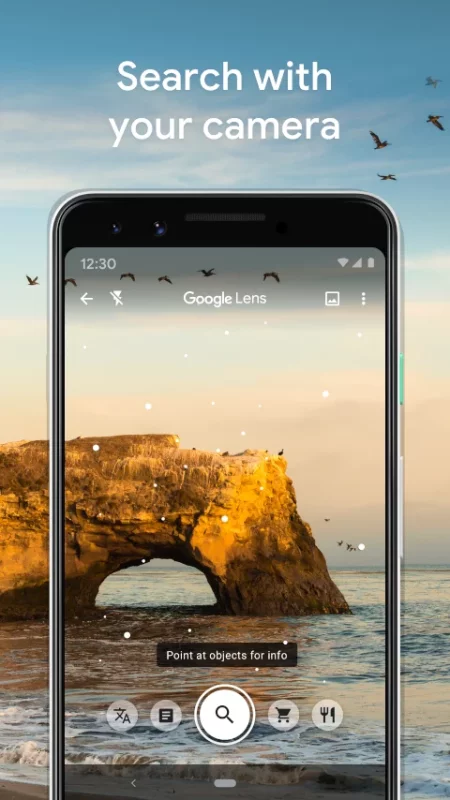
Google Lens lets you search what you see, get things done faster, and understand the world around you—using just your camera or a photo.
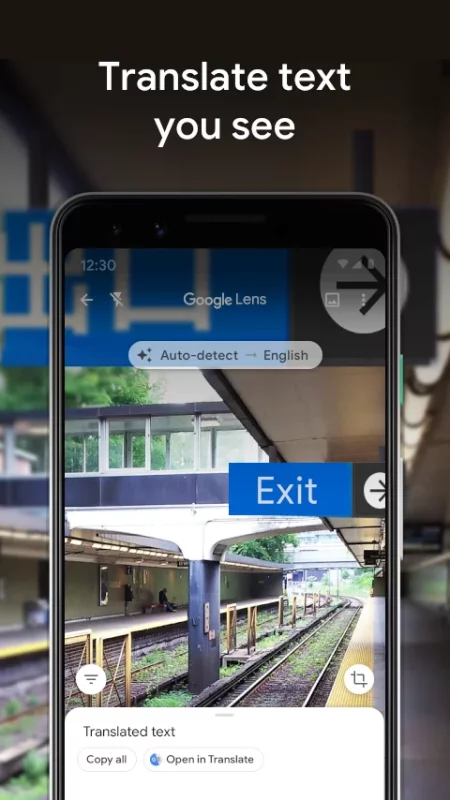
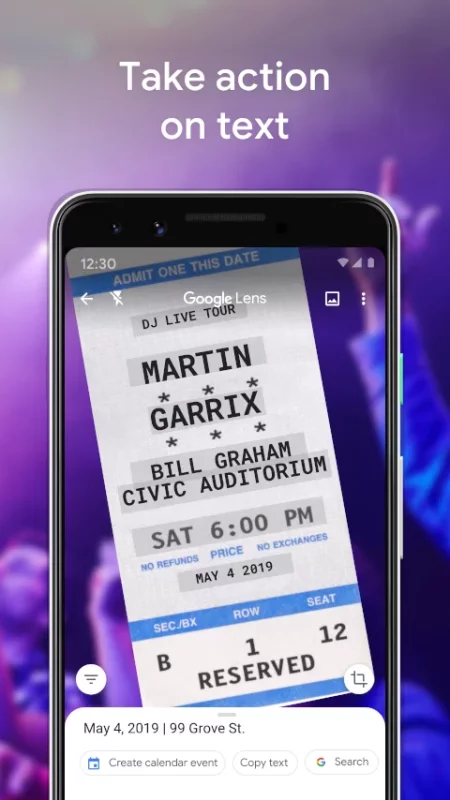
SCAN & TRANSLATE TEXT
Translate words you see, save a business card to your contacts, add events to your calendar from a poster, and copy and paste complicated codes or long paragraphs into your phone to save time.
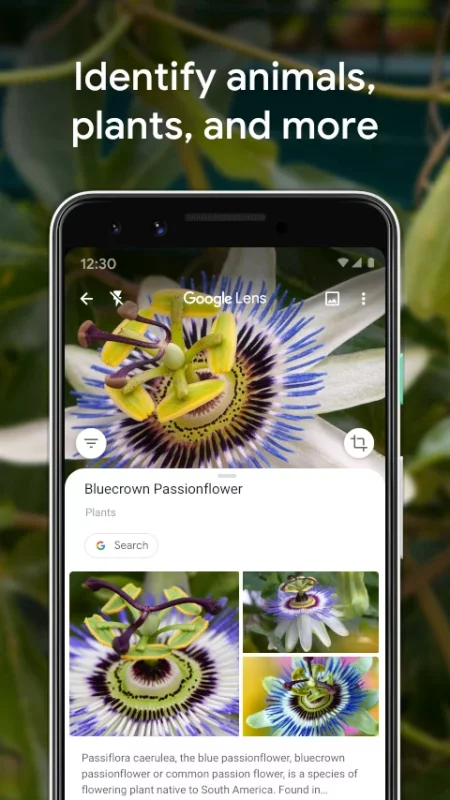
IDENTIFY PLANTS & ANIMALS
Find out what that plant is in your friend's apartment, or what kind of dog you saw in the park.
EXPLORE PLACES AROUND YOU
Identify and learn about landmarks, restaurants, and storefronts. See ratings, hours of operation, historical facts, and more.
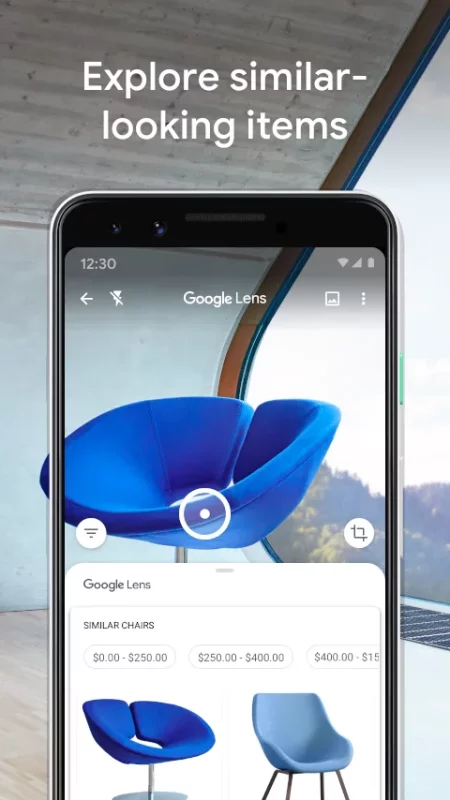
FIND THE LOOK YOU LIKE
See an outfit that catches your eye? Or a chair that's perfect for your living room? Find similar clothes, furniture, and home decor to the one you like.
KNOW WHAT TO ORDER
See popular dishes on a restaurant menu based on reviews from Google Maps.
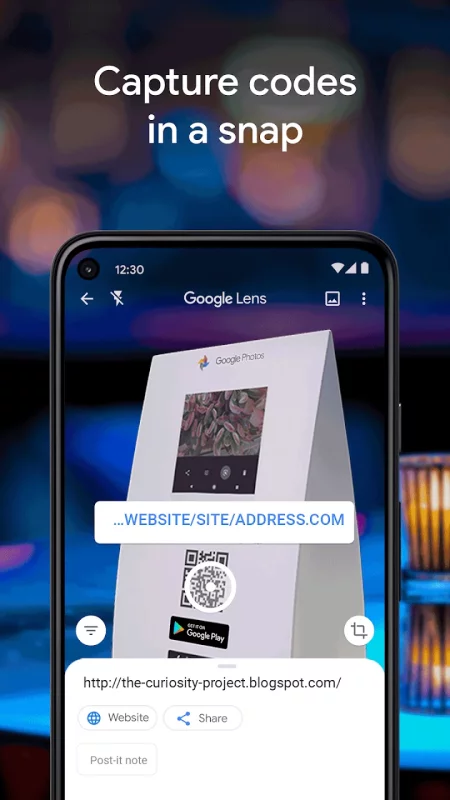
SCAN CODES
Quickly scan QR codes and barcodes.
*Limited availability and not available in all languages or regions. Some Lens features require an internet connection.
Download Google Lens for Android for free
- Download the APK file to your Android device.
- Find the file in the Downloads folder and open it.
- Allow installation from this source if Android blocks it.
- Tap Install. To update the app, install the newer APK without uninstalling the current version.