- Update17.09.2026
- Latest Version2.3.0
- Android OS7.0+
- LicenseFree
-
LanguagesEnglish English, Afrikaans, አማርኛ, العربية, অসমীয়া, Azərbaycan dili, Беларуская, Български, বাংলা, Bosanski, Català, Čeština, Dansk, Deutsch, Ελληνικά, Español, Eesti, Euskara, فارسی, Suomi, Français, Galego, ગુજરાતી, हिन्दी, Hrvatski, Magyar, Հայերեն, Bahasa Indonesia, Íslenska, Italiano, עברית, 日本語, ქართული, Қазақ тілі, ខ្មែរ, ಕನ್ನಡ, 한국어, Кыргызча, ລາວ, Lietuvių, Latviešu, Македонски, മലയാളം, Монгол, मराठी, Bahasa Melayu, မြန်မာ, Norsk bokmål, नेपाली, Nederlands, Norsk, ଓଡ଼ିଆ, ਪੰਜਾਬੀ, Polski, Português, Română, Русский, සිංහල, Slovenčina, Slovenščina, Shqip, Српски, Svenska, Kiswahili, தமிழ், తెలుగు, ไทย, Tagalog, Türkçe, Українська, اردو, Oʻzbekcha, Tiếng Việt, 中文, isiZulu
- Content RatingEveryone
- DeveloperTrue Developers Studio
- Package Namecom.truedevelopersstudio.automatictap.autoclicker
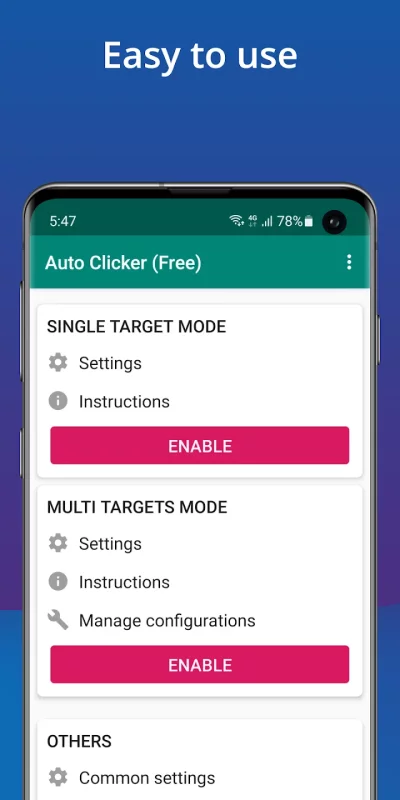
Auto Clicker helps you do repeated taps at any location with any interval you specify.
Auto Clicker does NOT require root access.
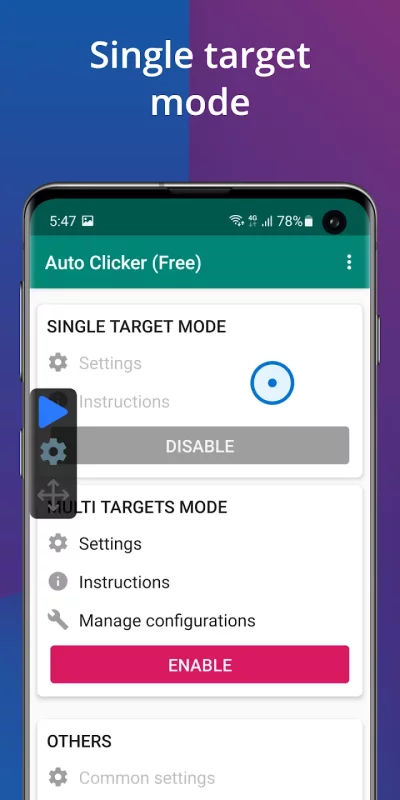
Have a floating control panel to start/stop the automatic tap.
It is great for click games.
Feature:
- The friendly user interface, easy to use
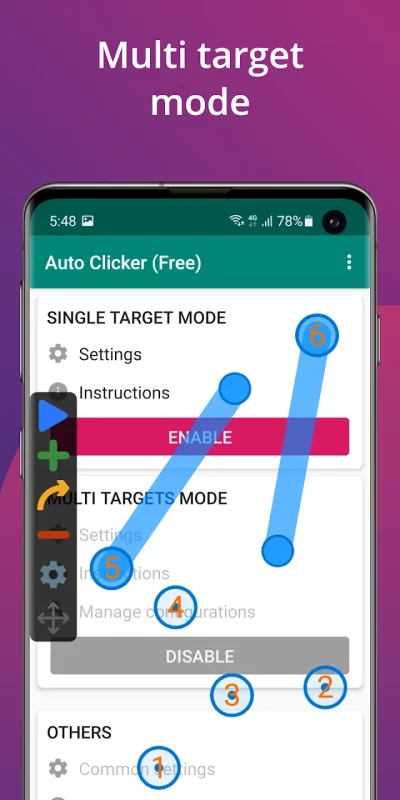
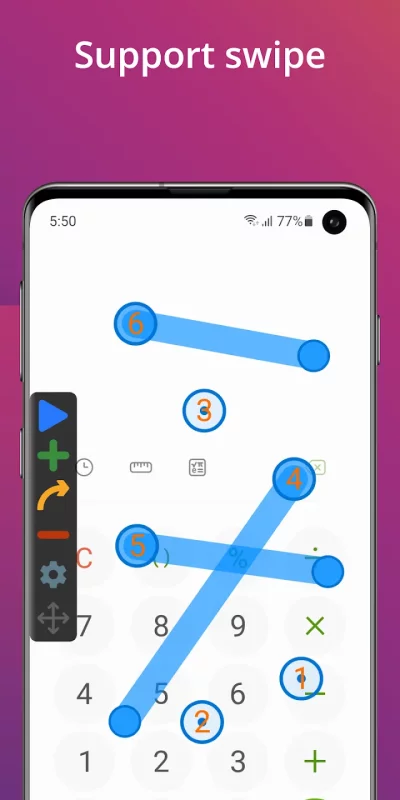
- Support multiple click points, multiple swipes
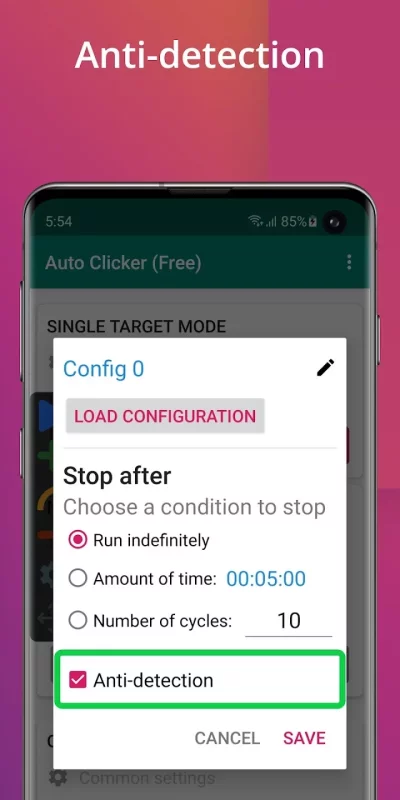
- Have a global timer to run for a certain amount of time
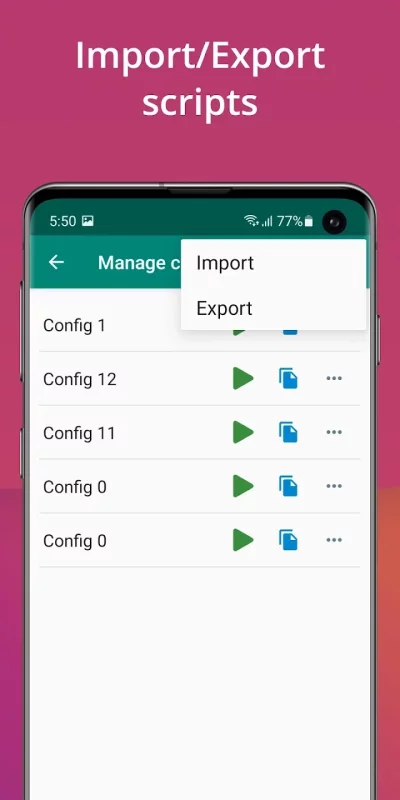
- Can Import/Export automatic scripts
Note:
- Only support Android 7.0 and up.
- Require Accessibility service to work.
Important:
- Why do we use this permission?
We use AccessibilityService API to implement core features, such as simulating clicks and wipes on your screen.
- Do we collect your private data?
We do not collect your private data through this permission.
Install Auto Clicker now and you will be free with the automatic tap :-)
Download Auto Clicker - Automatic tap for Android for free
- Download the APK file to your Android device.
- Find the file in the Downloads folder and open it.
- Allow installation from this source if Android blocks it.
- Tap Install. To update the app, install the newer APK without uninstalling the current version.