IFTTT - Automate work and home

IFTTT - Automate work and home

0 votes
  • Update
    15.10.2026
  • Latest Version
    5.2.1 (6990)
  • Android OS
    12.1+
  • License
    Free
  • Languages
    English
  • Content Rating
    Everyone
  • Developer
  • Package Name
    com.ifttt.ifttt

Increase productivity and save time with Android, home, and business automation.

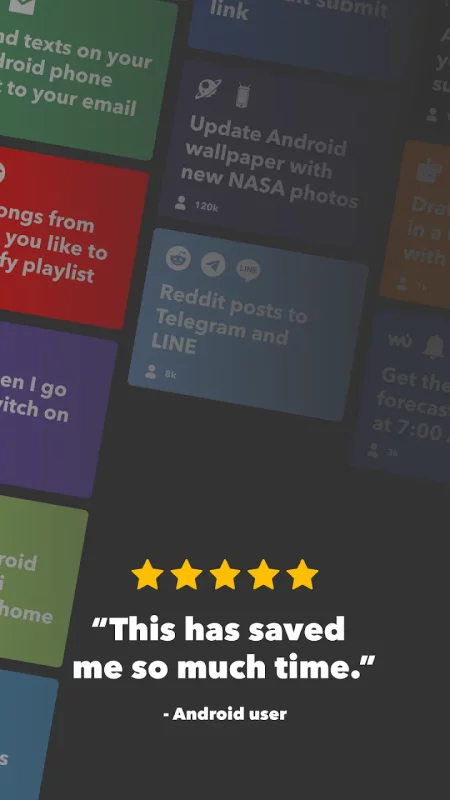
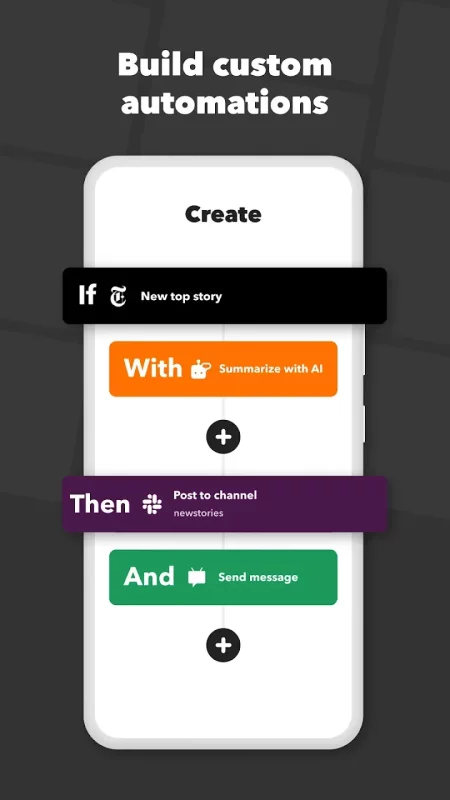
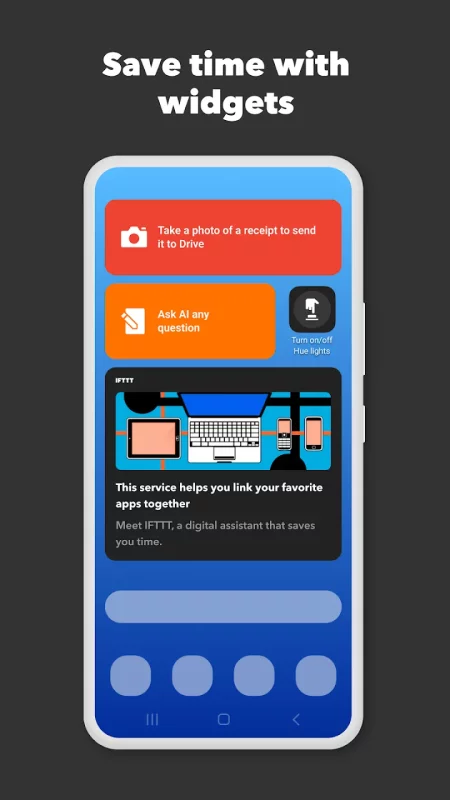
IFTTT (aka IF This Then That) is a no-code automation tool that allows you to connect the services and devices in your life. Join a community of almost 30 million creators, smart home enthusiasts, and small business owners that use IFTTT to save multiple hours out of a typical day. IFTTT’s simple interface, combined with 1000+ of today's most popular business, personal and smart home apps, allows you to quickly create sophisticated workflows. Discover the power of Android device automations while on the go with location based features, custom notifications, and widgets. Download the app today for your Android device or Wear OS.

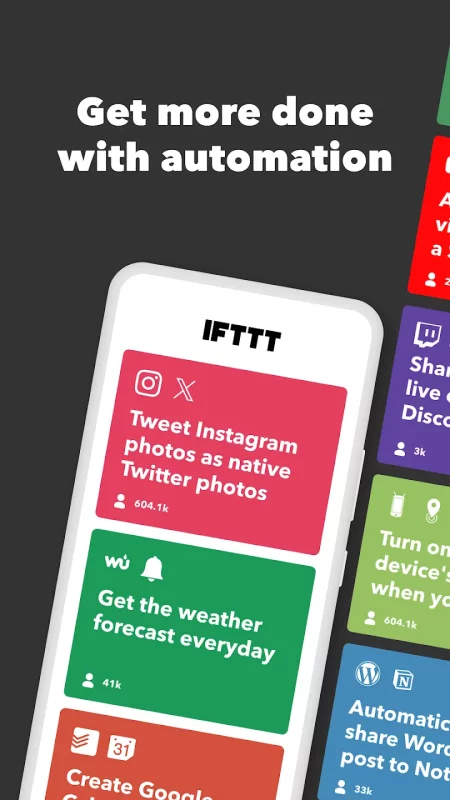
Here are a few automation ideas to get you started:

Control and automate key features of your Android phone like Bluetooth, WiFi, ringtone volume, and battery.
Use Webhooks to create custom integrations.
Connect and control every aspect of your smart home.
Create and cross post content to multiple social networks.

Create and summarize content with IFTTT AI.

Top productivity apps on IFTTT include
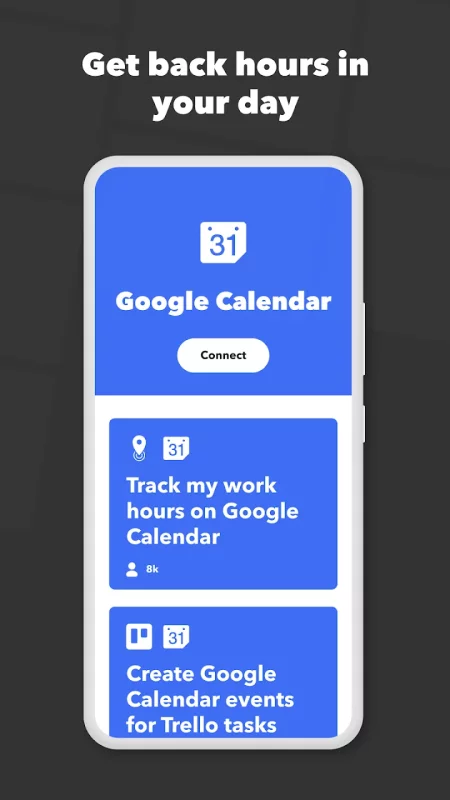
Acuity, Airtable, Aweber, Buffer, Calendly, Clickup, Constant Contact, Discord, DocuSign, Dropbox, Eventbrite, FaceBook Lead Ads, Gmail, Google Ads, Google Calendar, Google Docs, Google Forms, Google Meet, Google My Business, Google Sheets, Gumroad, Instagram, LinkedIn, Mailchimp, Microsoft, Notion, Pipedrive, QuickBooks, RSS, Shippo, Slack, Stripe, SurveyMonkey, Todoist, Telegram, Webflow, WordPress, X(Twitter), YouTube, Zoom

Top smart home apps on IFTTT
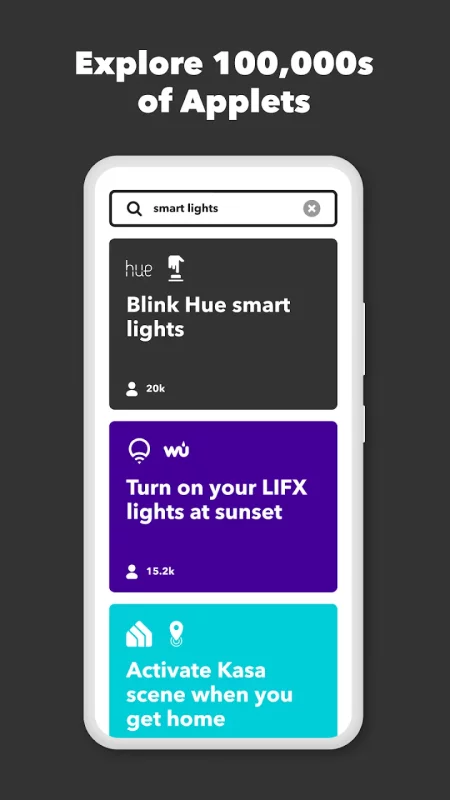
Aqara, Arlo, August, Blink, Coinbase, ESPN, FitBit, GE, Google Assistant, Google Nest, Google Wifi, Home Connect, Honeywell, Husqvarna, iRobot, LaMetric, LIFX, Midea, MyQ, Nanoleaf, NZXT, Philips Hue, Ring, Sengled, Somfy, Smart Life, SmartThings, Soundcloud, Spotify, Strava, SwitchBot, Twitch, Weather Underground, WeMo, Wink, Withings, Wyze, Yeelight, Yelp

Get help https://help.ifttt.com
Terms of Use: https://ifttt.com/terms
Download IFTTT - Automate work and home for Android for free

Download IFTTT - Automate work and home 5.2.1 (6990) xapk Android 12.1+ ARMV8
34.26 Mb
No viruses found
Permissions (37)
Detections: 0
Check date: 15 October 2026, 15:25
The file was scanned for viruses using VirusTotal.
ACCESS_BACKGROUND_LOCATION - allows an app to access location in the background.
ACCESS_COARSE_LOCATION - allows an app to access approximate location.
ACCESS_FINE_LOCATION - allows an app to access precise location.
ACCESS_MEDIA_LOCATION - allows an application to access any geographic locations persisted in the user's shared collection.
ACCESS_NETWORK_STATE - allows applications to access information about networks.
ACCESS_NOTIFICATION_POLICY - marker permission for applications that wish to access notification policy.
ACCESS_WIFI_STATE - allows applications to access information about wi-fi networks.
ACTIVITY_RECOGNITION - allows an application to recognize physical activity.
BLUETOOTH - allows applications to connect to paired bluetooth devices.
BLUETOOTH_ADMIN - allows applications to discover and pair bluetooth devices.
BLUETOOTH_CONNECT - required to be able to connect to paired bluetooth devices.
CAMERA - required to be able to access the camera device.
CHANGE_WIFI_STATE - allows applications to change wi-fi connectivity state.
DISABLE_KEYGUARD - allows applications to disable the keyguard if it is not secure.
FOREGROUND_SERVICE - allows a regular application to use service.startforeground.
FOREGROUND_SERVICE_LOCATION - allows a regular application to use service.startforeground with the type "location".
FOREGROUND_SERVICE_SPECIAL_USE - allows a regular application to use service.startforeground with the type "specialuse".
INTERNET - allows applications to open network sockets.
MODIFY_AUDIO_SETTINGS - allows an application to modify global audio settings.
POST_NOTIFICATIONS - allows an app to post notifications
QUERY_ALL_PACKAGES - allows query of any normal app on the device, regardless of manifest declarations.
READ_CALL_LOG - allows an application to read the user's call log.
READ_CONTACTS - allows an application to read the user's contacts data.
READ_EXTERNAL_STORAGE - allows an application to read from external storage.
READ_MEDIA_IMAGES - allows an application to read image files from external storage.
READ_SMS - allows an application to read sms messages.
RECEIVE_BOOT_COMPLETED - allows an application to receive the intent.action_boot_completed that is broadcast after the system finishes booting.
SEND_SMS - allows an application to send sms messages.
SET_WALLPAPER - allows applications to set the wallpaper.
SYSTEM_ALERT_WINDOW - allows an app to create windows using the type windowmanager.layoutparams.type_application_overlay, shown on top of all other apps.
USE_BIOMETRIC - allows an app to use device supported biometric modalities.
USE_FINGERPRINT - this constant was deprecated in api level 28. applications should request use_biometric instead
USE_FULL_SCREEN_INTENT - required for apps targeting build.version_codes.q that want to use notification full screen intents.
VIBRATE - allows access to the vibrator.
WAKE_LOCK - allows using powermanager wakelocks to keep processor from sleeping or screen from dimming.
WRITE_EXTERNAL_STORAGE - allows an application to write to external storage.
ACTIVITY_RECOGNITION - allows an application to recognize physical activity.
SHA1 signature: 88ee34b2040efe29e18028a7d83a8d95565282b6
SHA256 signature: 3b8ef96c86638fc1daf45c32bbb8e7c53da731f4a0664a566be45487a2674a0a
How to install XAPK
  1. Download the XAPK file to your Android device.
  2. Install one of these installers from our website:
  3. Open the installer and select the downloaded file from the Downloads folder.
  4. Allow installation from this source if Android asks for permission.
  5. Start installation. To update the app, install the newer file without uninstalling the current version.

⚠If the download fails or gets stuck, try enabling a VPN, disabling your ad blocker, or switching to a different network.
See also
Nest
Nest
At Google Nest, we make products that are beautiful, helpful and easy to use. The Nest app is no
Blink Home Monitor
Blink Home Monitor
Get more value, simplicity, and convenience with Blink smart home security. See and speak to people
Todoist: To Do List & Calendar
You have enough on your plate without fighting your productivity tools. Todoist is the planner and
Zillow: Homes for Sale & Rent
Find your new home to buy or rent with expert real estate tools and millions of listings right at
TikTok - Videos, Shop & LIVE
TikTok is the global discovery platform for videos, streaming on LIVE, shopping, and more. Our
Mercari: Buy and Sell App
MEET MERCARI: a marketplace built for you. Sell quick and save big all in one, top-rated
Latitude Longitude
Latitude Longitude
Latitude and Longitude app for android allows you to get or share map coordinates of your current
Wyze - Never Wonder
Wyze - Never Wonder
Wyze, based in Seattle, WA, offers smart tech at accessible prices, trusted by a community of over
Comments (0)
Loading comments...