
- Update12.10.2026
- Latest Version13.20.0
- Android OS8.0+
- LicenseFree
-
LanguagesEnglish Afrikaans, አማርኛ, العربية, অসমীয়া, Azərbaycan dili, Беларуская, Български, বাংলা, Bosanski, Català, Čeština, Dansk, Deutsch, Ελληνικά, English, Español, Eesti, Euskara, فارسی, Suomi, Filipino, Français, Galego, ગુજરાતી, עברית, हिन्दी, Hrvatski, Magyar, Հայերեն, Bahasa Indonesia, Íslenska, Italiano, 日本語, ქართული, Қазақ тілі, ខ្មែរ, ಕನ್ನಡ, 한국어, Кыргызча, ລາວ, Lietuvių, Latviešu, Македонски, മലയാളം, Монгол, मराठी, Bahasa Melayu, မြန်မာ, Norsk bokmål, नेपाली, Nederlands, Norsk, ଓଡ଼ିଆ, ਪੰਜਾਬੀ, Polski, Português, Română, Русский, සිංහල, Slovenčina, Slovenščina, Shqip, Српски, Svenska, Kiswahili, தமிழ், తెలుగు, ไทย, Tagalog, Türkçe, Українська, اردو, Oʻzbekcha, Tiếng Việt, 中文, isiZulu
- Content RatingEveryone
- DeveloperSouthwest Airlines
- Package Namecom.southwestairlines.mobile
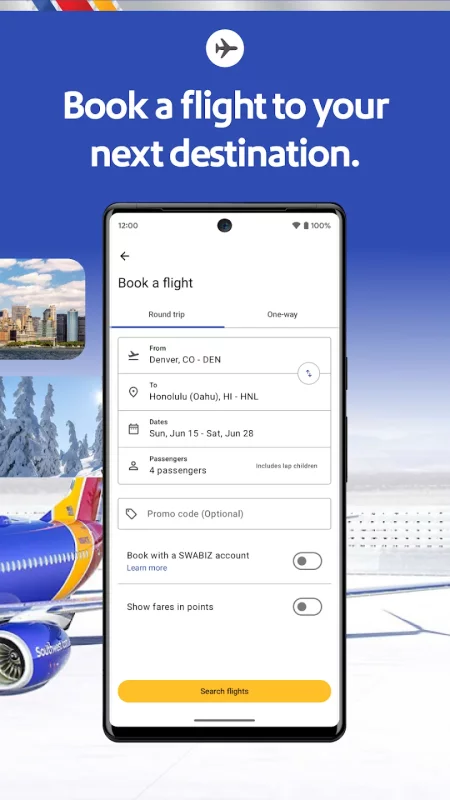
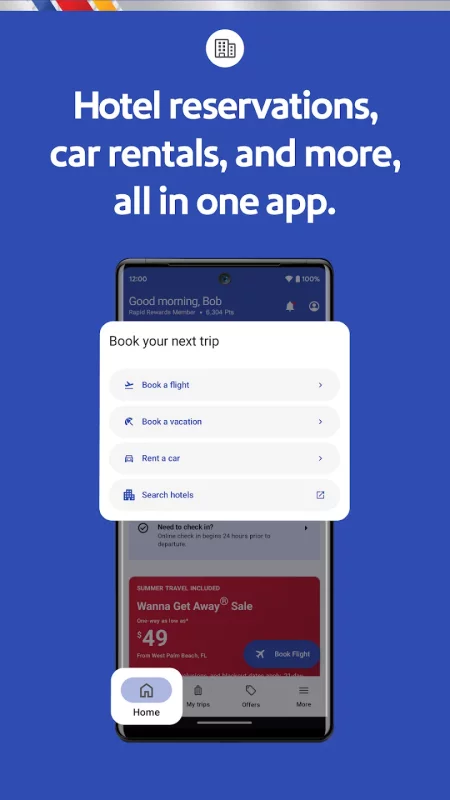
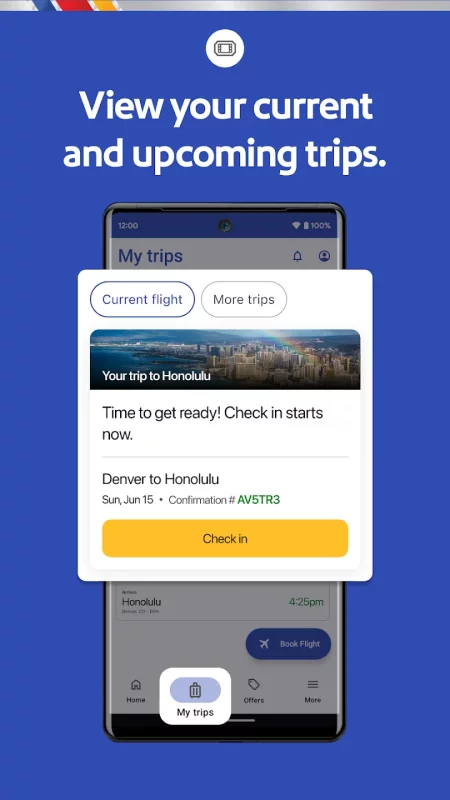
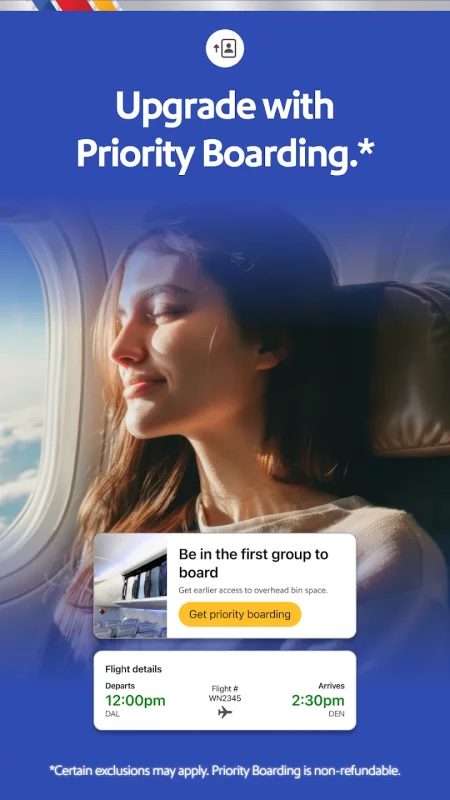
The Southwest® app lets you easily book flights, hotels, rental cars, cruises, and vacation packages. Check in, change, or cancel flights, and add extras like Priority Boarding through the “My Trips” tab. Rapid Rewards® Members can earn and redeem Rapid Rewards points1 for qualifying Southwest purchases, flights, hotel bookings, or vacation travel. Enjoy a seamless travel experience, from booking a flight or vacation to planning last-minute trips and finding top hotel destinations.
Southwest app features:
- Book a flight and check flight status before you travel.
- Travel with ease as you search, book, and manage your flights.
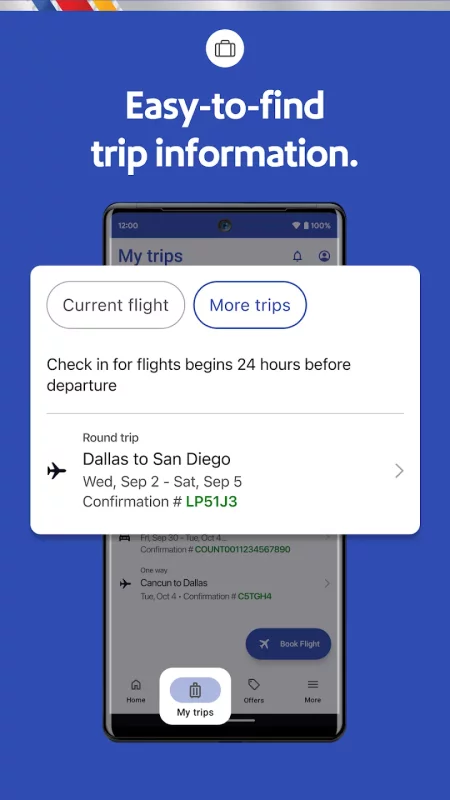
- Flight information: View your gate information, boarding position, flight status, and more in the “My Trips” tab.
Book a hotel or getaway through the Southwest app:
- Add on to your travel experience when you book a hotel through Southwest.
- Check into your hotels via the Southwest app.
- Manage your reservation and find hotel deals for future travel destinations.
Check flight status on the go with this app:
- Get travel alerts, access gate information, boarding position, and check flight status.
- The app serves as a mobile boarding pass for all Passengers on your trip 24 hours in advance.
- Access flight number, confirmation number, boarding time, tier status, and TSA PreCheck® details found in one place.
- Save your mobile boarding passes to Google Wallet for convenience while traveling.
Getaways by SouthwestTM
- Book your entire vacation package with Southwest—flights, hotels, rental cars—all in one travel app.
- Cancel your travel or make changes to your package up to 10 minutes prior to your original scheduled departure.2
- Ready to book flights to Las Vegas? Use the in-app booking widget to search vacation packages in 30+ popular travel destinations like Las Vegas, Hawaii, Cancun, and more.
Travel with inflight entertainment:
- Use the app to take you to our Inflight Entertainment Portal, where you can watch free live TV, access free on-demand TV episodes, and view free movies on your flights.3
Earn Rapid Rewards points when you travel or book airline tickets
- Sign up for Rapid Rewards and earn points on your flights. Did you forget to add your Rapid Rewards number during travel booking? No worries, add it after booking your airline tickets and earn points.1
Schedule rental cars, purchase airline tickets, schedule pickups and drop-offs, enjoy fast and easy hotel booking, and embrace last-minute flights for your next spontaneous vacation—all with Southwest.
Disclaimers:
1 Terms apply. All Rapid Rewards® rules and regulations apply and can be found at Southwest.com/rrterms.
2 Bookings canceled or changed 72 hours before your first flight’s scheduled departure will be refunded in the form of vacation travel credits less any optional travel charges and travel insurance. Bookings changed or canceled 72 hours–10 minutes before your first flight’s scheduled departure may be subject to supplier penalties. Bookings must be canceled or changed at least 10 minutes before your first flight’s scheduled departure time or funds will be forfeited. Any eligible credits will be less nonrefundable air travel charges and travel insurance. Subject to Getaways by SouthwestTM Terms & Conditions: https://www.southwest.com/vacations/terms-and-conditions/.
3 Where available. Available only on WiFi-enabled designated aircraft. Due to licensing restrictions, on WiFi-enabled international flights, free live TV may not be available for the full duration of the flight. Texting only allows access to iMessage and WhatsApp (which must be downloaded and activated before connecting to SouthwestWiFi).

Download Southwest Airlines: Travel App for Android for free
- Download the APK file to your Android device.
- Find the file in the Downloads folder and open it.
- Allow installation from this source if Android blocks it.
- Tap Install. To update the app, install the newer APK without uninstalling the current version.