- Update10.10.2026
- Latest Version5.6.2
- Android OS6.0+
- LicenseFree
-
LanguagesEnglish العربية, Deutsch, English, Español, Français, हिन्दी, Bahasa Indonesia, Italiano, 日本語, 한국어, မြန်မာ, Português, Русский, ไทย, Türkçe, Tiếng Việt, 中文
- Content RatingEveryone
- DeveloperIlya Bogdanovich
- Package Namecom.ilyabogdanovich.geotracker
If you are looking for an excellent GPS tracker, that can work with Open Street Maps or Google, love outdoor activities, or travel - this is the app for you!
Record GPS tracks of your trips, analyze statistics, and share them with your friends!
Geo Tracker can help:
• Making the way back in an unfamiliar area without getting lost;
• Sharing your route with friends;
• Using someone else's route from GPX, KML or KMZ file;
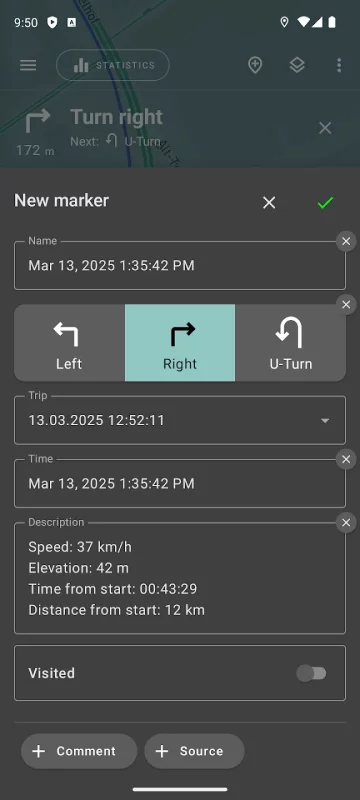
• Marking important or interesting points on your way;
• Locating a point on the map, if you know its coordinates;
• Showing off colorful screenshots of your accomplishments on social networks.
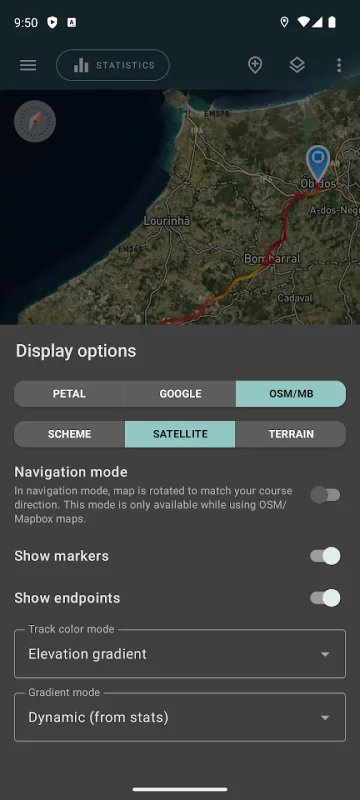
You can view the tracks and the surrounding area in the application using a scheme from OSM or Google, as well as satellite images from Google or Mapbox - this way you will always have the most detailed map of the area anywhere worldwide. The map areas you view are saved to your phone and remain available offline for a while (this works best for OSM maps and Mapbox's satellite images). To record and calculate track statistics only a GPS signal is needed - the Internet is only required to download map images.
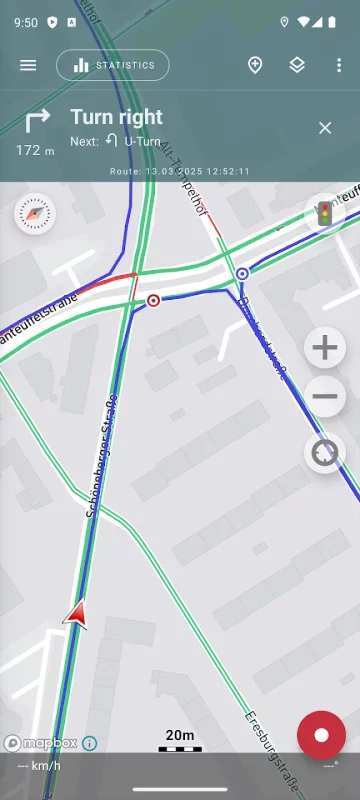
While driving, you can turn on the navigation mode, in which the map automatically rotates in the direction of travel, which greatly simplifies navigation.
The application can record tracks while being in the background (on many devices, this requires additional configuration in the system - be careful! The instructions for these settings are available in the application). Power consumption in background mode is greatly optimized - on average, the phone's charge is enough for a whole day of recording. There's also an economy mode - you can turn it on in the app settings.
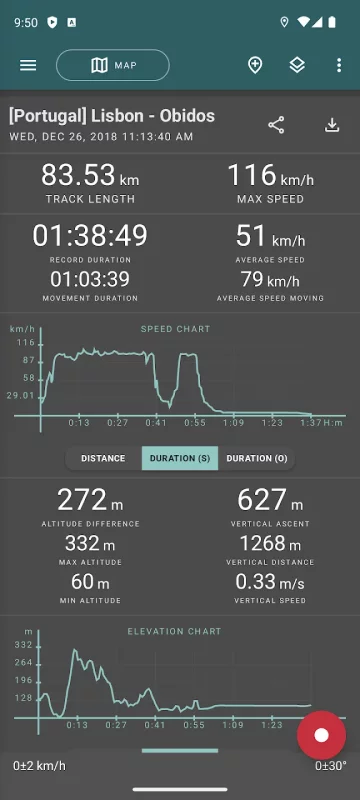
Geo Tracker calculates the following statistics:
• Distance traveled and recording time;
• Max and average speed on the track;
• Time and average speed in motion;
• Min and max altitude on the track, altitude difference;
• Vertical distance, ascent and speed;
• Min, max, and average slope.
Also, there are detailed charts of speed and elevation data available.
Recorded tracks can be stored as GPX, KML, and KMZ files, so they can be used in other well-known applications like Google Earth or Ozi Explorer. Tracks are stored locally on your device and are not transferred to any servers.
The app does not make money from ads or your personal data. To support the development of the project, a voluntary donation can be made in the application.
Useful tips & tricks to solve common GPS issues with your smartphone:
• If you start the tracking please wait a bit until the GPS signal is found.
• Restart your smartphone and make sure that you have a "clear view" of the sky before you start (no disturbing objects like high buildings, forests, etc.).
• The reception conditions are permanently changing because they are influenced by the following factors: weather, season, positioning of satellites, areas with bad GPS coverage, high buildings, forests, etc.).
• Go to phone settings, choose "Location" and activate it.
• Go to phone settings, choose "Date & time" and activate the following options: "Automatic date & time" and "Automatic time zone". It may occur that it takes longer until the GPS signal is found if your smartphone is set to the wrong time zone.
• Deactivate the airplane mode in your phone settings.
If none of these tips & tricks helped to solve your issues, deinstall the app and reinstall it again.
Be aware that Google uses in their Google Maps app not only the GPS data but also additional data of the current location from surrounding WLAN networks and/or mobile networks.
More answers to frequent questions and solutions for popular issues can be found on the website: https://geo-tracker.org/faq/?lang=en
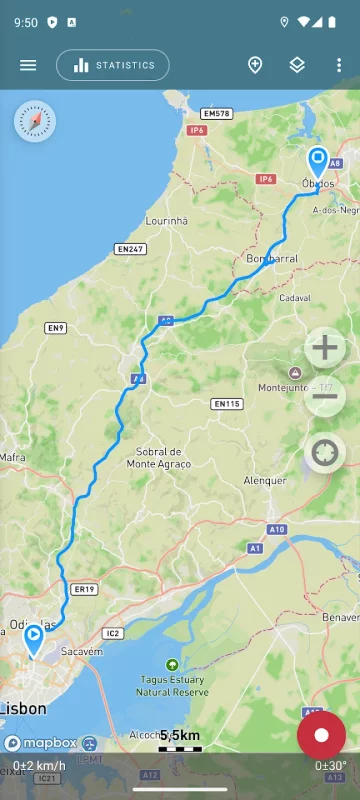
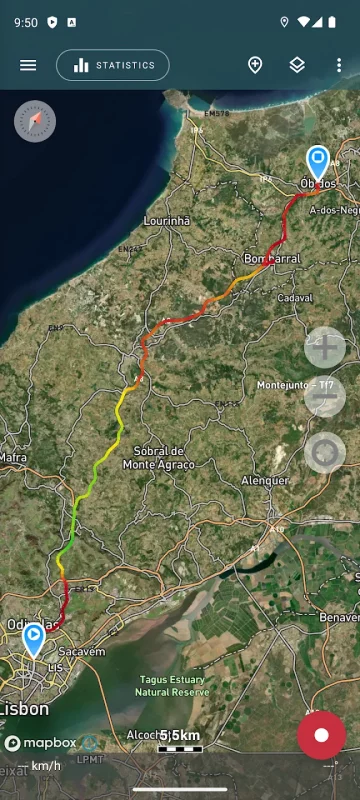
Download Geo Tracker - GPS tracker for Android for free
- Download the XAPK file to your Android device.
- Install one of these installers from our website:
- Open the installer and select the downloaded file from the Downloads folder.
- Allow installation from this source if Android asks for permission.
- Start installation. To update the app, install the newer file without uninstalling the current version.