- Update03.10.2026
- Latest Version3.0.2
- Android OS7.0+
- LicenseFree
-
LanguagesEnglish العربية, Deutsch, English, Español, Français, हिन्दी, Bahasa Indonesia, Italiano, 日本語, 한국어, မြန်မာ, Português, Русский, ไทย, Türkçe, Tiếng Việt, 中文
- Content RatingEveryone
- DeveloperSalville Technologies
- Package Namecom.salville.inc.trackyourphone
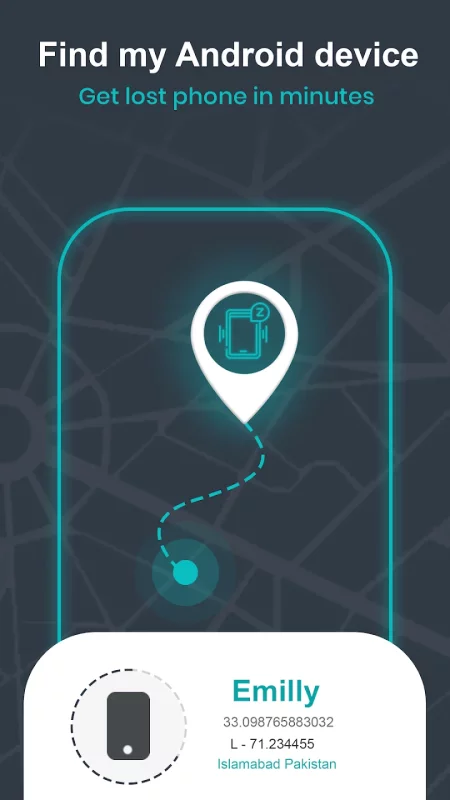
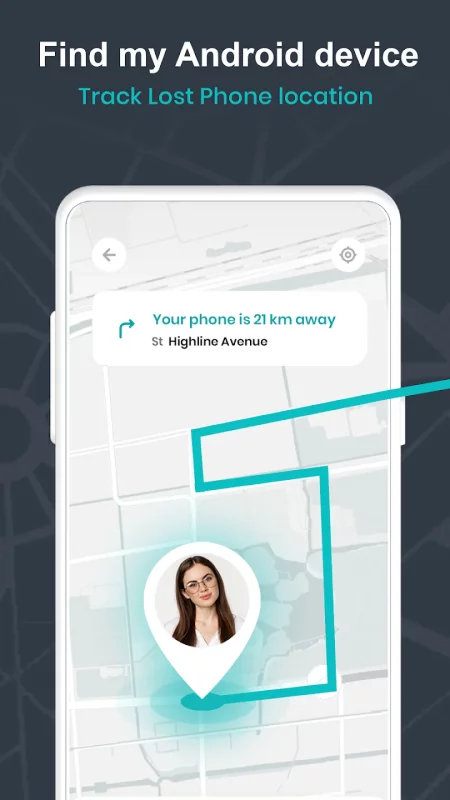
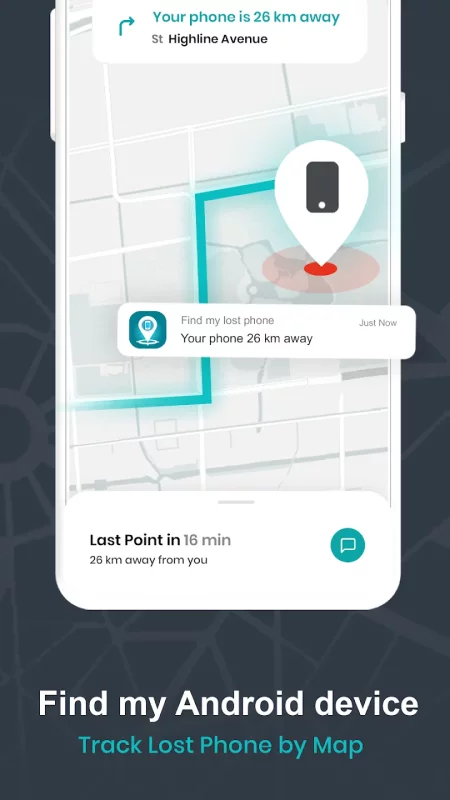
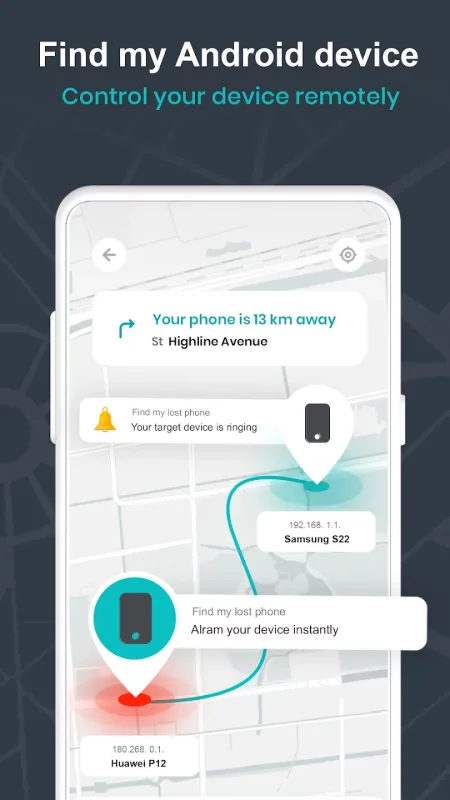
Through find my device application, one can locate android phone with simply tapping Ring My Phone tab in a dialog which appears when user click on phone Info to misplaced/find lost phone. Find my phone android or lost phone tracker app is a phone finder or track my phone app tool to track a cell phone. This phone tracker app is designed to provide ease to many smartphone users so that they have no worries of where is my phone term. If you are worrying to locate android phone, simply tap Ring My Phone tab in a dialog which appears when user click on phone Info to buzz your silent android phone. Now it’s a matter of seconds to find my device or find my mobile.
The Important Features are : Find my phone android or lost phone tracker locks my phone with the security code. Where my phone / Find my device app uses 4 digits to set a security code. Find my android app Locates android phone remotely. Find my mobile or find my device app auto tracks to find lost phone or misplaced phone through someone else’s phone with a single tap. Track a cell phone by saving your phone location, lock code and IMEI number to only your trusted phone numbers which you saved in Lock settings in find my android phone app. It sends security code on your e-mail address for your record. Works without the internet. The phone tracker alarm with maximum volume even if a cell phone is on silent mode. Select App Default alarm or select any other alarm tone from your mobile device. Consumes very little battery of your phone while track my phone runs in background. Find my mobile application has default code “1234”, but a user can change it at any time accordingly.
How Find My Phone android or lost phone tracker app works :
First, activate the application by pressing “Activate” on the main screen for its features to work.
1. For Find my mobile which is Misplaced:
If you have misplaced your phone and you want to find my device at your home or work place, don’t worry now you can locate, lock or alarm your lost phone remotely by signing in to Find My Lost Phone App in any other smartphone using any other smartphone.
a. Locate android phone
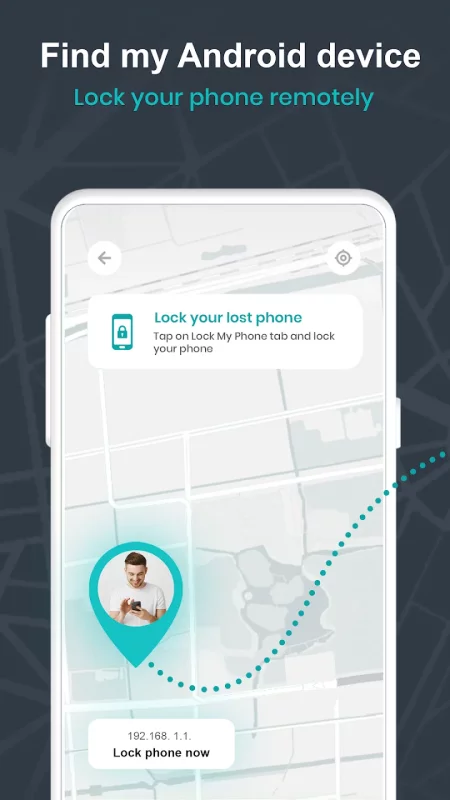
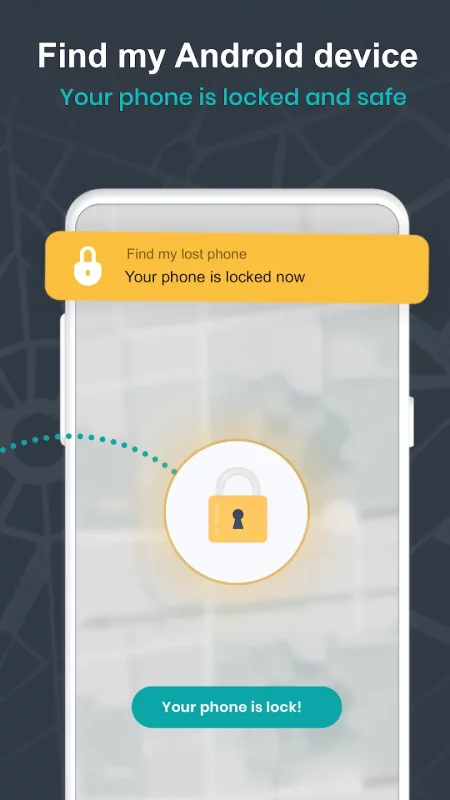
b. Lock your lost phone
Simply Tap on Lock My Phone tab and lock your phone
c. Buzz your silent phone with maximum sound and lock with security code by Simply Tap on Ring My Phone tab.
d. Stop buzzing your phone
(You can also stop Alarm by unlocking phone and press STOP button).
2. For Stolen Mobile Phone:
a. It saves following information, you selected in settings.
• IMEI number of your lost cell phone or android device.
• Current location of the phone/device (Using GPS if GPS is on or using cellular network)
• Security code
c. You can also remotely turn on ALARM and get new LOCATION of your phone by sending above-mentioned messages to new SIM in stolen phone
3. How to Uninstall:
To uninstall the App, you must tap same “Activated” button to deactivate the app security first.
a- Click "Tap to Deactivate" at home page of "Find My Lost Phone" OR
b- Phone Settings > Security > Device Administrators, unchecked "Find My Lost Phone".
Device Administrator Permissions required :
This app requires Device Administrator permissions.
Lock Phone: It allows you to lock your phone remotely.
Reset Password: When your phone is lost or stolen
Download Find My Phone Android: Tracker for Android for free
- Download the XAPK file to your Android device.
- Install one of these installers from our website:
- Open the installer and select the downloaded file from the Downloads folder.
- Allow installation from this source if Android asks for permission.
- Start installation. To update the app, install the newer file without uninstalling the current version.